We remain fully operational. Our teams are working around the clock to ensure your deliveries continue safely.

下载应用程序


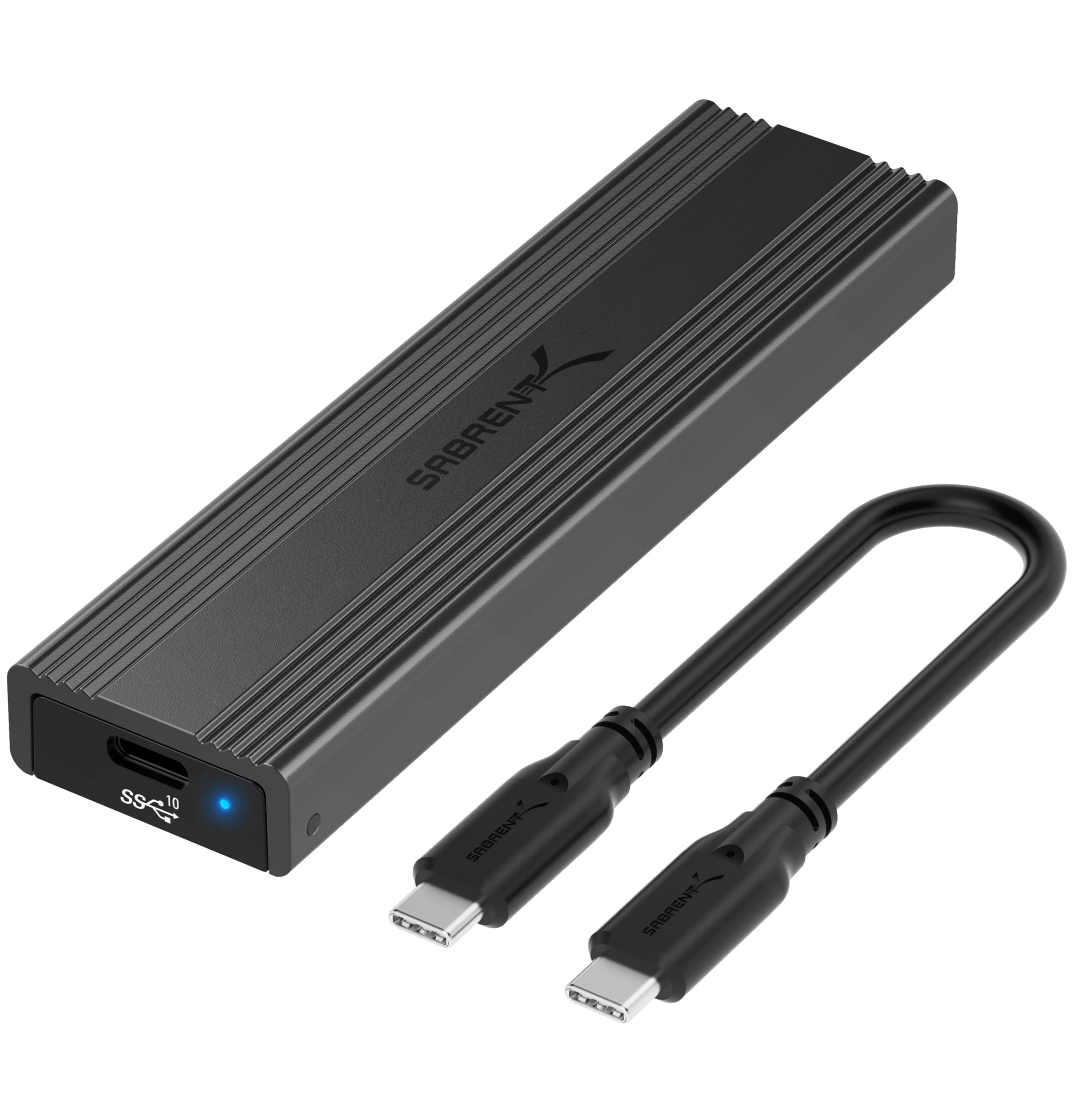
🚀 Unlock your SSD’s full potential—speed, style, and zero tools required!
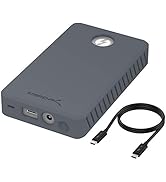
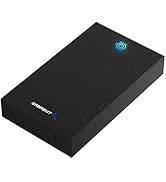
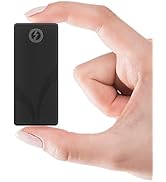
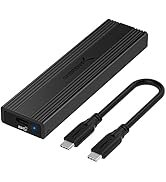
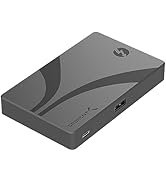
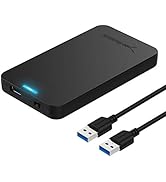
The Sabrent USB 3.2 Type-C Tool-Free Enclosure (EC-SNVE) is a sleek, ultra-portable SSD adapter designed for M.2 SATA and NVMe drives (2242/2260/2280). Featuring a durable aluminum and ABS frame, it offers tool-free installation and supports blazing-fast USB 3.2 data transfer speeds up to 10Gbps. Perfect for professionals needing quick, reliable external storage without the fuss of drivers or external power.



| ASIN | B08RVC6F9Y |
| Best Sellers Rank | #3 in Enclosures |
| Brand | SABRENT |
| Built-In Media | 8" Type-C to Type-C cable., Instruction manual., USB Tool-free Enclosure. |
| Color | Black |
| Compatible Devices | Laptop |
| Customer Reviews | 4.6 4.6 out of 5 stars (15,301) |
| Data Transfer Rate | 10000 Megabytes Per Second |
| Enclosure Material | Metal |
| Global Trade Identification Number | 00840025251694 |
| Hardware Interface | USB |
| Hardware Platform | Mac |
| Item Dimensions L x W x H | 4.59"L x 1.24"W x 0.5"H |
| Item Type Name | Enclosures |
| Item Weight | 113 Grams |
| Manufacturer | SABRENT |
| Memory Storage Capacity | 1000 MB |
| Supported Devices Quantity | 1 |
| UPC | 840025251694 |
| Unit Count | 1.0 Count |
| Warranty Description | 1 Year Limited |
J**S
Very nice but a things to note
This feels like a well made product. The top of the case appears to be aluminum metal but the bottom tray is plastic. The tray is hinged at one end and can be opened like a clamshell at the other end. The star ratings for this product do not relate to the intended purpose of what this adapter does. The three star ratings are for Capacity, For gaming, and Easy to Install. The first two have nothing to do with what this product does so be cautious of looking simply as star ratings. There is no capacity because it's a drive adapter and does not come with a drive. Also, I don't see how this could be used specifically for gaming other than transporting saved game files or install files This product is an M.2 Solid State Drive (SSD) ADAPTER. M.2 is a style of SSD that mounts directly to the motherboard of a computer. When not connected to a motherboard, you can't access the drive without an adapter such as this. The underside of the top lid has a kind of thermal tape which presumably transfers heat to the aluminum lid and is dispersed. While the top of the lid has grooves which "look" somewhat like heat fins, they are too small to really do anything. I mention all of this because this product can get quite warm to the touch. There are three screw options for different sized M.2 drives like the 42mm version. The adapter does come with a single screw for this type of mounting. Whar this product does not come with and which you may need is a USB C (female) to USB (Male) adapter. The product comes with an 8 inch USB C male to male cable. Without the aforementioned adapter, you can't connect it to you PC unless you have a USB C port on your computer. One thing you want to be careful of is not to try to open the adapter while the USB C cable is attached. When the cable is attached, it blocks the hinge from rotating and you could damage the cable or the female connector inside the adapter. I would not use this as a portable drive as it gets too hot for my liking and there are far better options for this. The reason I bought it is that my M.2 drive that was my C drive on my PC became damaged and would not load windows. There were files on that drive that I wanted to retrieve so this adapter basically turned it into a large USB drive and I was able to get then without issue. Hope that helps. This product did what it said and overall I am happy with its performance.
A**S
WORKS!
First and foremost, it works as advertised! Just plug an M2 SSD in, close the door, connect to computer, use windows Disk Management tool, configure the SSD, DONE. Afterwards, it shows as an external drive. It's got an external aluminum body which makes it sturdy and works as a heat sink. As such, it gets warm to the touch which is to be expected. It's about 4-5/8" (11.7 cm) long and 1-1/4" (3.2 cm) width and 1/2" (1.2 cm) thick, so it's very small and portable, and so MUCH more convenient than a common USB memory stick. It comes with a small USB-C to USB-C cable. Tested on my HP laptop with USB 3, I get 523 MB/s sequential read speed 192 MB/s write. This of course depends on so many things that it's only useful to show that it works fast. Your conditions can be much better or much worse. Be sure to use a USB 3 port for maximum speed.
C**S
A Pleasant Surprise!
I bought this enclosure for $26.99 here, on Amazon. Amazon initially lost the enclosure in the mail, but after contacting Amazon, they sent out a replacement with free overnight shipping, no questions asked. A+ for Amazon Customer Support. Now, onto the actual enclosure: This thing is fantastic! The tool-less opening makes perfect sense, and the rubber garment to hold down your M.2 drive is genius. You won't find any screws here, which means that you can easily and quickly swap M.2s in and out of the enclosure should you need to. Performance is as advertised: Pairing the enclosure with a 2TB HP EX950 (Which is more SSD than this enclosure needs, but I got it for $200 on r/hardwareswap. I would recommend a WD Blue SN550 if you're looking at buying a new dedicated drive to put in the enclosure specifically.), I consistently hit the advertised speeds of the enclosure. Perhaps the best feature of this device, however, is that it is effectively driverless. Plug and play worked seamlessly on each operating system I have tested (Windows and Linux). Furthermore, the computer has direct access to the drive! The enclosure doesn't impose any sort of middle-man to hide the hardware, which means that you can use this enclosure to read SMART data from drives utilizing a program like CrystalDiskInfo. The ability to read SMART data from the enclosure is incredible! As someone who is constantly buying and selling hardware, this feature alone makes the purchase worth it. The only "downside" to this enclosure is not one explicitly of the enclosure, but rather one which stems from the nature of running a PCIe device in a closed metal box: this will be dependent on the drive you choose to put in the enclosure, but generally speaking, it will get HOT. However, this is a good thing as it means that the enclosure is effective in pulling the heat from the drive. It does mean, though, that you will have to be careful. One could feasibly burn themselves depending on how they handle the enclosure when it is under load. So, all that being said: When I set out to buy an NVME M.2 enclosure, I was looking at this and the Anker equivalent. I ultimately went with this once, given Sabrent's generally positive reputation in the PC building community as a storage manufacturer and the heatsink design of this enclosure, and I am glad that I did. I don't think I would be comfortable running the drive much hotter than it is now. If you are planning on running a drive that's cooler than a 2TB HP EX950 (like maybe an SN550 or an SK Hynix P31), then perhaps another enclosure would work. Still, I recommend this one. The design is logical, and the heatsink is exceptionally effective, the enclosure is very compact, and 1000 mb/s is well worth it if you frequently move files between devices. I highly recommended this M.2 enclosure.
E**R
طلبت المنتج كما في الاعلان وتم ارسال منتج بديل بدون علامة تجارية وقمت بارجاعه
B**N
Boitier de bonne qualitée et débit bien suppérieurà une clé USB. Multi-boot avec Ventoy devient un vrai plaisirs.
A**O
I recently purchased the SABRENT USB 3.2 10Gbps Type C Tool Free Enclosure as a way to keep my additional NVMe as a compact and fast storage device, and I couldn't be happier with my purchase. The tool-free design made it incredibly easy to set up and the transfer speeds are incredibly fast thanks to the USB 3.2 10Gbps technology. The compact size also makes it incredibly portable, perfect for taking my additional storage with me on the go. I highly recommend this product to anyone in need of a high-quality and reliable external storage solution. Thank you SABRENT for creating such a fantastic product!
C**N
Ce boitier est une solution parfaite pour transformer votre SSD M.2 en un disque dur externe rapide et fiable. Avec sa connexion USB 3.2 Gen2 10Gbps, il permet des transferts de données ultra-rapides, idéals pour les sauvegardes et le stockage de gros fichiers. Le boîtier en aluminium offre une excellente dissipation thermique, maintenant votre SSD à une température optimale même lors de transferts de données lourds. Ce boîtier est compatible avec les SSD NVMe ce qui le rend très polyvalent pour différents types de stockage. La fonction sans outil est un véritable gain de temps, permettant une installation rapide et simple de votre SSD. Ce boîtier est à la fois compact, robuste et pratique, idéal pour ceux qui recherchent à maximiser la performance de leur SSD tout en ayant un produit facile à utiliser et transporter. Un produit de qualité, fiable et performant. Je recommande vivement !
M**S
Fungerade felfritt! Använt för att flasha NVMe M.2 disk till home assistant. Tänker att jag köper en till disk och har den som en extra hårddisk framöver.
TrustPilot
2天前
2 个月前