



📡 Unlock the power of duplex digital radio—stay connected, stay ahead!
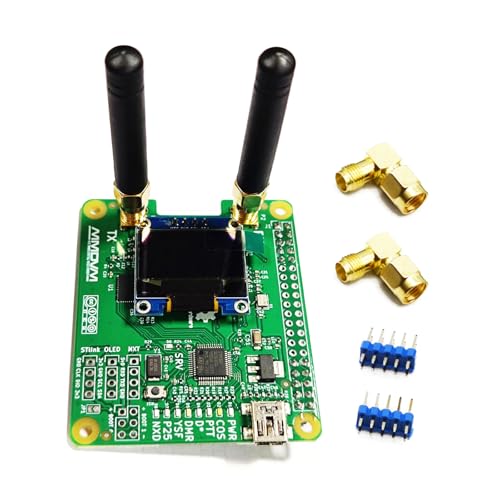
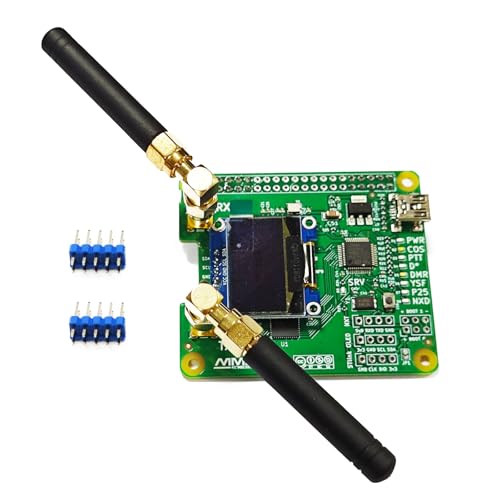
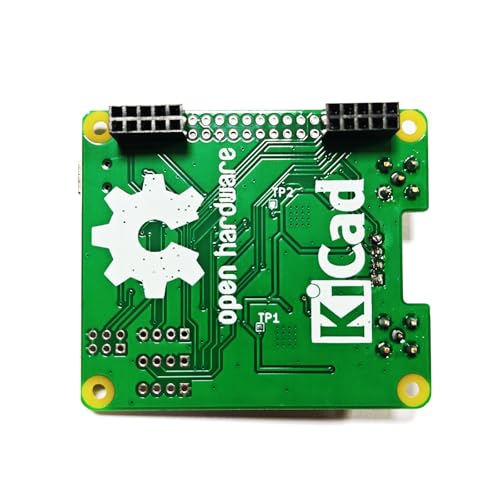
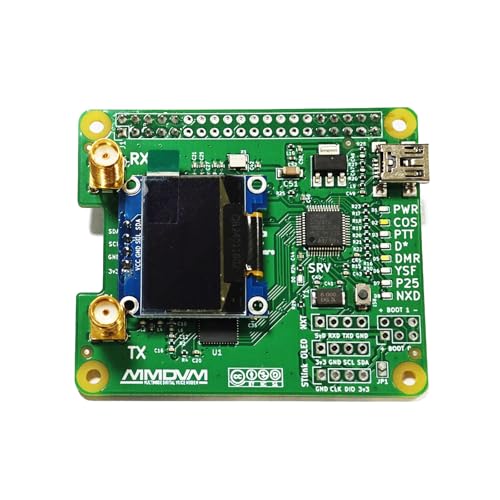
The AURSINC MMDVM Duplex Hotspot Module Dual Hat V1.3 is a high-performance digital radio accessory designed for Raspberry Pi (Pi Zero and earlier). Featuring a 32-bit ARM processor and dual ADF7021 chips, it supports simultaneous transmit and receive (duplex) across multiple protocols including DMR, P25, D-Star, and System Fusion. With an integrated OLED display and USB interface, it offers easy setup, firmware updates, and reliable RF performance, making it an essential tool for digital radio enthusiasts and professionals seeking advanced hotspot capabilities.
| ASIN | B089K195T2 |
| Batteries Included | No |
| Batteries Required | No |
| Brand | AURSINC |
| Compatible Devices | Raspberry Pi (Pi Zero and earlier models) |
| Connector Type | USB |
| Customer Reviews | 4.2 4.2 out of 5 stars (43) |
| Date First Available | 25 June 2020 |
| Hardware Interface | USB |
| Item Weight | 72 g |
| Item model number | 2020 |
| Manufacturer | AURSINC |
| Model | 2020 |
| Model Name | AURSINC MMDVM Duplex Hotspot Module Dual Hat |
| Operating System | Linux |
| Package Dimensions | 9.5 x 9.3 x 3.6 cm; 72 g |
| Processor Brand | ARM |
| Processor Count | 1 |
| Ram Memory Technology | DDR3 |
| Total USB ports | 1 |
| Wireless Type | Radio Frequency |
M**F
Straight forward configuration, worked flawlessly. I have used this hotspot with several DMR software packages and it has performed exactly as expected. RF performance and sound quality exceeded my expectations, to be honest. The value is incredible, just mount this in any cheap pre-fab housing or print your own. Connectivity and configuration are simple for someone that is interested or experienced in digital modes, it's an easy DIY and a fun way to learn something that resembles the repeater side of radio for novices.
R**D
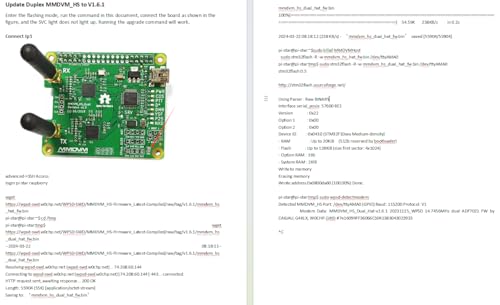
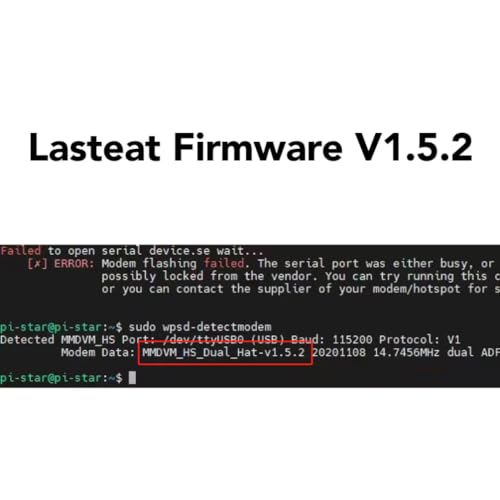
Works well when the firmware is updated however if you follow the instructions provided for the jumper position, it will not work. The jumper needs to be from bottom center to bottom right, not bottom left as shown in the instructions. Boot 0 center to Boot 0 - (not +).
J**M
Works great with my rasperry pi 5 8gb to operate a wpsd hot spot!
C**R
This hotspot seems to have a lot of comments about duplex mode not working. I thought the same and almost returned it. I then had a brief brain clarity moment and said I wonder if the TX freq in WPSD is the RX freq on my radio and sure enough it worked. So the radio Tx and RX is OPPOSITE of the WPSD Tx and Rx. Also some stated that they were not sure what board to select in WPSD. I am using the "Generic MMDVM Hotspot Board (GPIO)" and have no issues. Hope that my mistakes and hours wasted can save someone else some time and frustration.
E**B
Item powers up, but is unable to be seen with either WPSD or Pi-Star, tried to detect on both OS's but neither returned a device. Firmware upgrade process also couldn't find modem or open it. Lights came on, but no one was home. Returning and trying again as this vendor has a good reputation and my Tiny SA works great from them. Edit: Non USB model arrived today and updated just fine. No soldering, no jumpers it just worked including the screen, and firmware updated fine
TrustPilot
2 个月前
2 周前



