We remain fully operational. Our teams are working around the clock to ensure your deliveries continue safely.

下载应用程序



🚗 Wirelessly drive your digital life—freedom starts at your USB port!
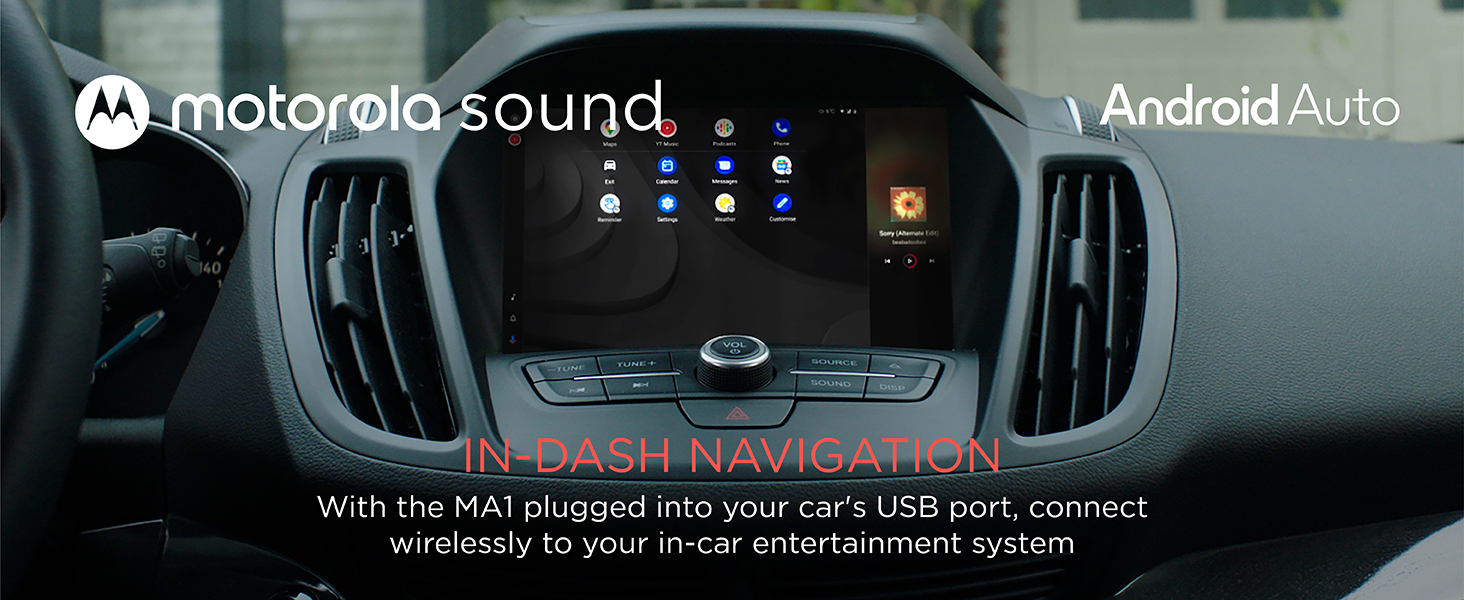
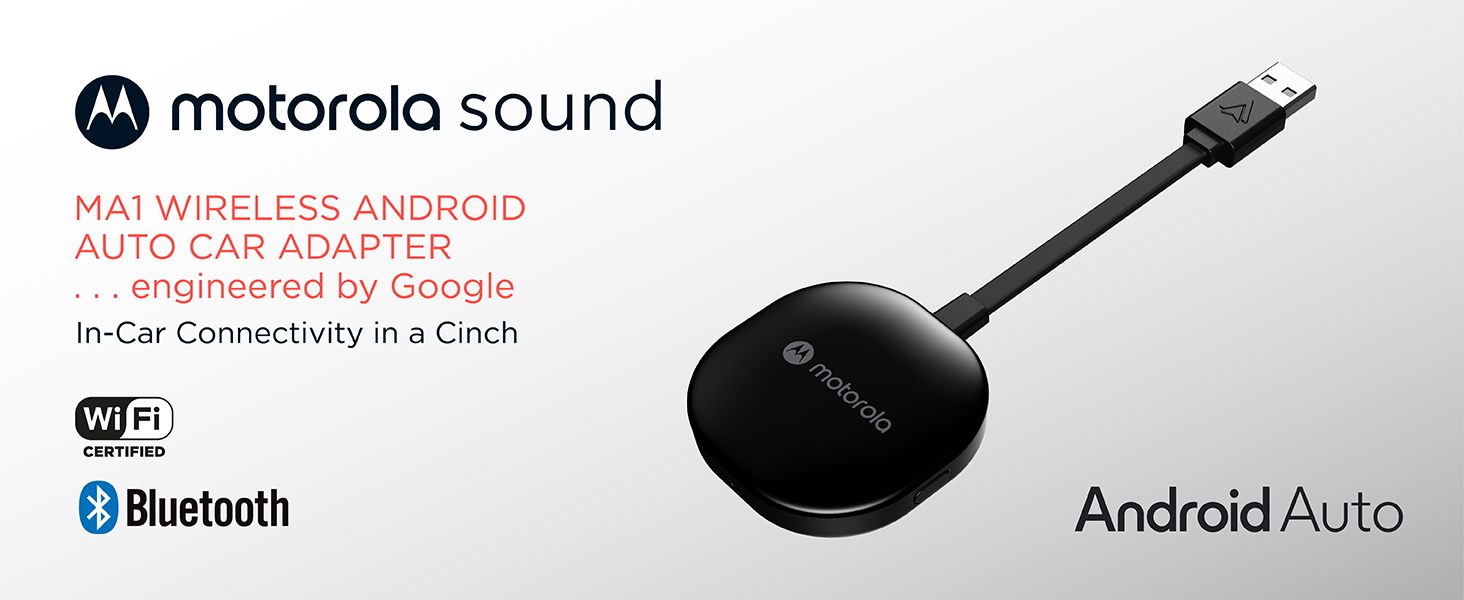
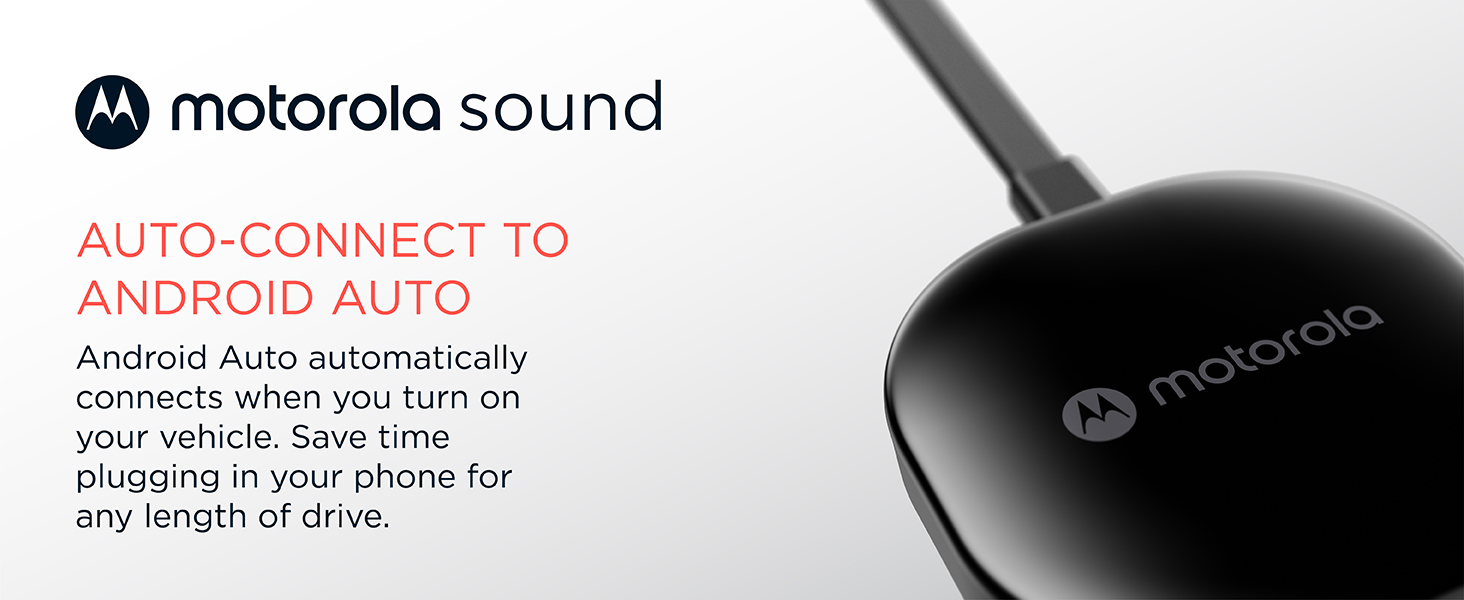
The Motorola MA1 Wireless Android Car Adapter effortlessly converts your wired Android Auto setup into a wireless experience using 5 GHz WiFi. Designed for Android 11+ phones with active data plans, it plugs directly into your car’s USB port and pairs instantly, delivering seamless access to navigation, media, and messaging apps on your car screen. Its compact design includes a secure gel pad for stability, while Google-licensed bridge technology ensures ongoing software updates via the Android Auto app. Ideal for professionals seeking a clutter-free, connected drive without compromising reliability or speed.
| ASIN | B09PQ95GY4 |
| Best Sellers Rank | 62 in Mobile Phone Wireless Automobile Chargers |
| Guaranteed software updates until | unknown |
| Item model number | MA1 |
| Manufacturer | Motorola |
| Product Dimensions | 16 x 5.5 x 1 cm; 70 g |
D**G
Honest review, genuine purchase
Update: still working perfectly, nearly a year after purchase. Have used it on two Euro trips one of which was 15 hrs on the road. For my car it sits in the centre console to plug into the usb port, it is well ventilated. I purchased to use in a 2018 Ford Focus ST, running Sync 3.5. For some reason hardly anyone leaving a review for Motor products actually provide the car model and age. I found that with music streaming and using maps navigation with the phone plugged in to my cars USB port, the minimal charge provided by the cars port. My phone would barley increase its charge level, even a four and a half hour drive with a start charge of 54%, the phone only reached 100% ten minutes. So I decided to find a way to use Android Auto wirelessly. After researching, I found a number of devices available on Amazon varying in price. I was drawn to the Motorola MA1, because of the self learning element built in to the device. Apparently it can over time optimise everything depending upon your usage and used preferences. I am only a week in to using it. The set up was really easy (if stuck just type in Motorola MA1 set up in to YOUTUBE), I just plugged it in, opened connected devices on my phone and asked it to look for new devices. It appeared within a second, after clicking to connect and allow permissions and connect automatically, it was done. Around 10 seconds later my car showed the Android auto option and it was fully up and running. It connects automatically a few seconds after my car screen has initialised, about 8 seconds from opening the drivers door (it has become a lot faster than the first few time I used it, so I take it the self learning thing works). I have had no drop outs. Admittedly I have not bee on any long journeys since purchase and I have not tried to stream video on the car screen via the YOUTUBE app. I have had music streaming from most of my music apps whilst using a navigation app. My only grip and it is not really with the Motorola MA1, it is actually with Google and Amazon. If you use the car screen to open the Amazon music app and play your library playlists for some reason not all of my downloaded to my phone playlists show on the library list displayed by the car and then when you select a play list it does not show all the downloaded to my phone tracks and plays them in shuffle mode. I have tried every setting, I have contacted Google and Amazon, both of whom blames the other for this widely know common issue. Which occurs whether you connect via a cable or wirelessly.
M**S
A Game-Changer for Wired Android Auto Users – Seamless & Reliable!
If your car, like mine, only supports wired Android Auto but you dream of the freedom of wireless, the Motorola MA1 Wireless Android Car Adapter is an absolute must-have. I used to keep my phone in a holder on the mirror side, and the thought of running wires under the steering wheel just wasn't appealing. This little device has been the perfect solution. I used some command strips to discreetly attach it to the underside of the storage area where my car's USB port is located. It's completely hidden from view, and the storage compartment remains fully usable. Honestly, you'd never even know I have it in the car – which is exactly what I wanted. The convenience this adapter offers is truly remarkable. Being able to just turn on the car and have my Spotify music start playing and Waze maps pop up after just a few seconds is incredible. By the time I've reversed off the driveway, everything is ready to go, and I haven't even had to take my phone out of my pocket. It completely streamlines the whole driving experience. Beyond the convenience, the reliability of the Motorola MA1 has been absolutely flawless. I've never experienced a single cut-out, connection issue, or glitch. Even on long 5+ hour drives, it performs perfectly the entire way. I can confidently say this is the best thing I've bought for my car. It's a major upgrade to the overall convenience, and since it's always on and connected whenever I'm in the car, it's getting 100% of its intended usage. If you're on the fence about going wireless for Android Auto, jump on this – you won't regret it!
P**O
Malfunctioning after one year
** Edit after one year of owning exactly No longer works. Tried reset etc but no longer connects to anything and does not function. Product outside of return window and no support given from motorola or Amazon ** Seamlessly gives wireless android auto. Starts up with the car USB port no problem to boot up (had to test if the usb deactivated with ignition off and thankfully it does after 60 seconds so I can leave the unit plugged in permanently in hidden usb under armrest). By the time the doors are unlocked, in the car, seatbelt on the unit is ready and showing on the car infotainment. Best bit is - after initial set up, via bluetooth, it uses Wi-Fi so my phone stays connected to the car phone and all other Bluetooth functions. Can seamlessly swap between radio, Bluetooth calls/texts/music or android auto maps/music/calls if needed. The cable is a little short and non removable but no consequence for me since its stashed away. Not tried or tested multiple devices but I'm sure it would be easy enough to switch between them with the button on the unit.
A**R
Cable free Android Auto
I had been following this device in America and waited to get it in the UK. It is easy to install and gets rid of the need to plug in a cable each time I use Android Auto. A couple of points. It takes time to connect and you have to just wait. It also o occasion just doesn't connect and if I have the VPN switched on on my phone it doesn't connect at all. Just have to remember and switch that off. Works well most of the time so would recommend it. Just the occasions when it is a bit buggy. But hey ho. Worth getting it I would say.
M**T
Great for after market android.
My car is a wired android but an aftermarket fit and this worked perfectly. I tried several of the cheaper dongles but this is the only one that did the job. Easy to set up and now I can keep my phone in my pocket.
A**R
Dont waste your time with the others, pay the little bit extra and this one will deliver
Ive tried about 4 other Android Auto connectors, they would all pack in and need re-paired with the car after a few days, this one has been perfect, connecting within seconds everytime, and I've been using it for about 5 months.
C**O
Well received and it arrived 1 week before expected date! Took out the MA1 to my car and was kinda expecting to spend some time setting up in my Civic (FC1) but to my surprise it only took me less than 5 mins and I am good to go ;) Very stable connection so far, driving for 40 mins without disconnection (fyi wired connection is known sometimes disconnects for this civic) and no lag to Spotify and Google map concurrent usage
P**M
Produit parfait ! - installation simple : il suffit de faire l'appairage bluetooth et d'activer le mode debug/wireless dans l'application Android Auto - Utilisation totalement automatique et fluide : au démarrage de la voiture, sur le portable automatiquement le bluetooth est détecté, automatiquement l'application AndroidAuto se lance et se connecte au Wifi, automatiquement sur la voiture AndroidAuto se lance. - interface est parfaitement fluide sur Maps/Spotify... aucune coupure, aucune latence Testé sur Google Pixel 4a + Citroën C3 Aircross
M**N
Bir sene sonra ürün bozuldu.
A**A
Había probado otros gadets, pero los tuve que devolver porque no conseguía el emparejamiento con mi Renault Kadjar, cuyo sistema multimedia no es compatible con android auto inalámbrico. Con este dispositivo de Motorola todo ha ido correcto. Se emparejó a la primera, y probé todas las funciones, como comandos de voz, Spotify, Waze y Maps. Cuando enciendo el equipo en el coche, apenas tarda 10 segundos en engancharse. He leído que a algunos usuarios, pasado un tiempo se les desincronizaba, pero al poco volvía a sincronizar. A mí hasta ahora no me ha pasado. Espero que siga así todo el tiempo, porque es bastante cómodo eso de no tener que sacar el móvil del bolsillo para engancharlo, aparte de los daños que le puedas hacer al conector con el uso. Eso sí, un pelín caro, pero indudablemente mucho mejor que los que había probado que, siendo algo más baratos, a mí no me sirvieron. A pesar de eso, le doy la máxima puntuación porque realmente funciona de maravilla.
C**N
Jest to już drugi zakupiony adapter od Motoroli i drugi który się zepsuł . Adapter działa ok 1 rok , ten drugi nawet roku nie wytrzymał . Usterka taka sama , adapter traci połączenie z systemem samochodu i już go nie odzyskuje.