We remain fully operational. Our teams are working around the clock to ensure your deliveries continue safely.

下载应用程序




🎮 Elevate your game with precision, style, and unstoppable speed!
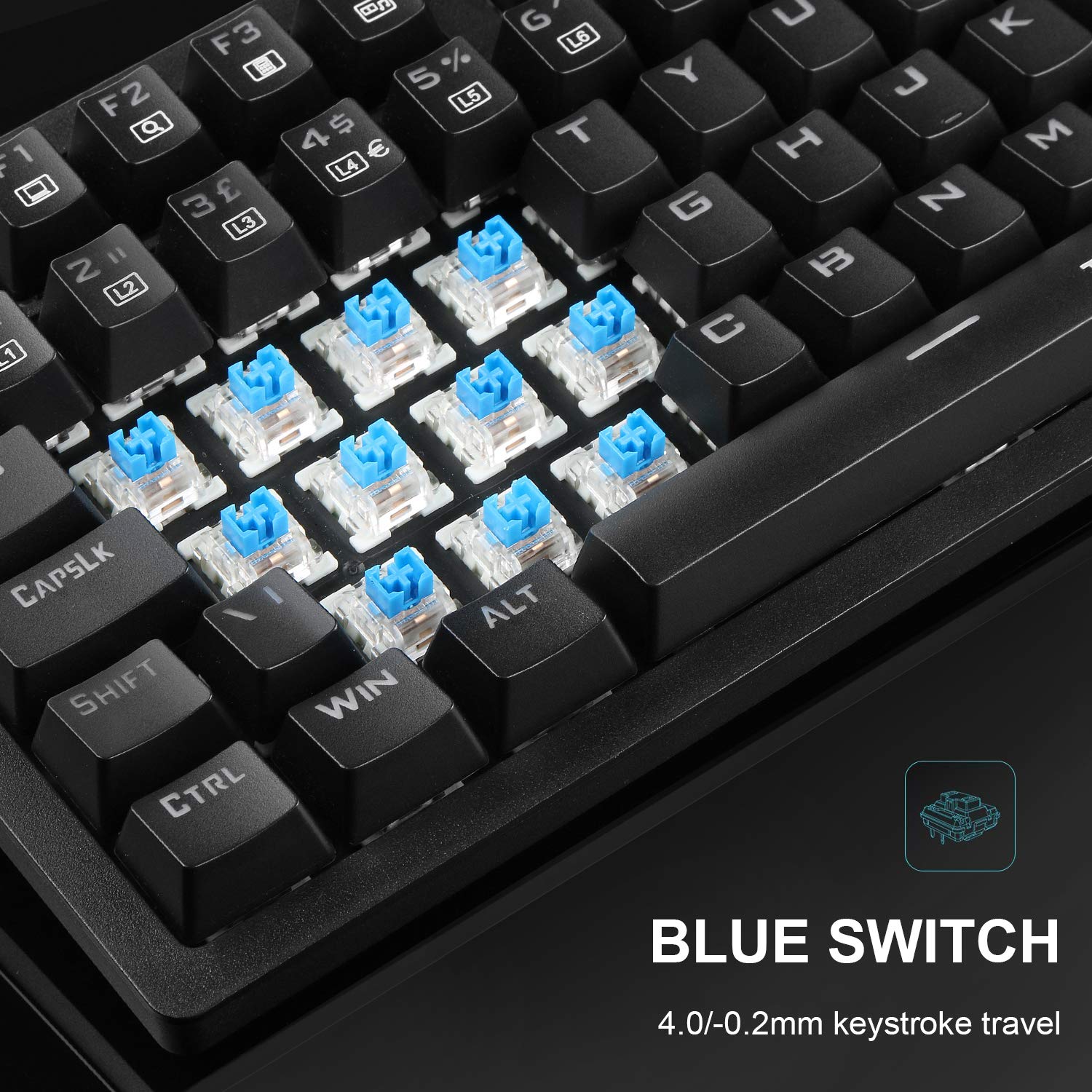
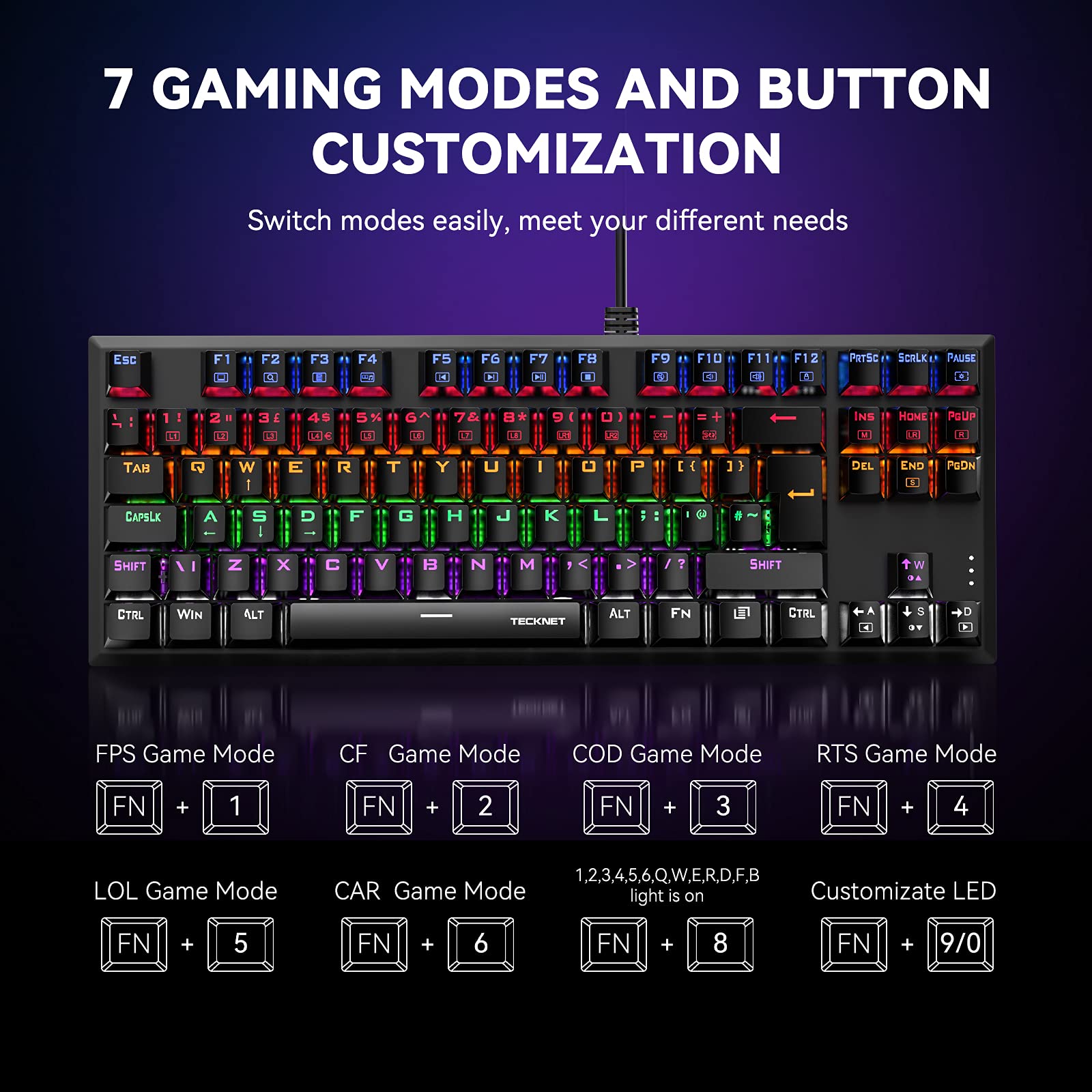
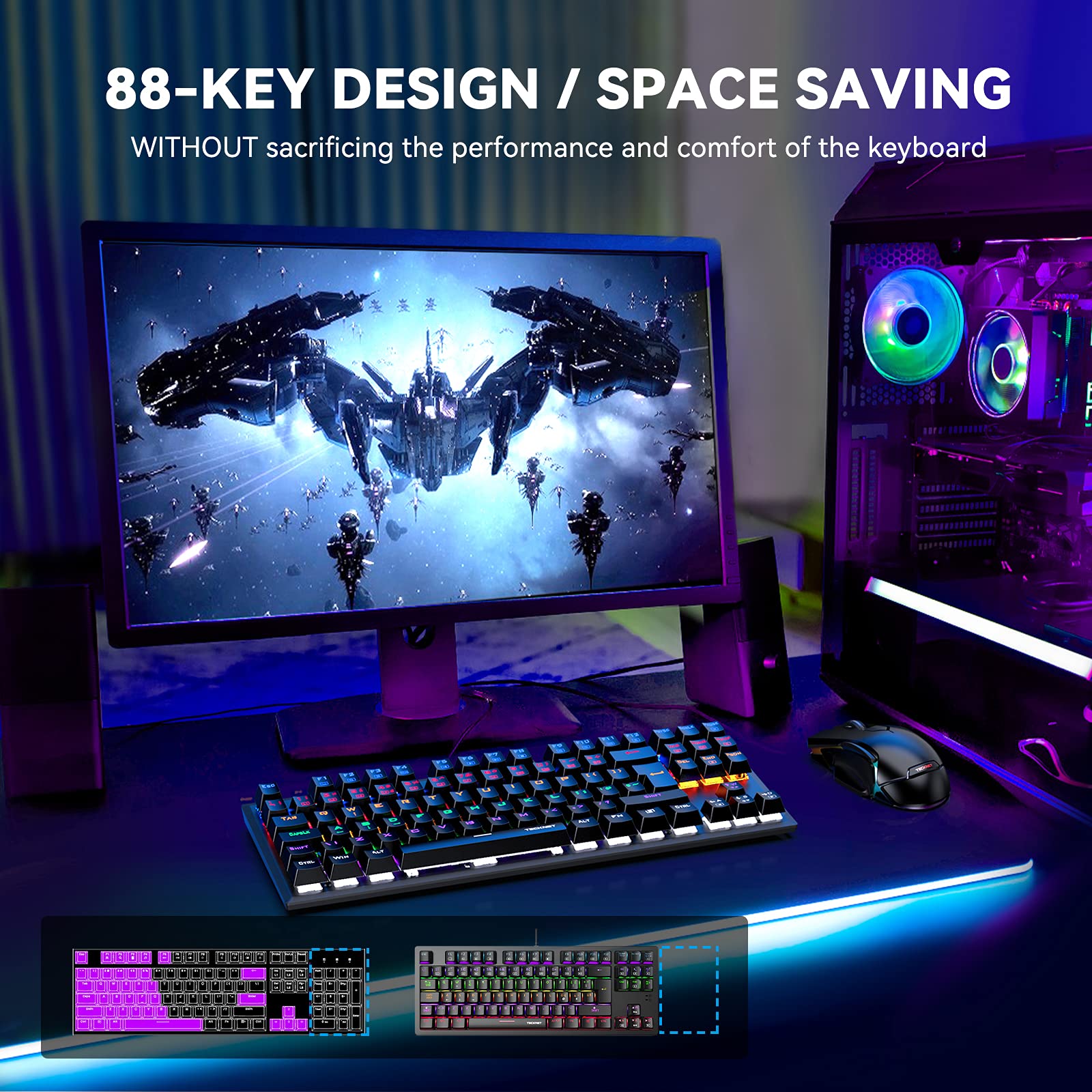
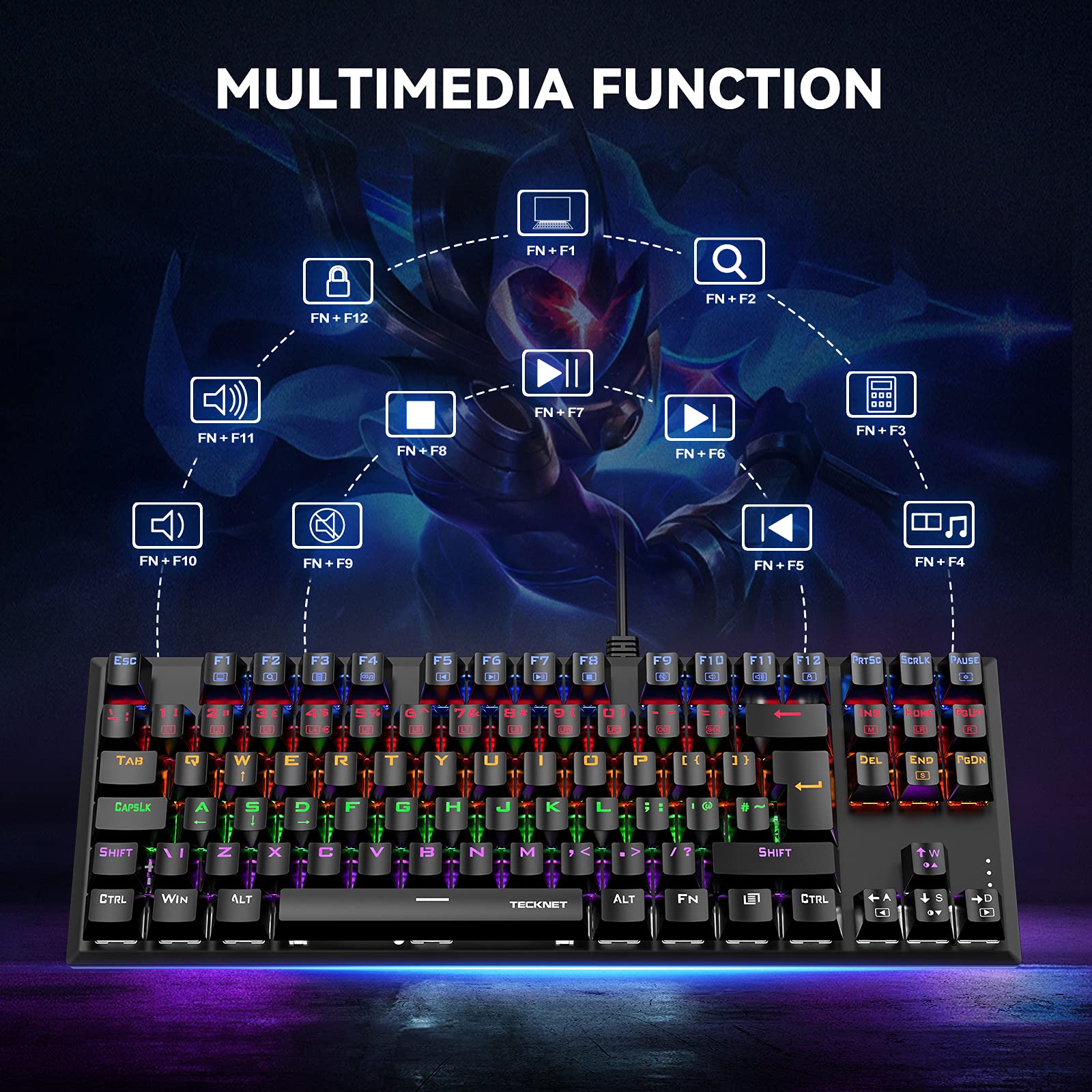
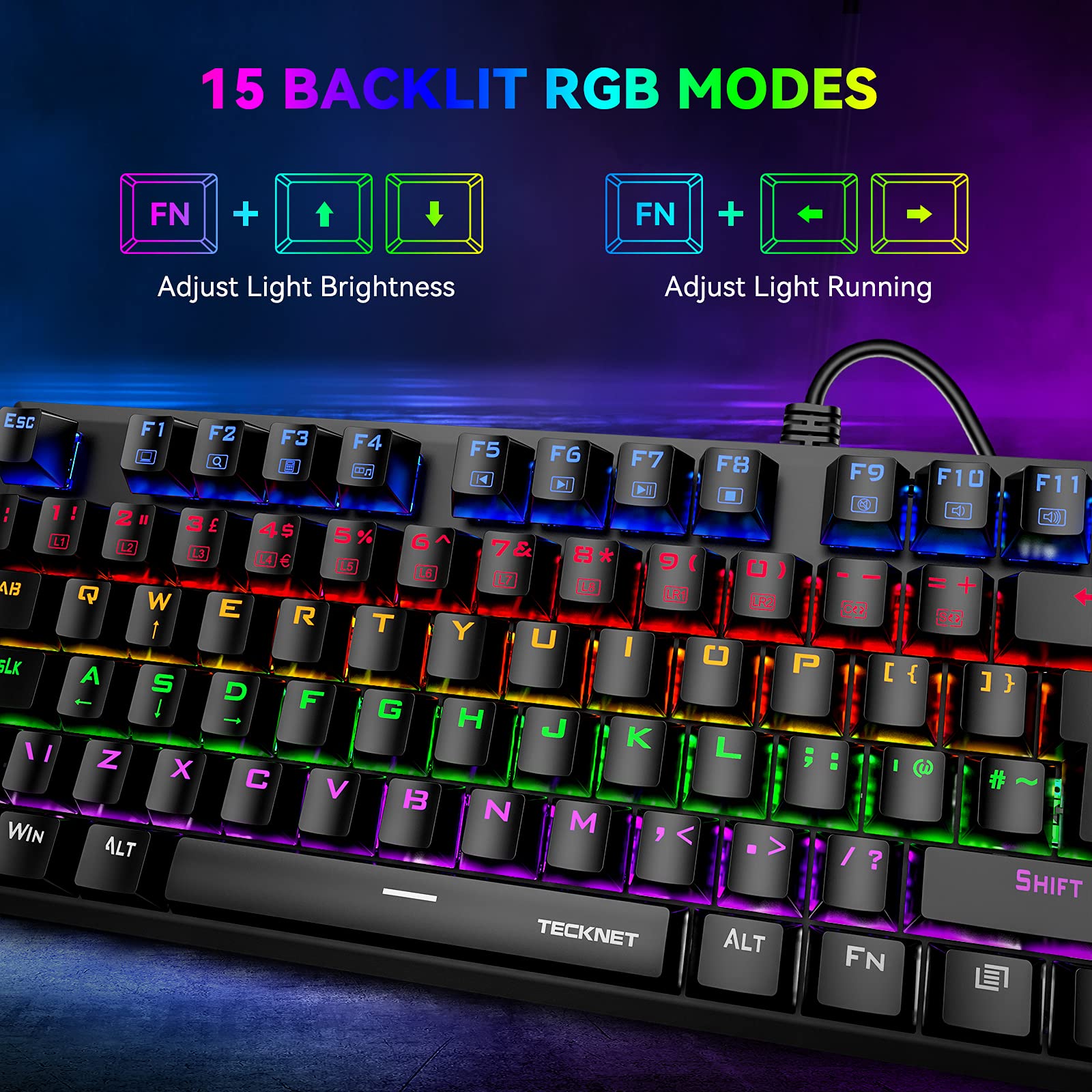
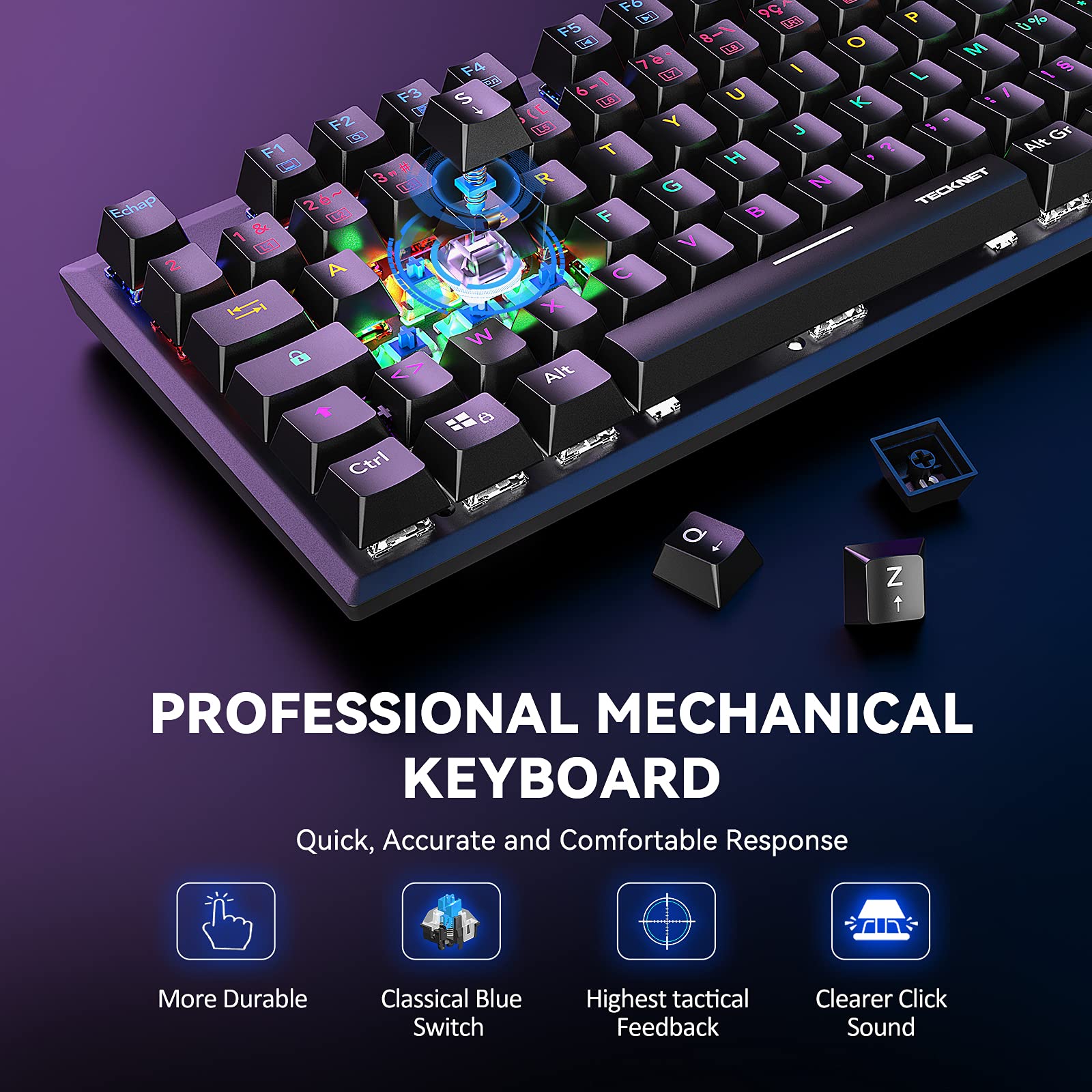
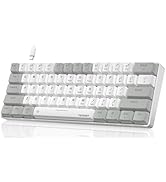
The TECKNET Mechanical Gaming Keyboard features 88 keys with tactile blue mechanical switches delivering 30% faster response times. It offers 15 customizable RGB backlight modes to enhance your gaming atmosphere and supports anti-ghosting for simultaneous multi-key presses. Compact and portable with broad USB compatibility across major OS platforms, it’s built for durability with a 50 million keystroke lifespan and a 3-year warranty, making it a reliable choice for gamers and professionals alike.






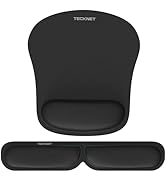

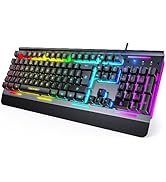


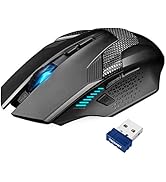
| ASIN | B005TIYDJC |
| Are Batteries Included | No |
| Best Sellers Rank | 30,009 in PC & Video Games ( See Top 100 in PC & Video Games ) 1,097 in PlayStation 3 Consoles, Games & Accessories 1,118 in PC Gaming Keyboards |
| Brand | TECKNET |
| Colour | Black |
| Customer Reviews | 4.2 4.2 out of 5 stars (781) |
| Date First Available | 6 Mar. 2011 |
| Guaranteed software updates until | unknown |
| Hardware Platform | PC |
| Item Weight | 650 g |
| Item model number | 843498 |
| Manufacturer | TECKNET |
| Operating System | Linux |
| Power Source | Corded Electric |
| Product Dimensions | 13.35 x 2.23 x 44.5 cm; 650 g |
| Series | Mechanical Gaming Keyboard |
A**N
A Keyboard worth EVERY cent you spend on it. An absolute BARGAIN at the price.
THIS KEYBOARD DESERVES A FIVE STAR REVIEW If in a hurry, see addendum posted 4 November 2017 in the bottom of this review. A bit of background as to why I decided to give this a 5 star rating might help, so take a minute and read on. I date back to the days of the first IBM PC's. As the older folks amongst you might know, those PC's came with beautifully made mechanical keyboards, or to be more accurate, the keyswitch mechanism was mechanical.. Those keyboards were made in IBM's big plant in Greenock (Scotland), where I spend many many days. Especially the IBM AT PC's had a fabulous keyboard, so much so that people often hooked that keyboard up to different makes of PC's, that keyboard was so dammed good. The IBM PC is no more, long gone and nowadays we live in the days of cheap and cheerful throw away stuff, and that includes keyboards, with their soft "spongy and rubbery" feel.. Not so this TeckNet Arctrix Mechanical gaming keyboard. Hold on for minute... I do NOT play games, at 71 years old, I have many other interests and gaming is certainly not one of them. A few years ago Chillblast UK build a bespoke PC for me and I splashed out and ordered a VERY EXPENSIVE Cm Storm Quickfire mechanical keyboard. Those keyboards, made by Cooler Master, are not cheap, but I venture to say that even that keyboard was still beaten by the IBM AT PC Keyboard qua feel. Enter the TechNet Keyboard which I bought from Amazon recently as the CM Storm had died due to the abuse given to it by my ten cats. . As I am still a wee bit biased after all those years, I would still go for the IBM, qua mechanical feel, but in every other aspect the ARCTRIX is just as good, if not better. Beautifully backlit, with back light intensity that can be adjusted to your liking. Nice fold-out feet, if that is yr wish, a good solid feel ands a nice numeric keypad to boot and as you would expect a nice decent braided cable. Let me state again, I bought this keyboard for typing on, often at night and decent backlighting is an ABSOLUTE must for me. This keyboard offers plenty options for you die hard gamers out there, but I can't comment on those as I do not game, but if they are as good as the keyboard itself, I am sure you will be pleased and find just what you need. (BTW, if fancy moving light patterns take yr fancy, yes this bloody keyboard does 'em too, but they are well and truly wasted on me, I'm too old for a fancy light organ ! Oops... almost forgot. UK layout, with the £ key where you want it. And another nice feature ? The backlight after a while switches off, but reactivates the very second you touch any key. that's a really nice feature... i think. In summary, after two weeks of hammering these beautifully backlighted keys, I have zero hesitation in rating this keyboard with a 5 start rating. While I did not use their technical support line, I am told it is excellent and they show a real and genuine interest in their customers. All in All, go for it. I am sure that this is one purchase you will never regret. This is a genuine purchase and not a freebie review as there seem to be more and more these days on Amazon. Albert ADDENDUM to above review. 23 July 2016 I've now hammered away on this keyboard for a good month. In my opinion, the test and crucial question on a purchase is very simple: Knowing what you know now, WOULD YOU BUY IT AGAIN ? The answer is a resounding YES. So much so, I bought a second one and gave it to a friend who is equllay delighted with this keyboard. You just cannot go wrong with this one. ADDENDUM 4 NOVEMBER 2017 Remain absolutely delighted with this keyboard, after it having been subjected to abuse by my ten (10) resident cats. Previously much more expensive keyboards died well within the year but this baby keeps on going ! Cannot recommend this keyboard highly enough. Albert Albert
R**.
Great value RGB mechanical keyboard for the price.
I guess the most important factor in any keyboard is how the keys feel to the user and this Tecknet keyboard feels nice and responsive with a good level of feedback. The 'click' is actuated with very little pressure so the keyboard never becomes tiring to use. I don't know if this is a property of the blue switches used but despite the light pressure required I never found myself hitting keys accidentally. At least no more so that my 16 year old Dell membrane keyboard. The RGB functions are enabled via the Function key combined with various other key presses mostly the INS key to switch between modes. Some are obviously just for show but others have specific gaming uses such as lighting the ASWD keys and/or some others nearby. There is a programmable mode as well that allows you to record which keys you would like to be illuminated which can then be saved as a preset. The key backlighting is fixed for each row on the keyboard moving from blue for the top row through red, orange, green, and purple and finally white at the bottom. For gaming use I spent my first afternoon with the keyboard playing Fortnite Battle Royale and had no trouble getting a Victory Royale after a few games. It is impossible to say if they keyboard helps me game any better or get more 'dubs' but so far I was able to swap out my old keyboard and not have to spend any time 'getting used' to this new mechanical one. The keyboard has made a good initial first impression. For the price it is a great first mechanical gaming keyboard because I have seen keyboards for 4 or 5 times the price of this one in comparison.
H**H
Short Review: Decent Keyboard, Garbage Mouse.
Long Review: So just received this mouse and keyboard combination and I have to say for the money the keyboard is really good. Seems fairly well made and would compare the keys to the old school hp keyboards that you used to get with the silver metal strip at the top. They are slightly less clicky however and do have a slight rubber dome feel to them. The blue led back light is good and configurable allowing you to go into gaming mode etc and lock the windows key. I probably wont make much use of this as I spend most of my time programming but for this the 9 configurable macro keys will come in handy. All in all a great keyboard with mechanical keys and a propper UK layout (with the at symbol and double quotes in the right place and the pipe and backslash next to the left shift. Unlike a lot of cheap mechanical keyboards on here). So that is the good, now onto the bad..... The Mouse!!! Honestly it has to be one of the most awful and useless mice I have ever used let me go into why: It feels cheap, there is little weight to it and the plastic that it is manufactured from just has a horrible feel to it. The thing is very low to the surface in terms of height, i also have large hands so I have to arch my hand in an awkward way to grip it. The indent on the side is also too shallow for you to grasp it between your thumb and finger on the other side meaning if you are a person that likes to pick the mouse up when you run out of desk you will find it very difficult with this item. Onto the single biggest problem with it: The sensor just seems to intermittently decide when it is going to accurately move the pointer, this is not related to the dpi button and I have checked the aperture is clean and free of obstruction. I have tried different computers and different operating systems. At this stage I am happy to say its the mouse. I lasted about 5 minutes before I returned to my old mouse.
TrustPilot
1天前
2天前