We remain fully operational. Our teams are working around the clock to ensure your deliveries continue safely.

下载应用程序


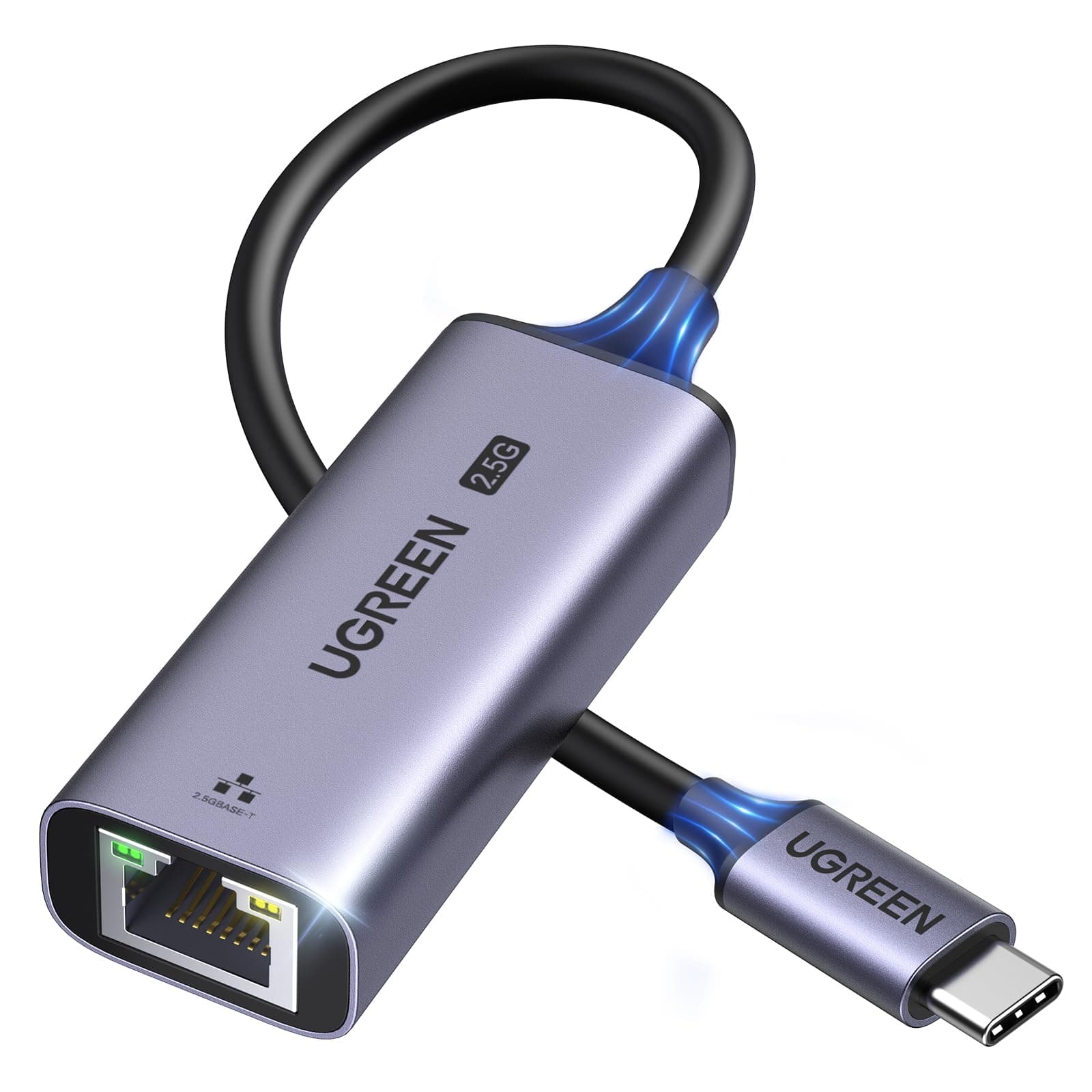

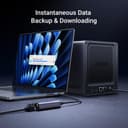


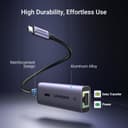
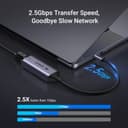
🚀 Upgrade to lightning-fast wired internet—because buffering is so last decade!
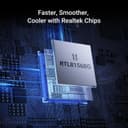
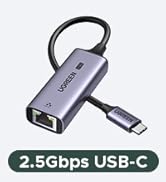
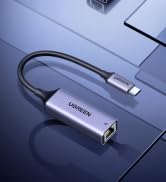
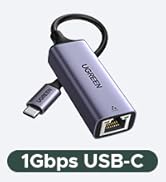
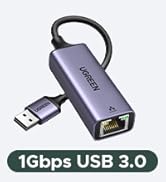
The UGREEN USB C to Ethernet Adapter delivers up to 2.5Gbps wired internet speeds via a power-efficient Realtek RTL8156BG chip, ensuring stable, cool performance. Its sleek aluminum design offers durability and style, while broad compatibility with Thunderbolt 3/4 devices like MacBook Pro/Air, Dell XPS, and iPhone 17 Pro/Max makes it the perfect plug-and-play solution to future-proof your network connectivity.













| ASIN | B0CD1FDKT1 |
| Best Sellers Rank | #11 in USB Computer Network Adapters |
| Brand | UGREEN |
| Color | Space Grey |
| Compatible Devices | Desktop, Laptop, Smartphone, Tablet |
| Compatible Operating System Family | Android, Windows |
| Customer Reviews | 4.5 4.5 out of 5 stars (2,868) |
| Data Link Protocol | Ethernet |
| Data Transfer Rate | 2.5 Gigabits Per Second |
| External Testing Certification | 177202201739 |
| Hardware Interface | USB 3.0 Type C |
| Item Dimensions L x W x H | 2.4"L x 1"W x 0.6"H |
| Item Weight | 60 Grams |
| Manufacturer | Ugreen Group Limited |
| Mfr Part Number | UG-USBC-25052 |
| Minimum Required Operating System Version | Android 13.0, Windows 11 |
| Model Number | UG-USBC-25052 |
D**.
Fast, Reliable Performance
I bought the UGREEN USB C to Ethernet Adapter 2.5G, and it’s been a solid addition to my setup. The connection is stable and the speeds are impressive, data transfers feel quick and consistent without the drops you sometimes get on WiFi. It’s plug and play, which I appreciate, no hassle getting it up and running. The build quality also feels durable, which is something I’ve come to expect from UGREEN. Overall, it delivers exactly what it’s supposed to, fast, reliable wired connectivity. UGREEN continues to put out quality products, and I look forward to trying more from them.
C**H
Reliable network speed tests and smb speeds
Got this on prime day for about $20 USD. For the price and quality it was definitely worth! Works perfectly and as you would expect. No driver installations or dropped connections so far, just plug and play. Sleek design, gets a little warm (which is expected) but not hot at all. Tested on compatible internal network speeds which showed to be reliable and fast Hardware tested on: - base m4 mac mini connected via usb c ugreen 2.5g adapter - over cat7 ethernet cable (overkill but cat6/cat5e under 100meters/328ft should be enough) - 2.5g ethernet switch - 2.5g port on nas iperf3 tests: - iperf3 tests from base m4 mac mini to another 2.5g device on a 2.5g switch - shows average bitrates of ~2.35 Gbits/sec smb tests from a usb3 connected to base m4 mac mini: - only took ~2mins to transfer 31.31 GB for 11 files in varying sizes - which on average came out to around a transfer rate of 2.087gbps - which is about 260.88 Megabytes per second - i'd imagine this would even be slightly faster for files directly on the mac but wanted to test with a real scenario - probably closer 290-300 Megabytes per second for files stored on the device rather than usb3 have not had a need to test this on mobile yet but iphones with the 10g usbc (and probably just usbc in general) should be fine i'm sure if you're looking into buying one of these you already know all this but some things to keep in mind. your mileage may vary based on your cable length and runs/environment surrounding your network/cables for any electromagnetic interference. but generally as long as you have 2.5gb compatible ports and cabling and you should be good to go!
P**Y
Solid USB-C Upgrade for 2.5GbE - Good Value and Performance - Good for Mac Users
I’ve been using this Ugreen adapter for a 6 months now and it’s become one of my go-to accessories. If you have a device like the M1 MacBook Pro or Mac Mini that’s limited to 1Gb Ethernet, this adapter is a great way to unlock faster speeds, especially if you’re upgrading your home or office network to 2.5GbE. I have everything connected to a 10Gb switch after I upgraded my Synology NAS and needed a way to improve access to it for storage. Setup was truly plug and play, just connect the Ethernet cable to one end, plug the USB-C into your device, and you’re good to go. I noticed an immediate improvement in transfer speeds when moving large files to my NAS. This is perfect for anyone working with media or large data sets where Wi-Fi just doesn’t cut it. I was initially capped at 200MB/s. It more than doubled when I used the adapter to 200MB/s At around $20, it’s excellent value when compared to higher-end adapters that cost much more but often deliver the same result. It’s compact, feels well made, and I’ve had zero issues with performance or stability. It does get slightly warm during long transfers, but I haven’t seen any drop in connection quality or speed. If you’re trying to squeeze more speed out of your Mac Mini, laptop, or even a docked tablet, this is a solid upgrade. I keep mine on the desk and switch it between devices as needed. Highly recommended for anyone moving to a 2.5Gb network or needing faster wired performance.
I**R
USB4 flawless connection 2.5 gb
Bought it for Linux Mint and it was plug and play. No issues. Negotiated a 3gb connection at 2.5gb as advertised. Not one hiccup or delay. Moving the heat out of the laptop Asus A16 is a bonus. Feels metal and sturdy. USB4 connection
S**S
Installation instructions are flaky, but unit works well when installed
I bought this because I wanted a simple way to upgrade an old tower PC to support 2.5gig Ethernet and I thought it would be easy. Well, it wasn't. The user manual that came with the unit had instructions to download drivers. After a lot of work, I found them, but the files were empty. Then I noticed that a new USB device, a CD rom drive, had been added to my PC. I unplugged the adapter and went into device manager and deleted the device and its files. When I plugged the unit back in, it was recognized as a NIC and started working. The unit runs at 2.5gig and seems to work well but I keep wondering if, the next time I have to unplug it, it will go back to looking like a CD drive. Oh, I did not need drivers. The unit is installed automatically under Windows 10.
D**.
Great deal
No drivers needed. Plug and Play on Mac OS. Works great on Tahoe 26.4.1. Getting full 2.5 gigabit speeds. See pic. Over 250 megabytes per second.
N**Y
Simple, Fast, Works (WoL needs drivers)
Plugged right in and worked with an M4 Macbook Air, Razer Blade 2022, and X570 Taichi. Full speed in all cases with zero installation. However...be sure to install Realtek drivers if wake-on-LAN is desired. At least in the case of Windows, the 2015(!) defaults installed by Microsoft do not enable wake-on-LAN. The internal chipset is "Realtek 2.5Gbps Gaming USB" and the drivers are about 5MB. Once that was installed, WoL worked perfectly.
J**T
Install the drivers if you are experincing connectivity issues.
I am running this on a Windows 11 laptop and I did initially have trouble with the connection dropping. However, after coming back to this product listing and finding the instructions for installing the drivers for the device, I headed over to the RealTek website and got the drivers. After installing the drivers, my connection has been stable for hours so I don't think it's going to drop again. While this is connected to a 2.5Gbs switch with a CAT-6 cable, no other device on my network can do 2.5Gbs so I have no real way of testing the proposed speeds of this device. That being said, having installed the drivers, the dive has been working perfectly.
N**N
🌟
I**M
Aynı pc de 2. bir interneti kullanmak için satın aldım işini yapıyor. 1G modeli vardı bunu görünce direk aldım. Oyunu anakart üzerinden takılı olan internetten. Yayını ise bu ürün üzerinden vermek için ideal.
R**F
plug and play it is true with window 11 if the laptop have the built-in drive for this adaptor. if not you can download the software from realtek.it is working on usb4-c port of the laptop.i use a lan cable cat 8. i decide to put the wi fi off on the laptop to have a better speed on my other wi fi devices. i am very satisfy for this adaptor. extra info. it is working if your laptop have a built-in compatibility with this adapter. to check that,you go to window settings under network and internet.after you plug in the adapter to the laptop on the port of usb type c and a lan cable to the router. you can click on properties of ethernet on window settings. if you see realtek usb 2.5 gbe family controler,your laptop is compatible. if not you go on line directly to realtek site and download that software by choosing window 11. my laptop have a usb4 type c but a port of usb 3.2 gen 2 type c must working also. about the lan cable plug on this adapter work better with cat 8 but cat 7 or 6 probably work also. my router have a 10 ge lan port. it is where i plug the lan cable from the adaptor. if you using a 1 ge lan port,can influance the speed of your internet. another important factor about the speed of internet is the plan you have. i have a internet plan of 2 gigs. the result of speed is 2170 mbps for download and 216 mbps for upload. i have not try to do aggregation on my router because this speed is an off for me. because i have other wi fi devices on my network i decide to put the wi fi off on my laptop to increase the speed on this other devices. if you have more question ask copilot in window. this ai know a lot.
M**M
Fast and very good build quality
P**O
El adaptador se ve genial, acabado en metal, bien construido, velocidad altísima de 2.5Gbps, el último chipset de Realtek para LAN... es una maravilla. Es compatible con Android, y no hace falta instalar nada, es plug and play. En Windows sí que hay que instalar los drivers de la página del fabricante, o también Windows Update los busca solo (no sé si la última versión). Funciona fenomenal, aunque claro está, para disfrutar de estas velocidades hay que conectarlo a un USB 3.0 o superior (lo digo especialmente por Android, que es muy común tener un móvil con USB 2.0). El precio es un pelín elevado, pero bueno, es un producto de calidad, es justo. Lo podrían haber hecho Plug and Play para Windows también, no sé si es posible.