We remain fully operational. Our teams are working around the clock to ensure your deliveries continue safely.

下载应用程序


Buy anything from 5,000+ international stores. One checkout price. No surprise fees. Join 2M+ shoppers on Desertcart.
Desertcart purchases this item on your behalf and handles shipping, customs, and support to Hong Kong.
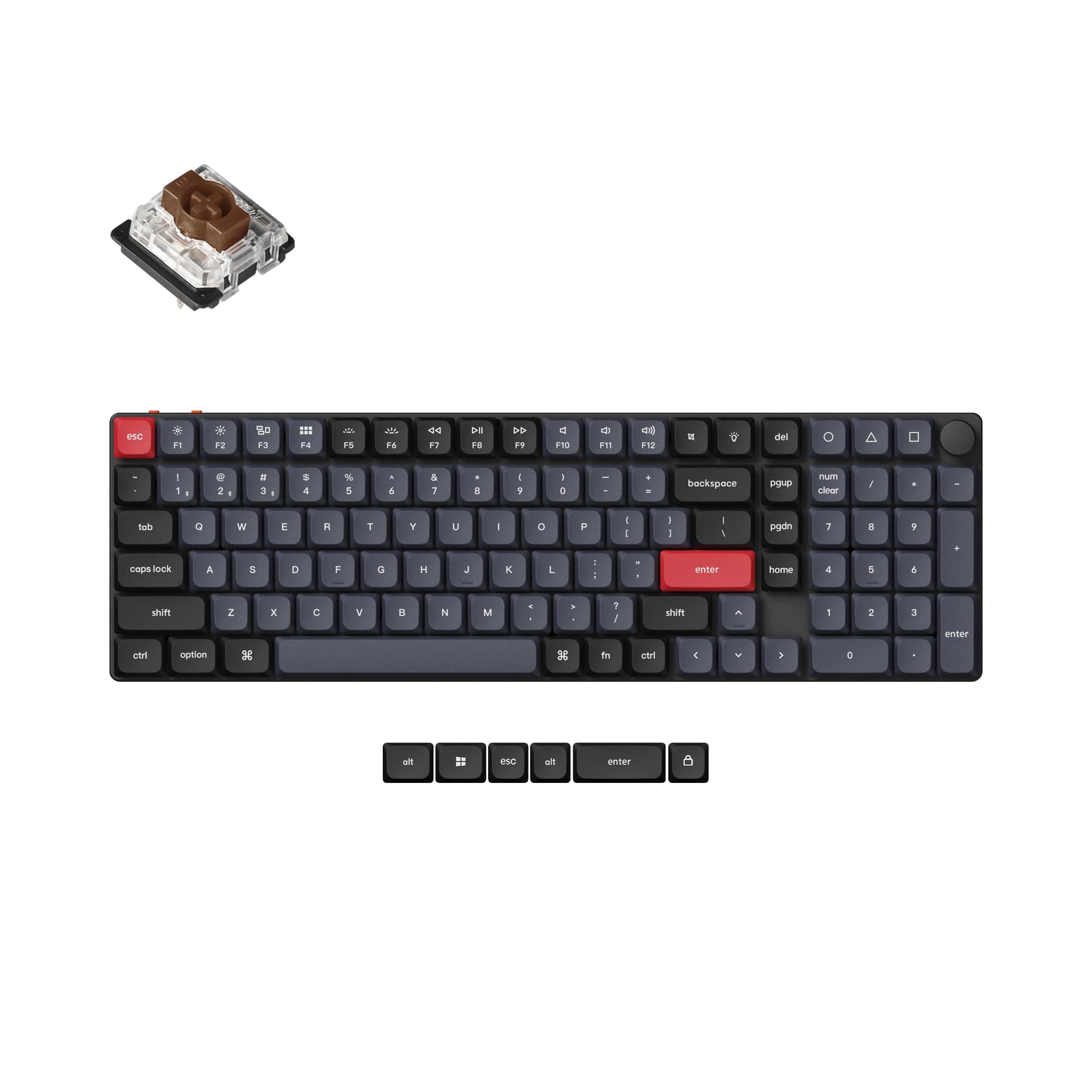
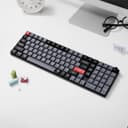
⌨️ Elevate your desk game with the ultra-slim, fully customizable Keychron K17 Pro!
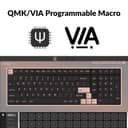
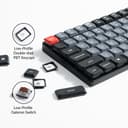
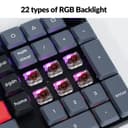
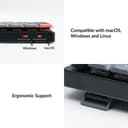
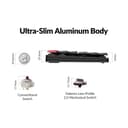
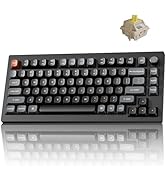
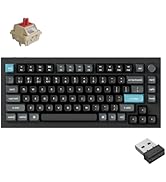
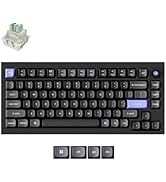
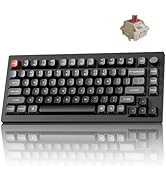
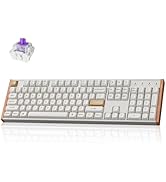
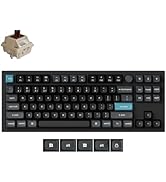
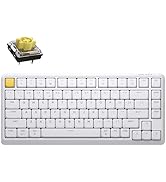
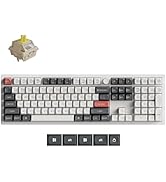
The Keychron K17 Pro is a premium ultra-slim wireless mechanical keyboard featuring a 96% layout with a full numpad, compatible across Mac, Windows, and Linux. It supports Bluetooth 5.1 multi-device pairing and wired USB-C connection with a 1000 Hz polling rate. Fully programmable via open-source QMK/VIA software, it offers tactile Gateron Brown switches, durable double-shot PBT keycaps, and vibrant RGB backlighting, making it a versatile and stylish choice for professionals seeking productivity and customization.






| ASIN | B0CJJ3Q15J |
| Additional Features | North-facing RGB Backlit, Redesigned stabilizers, Remap every key and create macro with QMK/VIA, Ultra-Slim Body |
| Antenna Location | Office |
| Brand | Keychron |
| Built-In Media | Keycap Puller, Mac and Windows Keycap, USB Cable |
| Button Quantity | 9 |
| Color | Low-Profile Gateron Brown Switch |
| Compatible Devices | Linux, Mac, Smartphone, Tablet, Windows |
| Connectivity Technology | Bluetooth, USB-C |
| Customer Reviews | 4.0 4.0 out of 5 stars (27) |
| Enclosure Material | Aluminum |
| Hand Orientation | Ambidextrous |
| Is Electric | Yes |
| Keyboard Backlighting Color Support | RGB |
| Keyboard Description | Custom Mechanical Keyboard, Wireless, QMK/VIA enabled, RGB backlit, for Mac, Windows and Linux, 96% layout |
| Keyboard Layout | QWERTY |
| Language | English |
| Manufacturer | Keychron |
| Mechanical Keyboard Switch Model | Gateron RGB Backlight Brown Switch |
| Model Name | Keychron K17 Pro QMK/VIA Wireless Custom Mechanical Keyboard |
| Model Number | K17P-A2 |
| Number of Keys | 103 |
| Power Source | Battery Powered |
| Style Name | Contemporary |
| Switch Type | Tactile |
| Theme | Customizable Mechanical Keyboard for Office Use |
| Unit Count | 1.0 Count |
M**T
Excellent keyboard, very comfortable
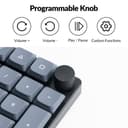
I really like this keyboard, the knob makes media controls easy. I don’t really use the backlight, but it’s a neat feature. So far I haven’t had issues with battery life or connectivity with my 2023 Mac mini. I replaced a Corsair k70 that was too loud for me with this. The brown switches are not silent but they feel great and aren’t too loud.
M**.
Excellent feel and sound
Amazon, please auto-save reviews, because I'm not writing this all over again. In summary: - It is great. Small. Compact. Customizable. Full anatomically correct numpad. - Knob feels good. It has a soft resistance stepping mechanism similar to a mouse wheel. - Keycaps look and feel great. You just need to wait for their shine-through keycaps to come back in stock or get them 3rd party if you want those. - It work with the open source software, VIA, which is pretty cool. Just gotta follow instructions on the Keychron website to download and load the layout into VIA. VIA is a separate project from Keychron, so I won't ding this keyboard or Keychron for it not being there by default, in fact I'd give Keychron kudos for providing the layout on their website so that it will work.
B**Y
First one I got was obviously used. Replacement solved the problem
It really is a nice keyboard. Nice sound, good travel, ready for Mac or PC. Takes some gettin used to especially if you haven’t used a mechanical keyboard in a while, like me. A couple of moans. Backlighting could be brighter - at max it looks great in the dark but fades pretty quickly in the light. Space bar could use at least one more light under it. One just leaves the edges hanging as far as rgb goes. Would be nice to get a list of all of the built in lighting effects. You have to toggle through them all, one by one. And, the instructions could be a little more clear. Can’t comment on battery life as it won’t stay connected to my old Mac 5,1 (but I think it’s my Bluetooth, not the keyboard). As mentioned in the title, the first one I got was obviously opened, broken, and stuffed back into the box (box wasn’t plastic wrapped either). One thing to keep in mind…it might take a week to get to you. Price point is a little steep but we’ll judge that as time goes on.
A**D
Does Not Work with KVM Switch
The K17 does not work well with the TESmart KVM switch. So, if you are wanting to switch between your work PC and your personal PC via a KVM, the K17 will not work. To be clear, I am able to type some text with the K17 but none of the function keys work. The volume knob does not work. Any key combinations that you press i.e (Windows + R) do not work. The K17 is unusable when plugged into a KVM. I did connect the K17 directly to my PC and it worked great with all key functionalities. It just doesn't work with KVMs unfortunately.
R**S
Awesome keyboard Love it !
Easy to config and works great !
A**S
pleased
WE love our new keyboard. It is so smooth and you type faster.
K**R
espectacular producto, cremoso, un tacto espectacular.
D**L
Key Programming App Not Working
I like the keyboard. It is reassuringly heavy and not too noisy. I cannot get the key programming app to work, though. I have sent two emails to tech support since last week asking for help, and have received no reply. Key programming was one of the reasons I bought it, so I may have to return it.