We remain fully operational. Our teams are working around the clock to ensure your deliveries continue safely.

下载应用程序


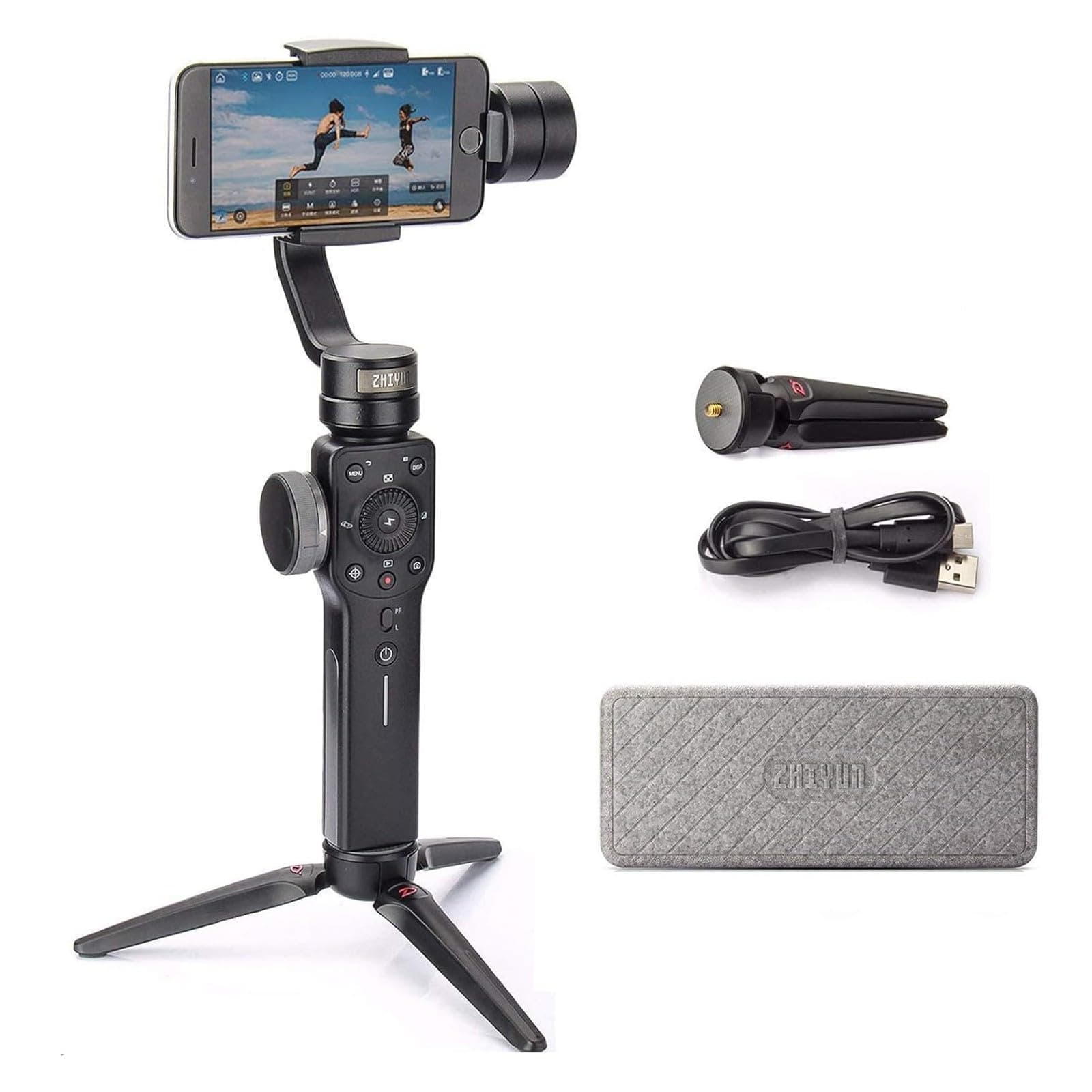
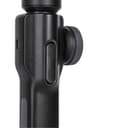
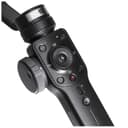
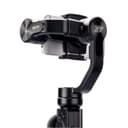
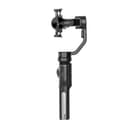
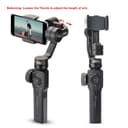
🎬 Elevate your smartphone videos from casual to cinematic—because your story deserves smooth moves.
The Zhiyun Smooth 4 is a lightweight (210g max payload) 3-axis handheld gimbal stabilizer designed for smartphones, offering professional-level video stabilization, intuitive control panel with focus and zoom capabilities, PhoneGo mode for instant scene transitions, and advanced features like time lapse and object tracking. Compatible with both iPhone and Android devices, it supports two-way charging for extended shooting sessions, making it the ultimate tool for vloggers, content creators, and live streamers seeking smooth, polished footage.


| ASIN | B07BHCC3BV |
| Best Sellers Rank | 360 in Mobile Phone Handheld Gimbals & Stabilisers |
| Brand Name | ZHIYUN |
| Colour | Black |
| Compatible Devices | iPhone 12/11 pro/mini【not for pro max】, iPhone 13 pro/mini 【not for pro max】 |
| Customer Reviews | 4.2 4.2 out of 5 stars (6,211) |
| Item Weight | 0.5 Kilograms |
| Manufacturer | Zhiyun |
| Maximum Weight Recommendation | 210 Grams |
| Model Name | Smooth 4 Black with EACHSHOT tripod |
| UPC | 600346554115 |
I**P
Fantastic device. It's a game changer for smartphone videography
Fantastic device. It's a game changer for smartphone videography. Anyone with a smartphone can now confidently produce high quality professional looking video for vloggers, businesses etc... Great value for the money, there is no competition for this product in my opinion.
A**W
High reconmmended
I have an Android works great. Highly recommend product. Easy to setup, it does what it says on the box plus more. A must for people using their phones for video's. Great customer support.
S**E
Instructions are not very clear. But not tested it fully yet
Setting up
E**N
Excellent! Highly recommend
Excellent! Highly recommend.
S**N
Received with fault!!
It was listed as refurbished item. But it wasn't refurbished and sent with the faulty. Someone irresponsible work spoiling them business.
A**S
Good for the money
I've had mine for years and have had no problems with it. It's well built. I've been out filming with it for 4-5 hours at a time and have never run out of battery. I don't take it with me all the time, only when I think it will be needed. My only issue is with the instructions. They're pretty sparse. I've had to search on the internet a few times to find out how to do things with it. There are better, more advanced gimbals for sure...but they tend to cost a lot more and don't always offer much extra. For that reason I think the Smooth 4 is excellent value for money.
E**1
Glorious paper weight for Android owners
Android phone users!! Stay away.... I heard it works as it supposed to on iOS device but as you may have heard already, OMG it's a night mare on Android. App simply force closes when you try to just open some menu items or do some tasks. S9 plus barely fits in and had tough time with case on. I think this is a poorly designed gimbal.
G**Y
Just doesn't work
This seems to be the gimbals idea of straight. Non responsive, os connected to my iphone 12 pro max.... apparently!
S**N
Researched many YT videos that compared handheld gimbals vs steadicams. Attempting to use more mobile phone shooting moving forward (instead of my DSLR), and wanting an affordable yet effective unit on my first gimbal, and glad ZY Smooth 4 caught my attention. It beat DJI's Osmo due to price point, functionality and availability. I'm glad I picked up the ZY Smooth 4 about a couple of months prior to my first commercial production with it, which was purely unintentional. My local client, who's a speaker, who's also a very active person, felt uncomfortable/nervous sitting in front of a camera. To give her peace of mind, I suggested a walk on the river, while we talked and I would shoot the video on the gimbal. She loved the idea and settled on a date and early morning meetup at the river so we would have less foot traffic at that time. Both of us preferred this "walk and talk" video style. For her, it was natural to do this as an active person, much like speaking to a girlfriend while out for a walk. For me, I knew this would get her blood flow moving, reduce nerves, and the natural morning light (vs afternoon harsh light) was good for the shoot. Believe it or not, we shot 2 videos (one was a Welcome video, and the other was an About video), both only required 1 take each! LOL! We produced the first video walking the river one way, then turned back and shot the 2nd video going the other way 😁 Here's some insights on the Smooth 4: - The ZY Smooth 4 build is impressive. Has weight in your hands, but not so heavy to strain your hands/arms on a longer shoot. - The ZY company is consistently working on upgrades to the ZY App, which is good to see - ZY does provide information in the booklet on setup and usage, however, I found most value in YT videos from other users showcasing functionality and use cases - Key Tip: Balance your iPhone in the bracket BEFORE powering on the Smooth 4 unit. - Recent News: Filmic Pro app now works well with the Smooth 4. Check out YT for how to use it with Smooth 4. - Battery life is solid and long-lasting. Since my first charge of the Smooth 4 unit, the battery has held strong. In fact, my iPhone battery dies much faster, naturally due to shooting video. If you can, get the lightning cable to connect your iPhone to the Smooth 4, so you can keep your iPhone charged while shooting video. - I appreciate the screw on tripod legs that come with the Smooth 4, for laying on a flat surface. I'm about to get an Insta360 ONE panoramic camera, and I can envision sitting my iPhone in the Smooth 4 phone bracket, and setting the Smooth 4 on a taller tripod, so I can shoot the 360 away and out of sight. This way, I have both my Pano camera, and my ZY for video shooting if the client calls for that added service. Here's some insights on the videoshoot with the Smooth 4: - Until I started playing with the Smooth 4 video quality settings, I didn't clue in that my iPhone 6S could shoot in 4K. - Tried shooting in 4K, but its a storage hog. Will shoot 1080p next time. - The video footage will store in the ZY app, and you'll need to then transfer it from ZY app to your iPhone's media library. As such, I highly recommend dumping as much "stuff" off your iPhone prior to the shoot for more storage room. - In shooting with 4K, I only had room for 2-3 videos before I ran out of room and phone battery. Hence no B-roll in the above videos. - Had troubles exporting from ZY app library to iPhone Photo Library due to space shortage. After dumping more media and apps, I could transfer 1 x 4K video, import to Macbook Air, delete it off ZY & Photo Library, then transfer/import the next 4K video. May also try shooting 1080p next time. Or a bigger capacity iPhone. 😜 - Highly recommend you get the lightning charge cable to continually charge your iPhone while shooting. - Bring along your laptop or external drive to dump footage off your iPhone, so you can continue shooting more footage. Unless you only care about a short shooting window. - My Zoom audio with Sennheisser wireless lav was unusable due to fabric shifting sounds from walking. So what you hear is my iPhone audio, not too shabby. Hope this helps you in your decision whether to grab your own unit of the Smooth 4 :-)
V**E
Ist sehr nice
N**C
とても満足しています
F**E
ÓTIMA QUALIDADE, FILMA E TIRA FOTO VOM QUALIDADE SUPERIOR, SÓ QUESTÃO DE APRENDER A MEXER
C**9
Non volevo comprarlo perché alcuni amici miei hanno un altro gimbal di un'altra marca e ho pensato che fosse una follia. Invece alla fine ho ceduto e devo ammettere che questo prodotto è incredibile!
TrustPilot
2 周前
1 周前