
下载应用程序





❄️ Frost X45: Cool smarter, game longer, stress less.
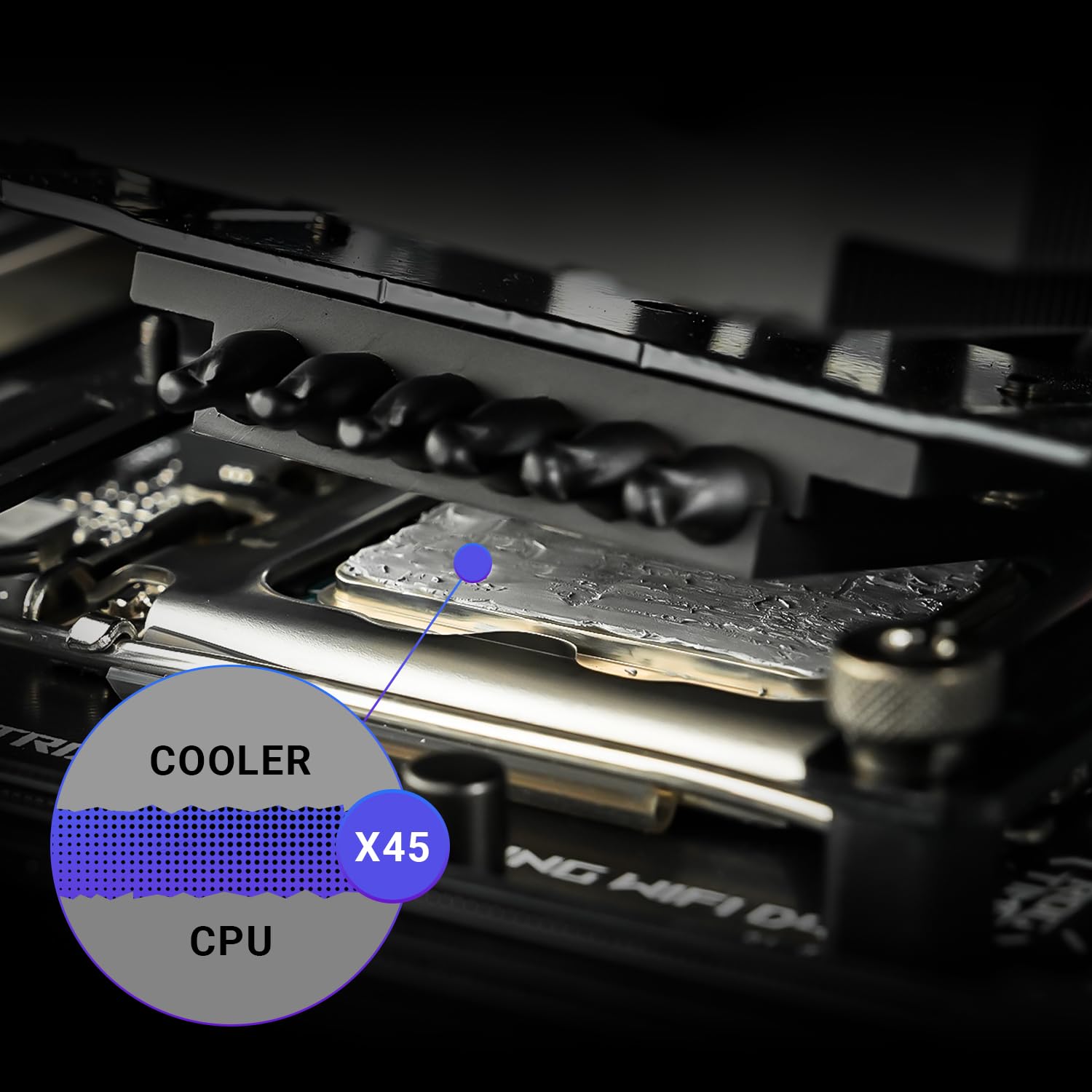
ID-COOLING Frost X45 is a premium 4g thermal paste engineered for high thermal conductivity (15.2 W/m·K) and long-lasting durability. Its metal-free, non-conductive formula ensures safe application without risk of short circuits. Designed with ideal viscosity for easy, precise spreading, it delivers consistent cooling performance that keeps CPUs and GPUs running cooler and quieter, perfect for professional and gaming setups alike.
| ASIN | B0DK3HQL4V |
| Best Sellers Rank | #132 in Computer CPU Cooling Fans |
| Customer Reviews | 4.3 4.3 out of 5 stars (223) |
| Date First Available | October 15, 2024 |
| Item Weight | 0.317 ounces |
| Manufacturer | ID-COOLING |
| Package Dimensions | 7.72 x 3.15 x 0.47 inches |
G**I
Best thermal paste
Tried to find thermal paste with the highest thermal conductivity to replace the thermal paste in my small HP laptop the fan kicked on high very often after I replace the thermal paste it's about 10 to 20° lower and the temp the fan doesn't kick on nearly as often it actually barely kicks on at all even if I'm playing Skyrim and my laptop only has 12 GB of RAM and integrated graphics and Intel i3 CPU. Basically with this thermal paste I can run Skyrim at 720p and 60fps, on a tiny hp 14 inch laptop that was $350 brand new. I have much left over to redo the paste a few times too. Some people say that it's difficult to apply because it's thick. Just make sure your CPU is clean and it will stick, and warm it up. Because of it's thickness I expected air bubbles but no, even if there are air bubbles in-between the CPU and cooler, the temps are much lower. Since it's thick, I don't know how long it will last, the movement in a laptop probably will cause the thermal paste to crack quicker, but I think with a stationary desktop this thermal paste might still work even after it's dried.
N**L
Possibly the highest performance for what youre getting and chasing. Very good and happy customer.
Impressive. Just buy it if you need it. If you know you wont notice a difference do whatever you want. But this stuff has been great for several months now and I am impressed. Quality of paste is clearly very high. these guys cooked up some magic stuff here. This paste IS easy to apply IF YOU WARM IT UP nicely. You will very likely need to either apply this horizontally - the case flat, not standing up - or - youll need to use a tool to smooth and spread this stuff. its best if the paste is quite warm and if the cpu is not cold but also not hot. if the cpu or block is too cold, the paste gets too cold and balls up kind of. Havent had any cleaning issues. the size or quantity of the tube is fair and good.
N**6
Very nice
A bit thicker than expected, making it somewhat difficult to spread evenly. Other than that, good product.
A**G
Really Good TIM
I have used multiple pastes over the years including Kingpin, Corsair, Noctua, ThermalGrizzly, PTM, and the generic stuff that comes with coolers. I read a review stating this came as close to liquid metal as a paste could so I figured why not try it. On my 9800x3d compared to KPX and PTM, this paste has performed the best. It is not easy to work with and is hard to spread thin at room temp (hint) but the result is good. I had a Lian Li Hydroshift 360 AIO I tried with KPX with PTM, temps with both were 65 in games. Good result right? With this paste the 9800x3d stays 55 in games on a Atmos 240 AIO, in a smaller case! I know thats multiple variables but its also a 10 degree difference on a cooler with less thermal capacity. So its obviously helping here. Maybe the cold ate is better, but 10 degrees better? Have to give this stuff at least a couple degrees of credit. And No, I dont have the old case or 360 AIO to test anymore so no real A B comparison but in my book its a win.
R**O
Keeping cool 😎
Works great
W**R
Unusable
Had the consistency of chewed gum but with none of the adhesion. Completely unusable.
A**I
Review On ID-COOLING Frost X45 After a few Months Of Use
Best thermal paste I have used so far. :3 It is sumwat messy 2 apply(Disposable gloves is recommended, also do NOT use the DOT method, instead use the CAKE method when using dis product, 2 get best performance results), at first you will see UR CPU run hot 4 a few days, after a day by day goes by the temperature will gradually decreases as the puddy get heated up and squished out 2 form a very tight bond with CPU. ^w^
S**S
Great value, easy to apply and good results
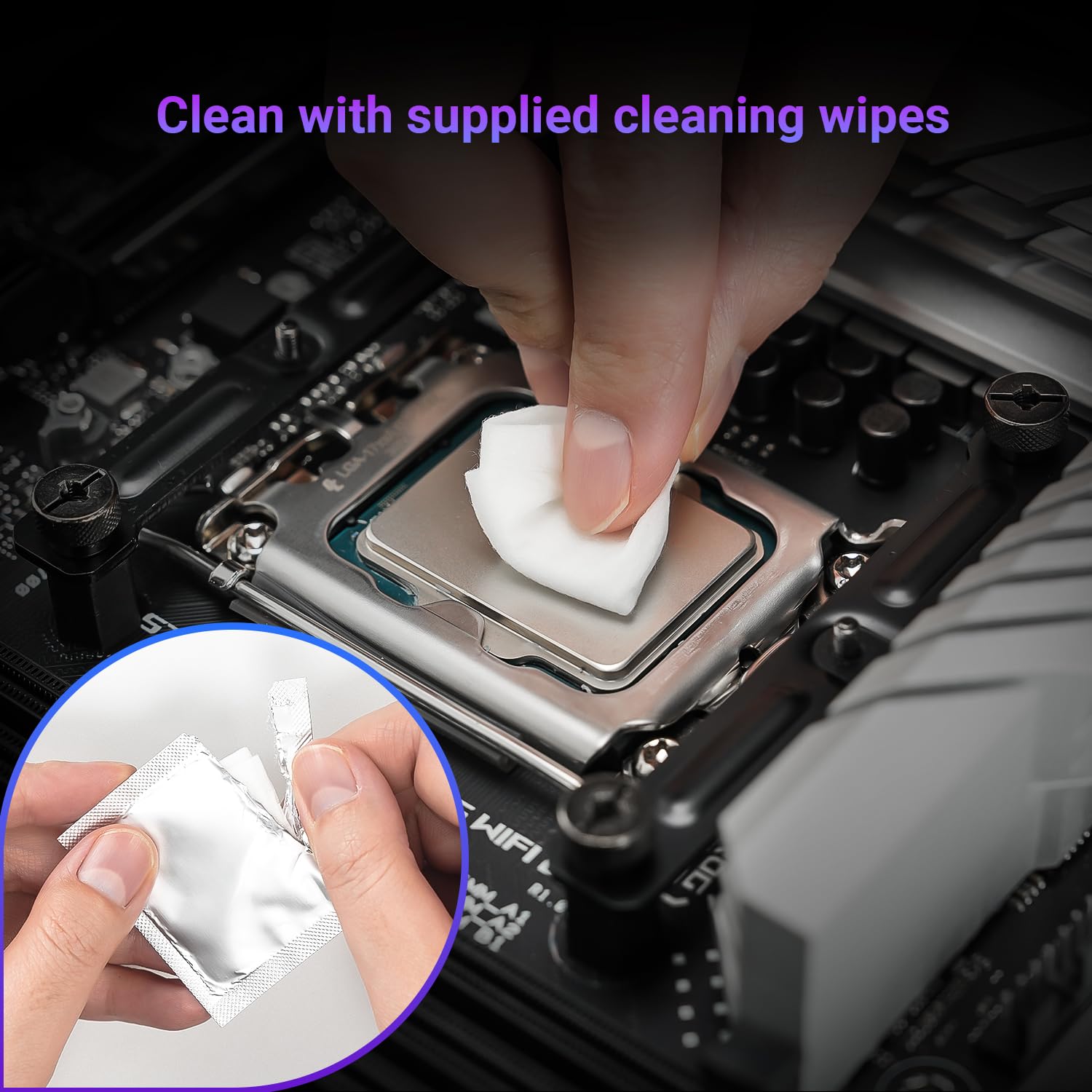
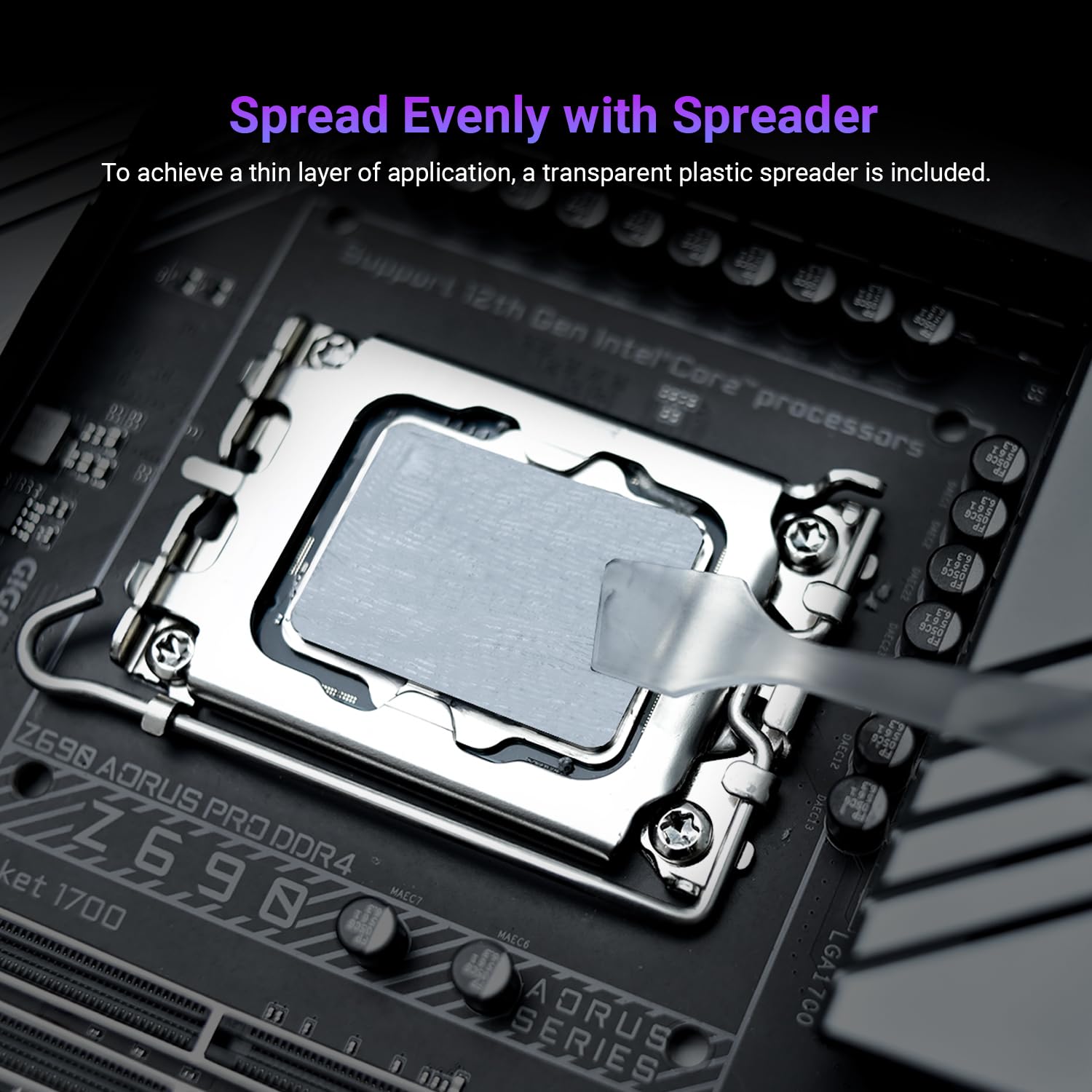
This thermal paste ended up near the top of a number of review lists and I decided to give it a shot for re-pasting my CPU and GPU. It included a small cleaning wipe and spatula for spreading which was nice. After a thorough cleaning the application went easily. The included spatula made spreading it out evenly very easy. (I know there are a million different opinions on how to apply paste, but I have always done the spread method to ensure complete coverage and never failed) This size tube was enough to do one CPU and one GPU processor so the value is pretty good. After application, I saw a -10C change in GPU temps which told me the old paste was not doing it's job well. I would purchase this again for the next time I need it.
P**R
Kauf nach Auswahl der Tabelle auf IgorsLab.de. Erwartung voll erfüllt, sehr gute Werte in der Kühlung. Verstreichen aufgrund niedriger Viskosität etwas schwieriger als bei anderen WLPs. Ist jetzt seit circa 5 Monaten auf der CPU. Würde ich bei passendem Preis immer wieder wählen.
K**L
I used this stuff to re-paste an old jasper model Xbox 360, and now the machine is running whisper quiet, and I would have to assume this paste having incredible heat transference is the reason. But it's thick. somewhere between cake frosting, and playdough. It's supposed to be like that, but nobody who writes click bait articles "OUR TOP FIVE THERMAL COMPOUNDS OF 2025!" ever bothers to mention that this stuff is just incredibly thick. Like, I had to ask around before finishing the job, to make sure it was supposed to be like that, it is. This is some great stuff though, clearly deserving of being on those lists of best compounds. I usually use a Thermal Grizzly compound, but because this was going into a game console, and the Thermal Grizzly has a fair bit of pump out, I went with the Frost instead. I think the frost won't suffer so badly from pump out, so I won't have to open the console again for a long time.
H**E
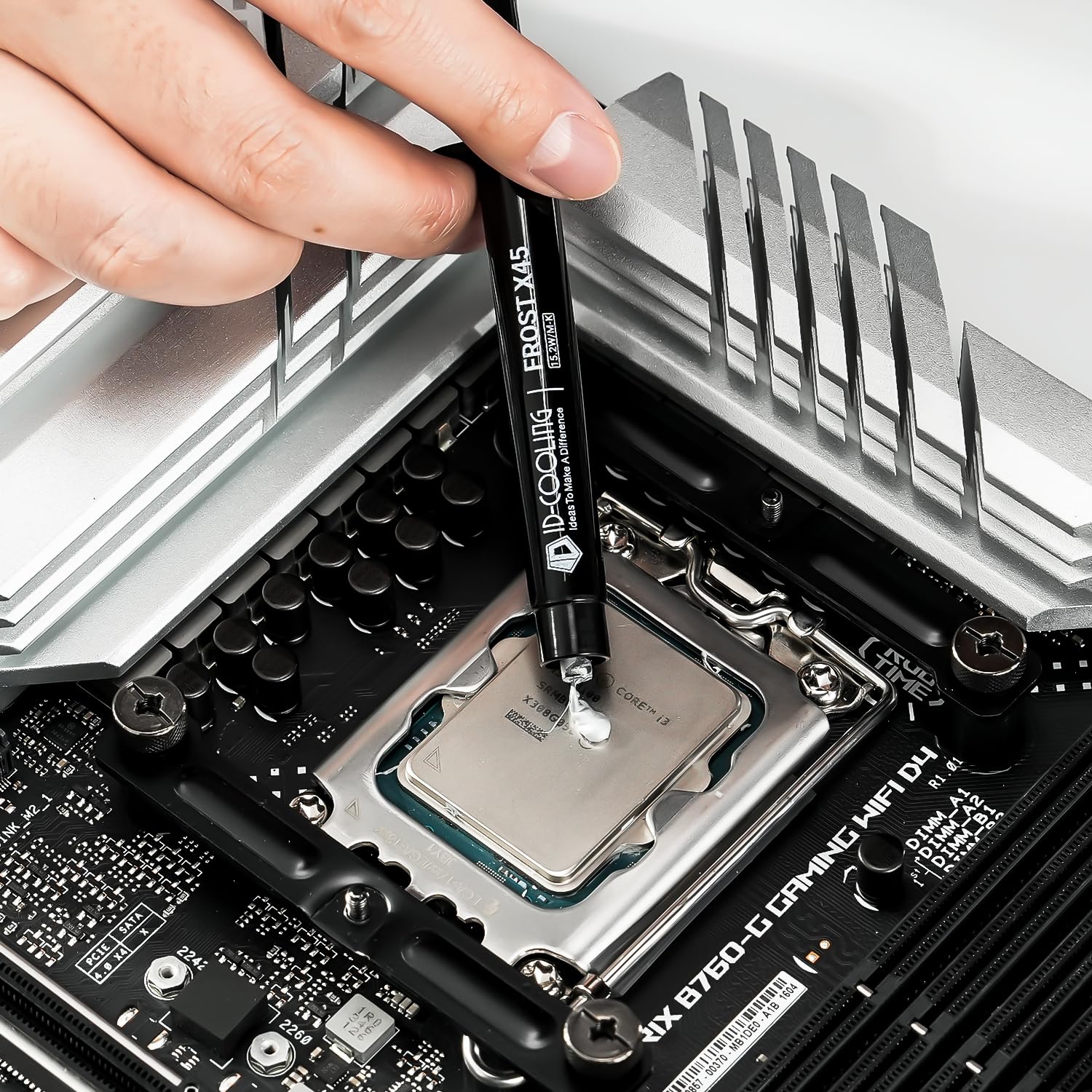
My desktop computer has been a pain in the...er... animal a bit like a Donkey but with less letters....lately, and I read that things MIGHT be improved by replacing the thermal paste on the C.P.U. . Very much out of my comfort zone as I am not very techy/geeky, but I found a youtube video to follow. I ordered this particular item as I was nervous of dripping thermal paste where I shouldn't, and I hoped the syringe would give more control. It was a great help. Note: Do make sure to PATIENTLY AND GENTLY erode the old hard paste, take your time. Do not try to chip it off. It is gentle but effective if you persevere calmly. DO hoover out any "crumbs" of the hard paste that might break off and fall into any crevices around the C.P.U. It's quite satisfying if you don't try to rush it. The syringe is pre-loaded with paste, and there IS also a little pouch included with cleaning wipes, but I left that unopened and cleaned with a micro fibre cloth dampened with surgical spirit. There is ALSO a plastic spreader included for spreading the paste, but advice online was NOT to use that, but to instead apply 5 dots of the paste onto the c.p.u. ONE dot about the size of a small pea in the centre, and then 4 "satellite" dots, slightly smaller, near each corner but a little away from the edges so they have room to spread without going over the edge. Think of the number "5" face on a big dice, but with the central dot a bit larger than the other 4. (ooh I'm so helpful aren't I?) I then carefully replaced the cooler fins and fan on top of the C.P.U., and tightened the securing screws, a bit at a a time, going diagonally opposite each time, so that it was the process of doing THAT that actually spreads the thermal paste evenly! This avoids the risk of using the spreader inaccurately. Prior to doing all this I downloaded a free programe called Core Temp, and it had shown my CPU idling at 65 degrees c, and at 102 degrees under load. After applying this paste it now idles at 37 degrees. I've yet to put it under load but it has obviously made a huge difference, and for less than £10. ( I already had a bottle of surgical spirit). NOTE: MY C.P.U. is an i5 about 40mm x 30mm , the size of a slim matchbox. It MIGHT be that, if you have a much larger C.P.U. , the supplied spreader would be the better option, but as I say I'm not geeky enough to say for sure. Good luck! Honest Steve. Oh! And a couple of the dots I tried to apply did want to "cling on" to the syringe, so they slightly "smeared" onto the C.P.U. "MyBad" as some people say. I managed to poke and prod them back into the rough shapee of a small pea, as of course the more uniform the blobs are the more evenly they should spread. There is enough paste in the syringe to maybe practice releasing the blob of paste on some sacrificial bit of metal, but I didn't think of that until afterwards.
D**L
difficult to spread
G**E
Al netto delle specifiche dichiarate, che non si possono dimostrare facilmente, sembra comportarsi molto bene, mantenendo molto basso il Delta-T tra chip e liquido di raffreddamento. Inizialmente può sembrare leggermente granulosa quando applicata con la spatolina inclusa, ma provando a montare e smontare il dissipatore si vede che la pasta si stende con facilità fino a lasciare un velo quasi invisibile, riducendo al minimo il gap tra le due parti. Per l'applicazione con la spatola, consiglio di non provare a stenderla troppo sottile a mano, perché finireste col rimuoverla e basta; usare invece una pressione delicata per lasciare qualche decimo di spessore, delegando al dissipatore il compito di schiacciarla, espellendo l'eccesso.
TrustPilot
4天前
1 周前