We remain fully operational. Our teams are working around the clock to ensure your deliveries continue safely.

下载应用程序


Buy anything from 5,000+ international stores. One checkout price. No surprise fees. Join 2M+ shoppers on Desertcart.
Desertcart purchases this item on your behalf and handles shipping, customs, and support to Hong Kong.
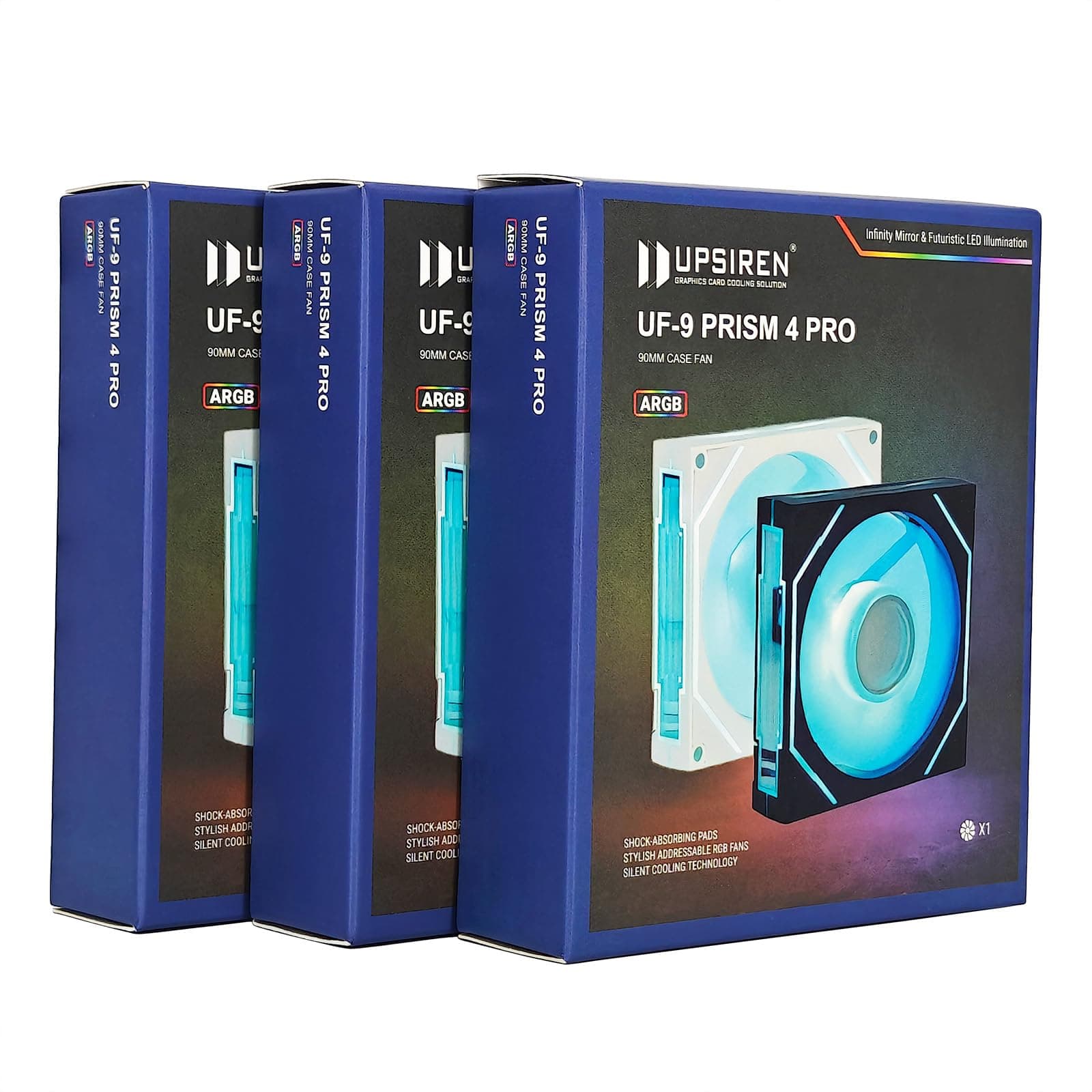
🖤 Cool your rig, light your vibe — the ultimate silent powerhouse fan!
The UPSIREN UF-9 PRISM 4PRO is a 92mm high-performance computer cooling fan featuring a 4-pin PWM interface for dynamic speed control between 800-2500 RPM. It delivers up to 40 CFM airflow with a strong 2.75mmH2O wind pressure, ensuring efficient heat dissipation in compact PC builds. Equipped with ARGB lighting supporting 16 million colors and motherboard synchronization, it combines silent operation (6-35 dBA) with vibrant aesthetics. Vibration-absorbing silicone pads and hydraulic bearings extend fan life while maintaining quiet performance.
| ASIN | B0DDTCCXG8 |
| Best Sellers Rank | #103,140 in Computers ( See Top 100 in Computers ) #893 in Computer Case Fans |
| Item model number | UF-9 |
| Manufacturer | UPSIREN |
| Package Dimensions | 10.16 x 10.16 x 2.54 cm; 90.72 g |
T**S
Excellent product and on time
S**O
Easy installation, easily connectable to arg/pwm hub if your mobo only has a standard fan header and not an argb header.
F**N
Very good quality and perfectly in sync. Barely any noise and cools well.
P**R
El producto que llego no es el que el vendedor anuncia, ni siquiera cumple con la velocidad quizas asi me los hubiera quedado pero ni eso, ya la voy a devolver
T**N
Replaces my simple old LED Molex case fan that was attached to the side clear panel with this one. This one is much quieter than the old one. Installation for me was a bit tricky since this is slightly larger than the old fan so the screw holes did not line up. I therefore had to get a bit creative. Standard fan power connection and extra cord for plugging into the ARGB of the motherboard for the lighting effects. The exposed pins of the ARGB connection does have a plastic cover to sit on those pins and protect them when not in use which is a nice touch. Both fan and ARGB have two connections allowing you to daisy chain if needed. Cords are a decent length although depending on case size and where you mount this/these fans, the cord could be exposed and not hidden. That's what I have to deal with since I placed it on the side panel and that panel is removable with the fan being up towards the top and the motherboard connections down towards the bottom. The cord reaches with some slack, but if I tried to tuck it away, it's not long enough for that and also would not be easy to disconnect when removing the side panel. So in my case, I have to live with it or see if I can get an extension to use. I'm currently using an old school mid-tower case and as you can see in the short video, cable management isn't that clean right now. I had temporarily swapped into another case and when I put it back into this one, I didn't bother making it pretty. You can however see the LED lights on the motherboard and this fan are in sync now instead of the fan being a simple one color constant LED light. I really like the LED effects on this fan and the side giving a tunnel like effect with the lighting.
TrustPilot
1 周前
2 个月前