Desertcart purchases this item on your behalf and handles shipping, customs, and support to Hong Kong.
โฐ Take control of time โ automate smarter, save energy, and never miss a beat!
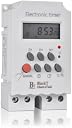
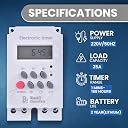
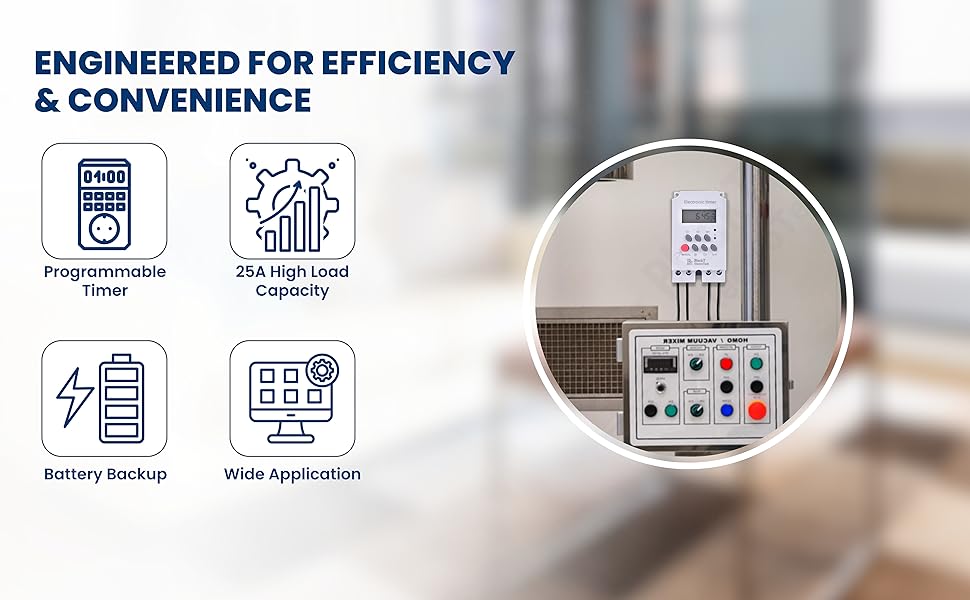
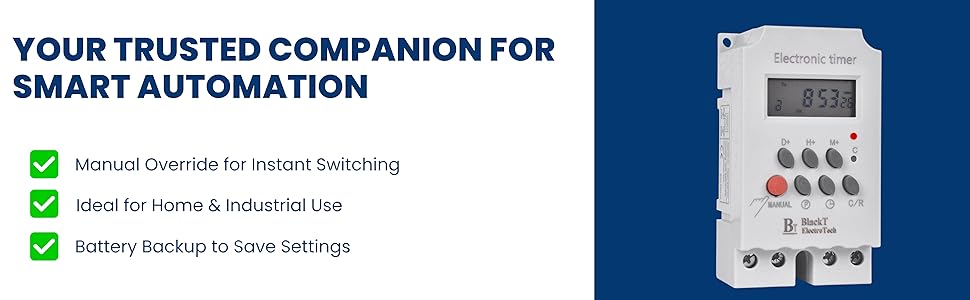
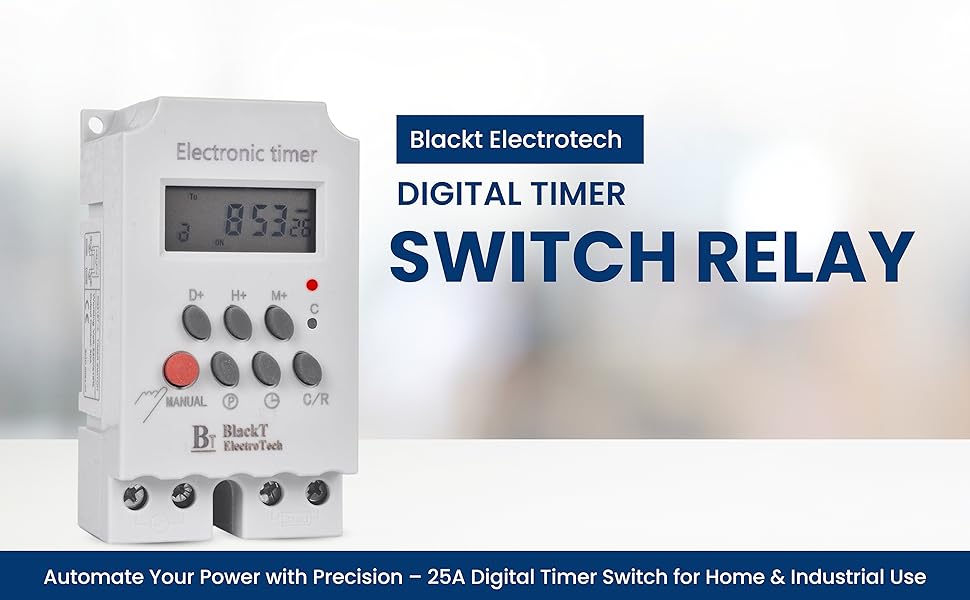
The Blackt Electrotech BT41D4 is a compact, DIN rail-mounted digital timer switch relay designed for precise automation of single-phase electrical devices. Featuring 16 programmable ON/OFF cycles with 7-day scheduling, a robust 25A relay, and a backup battery to retain settings during outages, it offers versatile control for residential, commercial, and industrial applications. Its dual AUTO/MANUAL modes and space-saving design make it an essential tool for energy-efficient, reliable device management.


| ASIN | B07NBBYN4N |
| Best Sellers Rank | #31,068 in Home Improvement ( See Top 100 in Home Improvement ) #67 in Wall Timer Switches |
| Brand | Blackt Electrotech |
| Colour | White |
| Country of Origin | India |
| Customer Reviews | 4.1 out of 5 stars 644 Reviews |
| Display Size | 99 Millimetres |
| Enclosure Material | Polycarbonate |
| Importer Contact Information | Blackt Electrotech |
| Included Components | false |
| Item Dimensions D x W x H | 10D x 6W x 8H Centimeters |
| Item Type Name | timer |
| Item Weight | 130 Grams |
| Manufacturer | Blackt Electrotech, www.blackt.in |
| Manufacturer Contact Information | www.blackt.in |
| Manufacturer Part Number | BT-21252 |
| Material | Polycarbonate |
| Model number | BT-21252 |
| Number of settings | 16 |
| Packer Contact Information | Blackt Electrotech |
| Product Dimensions | 10D x 6W x 8H Centimeters |
| UPC | 710918665375 |
| Unit Count | 1.00 Count |
P**D
Quite useful product
The product is quite good. Even instructions are also quite helpful (see the official video of company on youtube). Now I had faced the problem of E1 or E2 error codes. After watching their official video I got the hint and corrected. I had searched for the solution to E1,E2 error codes but could not find. So briefly mentioning what is procedure So here is the sequence. 1) take a thin (like a ball pen tip) object press the soft cushion reset button just below the red led on right edge. This will RESET every thing. now the timer will show 00:00 2) now first you need to enter the Day : Hours : Minute as described in videos/instruction manual. In case the keyboard is locked. press the BIG RED unlock button. 3) after setting the time now press P BUTTON . it will show 1 ON set the on time as you want (as explained above) press P BUTTON again repeat same for OFF time and repeat this process as many times as you want multiple ON OFF times. 4) NOW TO COME OUT OF PROGRAMMING MODE PRESS THE "CLOCK BUTTON ON RIGHT SIDE OF P BUTTON. (May pressing other button landed me into E1, E2 problem.) Now you had come to TIME DISPLAY mode. 5) Now for safety press BIG RED button to lock this keypad. 6)If anywhere you missed sequence / pressed wrong button and get into E1 E2 business, 'LIKE ME' repeat the process with that thin object (ball pen tip). BY THE WAY SEE only THE OFFICIAL VIDEO FOR ACCURATE INFO/less confusion. I am using this product for a sump motor. The sump motor had come with it's own starter box. Now this output of this timer is given as input to that starter box. secondly i had kept in another plastic box since I did not have the DIN rack ) purchased in Sep/25 added review on may/2 say after >7 months This product is working is working without an issue. I am using it to start another starter for my sump-submersible water motor/pump. This small unit I kept in a shaded area. Though I can program it in multiple ways at present it switches it on two times a day for 5 mins each. Whether we are at home or outside this does it's job well.
K**L
Value for money.
Good performance. Skill is required to set the timer. Value for money. Quality is good.
N**R
One of the best automation products!
Works like a charm. Installed it few days ago, using it to control my staircase and gate lights. Let's see how good it performs in a long run. Strongly recommended automation product for all size homes and offices. Not recommended for very heavy usage, experiences and reliability may differ. Will update on the performance after few months of usage. I wish it came with a face cover to protect the soft input buttons.
L**S
Good product and works well.
So far, so good. Working well. Easy to install, easy to program Only problem is that the electrical connecting points are exposed so we had to improvise and attach a plastic strip to cover them. (See photos)
S**G
Good product .but setting information in mannual actual different
Good product..but confusing In manual , amazon description sheet. And actual product operating setting difference. Which will i can follow
J**E
The performance is not upto the mark
My device is showing error codes E2 & E1 on the display after setting the timer to work for 30 minutes every 2 hours daily. it worked for 1 day after setting up and then when i checked, the timer was in off condition. Surprising fact is that i had only connected my 20 watts axial fan with this timer as a trial. The display showed error. I tried several times and the same condition repeated. The product is an utter failure and it is in my cupboard waiting to be thrown into trash.I am totally dissatisfied by this product and i would not recommend anyone to buy this product.
S**J
Good
Working good with another sensor i am using Motion sensor with siren
C**S
A good Digital Timer Switch.
A good Digital Timer Switch Relay. But time with main clock. It goes slow. Has to readjusted after some months.
Trustpilot
2 months ago
2 months ago