

Desert Online General Trading LLC
Warehouse # 7, 4th Street, Umm Ramool, Dubai, 30183, Dubai
Desert Online General Trading LLC
Warehouse # 7, 4th Street, Umm Ramool, Dubai, 30183, Dubai




🔦 See Beyond the Surface with DEPSTECH!
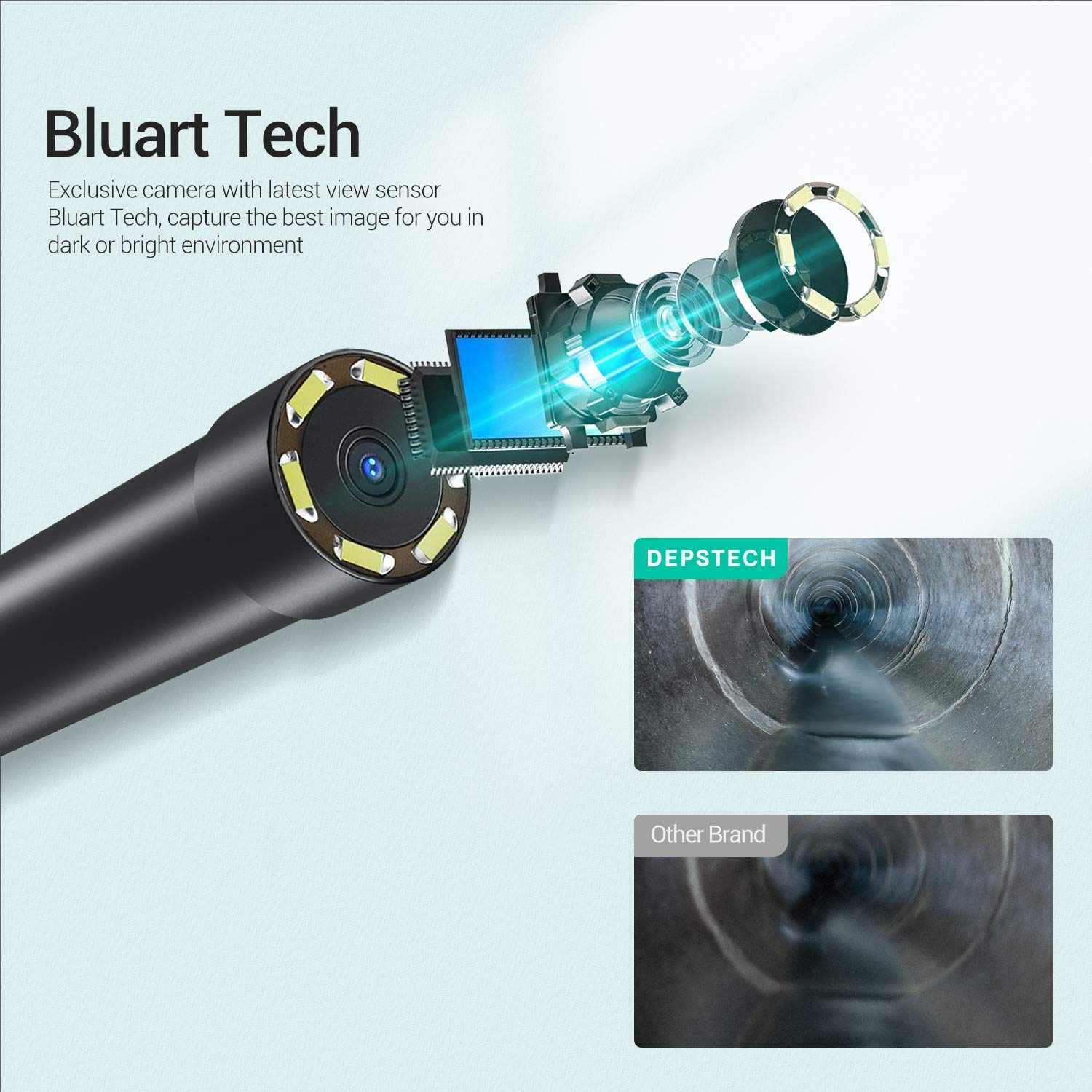
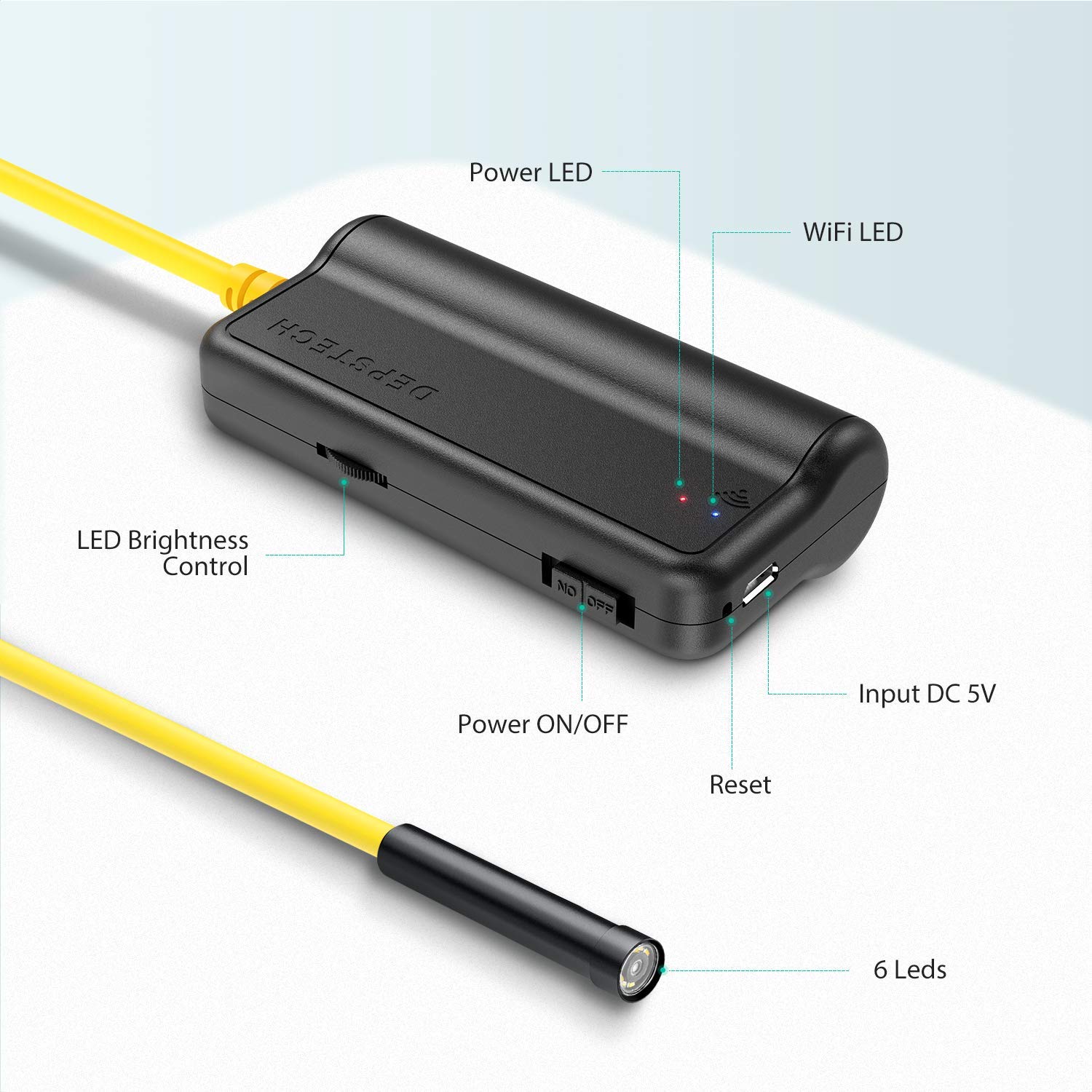
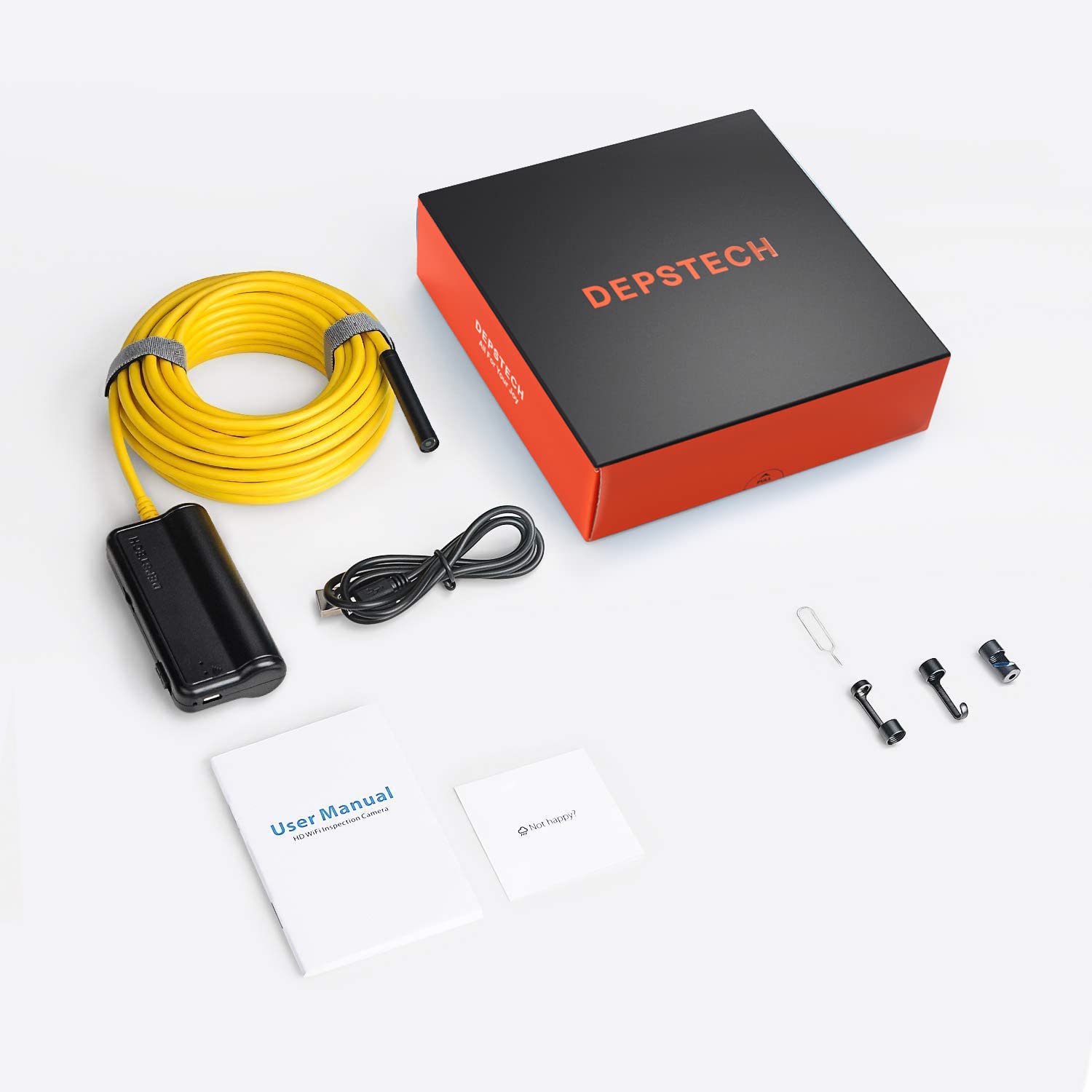
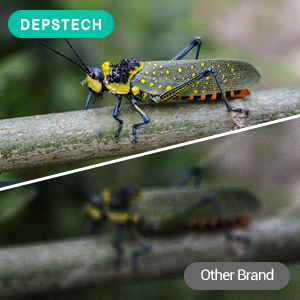
The DEPSTECH WiFi Borescope is a cutting-edge inspection camera featuring a 5.0MP HD resolution, 33FT semi-rigid cable, and a powerful 2200mAh battery. Compatible with both iOS and Android devices, this versatile tool is perfect for inspecting hard-to-reach areas, including pipes and appliances, with adjustable LED lighting and an IP67 waterproof design.




L**S
Works great if you know how to configure an IOT device
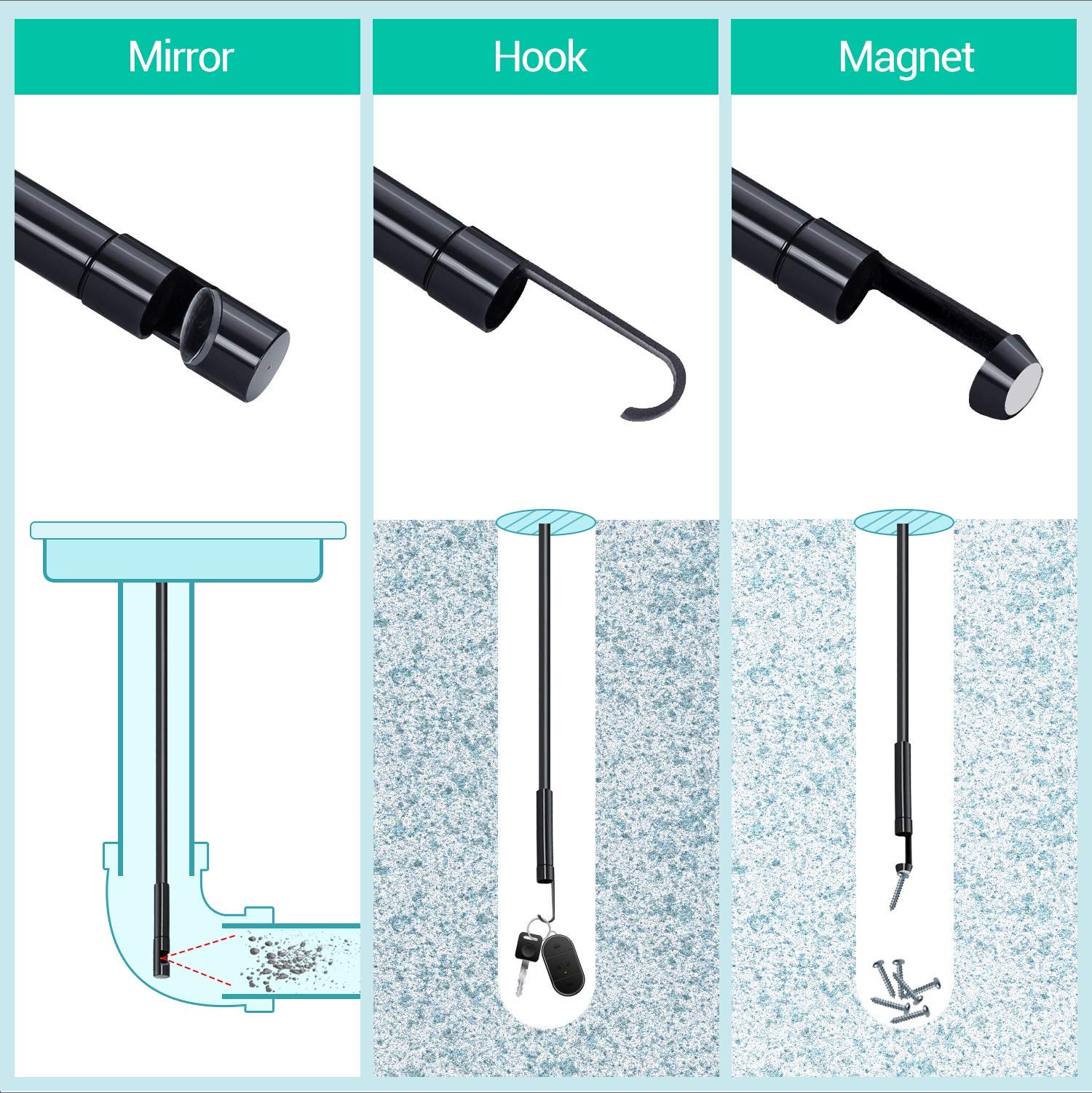
The media could not be loaded. Shoots video and stills at 2592x1944 13fps resolution. Detail is pretty good and focal length is usable in tight spaces. Variable led brightness has a good range and the slow shutter speed helps with exposure. Not sure about the right angle lens' usability though. I'll have to mess with it more. Also comes with a strong magnet head for pickup of ferrous items and a round hook end for other things. The 10M lead is fairly stiff for going longer distances but it's not going to push through hard obstacles. I attached a video but I don't know if Amazon stores it at full quality for you to see.If you aren't used to configuring IOT type devices, you may struggle with how it connects to your phone. It worked for me immediately though. The basic premise is that the camera creates a wifi network, you have to connect to that network with your phone and then open the app that connects to the camera over this network. Most phones, however, want to connect to the internet and will do everything possible to do that. The camera's wifi network does not create a connection to the internet, of course.Best bet is the following after installing the depstech app. [Place your phone in airplane mode and then turn wifi back on. Turn on the camera and connect to the depstechxxxx access point with your phone; password 12345678. Make sure your phone stays on this connection and doesn't jump to another wifi network or try to switch back to cellular. Open the depstech app and it should connect to the camera and display an image. Now you can view, record and take stills.] Do those steps each time you want to use the camera. In the settings of the depstech app there are options to change the camera's wifi ssid and password BUT DON'T DO THIS. If you change these from default you run the risk of permanently locking yourself out of the camera. The only possible reason to do this is if you use multiple cameras simultaneously with multiple phones. In that case there really isn't a need to change things either as each camera has their own wifi network name ssid. Changing the password is just a horrible idea.
N**N
Awesome and handy camera but difficult to maneuver at this length
I purchased two of these a couple years ago and have used them for many things including finding out where pipes and wires are in the walls, checking out sources of leaks in the house and even exploring a rat nest under a tree. My brother in law uses his to check out how baby birds are doing inside their egg and in their incubation area. The 33ft length was a mistake for my use cases. It’s just very difficult or impossible to maneuver beyond several feet unless it’s being guided through a conduit. Sadly the control box is a bit fragile and the micro usb charging port detached internally and the unit will not charge anymore. I suppose for the price I got good use out of it, but a little more robust construction of the control unit would go a long way.
E**A
Product is Simply Great
product is easy to setup and use it is a great value for the money it is not for professional use however that being said it does a great job to look inside of whatever you may need to look inside of. I am in the process of rebuilding a 1985 Honda Aspencade 1200cc Motorcycle. Using this Endoscope I was able to view and correct a build up in one of the cylinders that would have cause the motor to lock up or not be able to completely be able to turn over let alone run. Because of using the Depstech Endoscope I was able to discover and correct the situation and am happy to say that the engine now runs just fine. Thanks to finding the problem before trying to start the Motorcycle.
A**R
Pushing a Rope
If there are any obstructions or turns, camera head hangs up. Should add ball attachment like Nivage unit. Extra length is not useful - ever try to push a rope? Navigating anything but a straight smooth pipe is difficult at best. Semi-rigid tube is not nearly as rigid as a pipe snake and turning tube to navigate is a pain. If I wanted to use this as a long run device I would attach it to / insert it into a pipe snake.That said, app worked well (surprisingly given other reviews). I set my phone wifi to ask to connect so none of my networks would automatically connect. Also, the image quality was very good, but viewing angle is pretty narrow. The unit seemed to be good quality but it just didn’t fit my needs.
J**J
Great picture quality
Taped camera to a drain snake with tape every foot and a different color at 3, 6, 9 to make it easier to keep track of how much was down the drain. Found tree roots seen in photo (head of drain snake in bottom right of photo). Easy to use - just read and follow instructions. Picture quality on my iPhone was great. Connects with WiFi transmitted from the camera's power supply end. Can adjust LED lighting for best photo and can flip scene 90 degrees to make it right-side up. YouTube video by Bump on sewer camera was great instruction. Just what I needed.
Trustpilot
1 month ago
3 weeks ago
1 month ago
1 month ago