
DOWNLOAD THE APP



Desert Online General Trading LLC
Warehouse # 7, 4th Street, Umm Ramool, Dubai, 30183, Dubai
DOWNLOAD THE APP
Desert Online General Trading LLC
Warehouse # 7, 4th Street, Umm Ramool, Dubai, 30183, Dubai

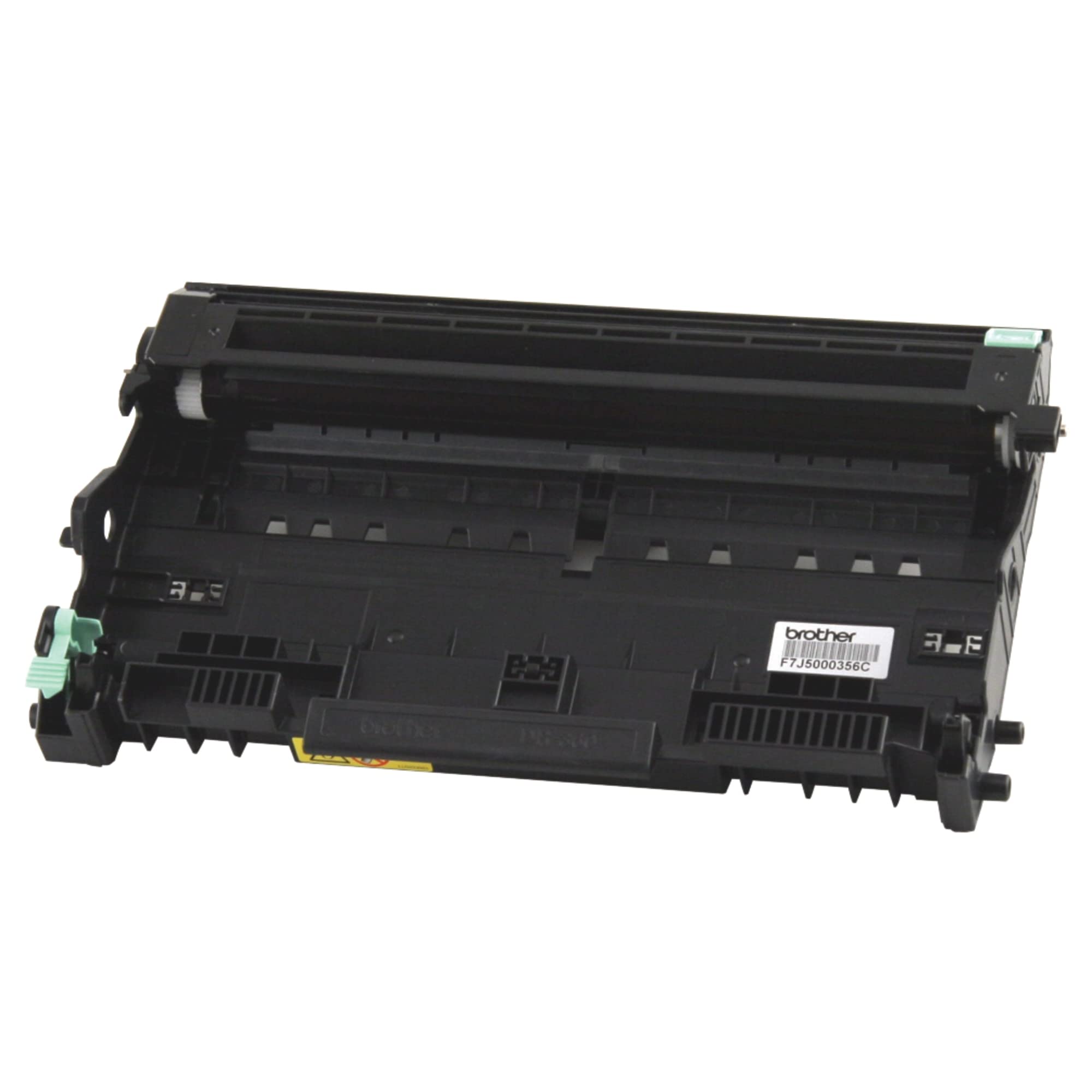
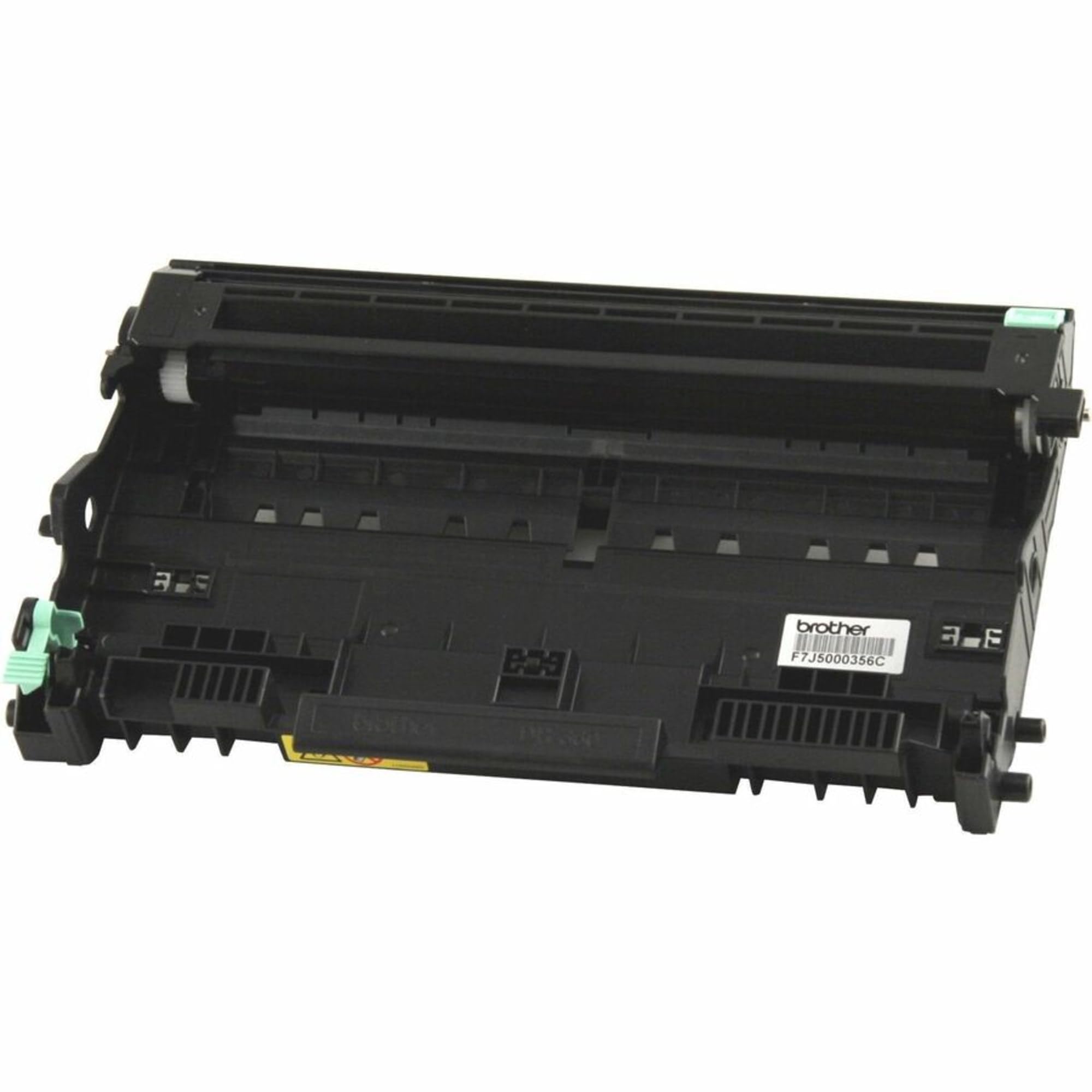
🖤 Print smarter, last longer — the Brother DR360 keeps your workflow flawless.
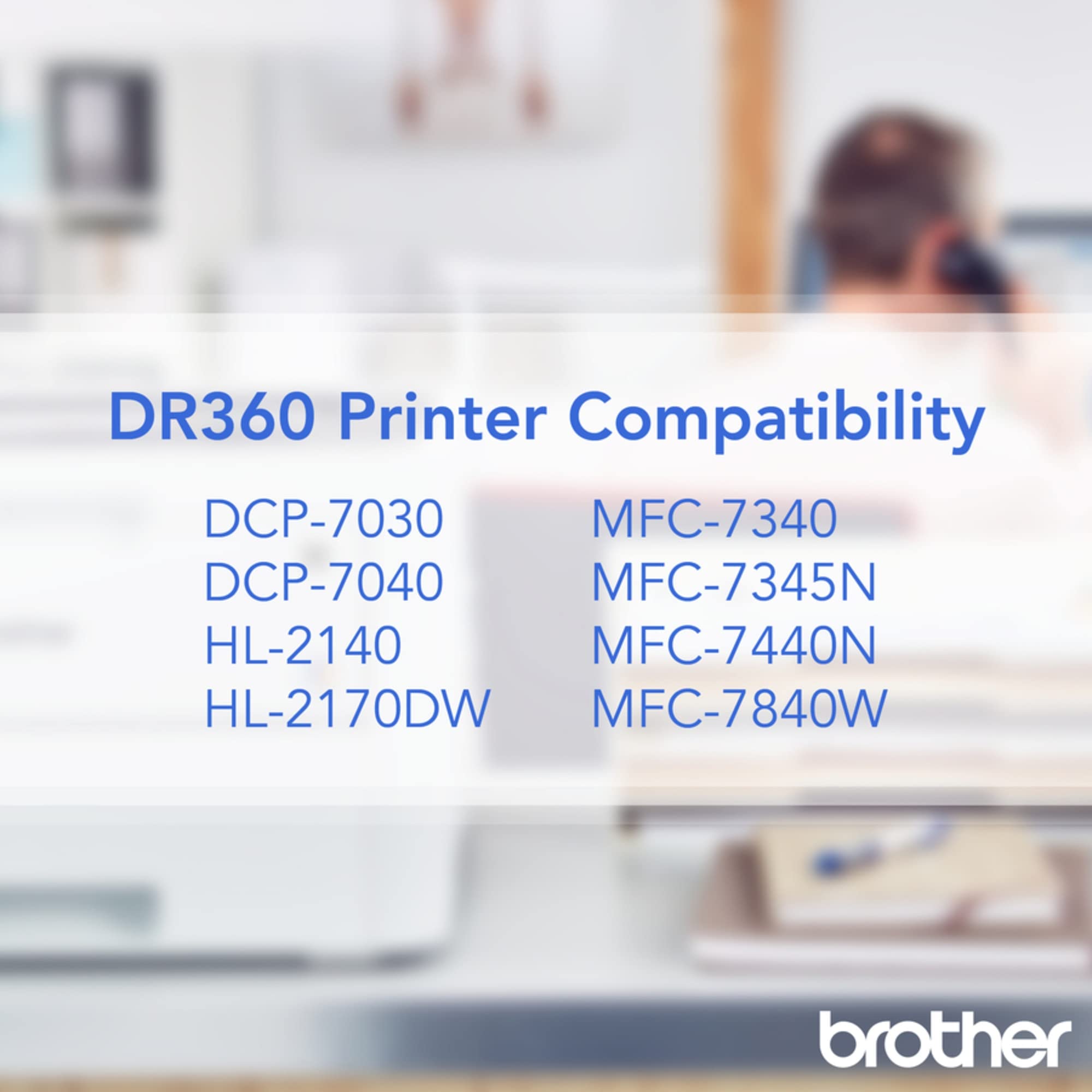
The Brother DR360 Drum Unit is a genuine replacement part designed for select Brother mono laser printers and all-in-ones. Engineered for precision, it delivers consistently sharp prints with a high yield of approximately 12,000 pages. Manufactured in ISO-certified facilities, it supports eco-friendly disposal and comes with Brother’s reliable warranty and lifetime tech support, ensuring seamless integration and professional print quality.


| Manufacturer | Brother |
| Brand | Brother |
| Item Weight | 0.96 ounces |
| Product Dimensions | 4.6 x 8.3 x 14.2 inches |
| Item model number | DR360 |
| Is Discontinued By Manufacturer | No |
| Color | Black |
| Material Type | Toner |
| Number of Items | 1 |
| Size | Brother Genuine Drum Unit, DR360, Seamless Integration, Yields Up to 12,000 Pages, Black |
| Ink Color | Black |
| Manufacturer Part Number | DR360 |
O**Y
Always Buy OEM!
I always buy OEM printer supplies. They simply work without issues.
L**8
Works
Works
D**G
Read this before replacing your drum and save a lot of money.
If you really have the urge, you can probably beat out a strong rhythm on this thing, but for day-to-day use, it's a printer drum. You know for your printer. Writing a review for it seems a waste of time.It works well. After you replace the drum, you'll need to tell the printer that you have replaced it, or it won't know it's been changed. See below:Brother printers tell you to replace the drum based on the number of prints that have run through it, NOT because it's wearing out. You do not need the drum replaced when it tells you to replace it. Most of the time, you can simply reset the drum count, and it will work again for tens of thousands more copies. I typically reset my drum count 6 times or so before the print quality degrades and I decide I actually NEED to replace it. The instructions vary from printer to printer, but the basics are similar to:1. Open the front door. Press a button (some models it's menu, some it's "0"...2. If you have an LED screen you'll see the message "Replace drum" Press Yes.3. Done.Google "Reset Drum Brother (your model here)"HL Series:Open the front door where the drum goes while the printer is on;Press and hold the “GO” button until all lights are lit;Once all light are lit, release the “GO” button and close the front door;Make sure the drum light is off;The counter is reset.
N**K
Works great! Fixed what I thought was a dead and dying printer...
My HL-2140 printer started paper jamming left and right a few weeks ago. Completely at random. It would print 10 pages and jam. Work fine for a day, then jam. Or, it would jam with every single page that I attempted to print. Hair-pulling expletive-yelling frustration.The LED error code indicated an end-of-life drum although the page counter said it was only at half its life.Well, I bought the OEM replacement drum because a printer would cost not much more than the drum and if the drum DIDN'T fix it, Amazon would accept the return.Well, it was the drum. After replacing with this product I have not had a SINGLE jam. Turns out they weren't actual jams, just the printer saying, "Nope, I'm not printing until I get a new drum installed."5 stars, even with the high price.
S**Y
OEM product performs well
Easy to purchase (good price and free Super Saver shipping) and easy to install. This product is the OEM version, not the generic one, and I have used it without a problem for over a year in my Brother DCP-7040. I use my printer for a lot of work that I bring home and some personal printing like coupons and email. I print frequent small jobs (1-10 pages), not so much infrequent large jobs. I print small images, not so much large images. Tip: Don't use recycled or printed paper to print because that's what damaged my drum in the first place. I now use only clean paper with no prior ink on it.
C**T
Great replacement
Excellent replacement for an aging/defective drum. Now the printer makes nice, clean copies and prints.
M**M
invioce
for my printer
M**Y
Before you buy.... Simply reset the drum counter
I love my Brother HL-2170W printer and always get Brother brand toner for it. After using several toner cartridges, I started to get "replace the drum" messages but I ignored them because the print quality was fine. Then finally the 'Replace Drum' light came on and the printer refused to print at all. I ordered this Brother brand drum, and when I got it I saw in the instructions that I needed to reset the drum counter after installing the drum. (Keep the power on and the front door open. Hold down the ON button until all four lights light up, then release the button and close the door.)Just for kicks, I put the old drum back into the printer and reset the drum counter. Sure enough, the printer is now all set, printing just fine. Someday, when the print quality suffers due to streaking, etc., I'll actually open up the new drum that I have just purchased and install it. In the meantime, I'll keep resetting the drum counter.I wish I'd tried resetting the drum counter before I ordered this. But it's good to have it on hand, just in case.
Trustpilot
4 days ago
5 days ago