
DOWNLOAD THE APP


Customer Services
Copyright © 2025 Desertcart Holdings Limited
DOWNLOAD THE APP
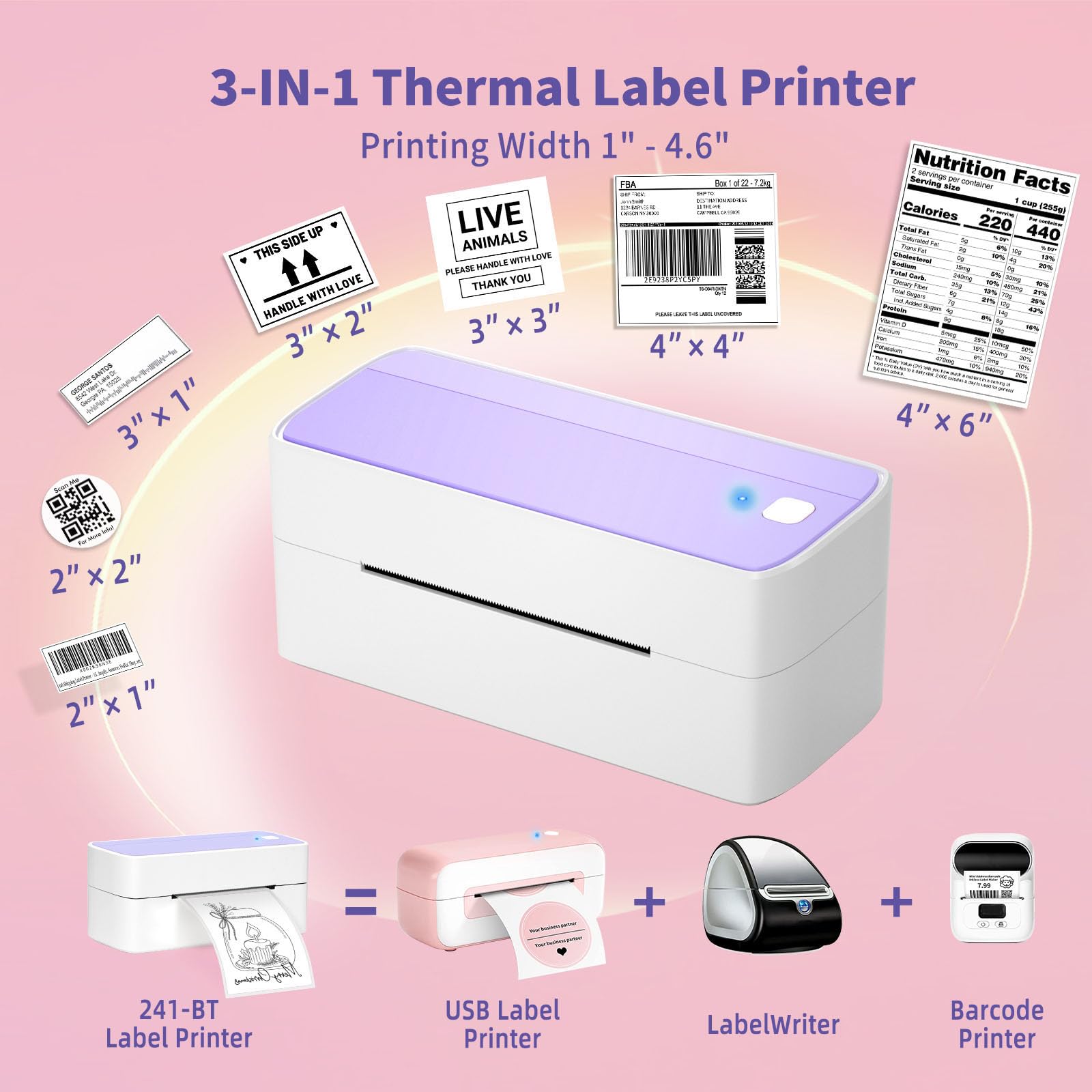


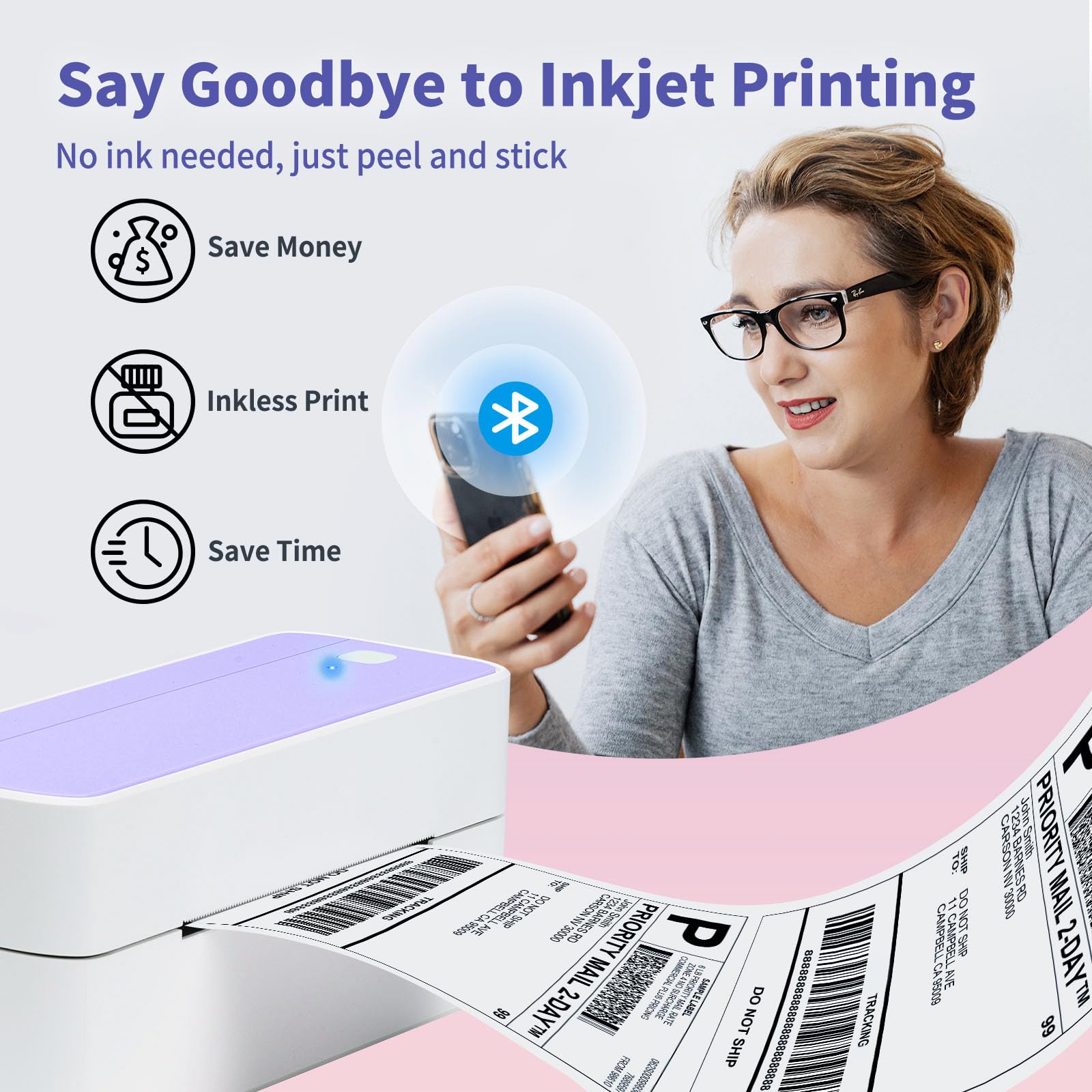
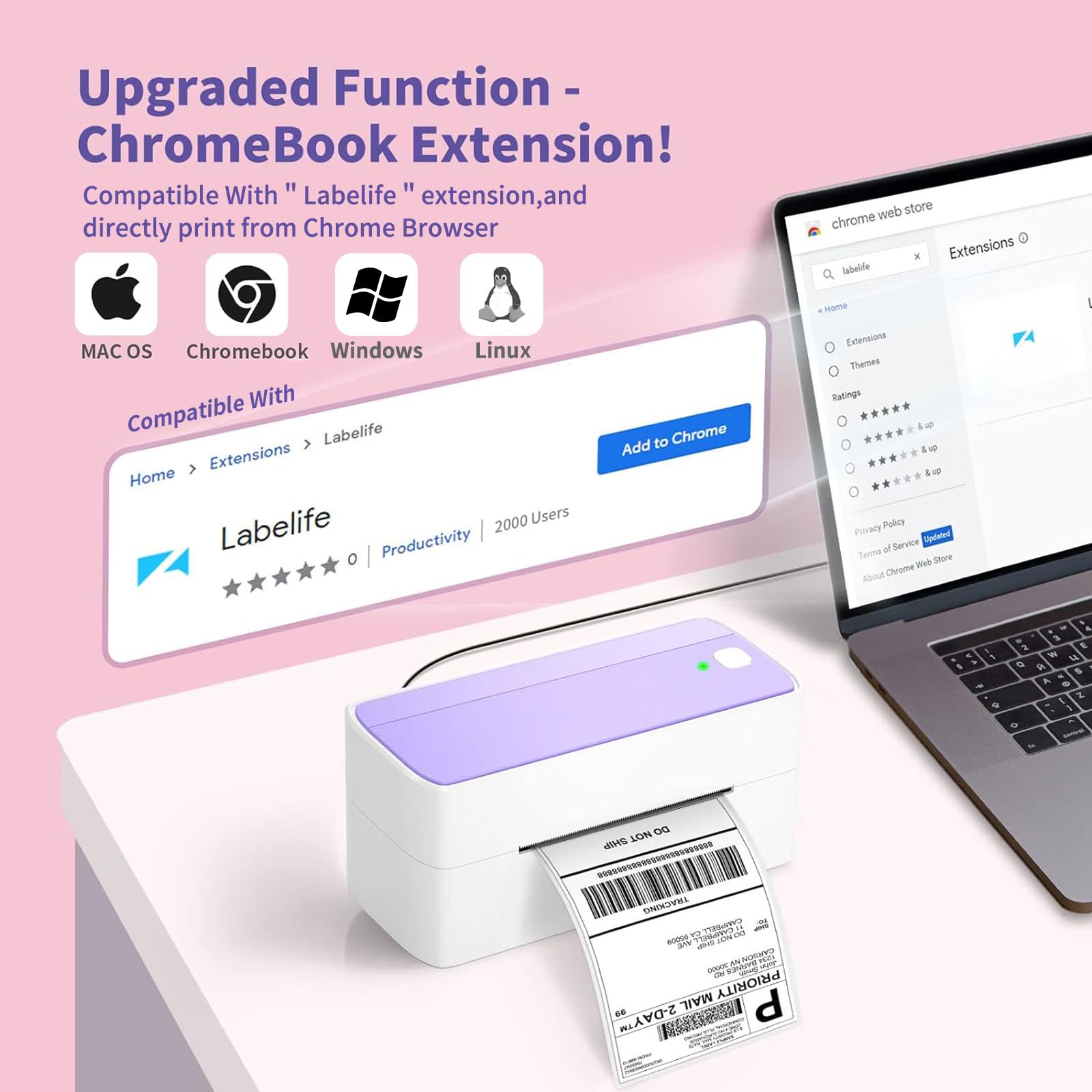
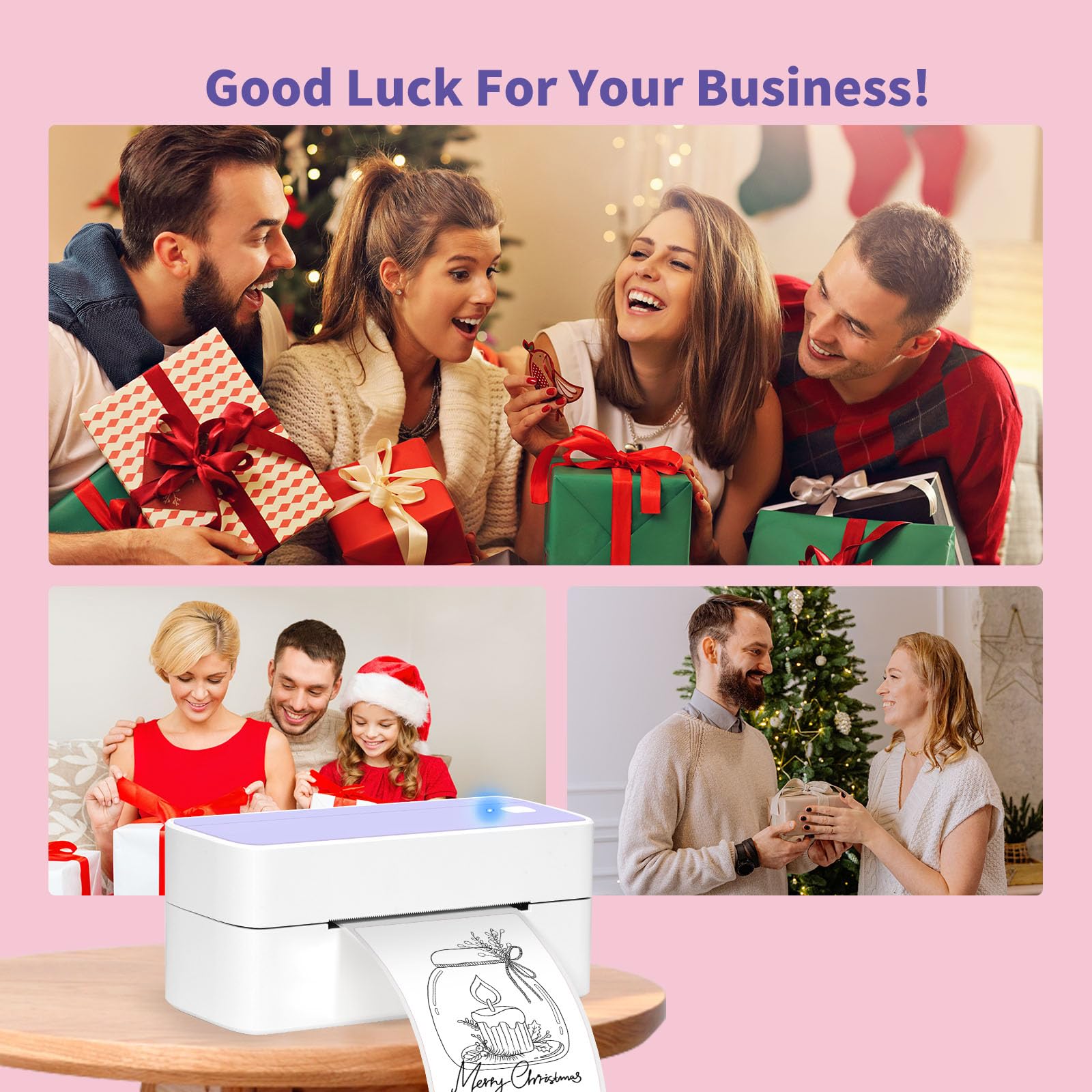
📈 Print Your Success: Where Function Meets Flair!
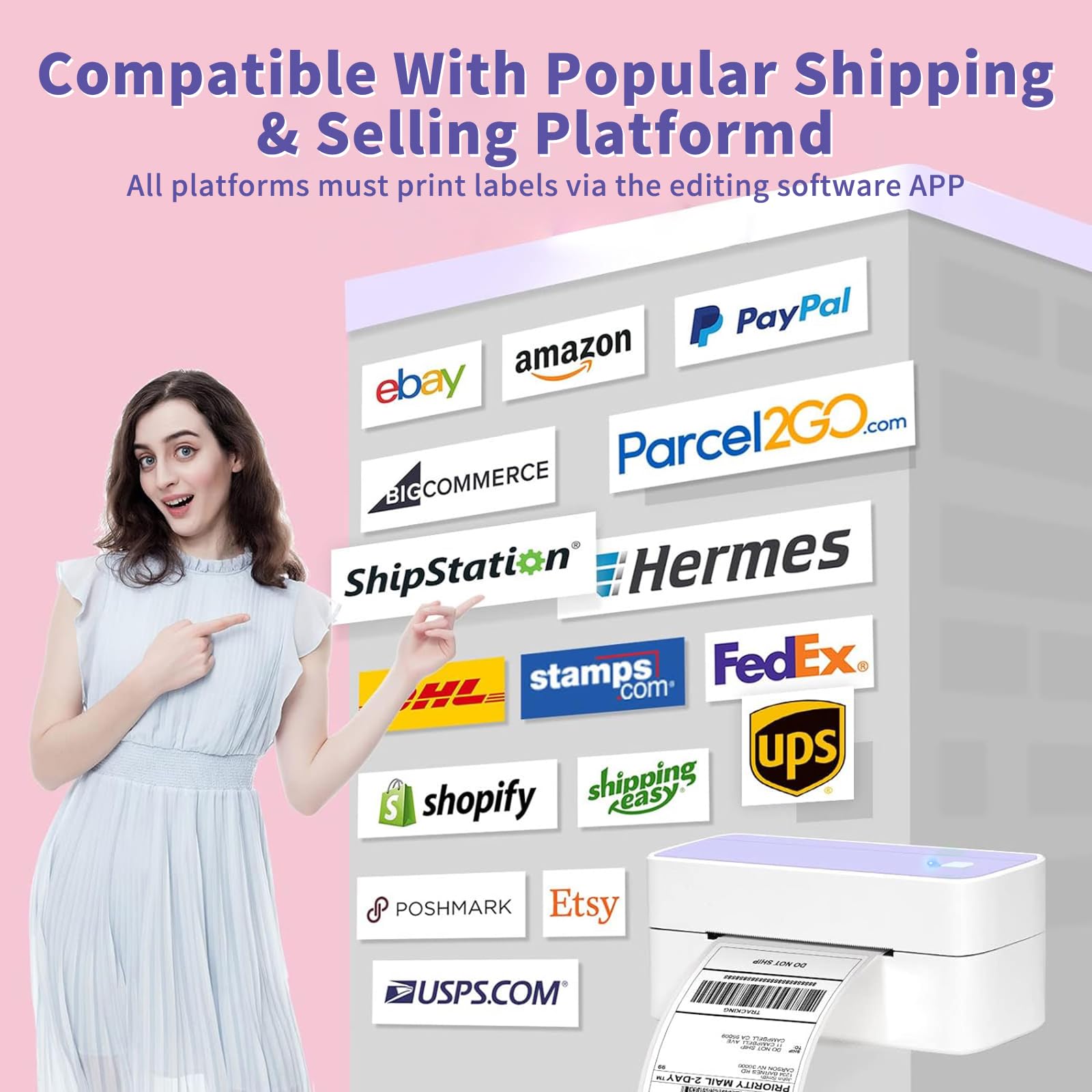
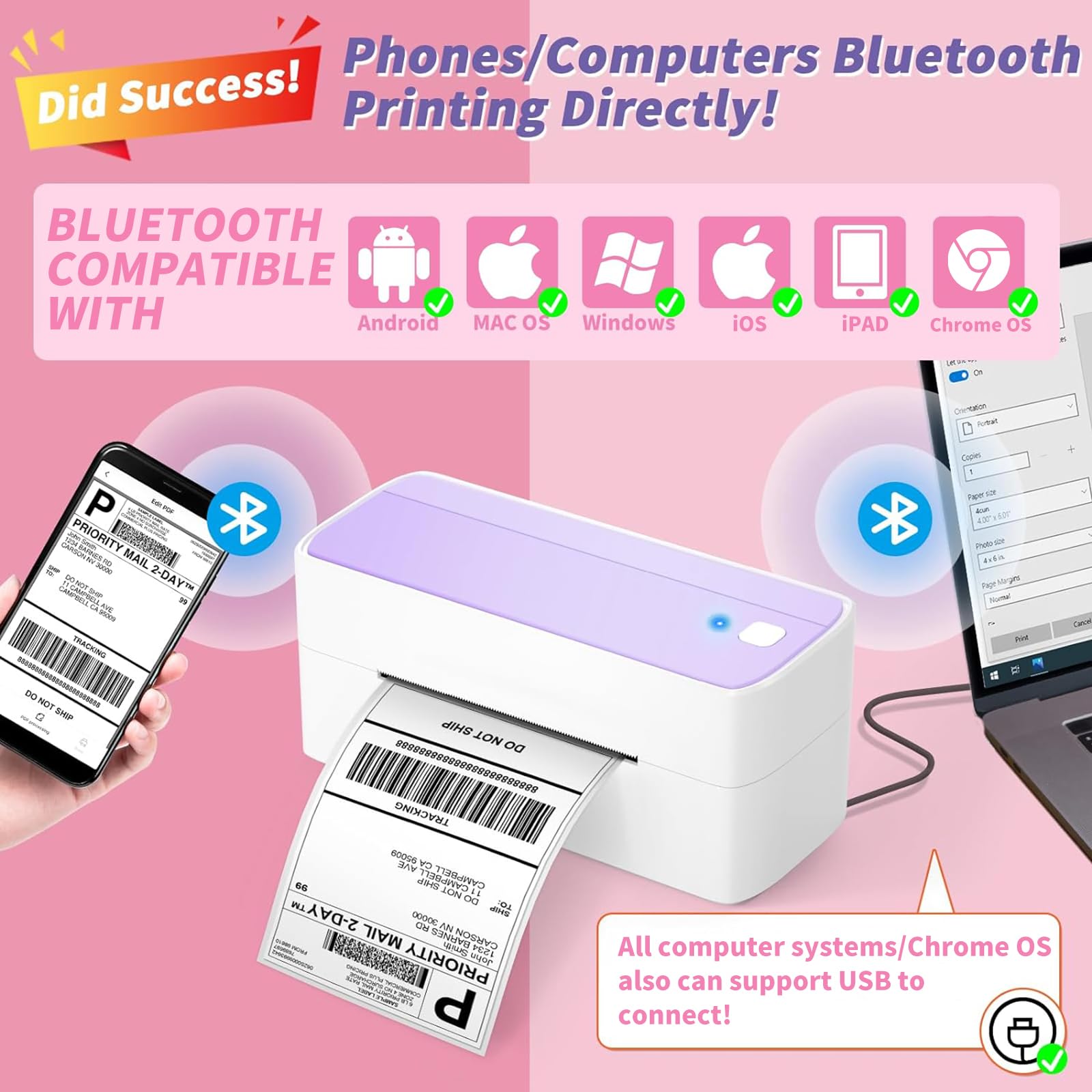
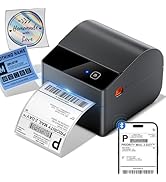
The ASprink Bluetooth Shipping Label Printer is a versatile and stylish thermal label printer designed for small businesses. It supports both Bluetooth and USB connections, is compatible with a wide range of platforms, and utilizes advanced thermal technology to eliminate the need for costly ink. With a unique purple design, it not only enhances your workspace but also streamlines your shipping process, making it an essential tool for modern entrepreneurs.











| ASIN | B0BJ33CJW4 |
| Additional Printer functions | Print Only |
| Best Sellers Rank | #278,698 in Office Products ( See Top 100 in Office Products ) #661 in Desktop Label Printers |
| Color Depth | 1 bpp |
| Compatible Devices | PC, Smartphones |
| Control Method | App |
| Customer Reviews | 4.4 4.4 out of 5 stars (431) |
| Date First Available | October 13, 2022 |
| Dual-sided printing | No |
| Duplex | Simplex |
| Global Trade Identification Number | 06975344843016 |
| Hardware Interface | Bluetooth |
| Included Components | Printer |
| Ink Color | Black |
| Item Weight | 2.97 pounds |
| Item model number | PM-241-BT-PL |
| Manufacturer | ASprink |
| Max Input Sheet Capacity | 100 |
| Max copy resolution black-white | 300-600 dpi |
| Max copy resolution color | 300-600 dpi |
| Maximum Black and White Print Resolution | 300-600 dpi |
| Maximum Color Print Resolution | 300-600 dpi |
| Maximum copies per run | 1-99 |
| Model Series | 241BT |
| Number of Trays | 1 |
| Number of USB 2 Ports | 1 |
| Print media | Labels |
| Printer Ink Type | Thermal |
| Processor Count | 1 |
| Product Dimensions | 8.7 x 6.3 x 4.4 inches |
| Series Number | 241 |
| Sheet Size | 4.6 inches |
| Specific Uses For Product | Small business shipping, Online selling shipping, Shipping package labeling |
| Supported Media Sizes | 4 x 6 inches |
| Total USB Ports | 1 |
| Warranty Type | limited warranty |
B**E
Love this printer
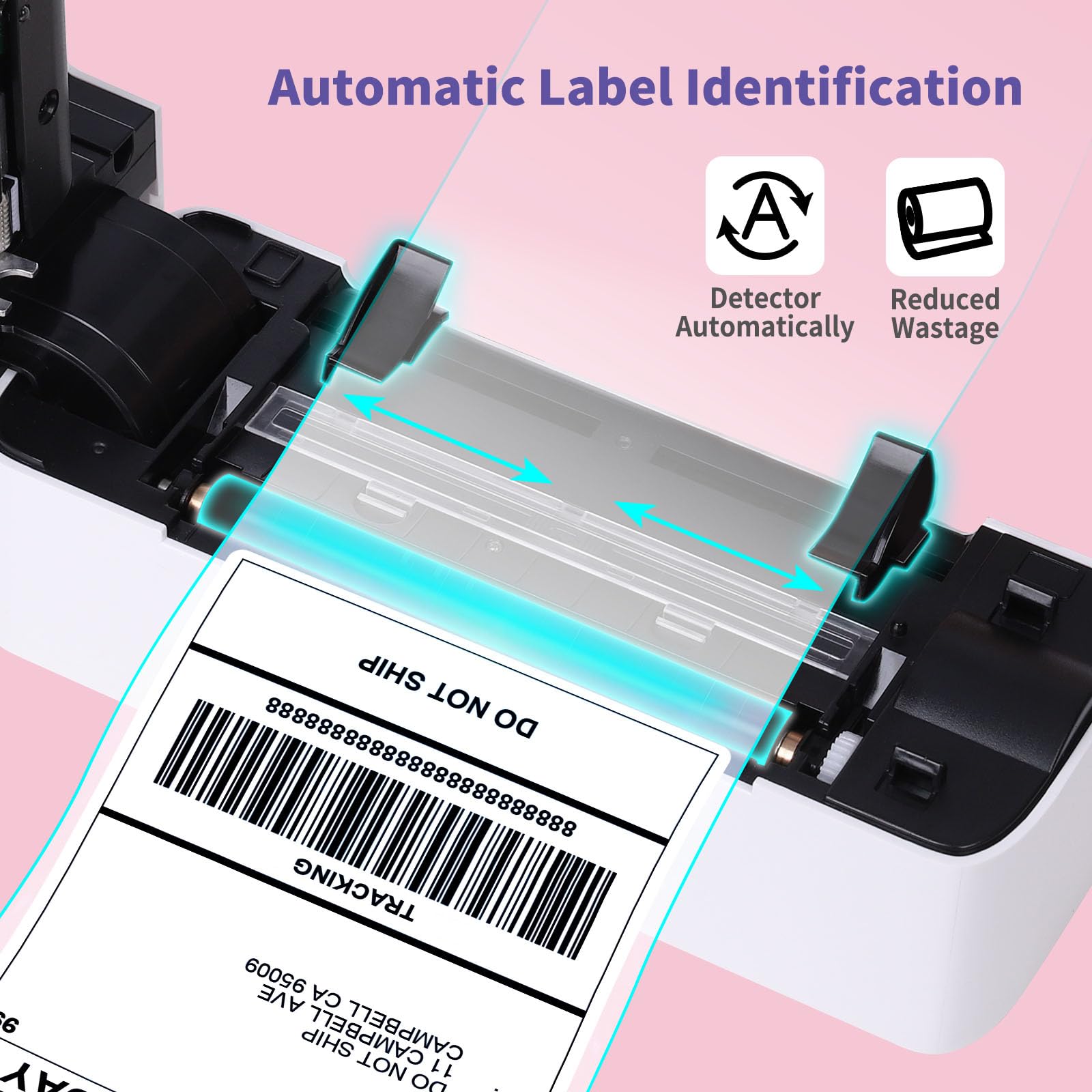
Have been using this label printer for quite some time now, and I think is very convenient. I do not have to buy ink at all. It’s connected through bluetooth and you can use the printer app to print out your labels, is very easy to do. The printer is compatible with iPhones, probably with other phones as well. You do have to make sure the label papers are centered so the label is not printed on crooked. The paper does not get jammed at all. The printer is very lightweight and portable. Good quality.
B**R
Just what I was hoping for!
This is my 4th label printer, and by far the best of the bunch. I have the following, in order of purchase: Jiose 4x6 label printer: entry level, cheapest available at the time; has served me well for my home-based business many years and is still working after thousands of prints Phomemo M400S: really fun 4x6 printer, my first Bluetooth enabled one, has a bunch of sticker and to do list templates and is very portable as it doesn't need to be plugged in to anything; the big con is that since it holds the labels internally it can only fit very small rolls of labels in a proprietary size, so it is not cost effective for business use Phomemo D30: similar features as M400S but in a mini handheld form just for quick fingertip labels And then there's this one! I love that it's Bluetooth, it prints much faster than any of the others I've had, and set-up was a breeze. Now I can operate my business straight from my smartphone if I want to, instead of having to boot up the computer every time. The price point is quite reasonable too. The one con I'll mention about all of these is that they each require their own phone app to work. I wish there was just a single open source app that could manage all of my devices, because I have way too many apps as it is. Now that I have 2 business printers, I can finally set up the two most common label sizes to just run and say goodbye to having to load and realign them every time I want to print a different sized label. Someday when the Jiose finally retires I will surely want another one of these so they can stack together more neatly as you see in my setup. I wish I could have gotten this a long time ago!
B**Y
Quality Fast Prints
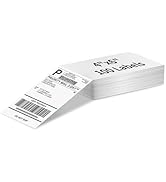
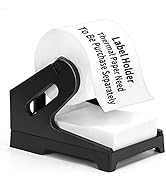
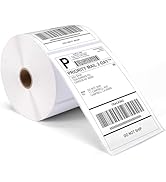
I love this printer! It is simple to use and prints fast, good quality labels. I bought this for our home business where we need to label shelves for product storage. Depending on the stock we keep on hand, we often need to change the shelf labels, and this portable printer is the perfect tool for that. We no longer need to go inside and print full sheets of labels on our home printer. Its handy portable size makes it simple to take out to the storage area and print directly from our phones via Bluetooth. The best part is that I can print as few or as many labels as I like and there is no waste. Things I Love: Prints Fast Portable Large selection of label sizes and shapes Easy Bluetooth Connection Things I don’t Love: No Integrated Roll Holder I had to purchase a label roll holder separately. It would be nice to have one integrated with or included with the printer, but I was able to find one for under $10. So overall I would recommend this printer.
C**Y
App sucks but the product is good!
This is exactly what I needed for my little crafty business. It is pretty easy to use and does a nice job. The app it uses isn’t my favorite and I wish they would make it a little more user friendly, but it’s still worth it.
D**E
Amazing
It is a little frustrating to get to work at first but once you do it makes things so much easier! It prints very clear, it does bundle up sometimes but I use it on n my counter so it catches on to things also. The customer service I received was amazing as well when I reached out for help!
B**M
Easy to use
I print all my Shopify mailing labels out on this printer & some labels for my products! Love it. I have had no issues & simple to use!
H**E
So Far Not Impressed
I’m not real thrilled with this printer. First off I don’t find it to be all that user friendly. The software could be better. Second I don’t print labels very often so it’s not uncommon for me to print one label and not print again for a month. For this reason I don’t want to keep my entire stock of labels on my desk all the time. They will get dusty ect. This printer will not allow me to print just one single label that is not attached to the accordion folded stack of labels. It just doesn’t recognize it. It feeds it through then stops and tells me there’s no paper and the red light flashes. That’s silly to me. Why does it not have the ability to print just one single label I feed into it? If it does have this ability I would have appreciated some type of instructions in the booklet it came with. Not everyone needs to print 100 labels at a time. When it does give the red blinking light you have to open it to get the stuck label out and once you do that it still continues to flash red. I’m frustrated and I don’t think I want to keep it at this point. If anyone from customer service can assist me that would be great.
Trustpilot
2 weeks ago
2 days ago