
DOWNLOAD THE APP



Desert Online General Trading LLC
Warehouse # 7, 4th Street, Umm Ramool, Dubai, 30183, Dubai
DOWNLOAD THE APP
Desert Online General Trading LLC
Warehouse # 7, 4th Street, Umm Ramool, Dubai, 30183, Dubai







🚀 Power your play, own your grind.
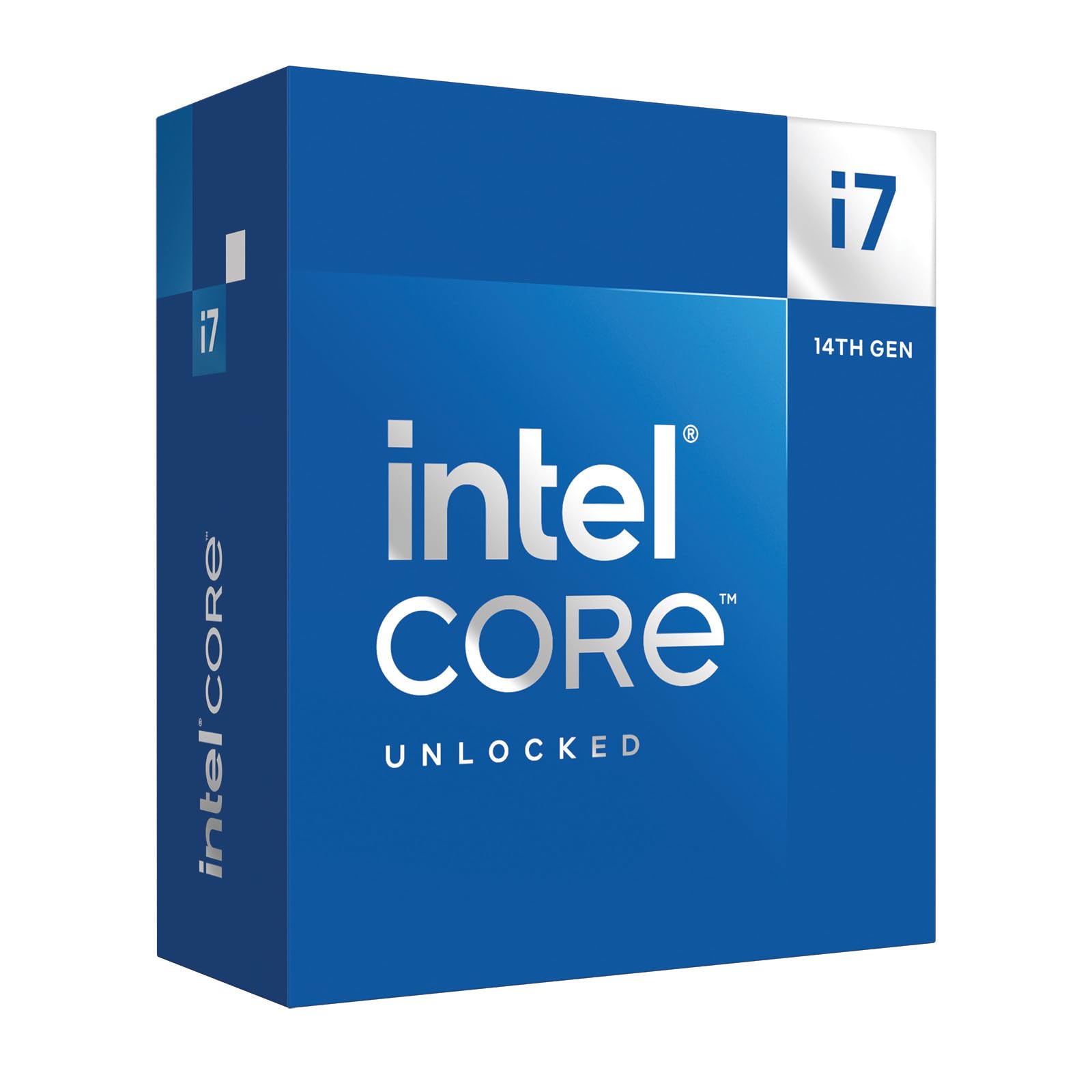
The Intel Core™ i7-14700K is a cutting-edge unlocked gaming desktop processor featuring 20 cores (8 performance and 12 efficiency cores) and 28 threads. With integrated Intel UHD Graphics 770 and Turbo Boost Max Technology 3.0 reaching up to 5.6 GHz, it delivers exceptional speed and responsiveness. Compatible with Intel 600 and 700-series motherboards and supporting DDR4 and DDR5 memory, it’s designed for gamers and professionals seeking top-tier performance and future-ready versatility.


| Processor | 5.6 GHz core_i7 |
| Brand | Intel |
| Series | Core™ i7-14700K |
| Item model number | BX8071514700K |
| Item Weight | 2.82 ounces |
| Product Dimensions | 4.57 x 1.73 x 0.1 inches |
| Item Dimensions LxWxH | 4.57 x 1.73 x 0.1 inches |
| Color | black |
| Processor Brand | Intel |
| Number of Processors | 1 |
| Voltage | 28 Volts |
| Batteries | 1 AAAA batteries required. |
| Manufacturer | Intel |
| Language | English |
| ASIN | B0CGJ41C9W |
| Date First Available | October 16, 2023 |
F**E
Excellent gaming CPU
I bought this CPU as an incremental upgrade to my i7-12700k , which will go into another more modest build. I really didn't think the i7-14700k would be significantly faster than the i7-12700k, but in some games there's a 10-15 FPS uplift. I don't know if that's the revised P cores doing the work or if it's the extra E-cores. The IMC on the i7-14700k is noticeably better as well. I can run four sticks of DDR5-5600 M/T at 5400 M/T (with tighter timings) which was a pipe dream with the 12700k (which topped at 4800 M/T with the same four sticks of RAM). With that said, it's going to be easier just to buy a two stick kit with the capacity you need instead of dilly-dallying around the BIOS trying to get four sticks of RAM to play nice on LGA 1700. Now is the upgrade worth it if you already have an Alder Lake i7? Probably not, but I was already putting together another mid-range build for someone else and this was an excuse to upgrade. But overall, I'm impressed. This CPU even holds it own again the newer Ultra 7 265k in gaming but will lose out to the higher end AMD X3D CPUs. The downsides here are that this thing has a massive power draw, and needs a beefy cooling solution. I have a 360mm AIO CPU cooler which cools it down nicely (60C-70C in typical gaming loads, topping out in the low 80's when benchmarking) but realistically, you're going to want at least a quality 240mm AIO or a god-tier air cooler. There's also the issue of the 13th and 14th gen CPUs failing prematurely. I have the latest BIOS for my motherboard that in theory should mitigate that problem, and so far I haven't had any issues at all.
B**.
Amazing cpu. Get a really good cooler though it gets hot
People hate on this but idc what they say it blows AMD comparable out of the water everyone kept telling me get a 7900x3d so I did and it was okay but this 14700k is no joke. The ryzen sucked for sim racing couldn’t handle a lot of AI the 14700k with all the cores I can run 35-40 cars smoothly high graphics on beam ultra graphics with 18-20 ai cars. It’s truly amazing. YES IT DOES GET HOT. But I upgraded my AIO and now don’t have any issues. Honestly I put it in backwards once when I was redoing some paste had to pry it out bent the pins bent them back and still runs perfectly it’s tough. I don’t seem to have any issues with it I know they said the 14700k had some self deteration issue but this one doesn’t seem to I’ve ran diagnostics every week since I’ve gotten it and it’s still performing at 100 percent . Like I said it does get hot so if you get it DO NOT be cheap with the cooler get something nice. There’s not a single CPU in this price bracket that does close to what this one does it’s an absolute beast
C**H
i7-14700K is a significant improvement from i9-12900K
I decided the difference between the i7 and the i9 didn't justify the price difference, considering I was already getting about 1/3 more performance than my 12th generation i9. I wanted plenty of motherboard resources so I also bought the MSI MEG Z790 ACE, 32 GB of Kingston Fury 6400MT/s DDR5 and a 2TB Samsung 990 NVMe drive. Cooling had been a slight issue with the 12th generation i9, even with a 360mm AIO cooler, so I went custom loop. Along the way I found a GPU water cooler on sale and decided to install a lot of cooling. The Thermaltake 900 tower can take two 560mm radiators, but I wanted some disks, so I went for a 560x140 and a 280x140, both 45mm thick and backed by 6 fans. Four more fans feed air into the case and there's till plenty of clear space for more air to be dragged in. So what's the result? The processor runs at 85C worst case, and only two cores at that temperature. The fast DDR5 does make a significant difference. I initially ran it at 6GT/s then turned it up to 6.2 and finally 6.4. The last change is a 3.5% change in DDR5 speed and that gave me a 2.4% increase in system speed. I kept my old RTX3070 which used to run over 80C and now runs at 62C worst case. So despite more performance the system runs a lot cooler. I mostly run X-Plane 12, which runs the GPU and CPU very hard, continuously. After several hours the cooling water reached 36C and the worst core temperature was 85C. The processor just works. No stability issues with the standard settings on the MSI Z690 motherboard. There are three standard memory tuning options for 6.0, 6.2, and 6.4 GT/s and all work. This will do for me for a few years.
N**K
Powerful, but needs a good cooling solution
This is a beast CPU. I have a small PC case (intended for aesthetics purposes), so I can't use 360-420 mm aio. Had to use 240mm Nucleus. It definitely can handle it. Cons: noise. So basically I would advice to cut L1-L2 to at least 125w, or, in my case, 80w. Performance loss in usual workload is not that significant, but the noise/temperature are low. Standby temp ~40c. Has integrated graphics. Very fast & powerful.
R**N
She's a beast, but so HOT!!
I guess everyone is right, these things are hot and then some. I went with a off brand AIO, and for the most part I'm good. It does get spicy when I'm rendering or doing some crazy multi tasking. Gaming seems fine, no issues. I play all kinds of games, FPS, MMO's, survival, etc. (Paired with a Gigabyte Gaming 4090 OC, Tforce 64 gigs 6000 M/T DDR5, samsung 990 pro NVME 2 tb x2, no OCing done by me.) I replaced a 5950x, which was having issues for some reason, just felt like it was getting slower and slower, thermal paste and heat were fine on it, never got over 60c with the beefier AIO I had on it. Just took longer and longer to render things. I guess I wore it out! I just think you'll want a good AIO, and/or a solid water cooling solution for this to really get the best out of it. I'm not sure a air cooled option will do you any good, but hey I've been wrong many times, so there might be something that can handle the job. All in all, not bad, but it's not going to give you much performance boost over last gen, matter of fact I found out later 13700k beats it in a lot of tests, blargh! Either way, its fast, and it runs everything great, so I'm happy till the next go around.
B**R
Must Have!
Great Item to have when you are building your pc!
M**E
It crashes easily under load - not overclocked, not being "torture tested", nothing...
UPDATE: Intel's RMA process is incredibly smooth: go to the website, open a ticket, describe how you tested, upload receipt. Then call customer service to get the ticket acted upon (and receive an RMA number). All working now, and works well. (original review) This CPU is in a linux box - good power supply, decent motherboard, fast memory, good cooling, etc. It is running Intel's stock settings: power limited to 253w for the first 90 seconds, then throttled to 125w thereafter; amps limited to 300; thermal throttle setpoint at 85C (stock would be 100C), etc. Very conservative. It is unstable under load - it is easy to crash the machine. I first encountered this when testing it with mprime (a torture test - prime95 for linux: computing FFTs with AVX would reliably crash it). Wasn't too worried at the time - I don't compute many FFTs, and I was still working through the BIOS (the default BIOS settings seemed designed to fry the CPU). And it was delightfully quick for day to day use. Fast forward a month or two, I've now got the BIOS tuned down to sensibly conservative settings, and I've still found that much of the code that I *do* need to run will also reliably crash it within ten minutes (for example: running "zstd -T0 -17" on a few large files). Even if AVX, hyperthreading, and everything except basic turbo boost is turned off in the BIOS. Even after the CPUs have throttled back to 4500+3800 MHz. Even when the cores are all 15% idle and the hottest core is running at 50 degrees celsius. Even when the entire program fits in cache. It stops crashing when turbo boost is disabled and the maximum speed is limited to 3.5Ghz. Apparently many of these are defective. It doesn't help that most motherboards come with insane default settings (so you don't know whether it is the CPU, the motherboard or the memory unless you can swap out parts). Mine's going to get RMA'd to Intel. Maybe they can find me one that works.
Y**Y
Great Performance!
Update: It seems the micro stutters are found out to be do the intel instability. Be aware when buying these chips, I purchased in April. ----- Upgrading from a 10700KF to 14700K. Lots of forms posts are degrading this processor but I’m here to tell you it’s well worth the money! Just make sure to go to your BIOS and limit the power to 253W. The whole heat of this chip is blown out of proportion. I haven’t gotten heat issues while gaming. Overall I have this chip paired with a 3090, while I’ll wait for a new 50 series card. Some of the gains I’ve gotten at @1440P, 45 in ultra wide 21:9, max graphics settings: Overwatch: overall 50fps gain, consistent 240hz capped out for my monitor. Black Desert Online: overall 35-40 fps gains. These are the games I normally play a lot and it’s truly notice when upgrading to this chip. Overall the computer is a snappy and fast and haven’t notice any hiccups. Really great chip and planning on keeping this for the next 4-5 years.
Trustpilot
1 day ago
2 weeks ago