๐ง Cool Under Pressure: The Ultimate AIO Experience!
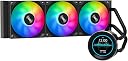
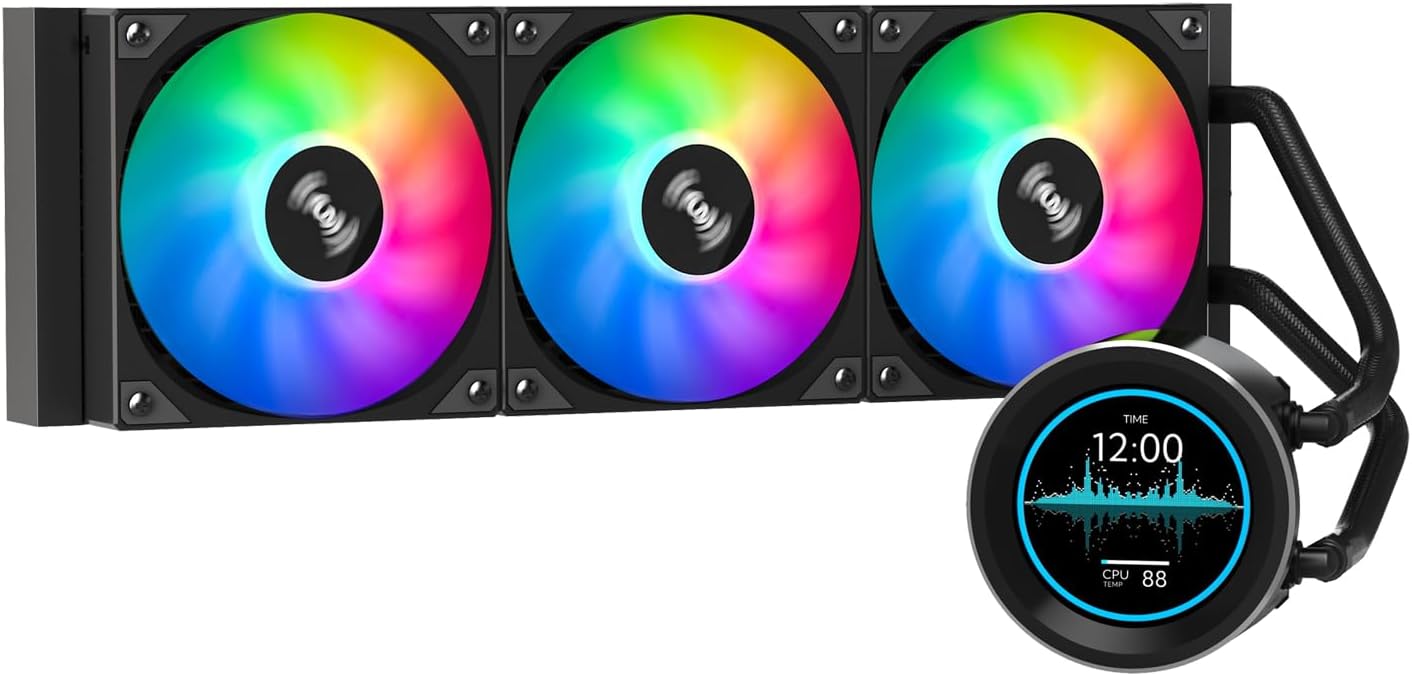
The SAMA SM360 PRO Black Liquid Cooler is a high-performance 360mm AIO radiator featuring a 2.8-inch LCD display for real-time monitoring of CPU metrics. With whisper-quiet operation and customizable RGB lighting, it combines functionality with aesthetic appeal, making it compatible with a wide range of Intel and AMD processors.


| ASIN | B0CWQWVD27 |
| Brand | SAMA |
| Compatible Devices | Desktop |
| Cooling Method | Water |
| Customer Reviews | 4.3 4.3 out of 5 stars (96) |
| Included Components | SAMA SM360 PRO BK |
| Item Dimensions L x W x H | 39.7L x 2.7W x 12H centimetres |
| Item Type Name | CPU Cooler |
| Manufacturer | SAMA |
| Material | Aluminium |
| Max Rotational Speed | 2500 RPM |
| Noise Level | 30 Decibels |
| Power Connector Type | 4-Pin |
| UPC | 702367709199 |
| Unit Count | 1.0 Count |
| Voltage | 12 Volts |
| Wattage | 12 watts |
R**S
Excited to find this aio at a very good introductory price. This was everything I was hoping and expected for. I'm always weary when it comes to buying unknown brands and also putting it in my pc with other expensive components, but after doing a little a research myself, I pulled the plug and bought one. This was really easy to install. The feel and build of the aio seems very good and solid, only time will tell of reliability. Directions were pretty straight forward and also I have plenty experience of building pc's in the past. I top mounted this with fans as exhaust. So far my temps, as you can see in the photos stay around 30c, which is what I expected. Playing heavy graphic games at full load keeps me at a cool 45-50c range. Better than I expected. The lcd screen is big enough and very clear and bright. You can adjust the brightness. Things to remember if you buy this aio. First install software. Software can be found by using the QR code on box. Sama software is kinda iffy, meaning all you can do is use themes that come with it and upload images and videos. It has a 120MB memory on board. Everytime you load a theme it will also load that video or image onboard. You can delete the videos and images to manage space. Also, this lcd is generic and I was able to find other software which I can make themes. The software is out there in the reddit forums. Just do a SAMA search. In conclusion, I will update this review for long term use in the near future. As for buying one, do your research and come up with your own conclusions. UPDATE: After owning this for a couple of months it still runs fine and smooth. Sama's website is back up and have newer software to use. Now you can create and edit themes. Temps on some of my newer games that I play have reached to 70c, but that's as high as I have gone. When idle, my pc stays around 35c. I do OC my CPU and GPU. Will be back to update further down the road. UPDATE 2: New software from SAMA. They finally put their website back up. Now you can create and edit themes. Pretty perfect for the price and now the interface.
I**.
I was hesitant to order this as reviewers mentioned hard to get software etc. Let me tell you that its easy, maybe the seller changed i dunno. But when the box arrives it has a QR code on the box for you to scan which takes you to a google drive with the free software. The label does say to install the software before installation which sounds weird, so i ignored that. Installed Cooler and then booted pc to windows and installed software with zero issues.
C**Y
๐
J**.
This is a great cooler for the price. First off and most importantly, it does its job and keeps my CPU cool. Second, it looks awesome. Some have issues with the software but I can give some tips. When you open the app, you see "System info", "Theme Mall", "Settings" and "About" and under that, it shows a "21/28". . Theme Mall is where you go to download them. To see them, next to "Search Theme" to the left there is a drop-down menu. Make sure you select "2.1/2.8". Otherwise it will be blank. This is the size of the lcd display that you need to choose. From there, scroll and install all you want. The only problem is you cannot see what you have already downloaded and I cant figure how to delete downloaded ones, aside from going into the Windows folder system itself.. and even then its really confusing. To view your options, go back and select that "21/28" option that is below "About" and this is your cooler. If you dont see that "21/28", the computer isnt seeing your cooler for some reason. From here you can run your downloaded videos. Another thing to note, the cooler has a three pin connection, so needs to be controlled via DC, PWM wont do anything. The videos are great and tons to choose from. I must have about 70 installed in my computer. I would definitely buy it again.
F**T
So far works great, had it for 1 month. The app to add effects and videos works well now, installing it is a little complicated but afterward is good.
Trustpilot
1 week ago
5 days ago