🎯 Elevate your workflow with precision and comfort that keeps you ahead.
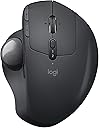
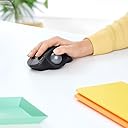
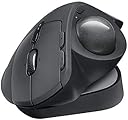
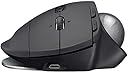
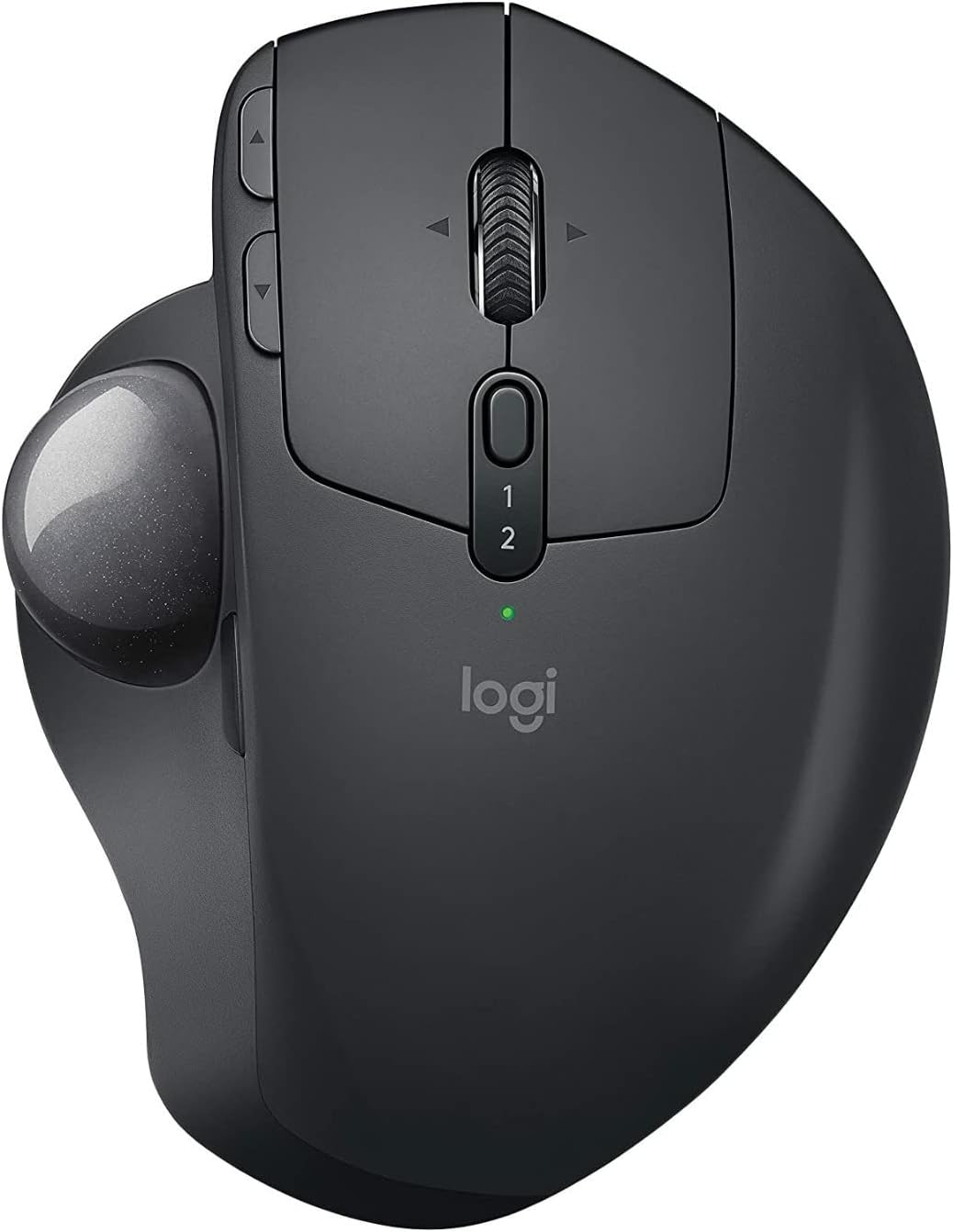
The Logitech MX ERGO Wireless Trackball redefines ergonomic productivity with its unique adjustable hinge offering 3 customizable angles, precision mode toggle for speed or accuracy, and a rechargeable battery lasting up to 4 months. Designed for professionals juggling multiple devices, it supports Easy-Switch™ and FLOW technology for seamless multi-computer control, making it the ultimate tool for reducing strain while maximizing efficiency.
| ASIN | B0768M8B5J |
| Antenna Location | Office |
| Are Batteries Included? | No |
| Are Batteries Required | Yes |
| Battery Average Life | 4 months |
| Best Sellers Rank | 29,222 in Computers & Accessories ( See Top 100 in Computers & Accessories ) 658 in Mice |
| Box Contents | Logitech Unifying USB Receiver, Logitech 'AAA' Lithium-Ion battery, User Manual |
| Brand Name | Logitech |
| Button Quantity | 8 |
| Colour | Graphite |
| Compatible Devices | Personal Computer |
| Country of Origin | China |
| Customer Reviews | 4.5 4.5 out of 5 stars (715) |
| EU Spare Part Availability Duration | 4 Months |
| Enclosure Material | Plastic |
| Hand Orientation | Right |
| Hardware Platform | PC |
| Item Dimensions L x W | 10.6L x 5.1W centimetres |
| Item Type Name | Mouse |
| Item Weight | 499 g |
| Manufacturer | Logitech |
| Model Name | MX ERGO Wireless Trackball |
| Model Number | MX Ergo Plus |
| Movement Detection | Trackball |
| Network Connectivity Technology | Bluetooth, Radio Frequency, USB |
| Number of Batteries | 1 AAA batteries required. |
| Operating System | Windows 8 |
| Power Source | Battery Powered |
| Product Features | Ergonomic Design, Rechargeable, Wireless |
| Product Finish Type | Matte |
| Range | 10.0 meters |
| Style Name | Ergonomic |
| Theme | Video Game |
| UPC | 097855133922 |
| Unit Count | 1.0 Count |
ろ**う
いろいろ種類があって迷いましたがこれにしました、角度をある程度調節できるのがイイです。
A**R
I have been a M570 user for years, so I'm not new to trackball mice. My M570 broke down recently and I was debating between the successor M575 or the much more expensive MX Ergo. I decided to go for the latter, and I'm glad I did!. It is much more comfortable, and the customization options (+ the horizontal scroll) are truly game changer. I highly recommend this mouse, especially compared to the M575.
A**7
If it weren't for Repetitive Stress issues, I would never have considered a trackball mouse. Now that I have it, I wish I would have looked at it sooner. For me it was not hard to learn although there is an adjustment period. Simply adjust/experiment with the settings until it behaves the way you want and let your thumb get adjusted to its new responsibilities. I'd also recommend alternating between adjusting the settings and then using it awhile before adjusting it again. It may take a while for your hand to acclimate. Constantly changing settings may not be helpful. Pick a reasonably good setting; get used to the trackball; and fine tune later. After this, you can consider programming different button assignments for your specific needs. I'm also glad I purchased the Plus version. That extra 10 degrees was definitely helpful in my case. I like it at 30 degrees. In addition, it gives people the ability to increase the tilt by only 10 degrees. Just attach the plate and leave the Ergo MX in the zero degree position and the plate will give you 10 degrees. So instead of just 0 or 20 degrees built into the MX, you now have 10, 20, or 30 degrees. The wireless dongle and Bluetooth both work great as I use both routinely. At this juncture I am very pleased with my new Logitech trackball mouse and although it is a more expensive option, it is a quality built product. I like the fact that it is also a bit heavier than some similar products because it is less apt to move around. The only reason you might want a lighter option is if you travel a lot and you're trying to minimize weight at all cost. That said, unlike a traditional mouse where weight might be a concern for RSD or gaming, a trackball mouse is not being moved; so a little weight, in my opinion, is actually your friend. While certainly not necessary for traveling, I also bought an MX Ergo travel case for additional protection. It conveniently holds the MX , the charging cable, and the extra plate. While your mileage may vary, if you are trying to minimize wrist and hand stress, I can highly recommend the MX Ergo Plus.
M**G
Funciona a la perfección y está increíble que se puedan programar funciones específicas a cada botón. Lástima que el cable de carga no sea USB-C, de allí en fuera es perfecto
D**H
I absolutely love this mouse, should have got one sooner. It is pricey, but you get what you pay for with this mouse. I has terrible pain in m wrist after using computers (Apple and PC) for the past 30 years with various mice, including the Ergo mouse that died. This is much better as the writs doesn't move...that said if you have thumb issues be mindful as the thumb controls the whole movement. I love this mouse so much that when it dies I will get the next available one.
Trustpilot
2 days ago
2 weeks ago