We remain fully operational. Our teams are working around the clock to ensure your deliveries continue safely.

下载应用程序




🎨 Unlock your creative edge—wherever inspiration strikes!
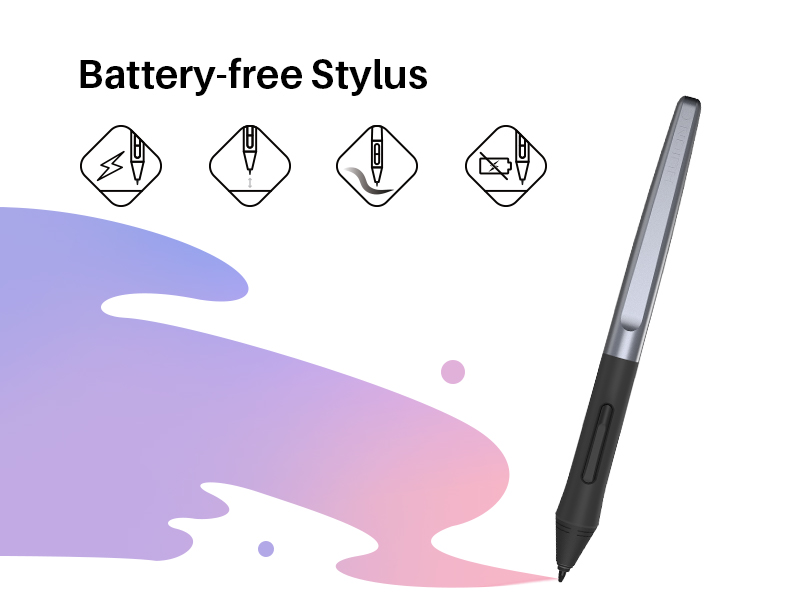
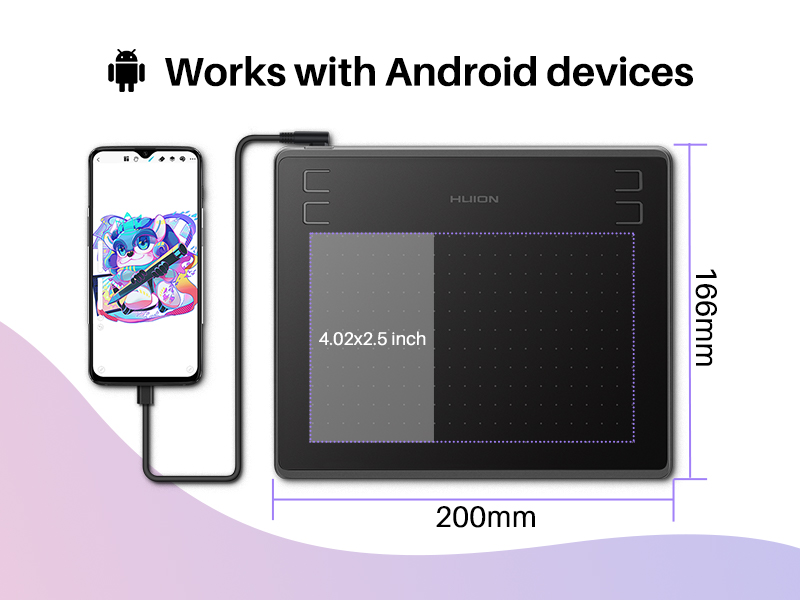
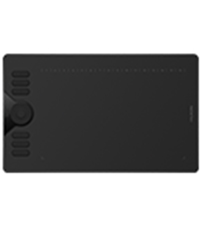
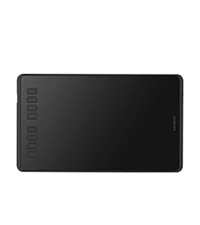
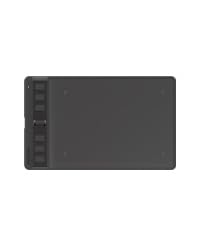
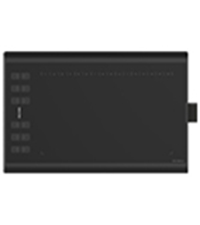
The Huion HS64 is a sleek, portable drawing tablet featuring a 6.3 x 4 inch active area, 8192 levels of pressure sensitivity, and 5080 LPI resolution. It supports Windows, macOS, Linux, and Android devices, making it a versatile tool for artists, designers, students, and educators. Equipped with a battery-free PW100 stylus and 4 customizable shortcut keys, it enhances productivity and precision without the hassle of charging. Perfect for digital art, animation, photo editing, and note-taking, the HS64 is designed to fit seamlessly into any creative workflow.






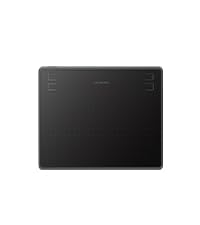
| ASIN | B07P4MSJZ8 |
| Active Surface Area | 6.3 x 4 inches |
| Best Sellers Rank | #788 in Electronics ( See Top 100 in Electronics ) #1 in Graphic Tablets |
| Box Contents | Digital Pen, Quick Start Guide, Replacement Nib, USB Cable |
| Brand | HUION |
| Brand Name | HUION |
| Colour | black |
| Compatible Devices | Desktop, Laptop, Smartphone, Tablet |
| Connectivity Technology | USB |
| Country of Origin | China |
| Customer Reviews | 4.2 out of 5 stars 4,983 Reviews |
| Importer Contact Information | HUION |
| Item Dimensions L x W | 20L x 16W Centimeters |
| Item Type Name | Drawing tablet |
| Item Weight Unit of Measure | 258 Grams |
| Manufacturer | HUION |
| Model Name | HS64 |
| Model Number | HS64 |
| Native Resolution | 1920x1080 |
| Network Connectivity Technology | USB |
| Operating System | Linux(Ubuntu), Mac OS 10.12 and above, Android 6.0 and above, Windows 7 and above |
| Packer Contact Information | HUION |
| Pressure Sensitivity | 8192 Levels |
| Product Features | 60° Tilt Support, 8192 Pressure Sensitivity, Extra-Slim, Programmable Press Key |
| Screen Size Unit of Measure | 7 Inches |
| Special Feature | 60° Tilt Support, 8192 Pressure Sensitivity, Extra-Slim, Programmable Press Key |
| Specific Uses For Product | Animation, Designing, Painting |
| Target Audience | Artist, Student, Teacher, designer |
| Warranty Description | 1 year warranty |
P**.
Good product. Worth the investment
I have just started using this and so far the experience is good. Initially I took some time to get my hands on it but now it seems to be smooth. Anyway, I find it to be a great product. Product quality and functioning is good easy to install and work with
S**R
User manual could be more informative
Good product as of now Simple to use you just have to plug in The user manual is useless..it doesn't tell how to install driver or how to setup You have to search huion driver on your browser and install an application..you can customize your buttons both on the tablet and on the pen Using in game mode and mouse mode makes it usable for writing/drawing These were things i wish i knew from the user manual. Its not very convenient to use or maybe i just don't know how to use it well
G**H
Pentab
Good product . Very useful for online classes
H**R
Best budget friendly 😄
Works perfectly 👍
P**R
👍🥱
Great product
R**R
Buttons on this Pad are scam
Buttons are of no use, if you assign erase task to the button through their app it does play/pause, very bad buttons they are literally of no use. Also if you assign certain function to the pen's button it does totally the opposite or does something different. Otherwise Writing pad and pen are good according to the price gets your job done. Anyone buying this should also consider Wacom pad it is also good one.
A**A
Nice epad
Nice for beginners
V**I
Smooth Writing Graphics Tablet Pen – Best Choice for Beginners
Graphics tablet pen writes very smoothly and gives good control. It is good for beginners because it is easy to use and helps improve handwriting and drawing skills. Overall, it is a good option to buy for note-taking and practice.
TrustPilot
2 周前
3 周前