We remain fully operational. Our teams are working around the clock to ensure your deliveries continue safely.

下载应用程序


Buy anything from 5,000+ international stores. One checkout price. No surprise fees. Join 2M+ shoppers on Desertcart.
Desertcart purchases this item on your behalf and handles shipping, customs, and support to Hong Kong.
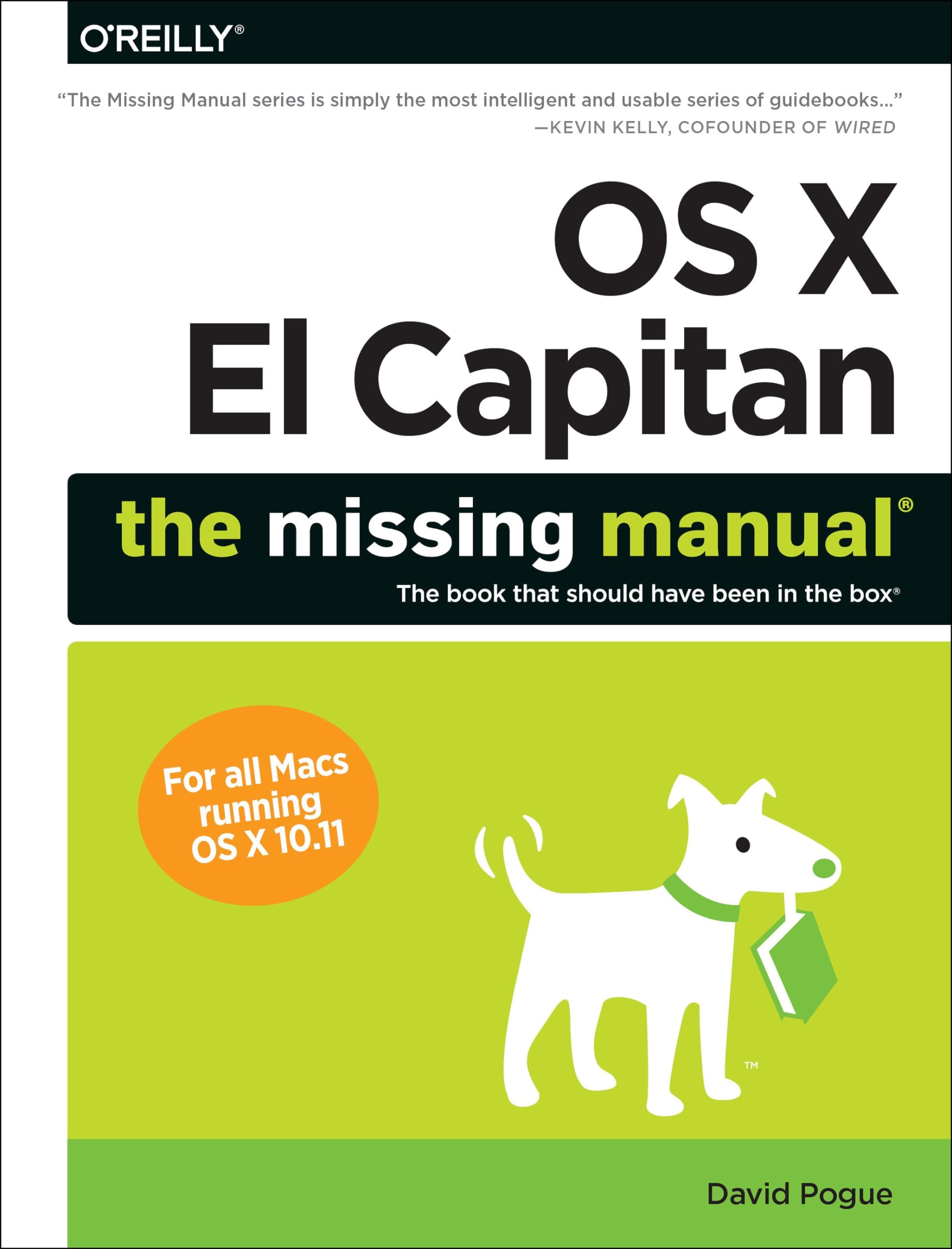
OS X El Capitan: The Missing Manual: 9781491917954: Computer Science Books @ desertcart.com Review: David Pogue has it all and then some... Know Thy Writer - David Pogue is my type of Writer, he is Accurate, tells it the way it is and his style of writing is awesome to say the least. David has NO reason to withhold information and that is why I have never missed buying any of his books, I can count on him. BTW, I have been using the Mac since 1984 (Mac 128) and sometimes need someone to clarify an issue, he is the best for me. I recommend anything David Pogue, he is just that good. Beware, there are other so-called writers out there that will not give the information in their book due to conflicting priorities of their personal business and even state it in their book, so be careful what you buy and Know Thy Writer! I say this as David's book was not out yet and I really needed an clarification on technical issue & stupidly bought that other book I am warning you about. I consider that conduct an unforgivable sin, fool me once only and I will tell everyone. David does not pull that kind of nonsense. Review: The need to know - I know operating an Apple computer is simple, I have been using them since the mid-eighties. However, they have become more complicated over the years. They offer more ways to do things, then ever before. I can remember my first manual, that came with my Macintosh 64K. Compared to the DOS operating system, it was a delight to use. Now, the new operating systems offer so many features, it requires a manual like this to explain how it works. Should be called "How to learn the hidden features". This book brings to light many of those hidden features.


| Best Sellers Rank | #4,640,018 in Books ( See Top 100 in Books ) #530 in Macintosh Operating System #901 in User Experience & Website Usability #1,528 in Computer Operating Systems (Books) |
| Customer Reviews | 4.4 4.4 out of 5 stars (279) |
| Dimensions | 6.9 x 1.8 x 9 inches |
| Edition | 1st |
| ISBN-10 | 1491917954 |
| ISBN-13 | 978-1491917954 |
| Item Weight | 2.65 pounds |
| Language | English |
| Print length | 843 pages |
| Publication date | December 29, 2015 |
| Publisher | O'Reilly Media |
B**E
David Pogue has it all and then some... Know Thy Writer
David Pogue is my type of Writer, he is Accurate, tells it the way it is and his style of writing is awesome to say the least. David has NO reason to withhold information and that is why I have never missed buying any of his books, I can count on him. BTW, I have been using the Mac since 1984 (Mac 128) and sometimes need someone to clarify an issue, he is the best for me. I recommend anything David Pogue, he is just that good. Beware, there are other so-called writers out there that will not give the information in their book due to conflicting priorities of their personal business and even state it in their book, so be careful what you buy and Know Thy Writer! I say this as David's book was not out yet and I really needed an clarification on technical issue & stupidly bought that other book I am warning you about. I consider that conduct an unforgivable sin, fool me once only and I will tell everyone. David does not pull that kind of nonsense.
T**M
The need to know
I know operating an Apple computer is simple, I have been using them since the mid-eighties. However, they have become more complicated over the years. They offer more ways to do things, then ever before. I can remember my first manual, that came with my Macintosh 64K. Compared to the DOS operating system, it was a delight to use. Now, the new operating systems offer so many features, it requires a manual like this to explain how it works. Should be called "How to learn the hidden features". This book brings to light many of those hidden features.
D**A
OS X EL CAPITAN: A LUCID MANUAL LACED with WIT
OS X EL CAPITAN: A LUCID MANUAL LACED with WIT . Reviewed by C J Singh (Berkeley, California) . I enjoyed reading the earlier editions of this book on Macintosh Operating Systems, learning a lot from David Pogue’s lucid expository style laced with humor. The publisher, O’Reilly Media, rightly claims: “The Missing Manuals are witty, well written guides to computer products that don’t come with printed manuals (which is just about all of them). Each book features a handcrafted index; cross-references to specific page numbers, not just ‘see Chapter 14’; and an ironclad promise never to put an apostrophe in the possessive pronouns ‘its’.” As a professional editor and writer, I admire this promise because I find far too many recent books blemished with this particular error. This comprehensive book exemplifies David Pogue’s highly engaging writing style. In my copy of the book, I’ve marked numerous examples that illustrate this. Here are five of the marked, chosen randomly from the beginning, middle, and closing pages. “OS X is an impressive technical achievement ; many experts call it the personal-computer operating system on earth. But beware its name. The X is meant to be a Roman numeral, pronounced ‘ten.’ Don’t say, ‘oh, ess ex.’ You’ll get funny looks” (page 1). “When you write a book like this, you do a lot of soul-searching about how much stuff to cover. Of course, a thinner book, or at least a thinner-looking one, is always preferable; plenty of readers are intimidated by a book that dwarfs the Tokyo White Pages. On the other hand, Apple keeps adding features and rarely takes them away. So this book isn’t getting any thinner” (page 7). “Handwriting Recognition: In the same way your grandmother turned yesterday’s dinner into today’s sandwich and tomorrow’s soup, Apple recycled the handwriting technology of its failed Newton handheld and added it to OS X, It’s now called Ink, and it does exactly what it used to: turn your handwriting into typed text in any program. Can Ink replace the keyboard? Not for anything more than quick notes, that’s for sure. But it can be handy when you’re web surfing, sketching, filling in database forms, and so on” (249). “Maps: When Apple brought its own Maps app to the iPhone in 2012, the underlying databases had a lot of problems. They didn’t include nearly as many points of interest as Google. Addresses were sometimes wrong. Satellite view showed bridges and roads melting into the sea…. In El Capitan, Maps has gotten smarter: It can now propose public-transportation routes—complete with the times and names of subways, trains, and buses—in seven U.S. cities, with more to come” (page 398). “Setting Up Messages: There are some great chat apps that Messages can’t touch.… Skype, the granddaddy of all chat programs, which offers audio and video chats like Messages, but also connects to Skype running on Windows, iPhones, Android phones and so on” (page 721). The book comprises 19 chapters and 4 appendices. Yes, the 828-page book is heavy, but its numerous light touches and detailed "hand-crafted" index earn it five stars. (The Index refers to the previous edition of the book, "OS X YOSEMITE: The Missing Manual" in its entries and page numbers. The mismatch is occasional which proves that El Capitan is not all that different from Yosemite.) An alternative to reading the whole book is to use it as a reference while doing the hands-on exercises in the much briefer "Teach Yourself Visually OS X El Capitan." Part One: The OS X Desktop 1. Folders, Windows & Finder Tabs 2. Organizing Your Stuff 3. Spotlight 4. Dock, Desktop & Toolbars Part Two: Programs in OS X 5. Documents, Programs & Mission Control 6. Data: Typing, Dictating, Sharing & Backing Up 7. Mac+iPhone: Handoff, Airdrop & Continuiting Part Three: The Components of OS X 8. System Preferences 9. Notifications 10. The Free Programs of OS X Part Four: The Technologies of OS X 11. Accounts, Security & Gatekeeper 12. Networking, File Sharing & AirDrop 13. Graphics, Fonts & Printing 14. Sound, Movies & Speech Part Five: OS X Online 15. Internet Setup & iCloud 16. Mail & Contents 17. Safari 18. Messages 19. FTP, SSH, VPN & Web Sharing Part Six: Appendixes A. Installing OS X El Capitan B. Troubleshootig C. The Windows-to-Mac Dictionary D. Master OS X Secret Keystroke List
E**A
like most "The Missing Manual Books"
At almost 2 inches thick and 800 some pages, this is not light reading, but I've found, like most "The Missing Manual Books", this to be very good reference work. Explanations are clear and helpful, providing step by step guidance in many cases. It is not an intimidating engineering text, but a very good source of information about a complex operating system. In the rare cases it doesn't answer your questions, at least it will give you a clear enough understanding of the topic to ask intelligent questions at the Genius Bar. In the past I have bought books in this series for each Apple Operating System as I have updated to new versions, and will continue to do so. I recommend without reservation.
C**H
I'm on page 28 and I've learned a dozen things already
I'm a computer instructor who has used OS X for about two years...after having used Windows machines since the days of DOS. So as a Windows power user, changing over to the Mac has involved a steep learning curve. And although my MacBook Pro is the fastest and most reliable computer I've ever used, my OS X skills are pretty ordinary...so I know I'm not getting all I could out of the machine. I REALLY like to know all of the little tricks and options to make a computer work exactly the way I like. This Missing Manual is getting me a lot closer to the OS X power user I want to become. Like all of the Missing Manuals, this book is well-written and contains a wealth of helpful info. Like my review title says, I've barely cracked the book and I've already learned a lot of excellent info. Just get this book, you won't regret it!
D**G
so am delighted with the book itself
Pity really, as the book seems to be taking a direction in certain ways that reminded me of (in the long distant past) of looking at another title on Apple computing/computers, albeit very high graphically orientated, and turning it down in the bookshop: so am delighted with the book itself ! the packaging is another matter, for the somewhat curly pages indicated to my mind it had someplace been exposed to moist aire for a period of time, and one of the end flaps of the BP1 V4 carton had clearly NOT been adequately secured; fortunately this was the shorter side, so on this occasion no real damage, and the pages have now straightened out in my study.
A**R
Purchased old IMac 2008 which had OS X El Capitan installed so needed some reference material as none came with computer.
T**0
I have previously purchased books by David Pogue and found them to down to earth and explain programs in a manner that does not require you to be a computer expert. Instructions are clear, David writes in a manner which gets you 'off the ground' without the Teacher-Student attitude, more like a good friend. To ease the task he has added a grain of humour also. The index is detailed and if you have a question the relevant pages are all listed. His OS X El Capitan Manual runs to over 800 pages. That could well be greater than the Bible and the Koran rolled into one! David Pogue's El Capitan is on top of the pile! ECL.
G**D
Good manual. Clear explanations and photos. Good advice.Covers the differences between the versions, and has good coverage of the "nuances" of the op. system.
B**A
C'est un excellent eBook. Très détaillé et bien présenté. Je ne me suis pas trompé en achetant cet excellent livre électronique à un prix bien inférieur sur Amazon par rapport au prix de l'éditeur.
A**M
As always with the "Missing Manuals" this one is comprehensive, well laid out and indexed, and as much as anyone would, or could require.
TrustPilot
2 周前
4天前