
下载应用程序



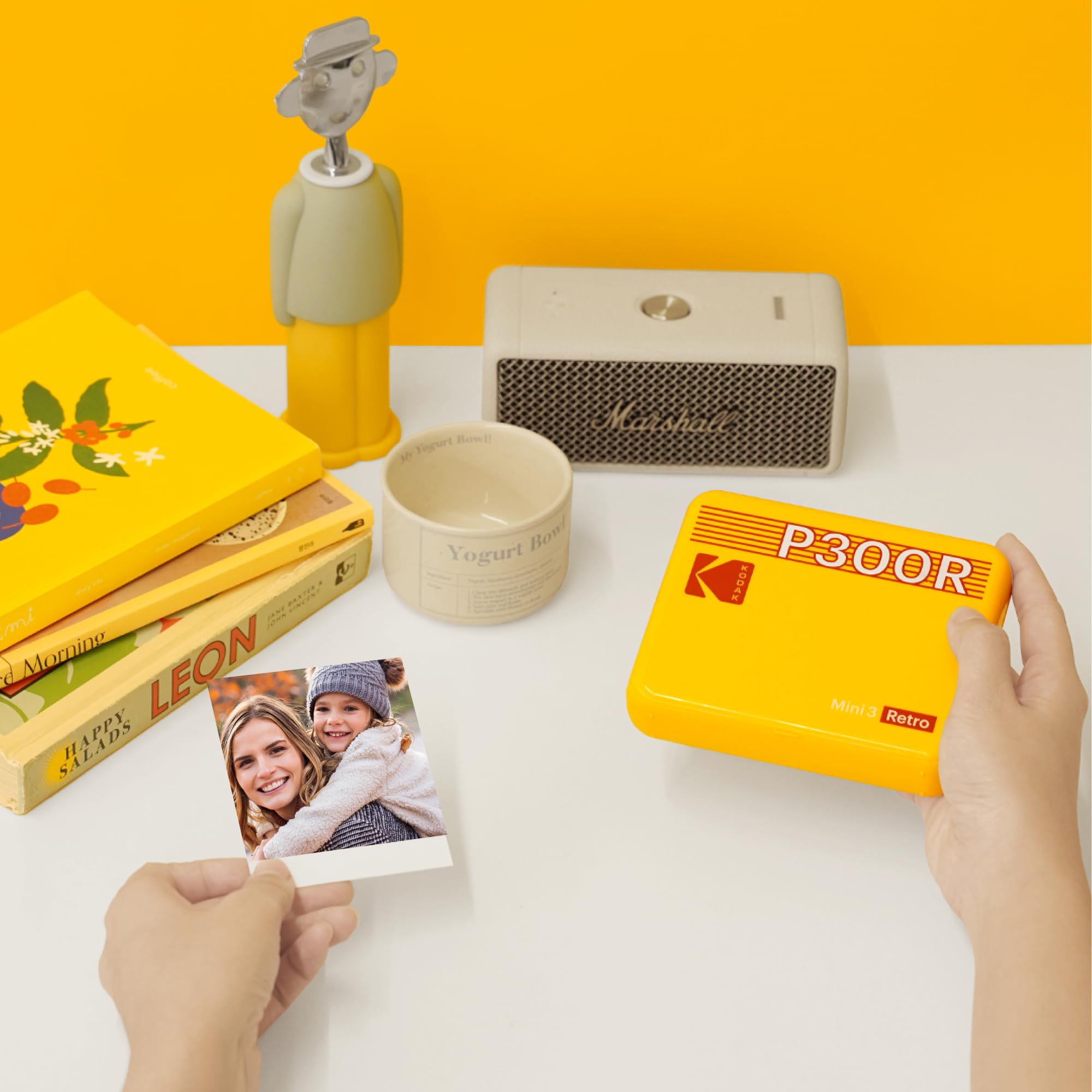
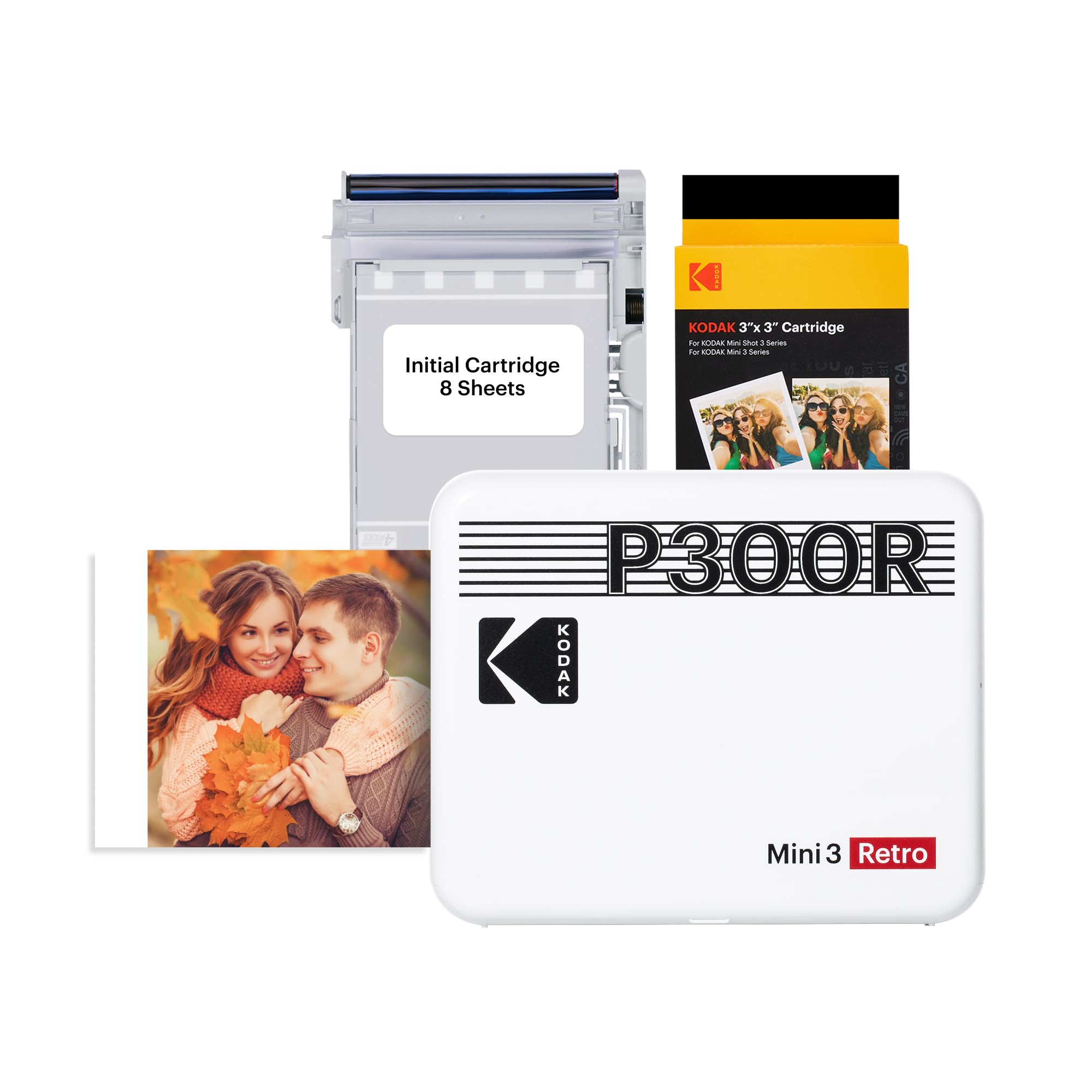
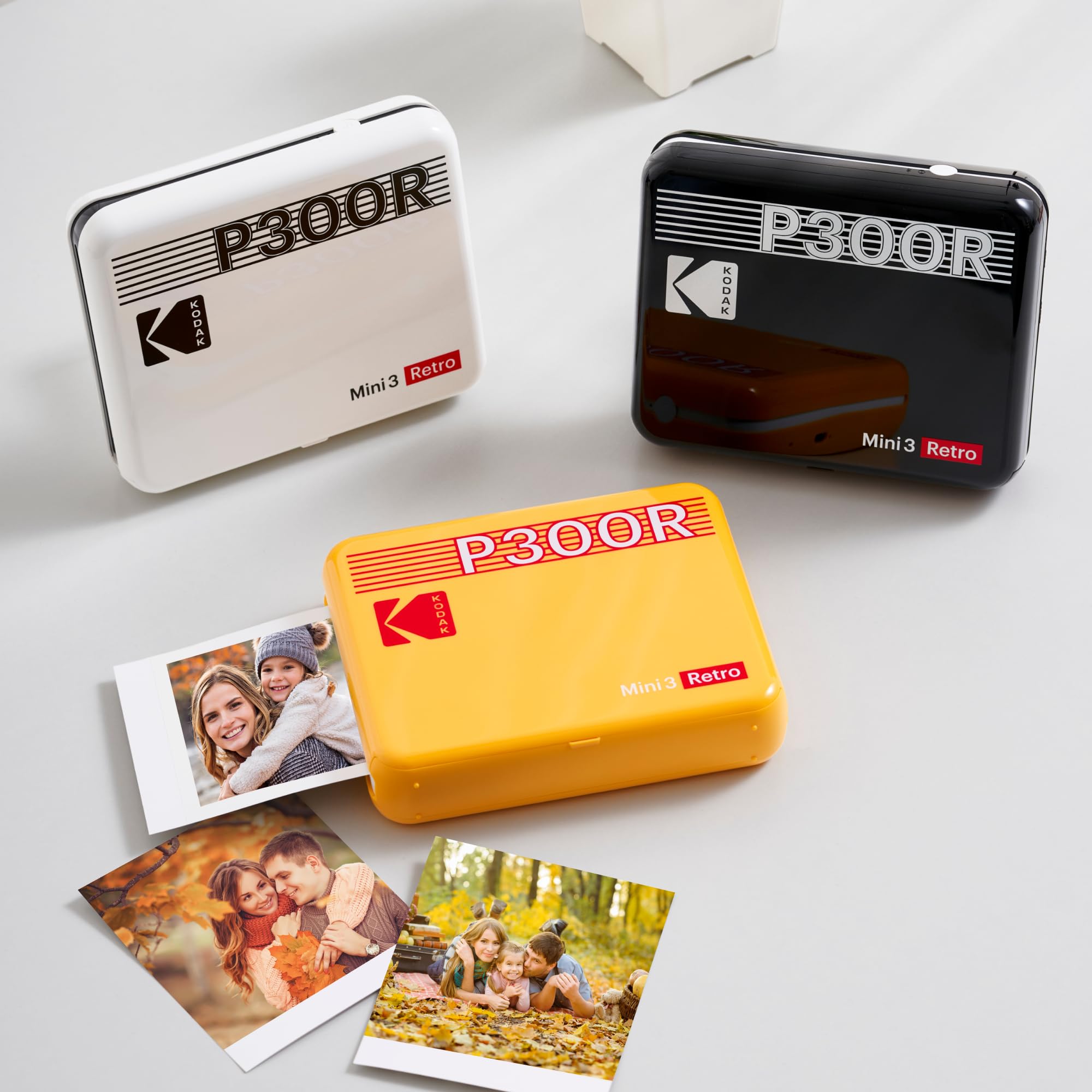
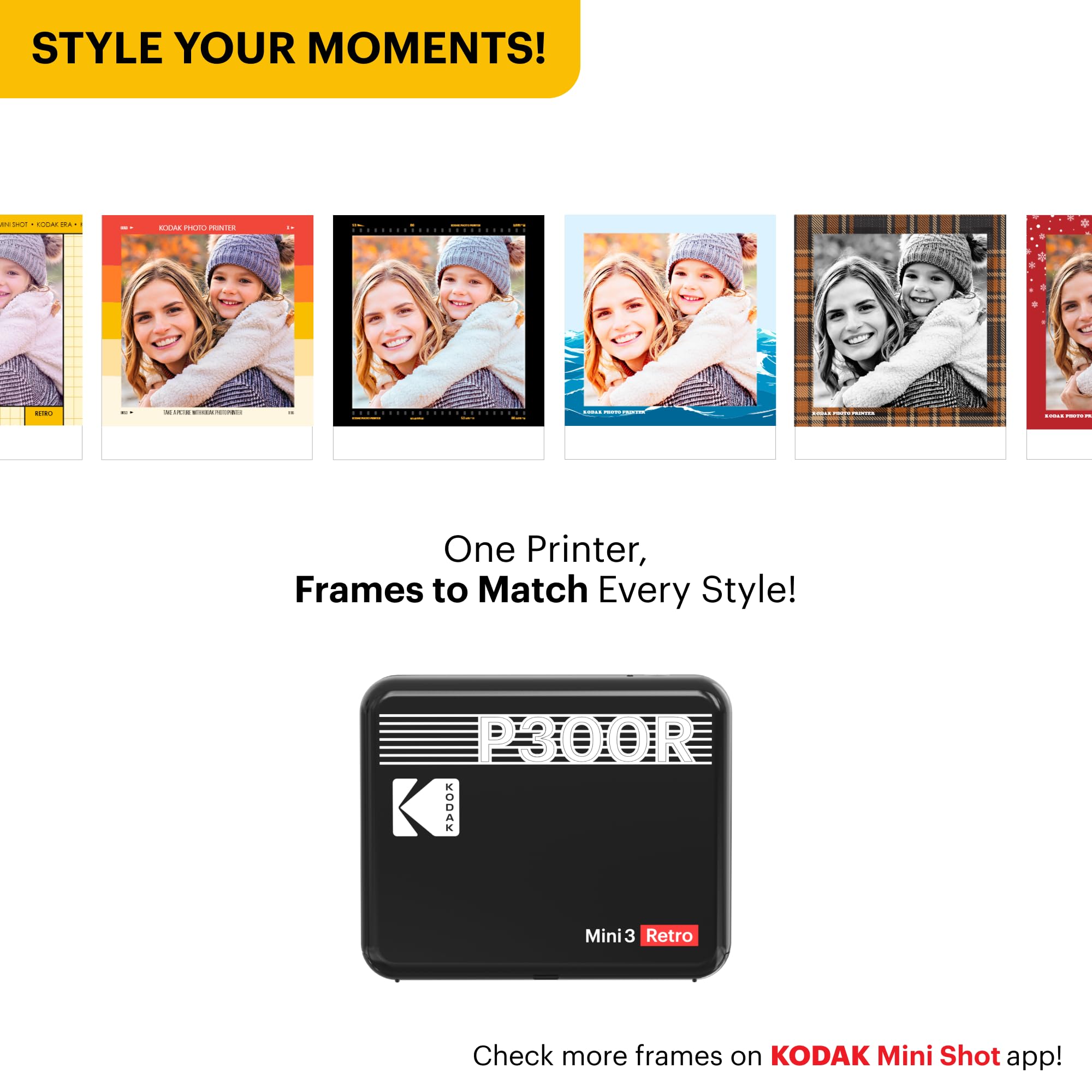
📸 Capture. Print. Relive. Anywhere, anytime.
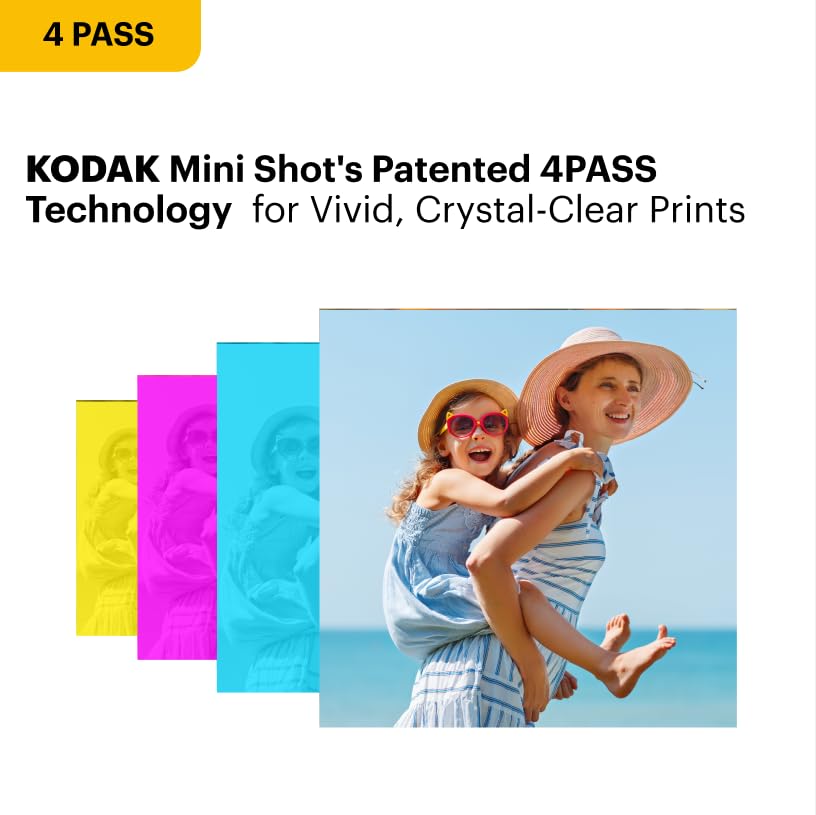
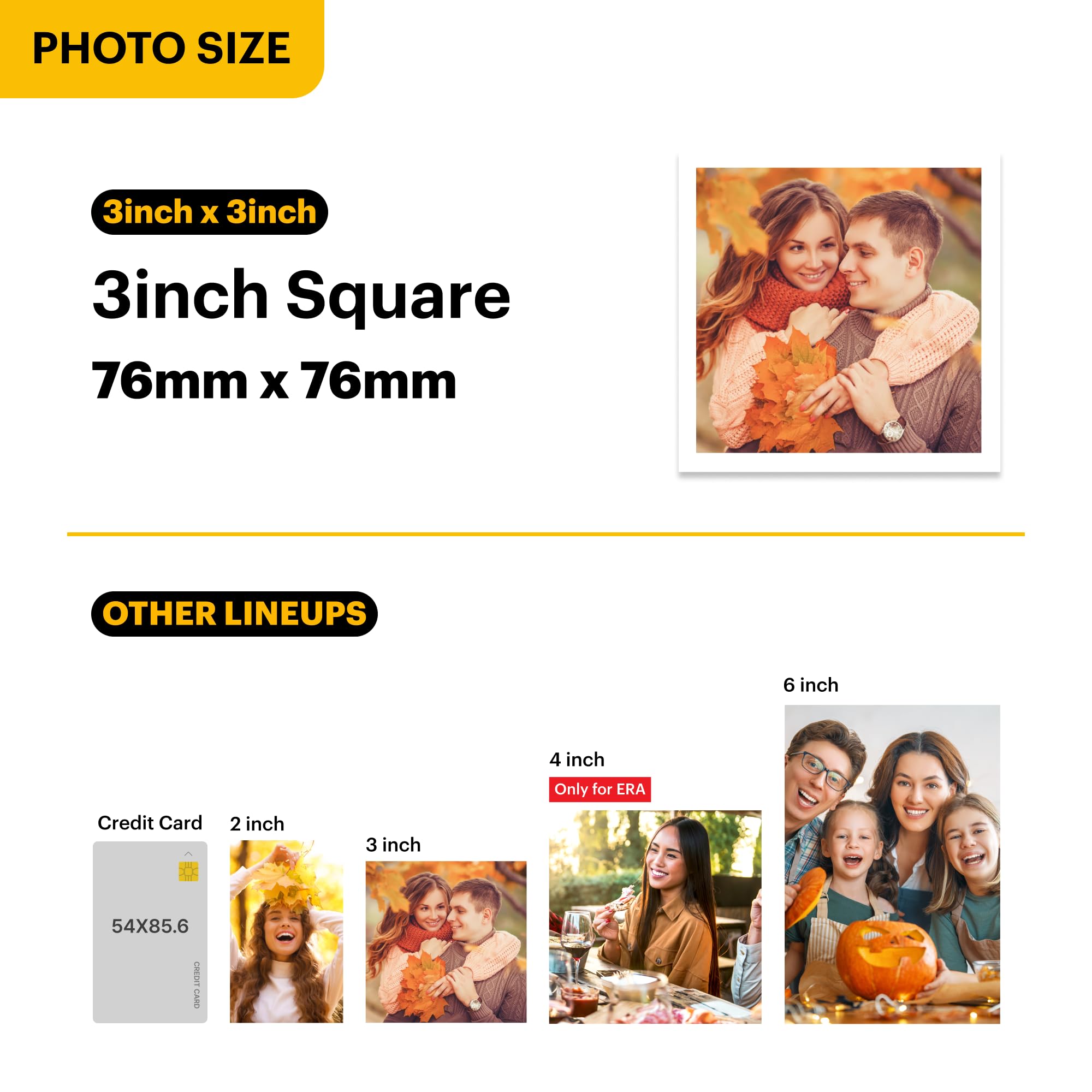
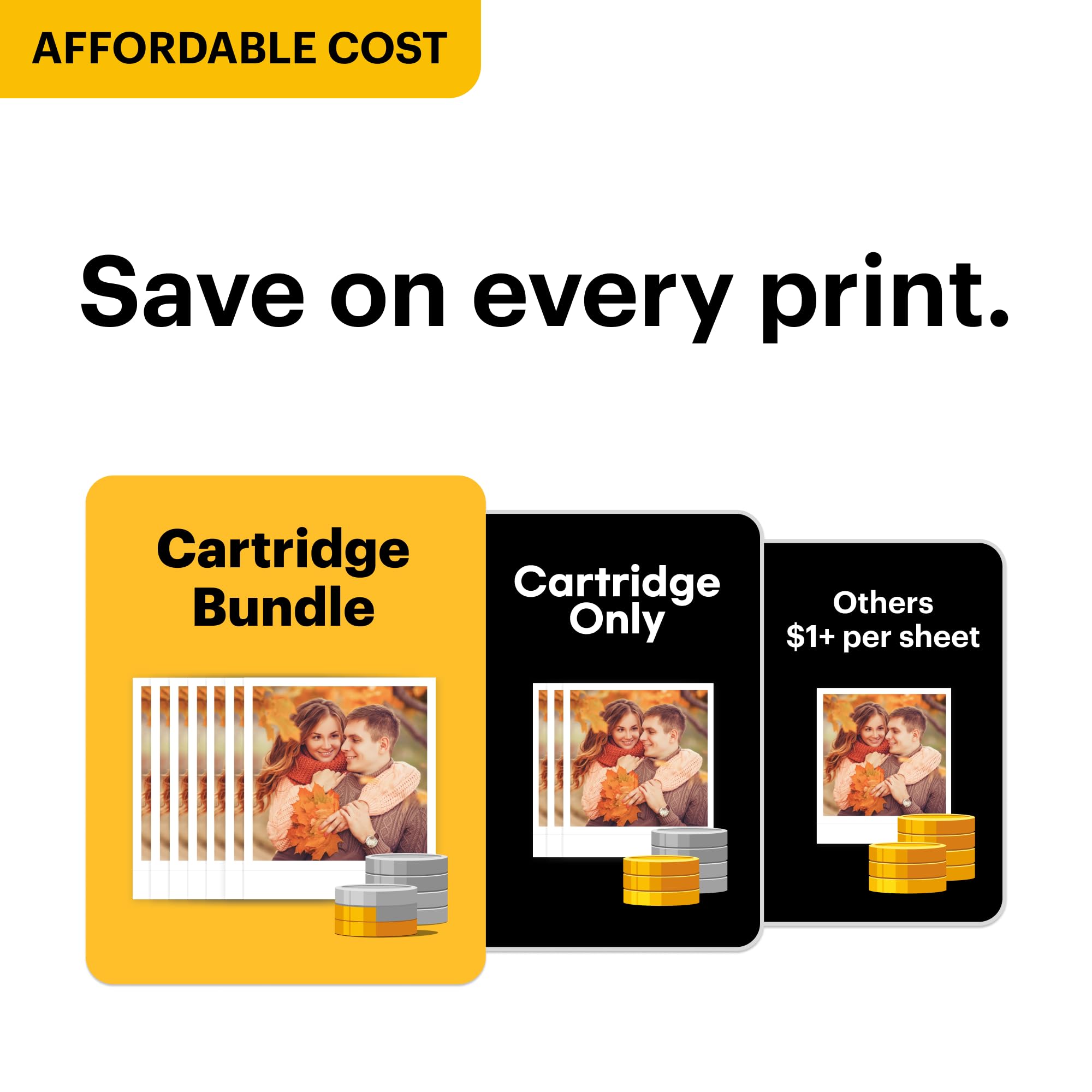
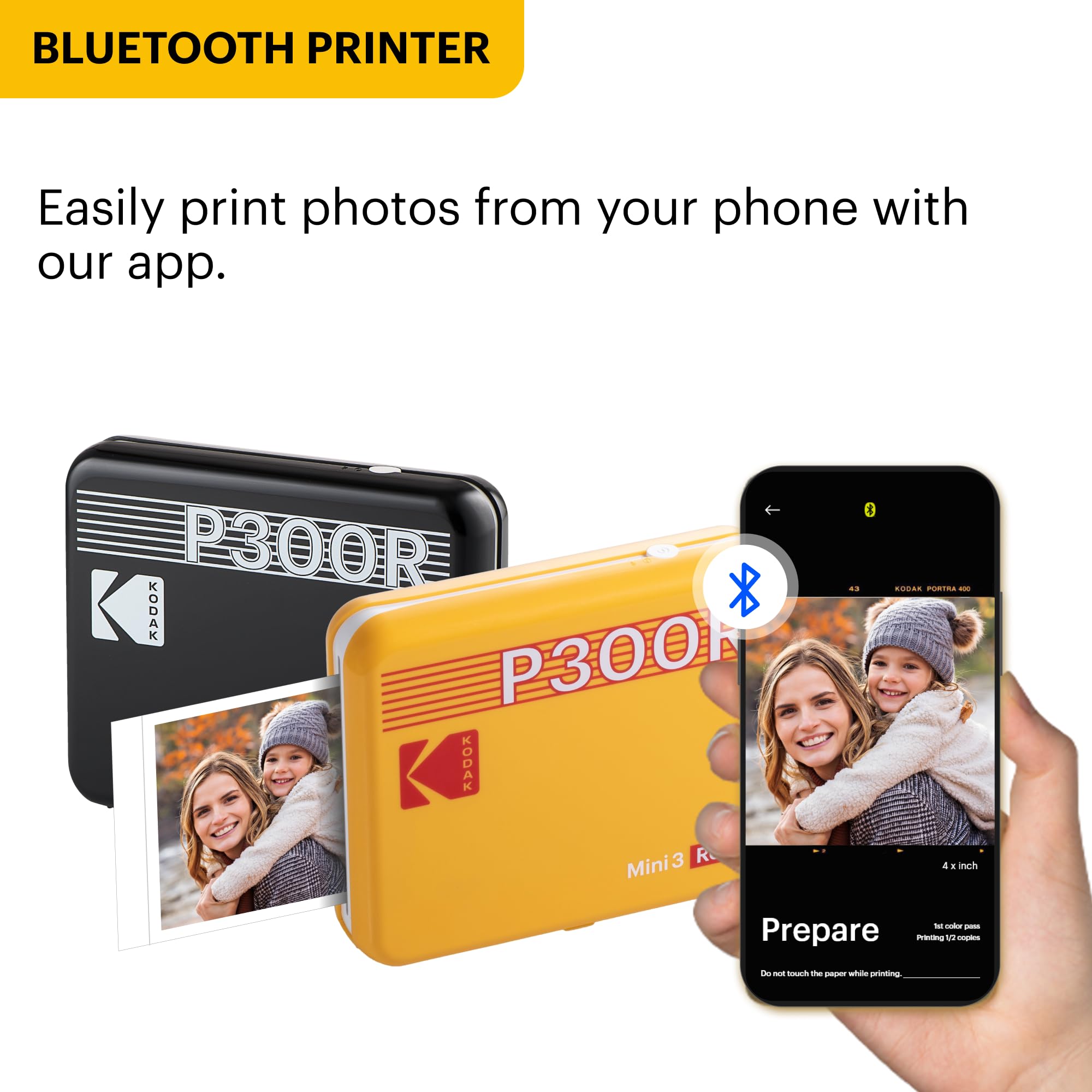
The KODAK Mini 3 Retro is a portable 4PASS photo printer delivering 3x3 inch high-resolution (1200x1200 dpi) prints with durable, laminated layers that resist fingerprints and water. Bluetooth-enabled and controlled via a user-friendly app, it offers versatile bordered or borderless prints. Bundled photo sheets reduce cost per print by up to 50%, making it an ideal compact device for millennials who want instant, high-quality photos on the go.


| ASIN | B08FSTXSNM |
| Additional Printer Functions | Print Only |
| B&W Pages per Minute | 1 ppm |
| Best Sellers Rank | #14,388 in Electronics ( See Top 100 in Electronics ) #38 in Portable Photo Printers |
| Brand | KODAK |
| Built-In Media | 68 Sheets |
| Color | White |
| Color Pages per Minute | 1 ppm |
| Compatible Devices | Smartphones, Tablets |
| Connectivity Technology | Bluetooth |
| Control Method | App |
| Controller Type | Android |
| Customer Reviews | 4.0 out of 5 stars 5,982 Reviews |
| Dual-sided printing | No |
| Duplex | Simplex |
| Global Trade Identification Number | 00192143003397 |
| Hardware Interface | Bluetooth |
| Ink Color | Cyan, Magenta, Yellow, Black |
| Item Dimensions D x W x H | 4"D x 5"W x 1"H |
| Item Height | 2.54 centimeters |
| Item Weight | 399 Grams |
| Manufacturer | Prinics Co., Ltd. |
| Maximum Copy Resolution Black and White | 1200 x 1200 dpi |
| Maximum Copy Resolution Color | 1200 x 1200 dpi |
| Maximum Copy Speed Black and White | 1 ppm |
| Maximum Print Resolution Black and White | 1200 x 1200 dpi |
| Maximum Sheet Capacity | 3 |
| Maximum print Resolution Color | 1200 x 1200 dpi |
| Media Size Maximum | 3x3 inches |
| Model Name | Mini 3 Retro |
| Model Number | CAR-P300RW |
| Model Series | 3 |
| Other Special Features of the Product | Portable |
| Output sheet capacity | 3 |
| Paper Size | 3 Inches |
| Print media | Glossy photo paper |
| Printer Connectivity Type | Bluetooth |
| Printer Output Type | Color |
| Printer Type | 4PASS |
| Printing Technology | 4PASS |
| Processor Count | 1 |
| Resolution | 1200 x 1200 |
| Scanner Type | Photo, Portable |
| Series Number | 3 |
| Special Feature | Portable |
| UPC | 192143003397 |
| Warranty Description | 1 year manufacturer |
| Warranty Type | limited warranty |
| Wattage | 12 watts |
R**D
Best mobile printer image quality and longevity of print having one of the best cost per use to boot
Besides the occasional to rare cartridge sub-dye "ink" jam, which can be very annoying and you have to remove the cartridge carefully - this print along with its "2x3" ratio variant have the best print quality I have seen so far in this size class + plus longevity of the print. The Zinks image quality varies a lot, and its longevity isn't that great. It's' fun that it's sticker backed and that you waste less to the environment (i.e. no cartridges to recycle like the Kodak), but the image quality is definitively a step down from the Kodak. The Fuji Instax Link printer can be nice but it's a bit blurry in print and a bit contrast-limited. I would still pick that over Zink. Finally the cost per use of the Kodak seems unrivaled. Particularly for its print quality.
Y**R
I LOVE LOVE LOVE this Mini printer
⭐️⭐️⭐️⭐️⭐️ Love This Little Printer! I hesitated to buy the Kodak Mini 3 Retro Printer (P300R) after reading some of the negative reviews. But I also took the time to go through all the positive ones — and honestly, they made more sense. I really wanted to print photos for my mom’s birthday, so I decided to give it a shot. I’m so glad I did! As soon as it arrived, I removed the sample cartridge that came preinstalled, popped in a new one, downloaded the Kodak app, and started printing right away. And let me tell you — I LOVE, LOVE this mini printer! ✅ The app was super easy to install and connect to my Android phone. ✅ Replacing the print cartridge couldn’t be simpler. ✅ It’s not the fastest printer, but that’s because it goes through all three color layers plus a lamination step — which is actually really fun to watch! Overall, I’m thrilled with this little printer and can’t wait to use it for my mom’s 80th birthday party! I printed nine photos so far with zero glitches or issues. Totally worth it!
B**Y
Buyer beware - look at recent app reviews!
The product itself isn’t bad. I’ve used this printer successfully for about a year and prints are decent quality. However, a few months ago I was prompted to do a required update and since then the printer has not worked. I have been back and forth with Kodak support for months. The prints are nothing like what you see in the preview - when printed your photos will be cut off and zoomed in, sometimes even printed sideways. Complete waste of prints. I have since did every update offered that is supposedly supposed to fix the issue and have done all the resets, non of which have made any difference. This is so unfortunate since the printer is absolutely useless without the app. Kodak tried to tell me that my device must just be faulty, but I’ve purchased a replacement and have the exact same issues. Just look at the RECENT reviews for the Kodak printer app and you’ll see a plethora of people who have the same issues. Kodak doesn’t seem to care or won’t admit this is an issue with their app, but it is, and now I have two useless printers and hundreds of unused prints. Kodak used to be a trustworthy name in the photo business, but after my experience I cannot recommend Kodak and will not be purchasing any Kodak products in the future.
R**R
Good little printer
Love it. The only thing is you need to adjust the saturation of the colors because it always comes out less brilliant color wise than the original photo. It’s so portable abd fun to use.
C**R
Don't believe all the negative reviews. Just read the directions.
When I bought this printer, I read through a lot of negative reviews that said you would maybe get 2 good pictures out of the 8 that come in a cartridge. And a lot of people were complaining that it's not user friendly and it would repeatedly give you errors with no way to fix them. I was really nervous about potentially buying something that was supposedly a waste of money. But after receiving the product, I am leaning more toward the idea that most of the negative reviews come from people who did not read the directions when setting it up. I did find a few issues with the product & app. First, the directions that come with the printer tell you to install the Kodak Instant Print app. Once you install it, the app will give you a message that a new app, Kodak Photo Printer is needed instead. That is kind of annoying to install one app, only to uninstall it and download another. However, the directions that come with the printer are printed in multiple languages, so I can understand that it's easier to keep the old instructions with the old app and just put the update on the old app rather than rewrite and re-translate the instructions. My first print was a little difficult to get going. My phone connected via Bluetooth just fine. I did get the error about the paper being misaligned. I bought the package that has a cartridge included with the printer plus extra cartridges. At first I tried to make the one that came in the printer work, but then I just tried replacing the cartridge. The replacement cartridge works perfectly on every print. It's a bummer that the first one wasn't working, but I saved it and will try it again to see if it might work later. I read a lot of reviews that said the print quality was terrible, and that they printed super dark. I tried to lighten my first print because of this, and it ended up looking overexposed. When I didn't touch the brightness tools, the prints came out exactly as they appeared on my phone. I wonder if other people had blue light filters and brightness settings on their phones that distorted the image, but the printer couldn't recognize the phones settings, and could only go off the settings from the printer app. The original image quality probably factors into it. So all in all, the printer is a little slow, the app is a little bit finicky, and sometimes it runs into errors, but it is by no means a waste of money. I've printed several prints that all look amazing (I've included examples, the black & white one was taken on an older smartphone camera, so it looks a little grainy, but that's how it looks on the phone, too; don't blame the printer for your bad photos! I knew that photo had bad quality before printing). I love the size and the shape of the prints. I love the perforated bottom edge to give you the option of writing a caption or just having the picture. If you want extraordinary prints, make sure the quality of the images on your device are extraordinary. I do think the printer and app could be more user friendly, but if you read through the instructions while it's charging and re-read them as you're setting it up, it works pretty much as described in the directions. Overall, I'm very happy with this purchase, and I don't trust most of the negative reviews I read.
C**X
Works GREAT!
I loOooove this mini printer. I read the reviews and was VERY skeptical. But I ordered it anyways. Im so glad that I did! I had no issues with the initial setup. The app is easy-peezy! Im an analog kind of person, and I was able to set it up in under 5 mins. I even reloaded a new cartridge of photo paper without any issues.
K**A
On the spot sharing photos
If not tech savvy you’ll need a grandchild to show you how easy. Hardest part was connecting to Bluetooth!
K**N
Broke on first day of use - update added
This was delivered yesterday. I charged it all night and began using it today. No issues on the first 9 images other than they all had the "low resolution" warning. At this point I had to change the cartridge. The first one I grabbed had a sheet that was bent so I had to remove that sheet and won't be able to use it. To be safe I opened another new cartridge and loaded that instead. Immediately while printing the first image the color ribbon got stuck and I received an error to remove the cartridge and/or contact support. The cartridge is now unusable and there is still color ribbon stuck in the printer. I have no clue how I'm going to be able to get it out and feel like this was a huge waste of money. Update: edited to 3 stars. Turning the printer back on caused it to roll the stuck ribbon into the front, where the picture comes out. This allowed me to pull it out easily with tweezers. The next cartridge worked without issue but that other cartridge was still completely unusable. The printer also disconnects from Bluetooth with no activity in about 5 minutes. I could see myself purchasing again but am still a bit salty about the cartridge issues.