
下载应用程序



🔗 Upgrade your storage game—connect past and future drives with ease!
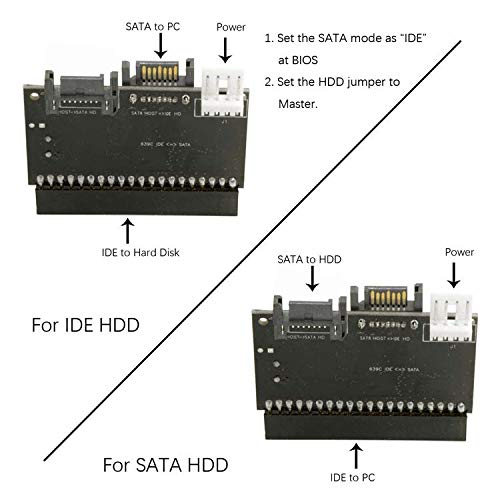
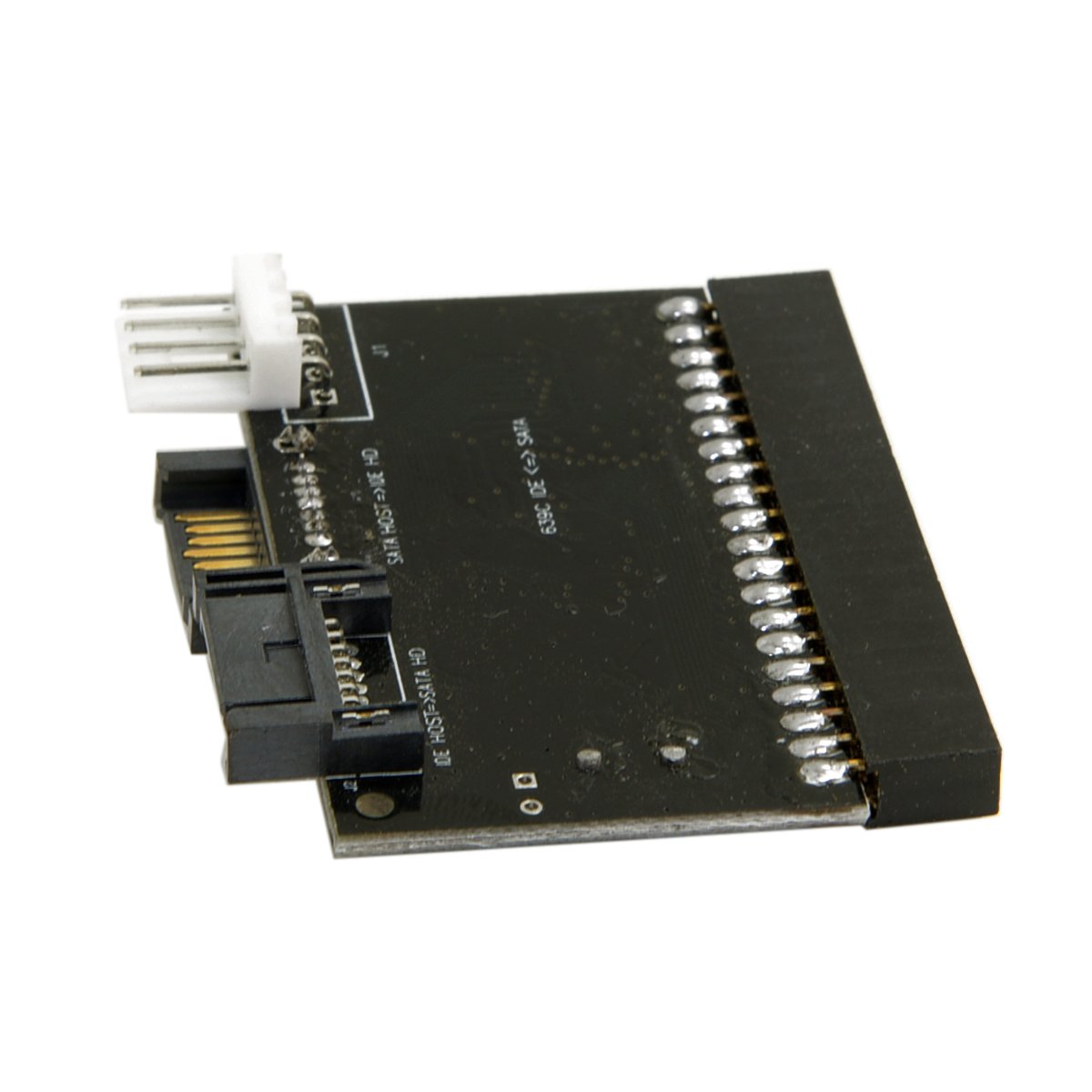
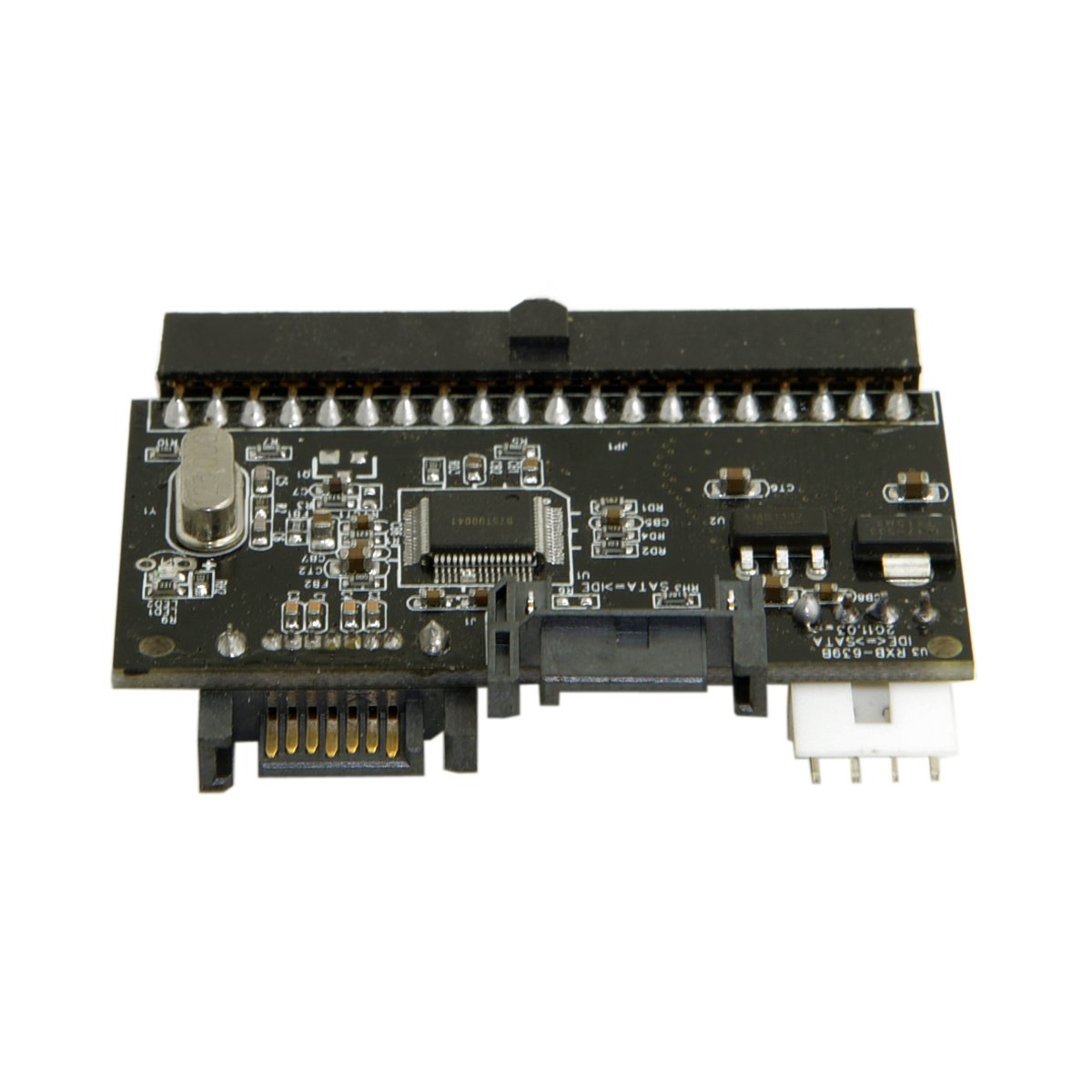
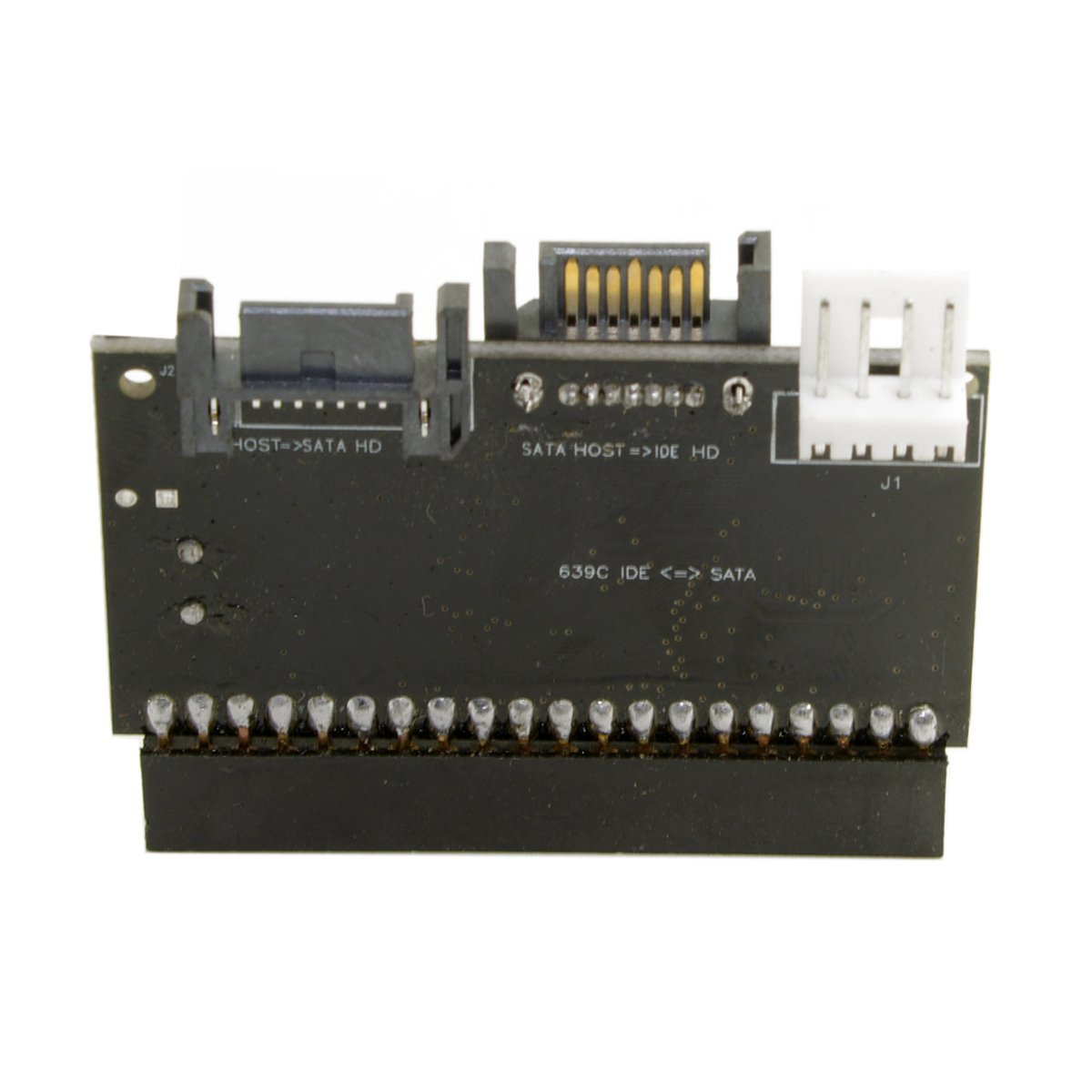
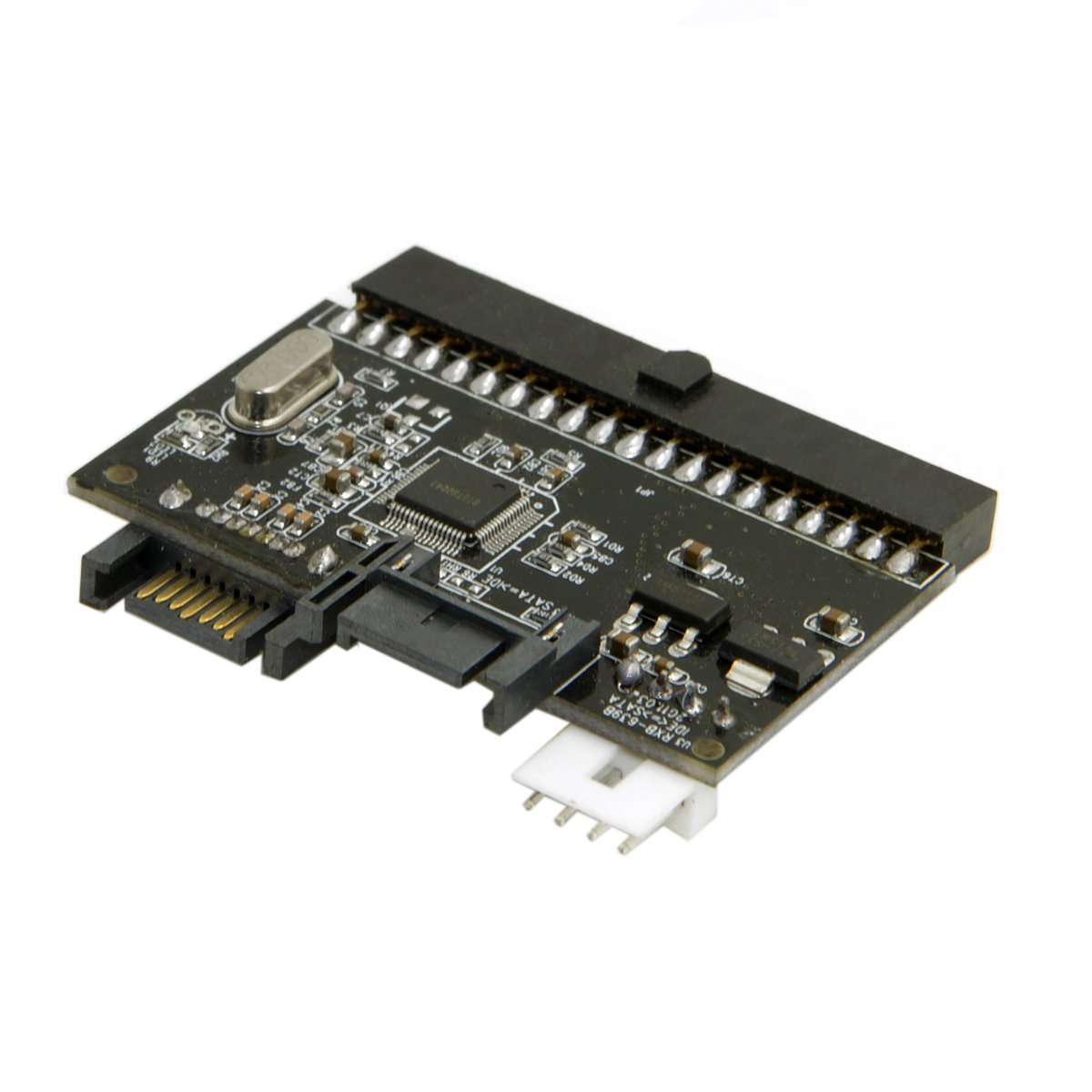
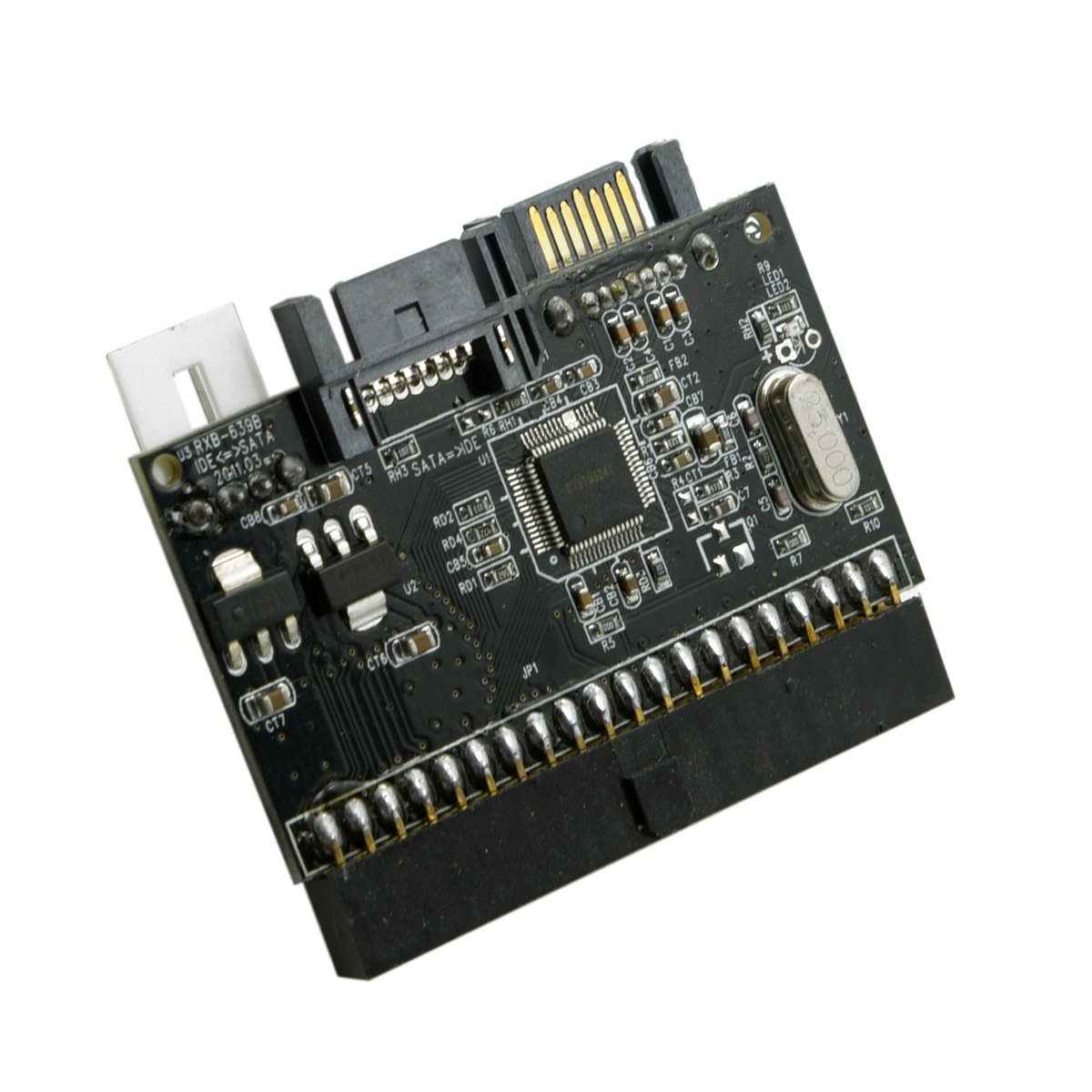
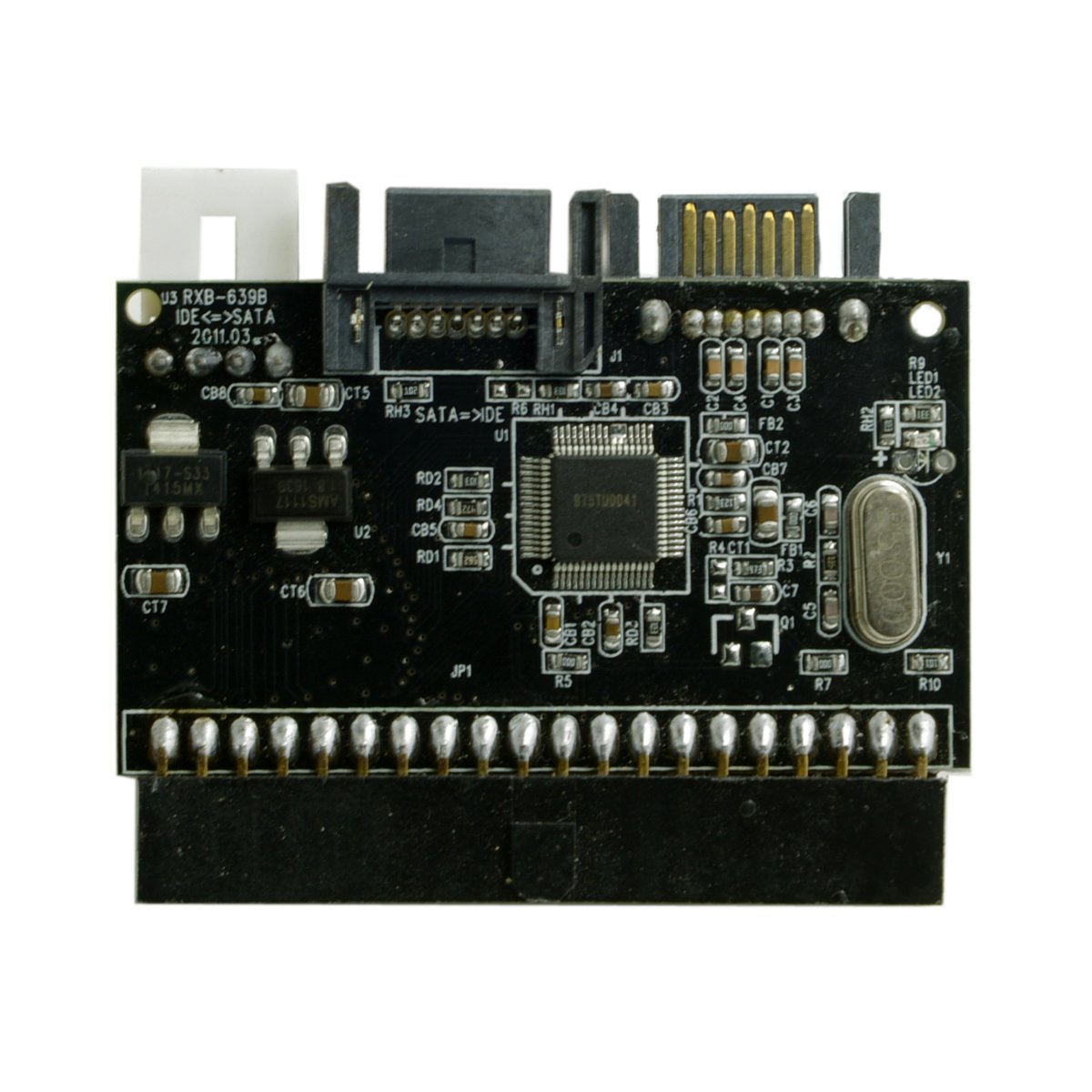
The Cablecc IDE 100/133 DVD CD to two Serial SATA 7PIN Adapter Converter enables seamless conversion between legacy 40-pin IDE devices and modern SATA drives. Supporting ATA 100/133 speeds and compliant with SATA specifications, it includes dual SATA ports and a 4-pin power connector for stable operation. Compact and plug-and-play compatible with Windows 10, this adapter is perfect for professionals needing versatile, reliable storage connectivity.
| ASIN | B00ZUDVMOU |
| Best Sellers Rank | #91,836 in Computers ( See Top 100 in Computers ) #309 in SATA Cables |
| Country of origin | China |
| Item model number | SA-101 |
| Manufacturer | Cablecc |
| Product Dimensions | 10 x 10 x 1 cm; 50 g |
M**O
Ottimo prodotto per poter utilizzare DVD più recenti con attacco SATA su scheda madre attacco IDE e viceversa. **** ATTENZIONE***** LA SCHEDA SCHEDA NECESITA DI UNA ALIMENTAZIONE AGGIUNTIVA!!!! vive comunque fornito un cavetto ausiliario! Economico e funzionante. Con Windows 10 riconosciuta plug and play !
R**A
Buen producto a buen precio
B**7
pas de problèmes conforme a la description du produit
G**S
I had picked up a pair of Micron Millenium P4 computers some time ago (2008) real cheap ($13 for both at Goodwill). They have the ASUS P4PE MoBo which has two IDE channels and an onboard Promise FastTrak 376 IDE/SATA controller. The FastTrak has two SATA ports and one PATA (IDE 133) port so should be able to accept four drives. I used them as web development test servers with two 1tb SATA drives in a 2tb RAID0 array and never used the IDE channel. Now retired and trying to consolidate my hardware, I thought I would try setting them up as retro gaming consoles and added rear ports for the onboard IEEE 1394 (firewire), digital audio, and gameport headers. Memory is maxed out at (wow) 2gb and the AGP x4 display card should be fine for my needs. But, IDE storage? Got to thinking I could use the FastTrak RAID for game data and I have a boat load of 1tb drives like the ones in the computers and are all SATA like the ones in the computers. Right, who ever saw a 1tb IDE/PATA drive? Found the CableCC adapter and thought that might be worth a try and better (cheaper) than an IDE133 ribbon cable going to two SATA drives that each have separate conversion adapters that probably will not work with the FastTrak. So, ordered a pair of the adapters with MOLEX to SATA power-Y and SATA cables and the data after they arrived, I had a vertigo attack (no stroke like 2021). Now on day six waiting for the dizzy to go away. Yesterday, I had to give it a try and put them in. I already had the drives mounted so it should have been just a bunch of plugging things in. Got everything in the first computer and, head spinning while sweating like a pig (Arizona) I plugged in the power and hit the switch. Entered and check BIOS to be sure to configure for the adapter, but the onboard IDE and FastTrak interfaces on on/off only — this is an experiment anyway. Saved the BIOS and restarted. I let the FastTrak sit trying to find any IDE drives for what seemed like forever. Finally, hit Ctrl-F and no, not one IDE/SATA drive was found. K.I.S.S. and aha, issue number one: the included MOLEX power adapter is flimsy at best. One of the wires/pins had been pushed out of the back of the connector just enough not to make contact inside. It took half an hour trying to keep the pins in the included adapter straight and inserted where the need to. Verified all connectors in the computer were right gave it another try. NADA! Closed up Micron one and opened up Micron two. Plugged everything in, verified all connections, plugged in the power cord, and hit the power switch. Issue number two: the power LED on the CableCC board is unreliable. The power LED on board number one never lit-up, but board number two was on and so bright I thought the AJPD (That’s Apache Junction, AZ like in “Bad Santa”) had arrived. Configured BIOS, waited on the FastTrak, and after entering into the FastTrak app, no IDE/SATA drives. Big let down after the bright-red-light. All the connections were good so not that. I thought must be just not compatible with the FastTrak interface, but how to be sure. Ah, the secondary IDE on the MoBo. Figured I would give it a try, it is IDE 100 after all, and see if it works there. Long story short, nope. So, moved everything back to be connected to the FastTrak and closed thing up for the day while I think about what to do. Woke up early today wondering what to try and get the CableCC boards working. Wife asked, “Whatcha lookin’ at?” While I was ready reviews at 4AM. One, maybe more, said something about only one port works and if you use two drives either works. It could be that easy. Easy? Went back to sleep and woke up when she getting ready to go help out at our church (AJ1st Assembly) VBS. Had breakfast and coffee while watching “Perry Mason.” Then, got started with Micron number two. Opened it up and pulled on SATA cable from the CableCC board. I was tired and I was dizzy waiting for the thing to boot. Got into the FastTrak utility and, “Surprise-surprise-surprise,” nothing. Ok, the fellow did not note which port, so I pulled the power andmoved the SATA cable on board to the other port. This time something was different. It went into the FastTrak utility quicker. Still no new drive, but there was an error that I did not catch on the way in. Rebooted and saw an error on Secondary. Pulled power and checked all the connections again, K.I.S.S. right? Sure enough, I missed it yesterday. One of the other MOLEX to SATA power-Y adapters had a pushed pin. Cheap Chinese… (grumble). Dug out my pin tool and got the wire back into place and, one-more-time, hit the power switch. Went through boot, got into the FastTrak, and — I’ll be …, three drives ready to be configured into an array. But wait, I know, maybe the other port will work now. Nada, And, same in Micron Two. Issue number three: The SATA port next to the power connector on the CableCC board is worthless. Use one drive and the SATA port farthest from the power connector. Conclusion: I had less trouble assembling my first computer, a Sinclair ZX81 unassembled kit, back in 1982 while I was getting my degree, but it works. So I will be keeping the CableCC IDE/PATA to SATA PCB. It is not quite what I had hoped for, but for the price… To recap: * Issue Number One: The included MOLEX power adapter is flimsy at best. Take it slow and watch every wire to be sure the pins do not get pushed out of the backside on the CableCC connector. * Issue Number Two: The power LED on the CableCC board is unreliable. I have two and one LED on the other off, but the interfaces both work. * Issue Number Three: The SATA port next to the power connector on the CableCC board is worthless. Use one drive and the SATA port farthest from the power connector on the PCB.
T**I
Parfait.