
下载应用程序


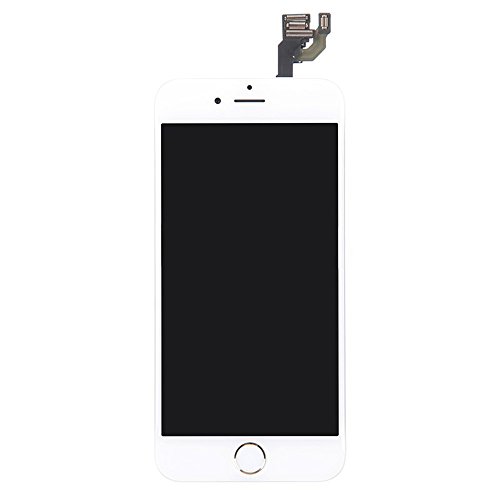
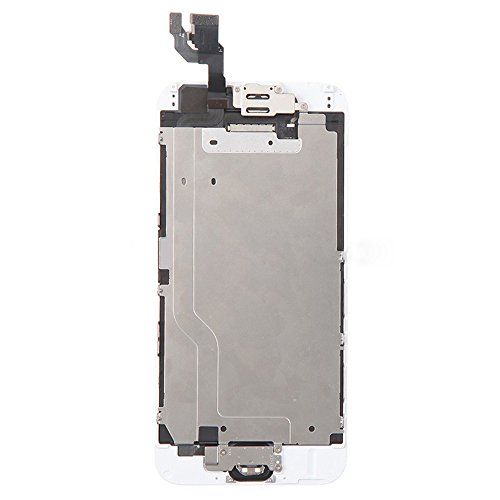
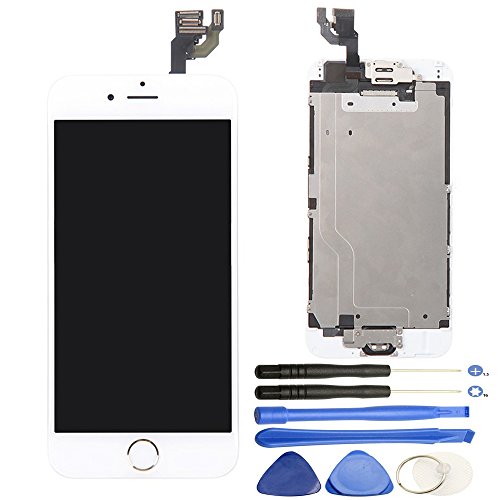
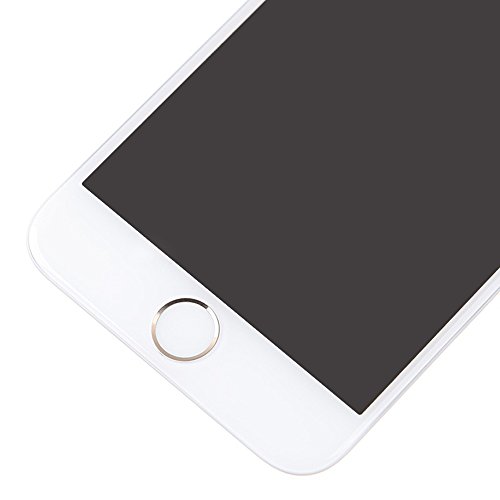
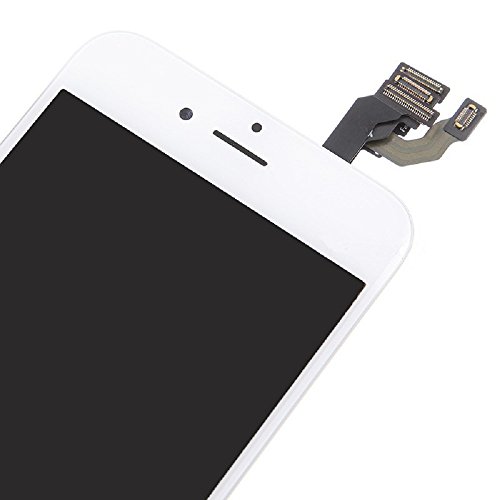
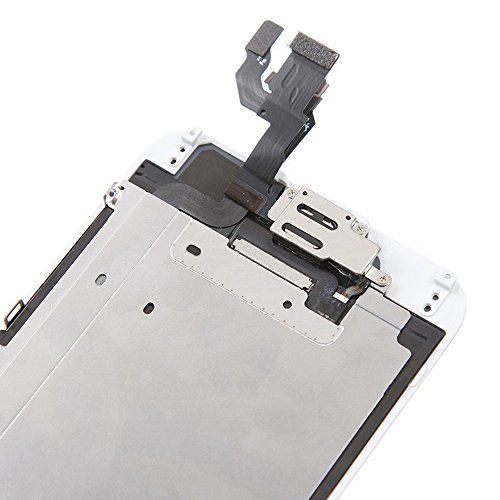
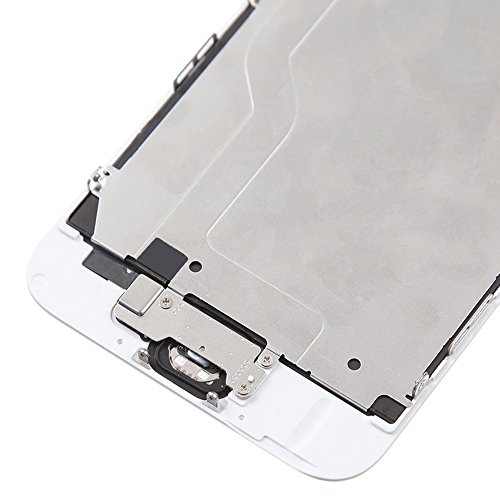
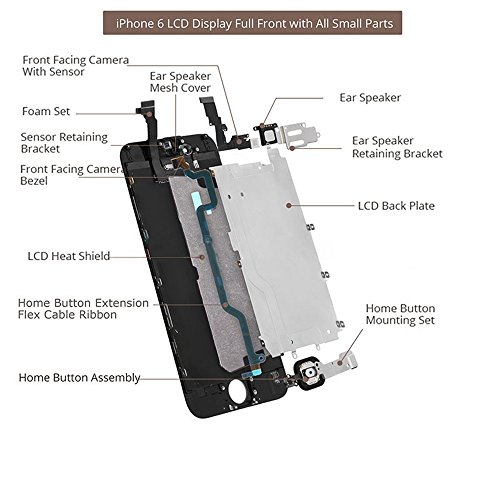
General Problems you may meet: When your iPhone meet problems such as could not turn on, touch with no response, flashing screen, lines on screen etc, please read following steps: 1.Make sure the flex cables are well connected and there are no debris on the connectors. 2.When switched original home button, disconnect and reconnect the flex cables(including the battery cable) from the motherboard. 3.Reboot: Hold Home Button, Up Volume, and Power Button until your iPhone power off and then power on. 4.Clean the screen surface with alcohol to eliminate static after installation. And leave your iPhone alone for several hours. Installation Tips: 1.Please check the screen appearance and connection cables carefully when receive to confirm whether there is appearance damage or not. Any problems, Please do not hesitate to contact us and provide photos of the problem, we will solve it for you. 2.If you want to fix by yourself, please watch related videos on how to replace a iPhone 6 Plus screen before doing, as it is not an easy job to repair the screen, especially when your hand is big, the screws inside is quite small. 3. Make sure do not pry the cable sockets on the motherboard when disconnect those cables, it will damage the sockets and the screen will not work. 4.Please test screen functions by connecting the cables to motherboard before installation, when you heard a clink sound, then it's well connected. If not well connected, there would be malfunction of the screen. Product Specifications: Color: White Size: 4.7 inchesHome Button Ear Speaker Front Facing Camera