
下载应用程序




🎉 Level up your game nights with TechKen’s all-in-one Wii controller sets!
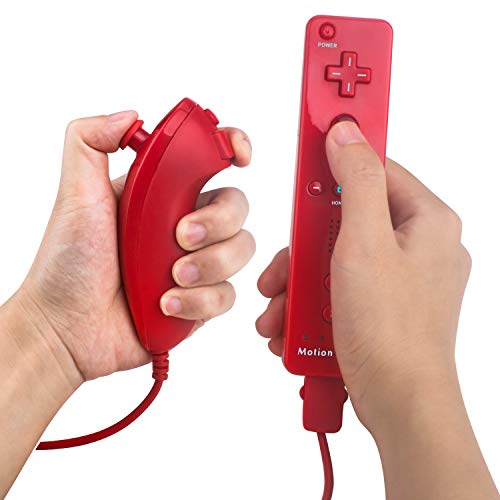
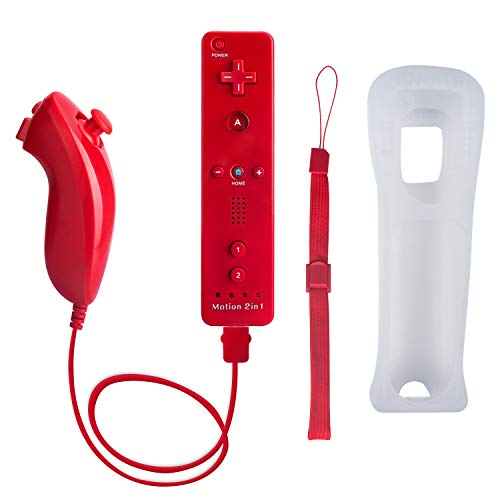
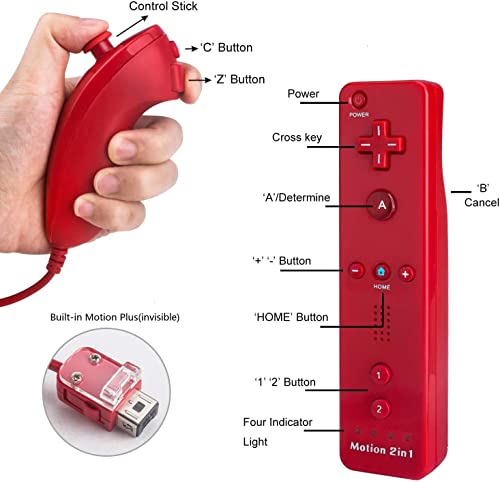
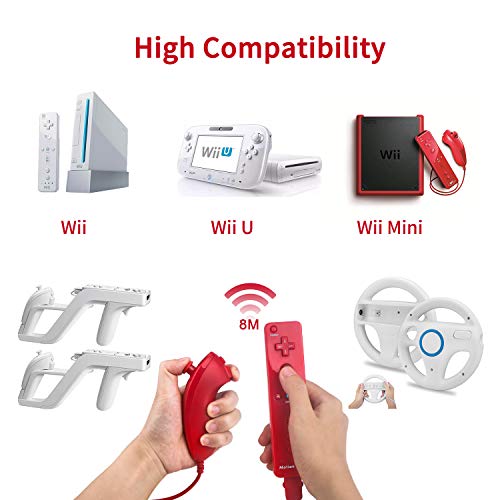
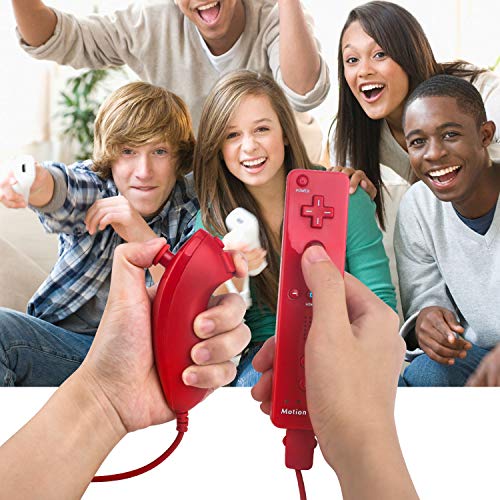
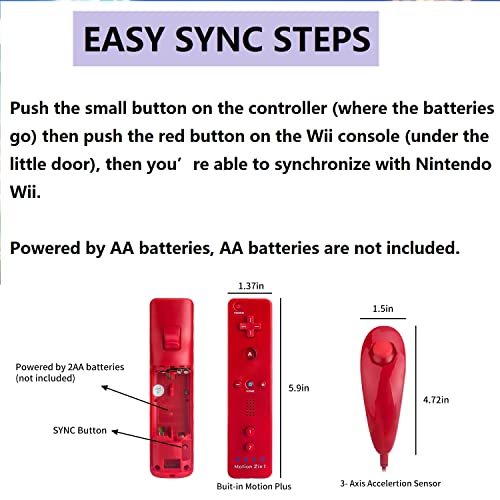
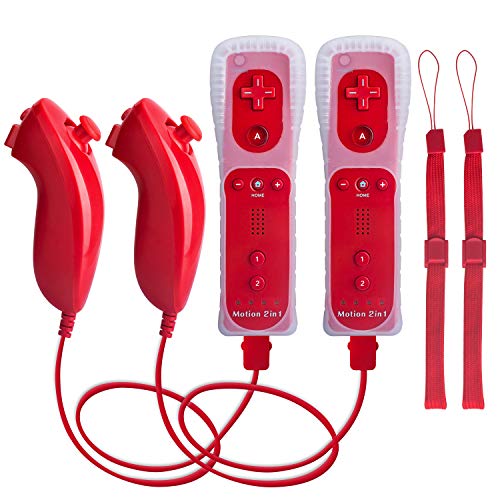
The TechKen Wii Controller bundle includes 2 sets of red Wii remotes with built-in Motion Plus and Nunchuk attachments, compatible with both Nintendo Wii and Wii U consoles. Designed for precise button response and easy syncing, these cost-effective third-party controllers feature LED battery indicators and come with silicone cases, wrist straps, and a 1-year limited warranty, making them perfect for multiplayer gaming and budget-conscious players seeking reliable performance.


| ASIN | B084R8CP7N |
| Best Sellers Rank | #40,116 in Electronics ( See Top 100 in Electronics ) #1,569 in Remote Controls |
| Customer reviews | 4.1 4.1 out of 5 stars (7,205) |
| Item model number | TK105 |
| Package Dimensions | 16.31 x 10.79 x 7.9 cm; 399 g |
S**I
ممتار المنتج شغال على pc Dolphin
K**Y
Works great with Mayflash Dolphin Bar and Dolphin Emulator. Though first controller setup can sometimes be tricky. So far testing the controllers they have been working great even the nunchuck. I haven't played with them much yet but I was able to get 4 controllers working fine playing 4 player games on Dolphin. I will be using them to play games more here soon so hopefully, they work for long periods of time without any issues. So far they feel and work just as well as the original Nintendo Wii Motion Plus controllers I have. The first controller was a little tricky to get running. For some reason, the sync button on the Mayflash Dolphin Bar and the controller didn't work the first time. I have to follow some instructions I found to make Windows 10 see the Bluetooth devices of the Wii controller. After the first one was working though. The other 3 only required me to hit the sync button on the Dolphin bar and these controllers. The instructions I used were as follows: How To Get It To Work With Windows 10 and Dolphin. 1) Attempt to connect your Wii controllers via normal Bluetooth. 2) When asked for a code, enter 0000 or any four different codes. This will fail. This is expected. 3) Open up the Windows Control Panel. Click "add device". There, you should see the option to add a Wii controller. Add the controller. When asked for a code, continue without entering one. 4) Launch the Dolphin Emulator. Navigate to the control configurator. Select "real Wii remote" on the player 1 control scheme. 5) launch your game, and it should work. But you may get lucky and not need to do these steps. However, now you know if you have issues.
R**S
Works on old wii and easy setup
D**E
Me gustó la calidad pero se quita muy rápido las pilas le doy un 8/10
F**.
their customer service is amazing! i did have one remote with connectivity issues but i messaged the seller and they immediately shipped a new set to me. they were so kind and helpful and the remotes came super quick. there’s no lag when using the remote and it feels very comfortable with the case on.
C**B
Good for the price