We remain fully operational. Our teams are working around the clock to ensure your deliveries continue safely.

下载应用程序


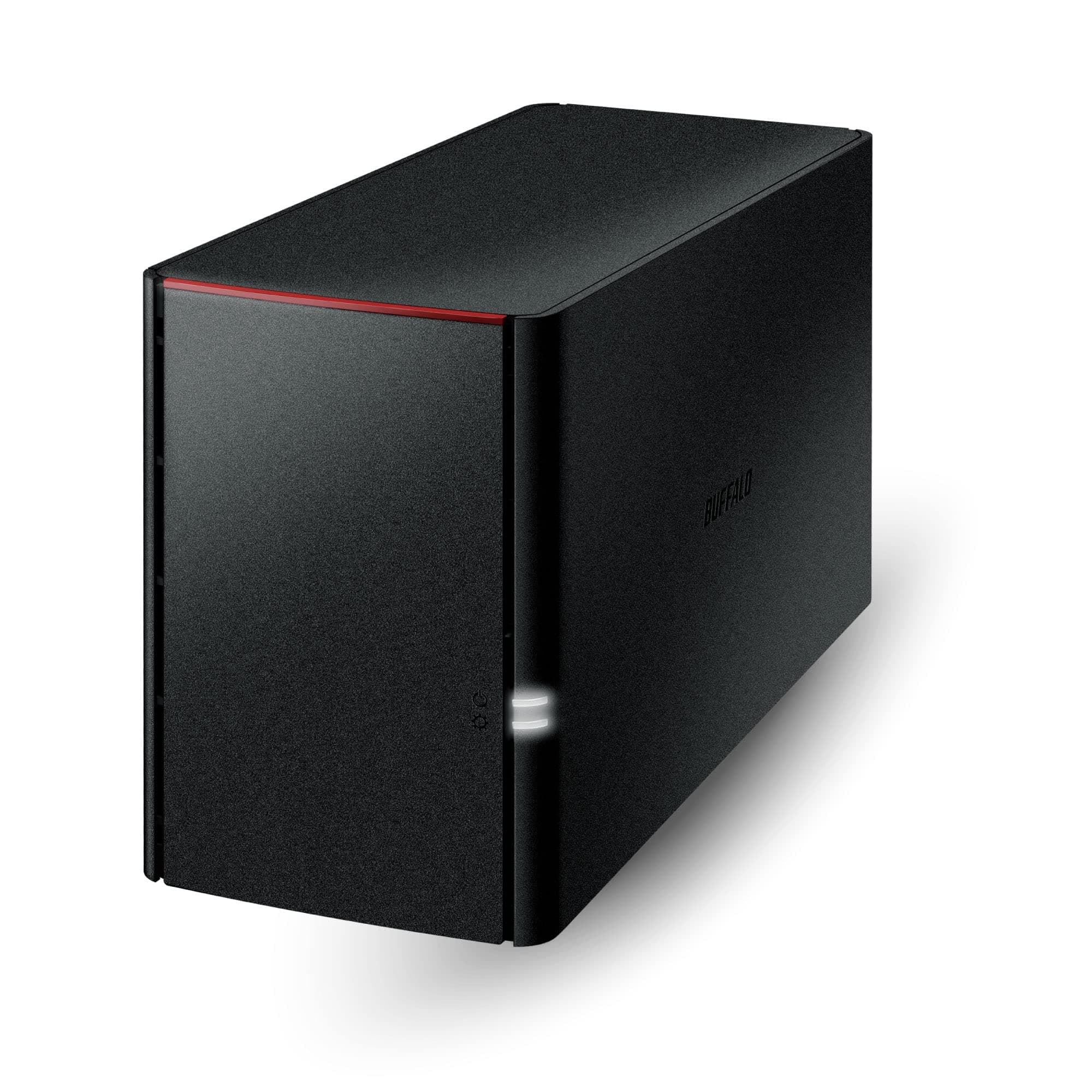



🚀 Own your data universe with Buffalo LinkStation 220 — storage that works as hard as you do!
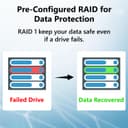
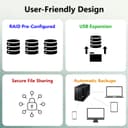
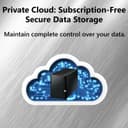
The Buffalo LinkStation 220 is a 2-bay NAS device featuring 8TB of pre-installed HDD storage, designed for home and small office use. It offers secure, centralized data storage with SSL encryption and a closed system to minimize vulnerabilities. Compatible with PC, Mac, and Linux, it supports automated backups across multiple devices and flexible RAID 0/1 configurations for either maximum capacity or data redundancy. With built-in personal cloud access, users can remotely access and share files without recurring fees. Known for reliability and ease of use, it’s a trusted solution for professionals seeking secure, always-on network storage.


| ASIN | B00JY4QJZ8 |
| Best Sellers Rank | 32,779 in Computers & Accessories ( See Top 100 in Computers & Accessories ) 13 in Network Attached Storage (NAS) Devices |
| Box Contents | 1 hard drive |
| Brand | Buffalo |
| Brand Name | Buffalo |
| Colour | Black |
| Compatible Devices | PC, Mac, Linux |
| Compatible devices | PC, Mac, Linux |
| Customer Reviews | 4.0 out of 5 stars 690 Reviews |
| EU Spare Part Availability Duration | 2 Years |
| Enclosure Material | Unspecified |
| Global Trade Identification Number | 00747464128658 |
| Is Assembly Required | No |
| Item Type Name | Network Attached Storage |
| Item Weight | 247 Grams |
| Item weight | 247 Grams |
| Manufacturer | BUFFALO |
| Manufacturer Part Number | LS220D0802 |
| Material | Unspecified |
| Model Number | LS220D0802 |
| Mounting Type | Floor Mount, Rack Mount |
| Size | 8 TB |
| UPC | 747464128658 |
G**S
A good basic NAS. Just be aware that the power brick has an American plug and no UK adapter.
I really do not understand the 'Buffalo haters'. The Linkstation 210 4TB 1-Bay NAS is a basic network drive, with a basic interface. But you only need use the software for initial setup and maintenance. After that, it just sits on your local network as a mapped drive, same as every other NAS. One reviewer said that you must run the software app (NAS Navigator 2) in order to access the drive on a network. That is utter cobblers. The NAS Navigator app is only required as a simpler way of mapping the drive, viewing your files, or displaying any drive errors, perhaps for folks that do not want to start typing in and bookmarking network addresses. The Linkstation 210 covers all the bases. It can be divided up into folders and user accounts. The folders can be mapped to separate drive letters on your network, and the user accounts can be password protected, so family members can have their own private files library. There is also the usual public area, where everyone can access common files. There is a basic media server, and you can configure the Linkstation to upload to the most common media sharing websites like YouTube or Dropbox. The Linkstation also offers a personal cloud feature, where you can access your files from anywhere in the world for free. But you need to be a little more tech-savvy to set up that feature. I have had the larger 2-bay Buffalo 220 NAS in my house now for 6 years, running 24/7. It has proven to be extremely reliable. One of the hard drives began misbehaving after 4 years, and was replaced. The other is still running error-free. Obviously, the single bay 210 does not have the ability for RAID protection. But you can configure it for automatic backup over the network, or via the USB port on the rear. The USB port will work with a shutdown command from an interruptible power supply, so if you power the NAS through a UPS, it will work with apps like Parachute, and complete a proper shutdown, if the battery in the UPS is almost exhausted. In fact that is my only issue with the 210. I wish it had a second USB port on the front of the unit, so you could have the comms with the UPS and also have the ability of backups, without unplugging cables. If I did not already own it's bigger brother, that single feature would have had me purchasing something from Synology instead. Like I said, the larger 220 has been literally running 24/7 for 6 years now, and I have had no issues with the cooling fan, or had any strange hangs or crashes. I have found the 220 to be a very reliable device, and I expect nothing less from the smaller 210. Just remember that Buffalo NAS drives are very popular in the USA, Canada and Japan, so the unit ships with a power brick with the mains plug used in those counties. There is no 'slide-on' pin adapter for any other countries. You will need to purchase a USA to UK plug adapter. The branded one I purchased from Amazon was £8. Although the power brick will plug in to a standard UK shaver adapter, the NAS pulls 2 amps, so it will blow the 1Amp fuse in any shaver adapter. If you just need a reliable, basic NAS/Media Server, to put on a shelf, set up once, then forget about it, Buffalo devices are highly recommended.
A**K
Connection with a win 11 pc is not automatic, with win 11 home have not yet managed it.
its not Buffalos fault, but getting a win 11 pc to connect tp a pc is not quite as simple as pnp. It does work with win 11 pro, but I have yet to get it to work with win 11 home. (I hesitate to alter the registry for obvious reasons)
M**N
No now recommended
After 6+ years of use this is effectively a local hard drive in my home as the supplier has terminated European support effective August 2025. Cannot therefore recommend you buy unless you are operating through a VPN that connects you outside of Europe.
A**H
There are far better options
I wouldn't waste your money on this one. To find this on your network, you need to install bespoke software, which shouldn't be required. After just over a year this crashed and I lost all of my data. The support was useless too. I have now replaced with a far better system at much less cost.
TrustPilot
2 周前
2天前