

Desert Online General Trading LLC
Dubai, United Arab Emirates
Desert Online General Trading LLC
Dubai, United Arab Emirates

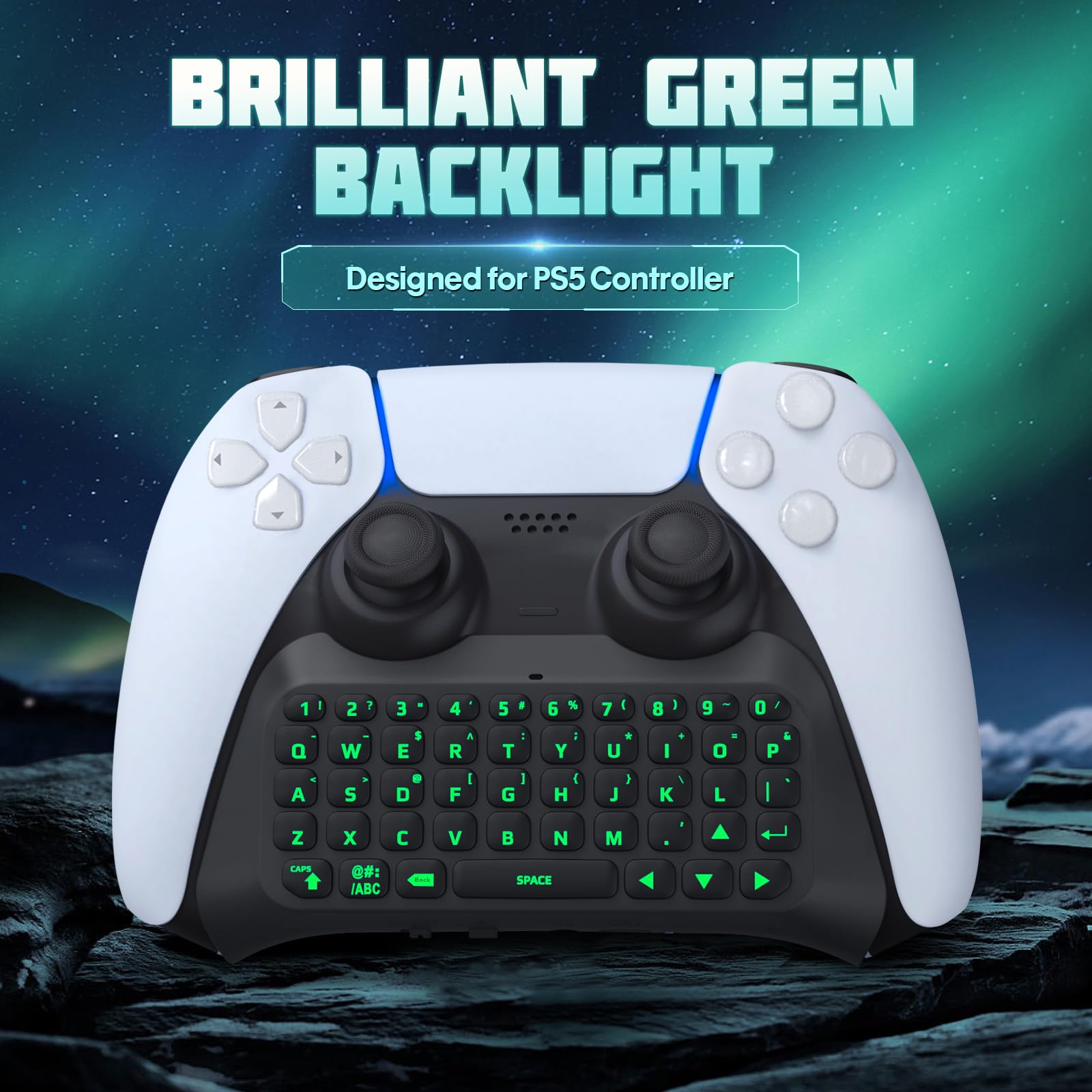

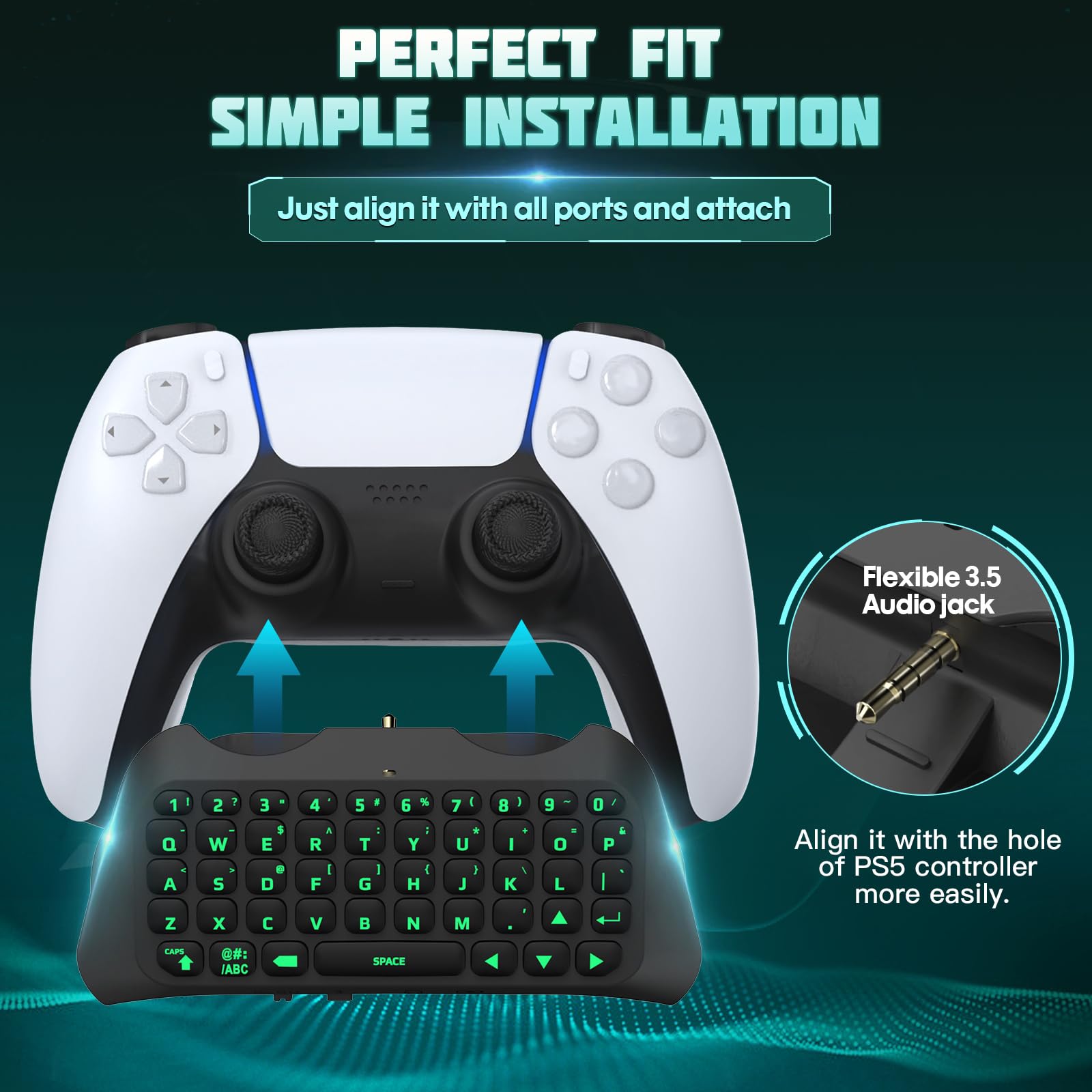


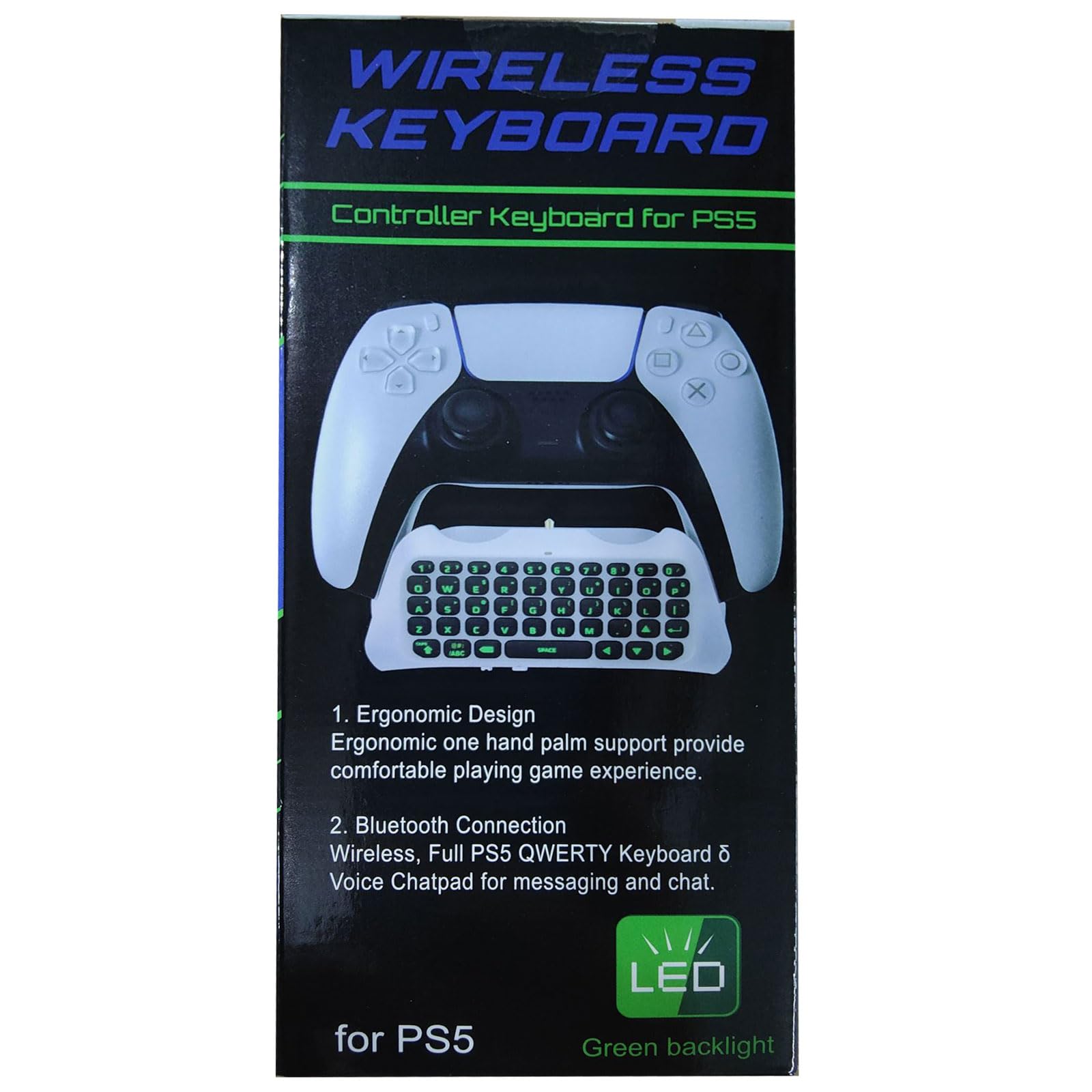
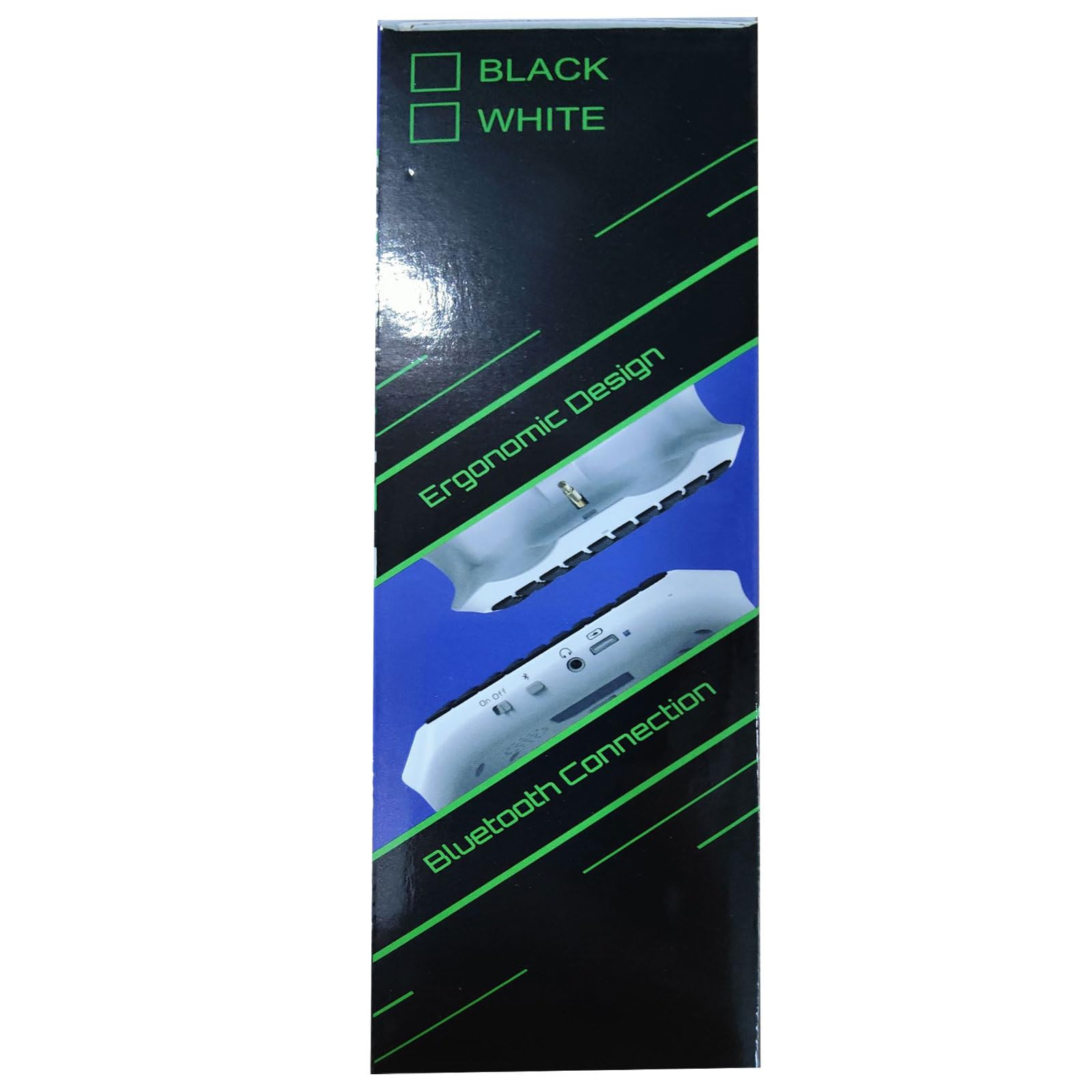

💚 Level up your PS5 chat game with style and sound!
The TiMOVO PS5 Controller Keyboard is a sleek, lightweight wireless chatpad designed exclusively for PlayStation 5 controllers. Featuring a vibrant green backlit keypad, built-in speaker, and 3.5mm audio jack, it enhances in-game communication and immersion. Ergonomically crafted for comfort and easy Bluetooth pairing, this mini keyboard is the ultimate accessory for professional gamers seeking seamless connectivity and style.


| Brand | TiMOVO |
| Item model number | P840156930734 |
| Hardware Platform | playstation 5 |
| Item Weight | 2.47 ounces |
| Product Dimensions | 5.04 x 2.09 x 1.3 inches |
| Item Dimensions LxWxH | 5.04 x 2.09 x 1.3 inches |
| Color | Black |
| Power Source | Battery Powered |
| Manufacturer | TiMOVO |
| Language | English |
| ASIN | B0BMTQLQPQ |
| Date First Available | November 18, 2022 |
J**A
Great! Takes a Learning Curve
The media could not be loaded. EDIT 2: I bought a second one after the aforementioned issue. The second one works just fine. I can only assume that the first one I recieved was defective somehow. I can recommend this keyboard.EDIT: suddenly stopped working after 2 days. Cannot connect via accesories on ps5. It shows its there, but "connect" is greyed out. Tried holding the bluetooth on the keyboard, did nothing. Deleted it from ps5 completely but there doesnt seem to be a way to reset it? Doesnt show up in bluetooth menu! Returning, purchased another. Hopefully it's faulty because I really did like it. Will update.Works exactly as intended. Make sure to follow the instructions. I havent had any problems disconnecting. The backlight works perfectly, though is a little bright. Wish the brightness could be lowered, but not a deal breaker.It takes a bit of a learning curve to get comfortable typing. It reminds me of Blackberry phones back in the day.The speaker is horrible, but if you plug in headphones, there is no provlem with the sound quality.Highly recommend!
B**N
Very good product
Keyboard responsiveness:Keyboard works really well and connects easily to my ps5
K**Y
Good purchase!
Works well, and can be charged with any USB-C cable. The only thing I didn’t like was that it transfers the game sounds to the keyboard and there’s no way I can figure out how to change the volume. Otherwise, if you’re playing a game that you could potentially talk to others via a game chat, this works amazingly. It also lights up!
X**E
Perfect!!
I love it so much! Makes it so much eaiser to type on my console! I love the color settings as well perfect for reflecting my mood or jus being fun! Perfect value for cost & setup is a breeze!Will say only “flaw” is that it will always default audio to the keyboard so you’ll have to swap it to headphones in settings everytime that the keyboard is connected at least if you use a wireless one like I do
R**N
It works, but it isn't the highest quality
If you're looking at this, you may remember the official keypad for the PlayStation 3 back in the day. This isn't that. The buttons are rubber, and it lights up, but it doesn't feel as premium as it's PS3 counterpart. That's well and dandy. Let's get into the meat.I bought this to use with my DualSense on PC, and it works for that. The same it'll work for your PS5. The issues come with build quality, connectivity, and features.Build Quality: It leaves something to be desired. While it does attach and stay on the DualSense via the 3.5mm jack, there is a small bump glued under that that's supposed to seat into the ridge of the controller it seems. That part fell off IMMEDIATELY. It doesn't really matter much, it still seats fine, but come on. I took the liberty of disassembling the keypad after connectivity issues, and it does seem to have a very rigid build. It's held together by about 10 screws inside out, and nothing inside will come loose unless you manage to melt the glue holding the speaker (yes, there's a real speaker in there) to the casing. There's also what looks like an actual microphone as well. Everything this says it does (audio wise) it does.Connectivity: It seems to work fine after you finally get it connected, but it's getting connected to anything that's not a PS5 that's an issue. IF YOU NEED TO CONNECT IT TO A PC/PHONE, READ HERE. It will do one of two prompts: it gives you a code on your device, or it asks you to type one in. If you get the first, congratulations and read this carefully. **Type the code shown on your screen ON THE KEYPAD (so type "673342" or whatever number you're prompted on the pad itself) and HIT ENTER IN ON THE KEYPAD.** It will connect and work, and you've saved yourself the trouble of figuring out how to do it the second way. If you get a box prompting you to type in a number, this is what you do: 1) ON YOUR SCREEN, TYPE 0000 AND HIT CONNECT. 2) ON YOUR KEYPAD, TYPE THE SAME "0000" AND PRESS ENTER ON THE KEYPAD. Hopefully this helps folks having connectivity issues.Features: I really wish this had a mono-red LED setting, a motherboard reset button on the bottom, and a way to change the sleep timers. All of the features it advertises are there, but these three would make it much better in my opinion.This is a good purchase if you are in the niche of needing a keypad to use with your DualSense for either PC or PS5. Personally, I use it to play Star Citizen and have access to 27+ more hot keys than I do on just the controller.
N**E
Perfect for the ps5
Works great and easy to connect to ps5. Just remember to hit enter after inputting bluetooth connection code.
S**B
terrible
says this product works on PC. i havent been able to connect it at all. its not an issue with my PC bluetooth, as my PS5 controller, headset and other devices are connected. most of the time, device cannot be found when scanning bluetooth, then in the rare chance the scan finds the bluetooth it asks for a pin. theres nowhere to type the pin on the device itself or the screen. so then the pairing cancels and im back to step 1 praying my PC can even "find" the device. i have spent 2 hours just trying to pair this thing. terrible product.
S**A
Works great
The media could not be loaded. Bought this keyboard for my husband new controller and he loves it he says it’s so much better and very convenient to use im unsure how to use it so I did a small video of just touching the keyboard so you can see the backlight of it oh and it was very easy to connect I’ll advise to follow directions on the pamphlet
TrustPilot
2 周前
2 周前