

Desert Online General Trading LLC
Dubai, United Arab Emirates
Desert Online General Trading LLC
Dubai, United Arab Emirates

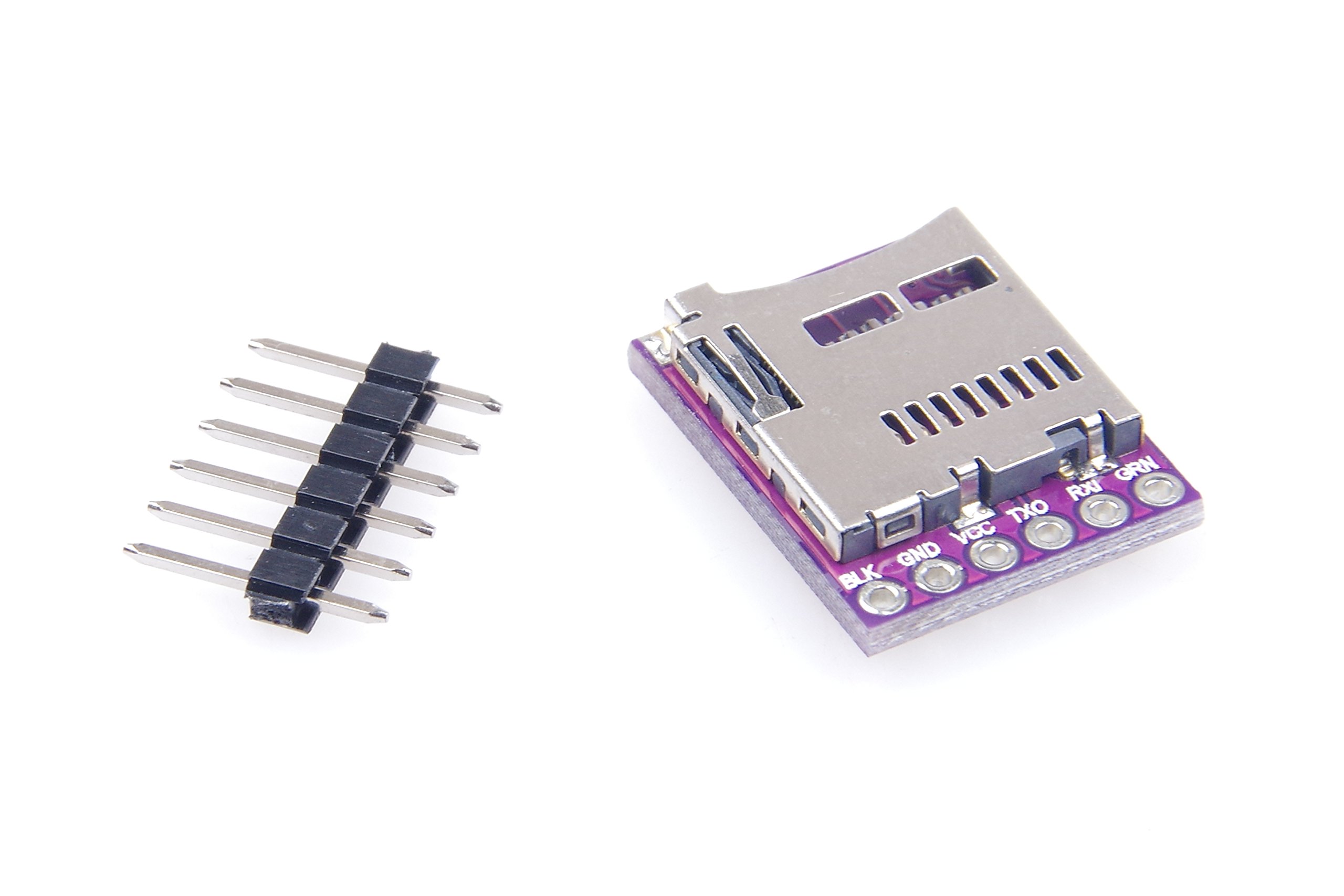
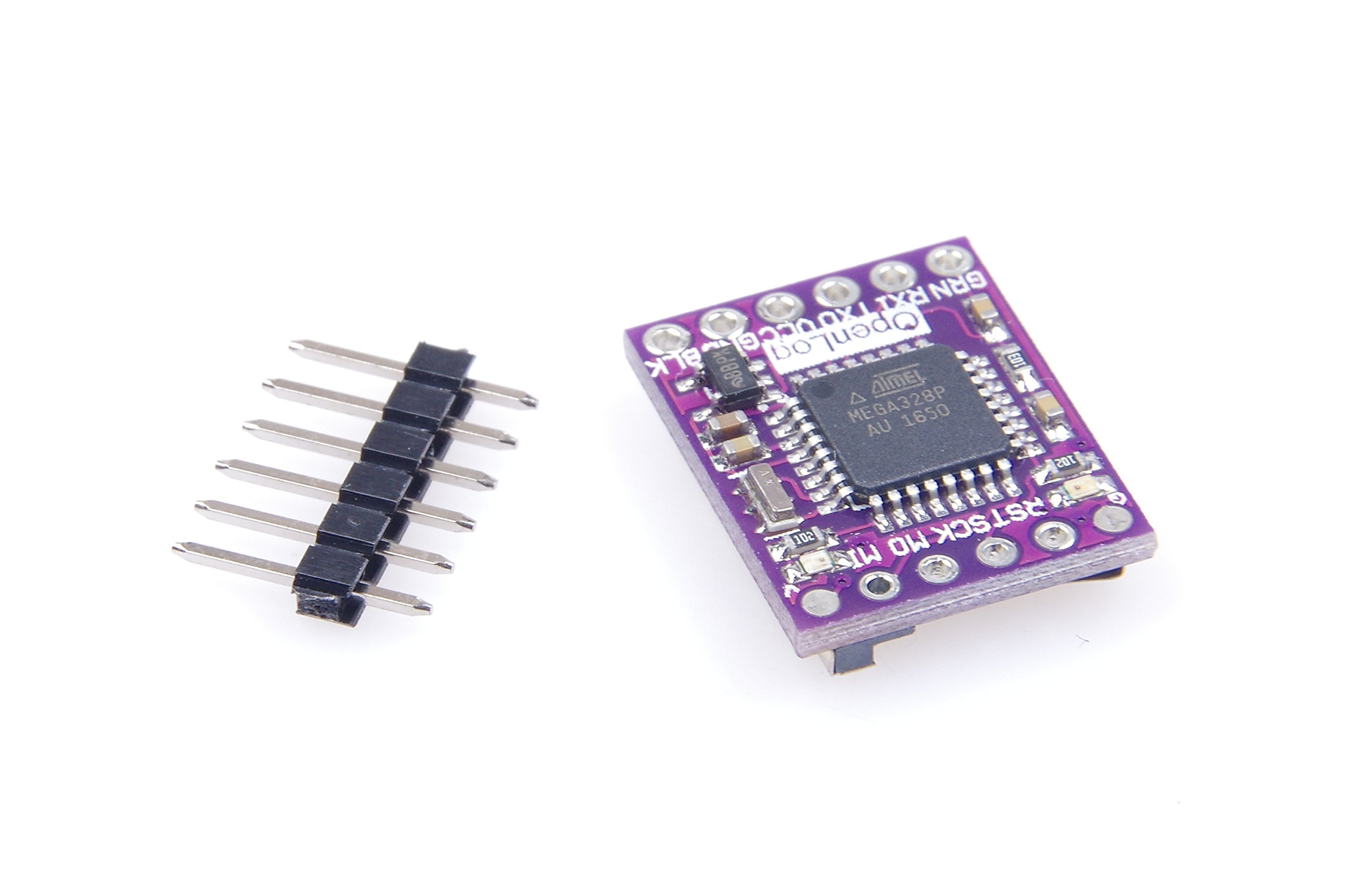
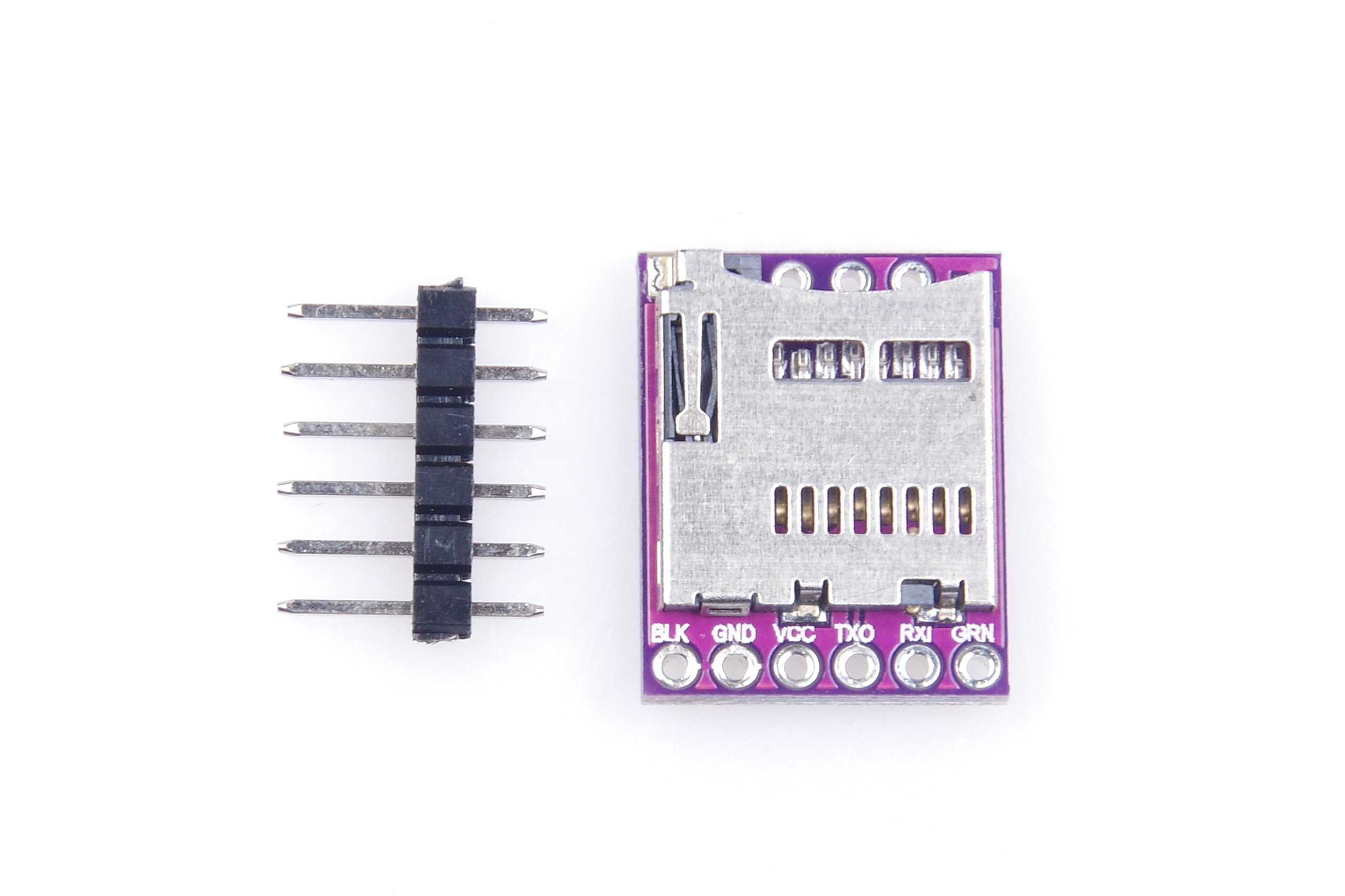
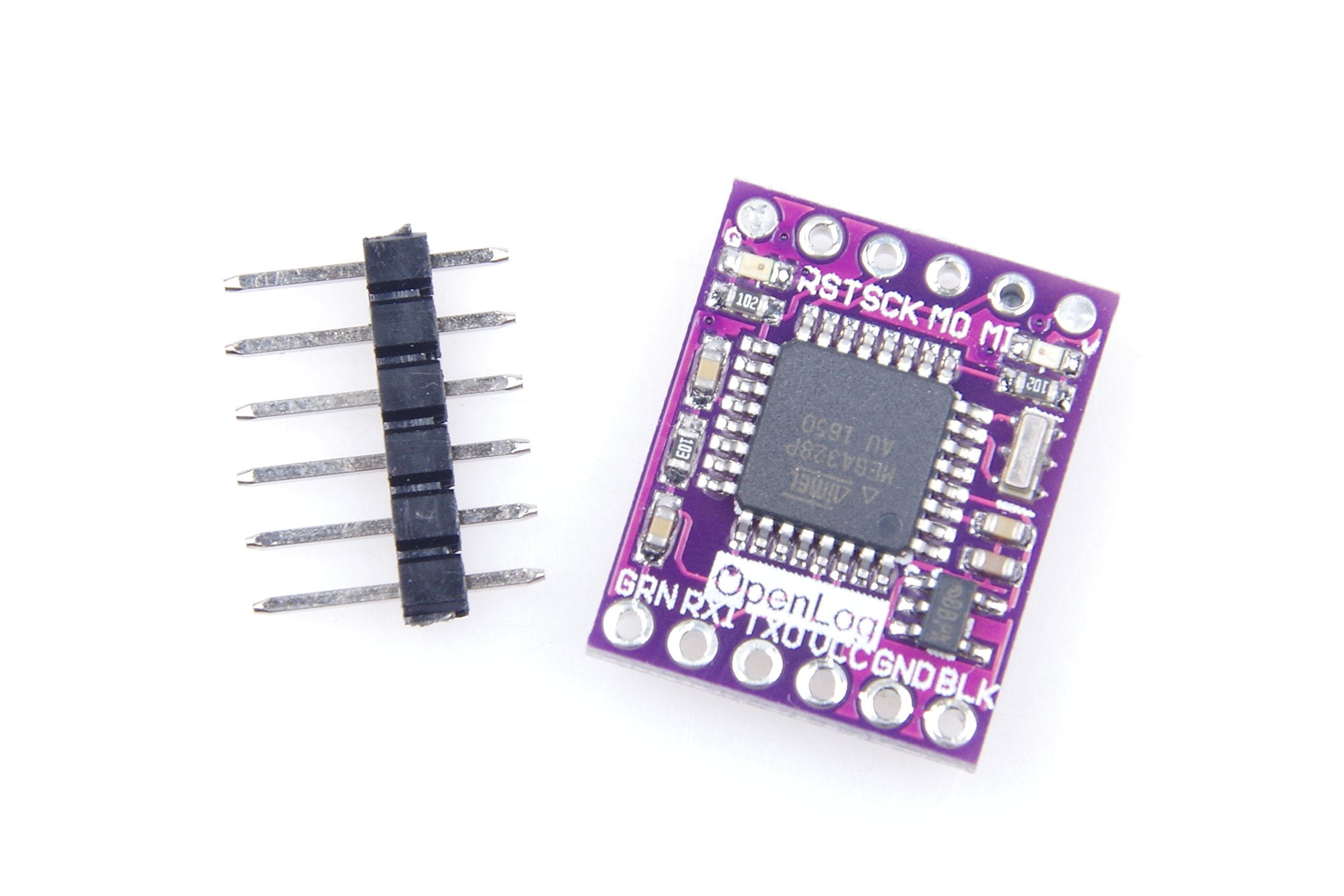
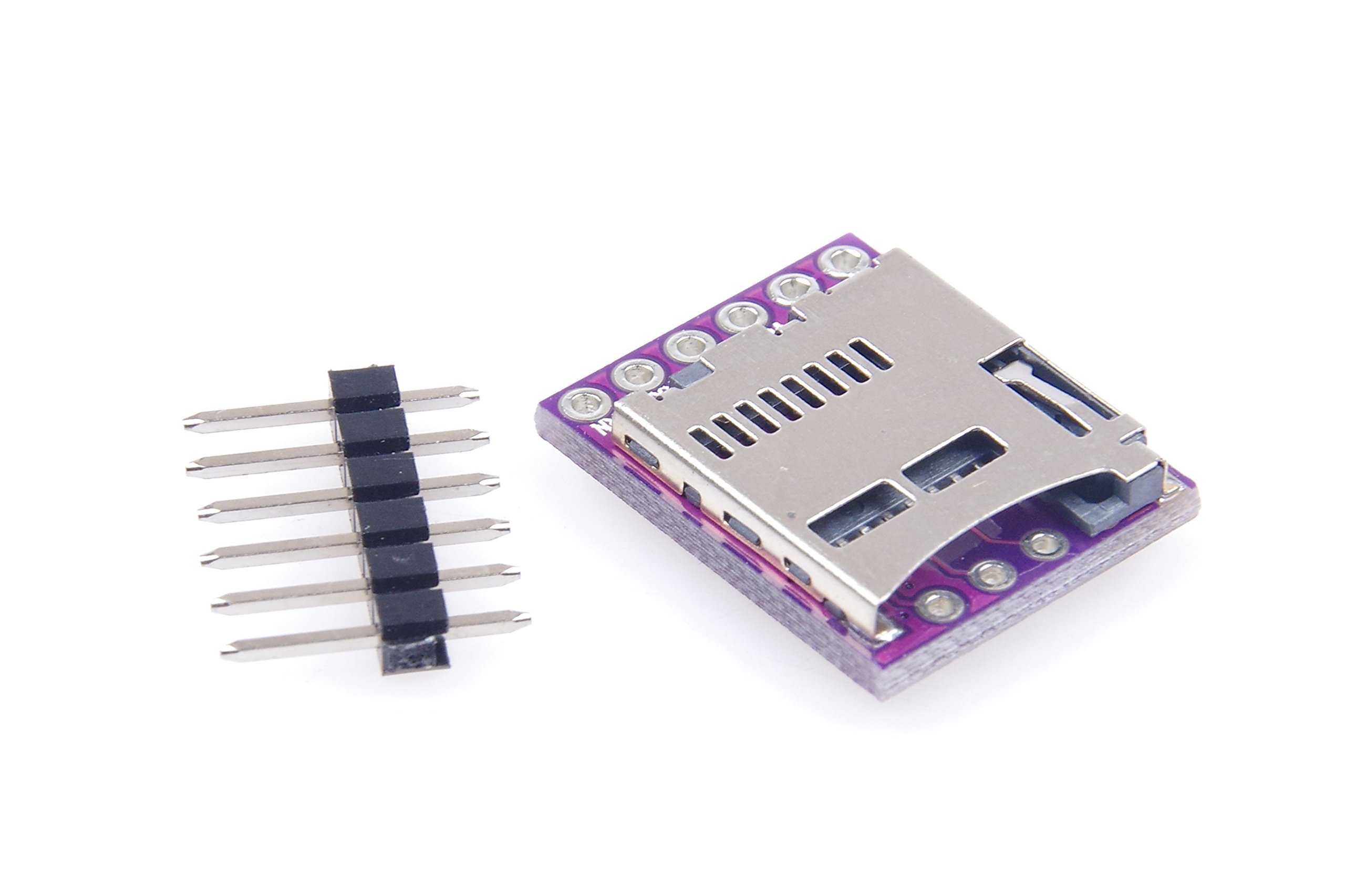
UART serial interface. Baud rate adjustable. Technical Parameters: 1. Input voltage 3.3V ~ 12V (recommended for 3.3V ~ 5V); 2. Memory format is FAT32, supports up to 64GB of memory; 3.UART serial interface; 4. Adjustable baud rate; 5. The default Bootloader is pro mini atmega328P 5V 16mhz; 6. Three modes: new, add, command. 7. The baud rate can be set to 300-1000000bps 8. Ensure that the minimum connection for operation is VCC, GND, RX 9. Two led lights indicate the running status 10. Idle current 2mA. the maximum recording rate, the current is 6mA. Note: On the computer to change the tf card config file (if the new card, insert the card after the first power, which will automatically create config file), you can change the settings, such as baud rate. You do not need to buy any special tools to change the serial port settings to make
S**O
Works just fine without documentation
Comes bare bones as per the listing. It is an standard openlog based product so documentation and functionality is exactly as per openlog (just google search for it). Cheaper to buy direct on ebay from China, but if you need this quickly, then this ships via amazon so you get it in a couple of days. It'll keep up with 9600 baud continuous, 38400 requires some packet delays to prevent packet dropout - after all the atmega that it is based on has limited ram for buffering data being written to the uSD card.
E**R
Great for projects beyond drone black box function.
This was initially purchased for a FPV drone black box recorder..which worked perfect.. But, I am currently using it to record directly from a GPS module that outputs NMEA data. If you have ever been working on a microcontroller project, and ran out of memory trying to run an SD card and an OLED screen, this could be the solution. If your UART is occupied, you can always bit-bang it w/software serial. Before adding it to your Quadcopter or Arduino project, insert an SD card and power it up w/ +5vdc. It will create config.txt text file. Open config.txt with Notepad or TextEdit (Mac) and adjust the Baud rate to that of whatever your recording.
A**R
Neer do update firmware
Out of the box, worked, but created gibberish log files.Updated firmware, which made it stop working.Then found the github sparkfun instructions.Have the blackbox v3 sketchHave the sdfatlib libraryHave serialport libraryModify serialport.h fileBuffered_tx=0Enable_rx_error_checking_r0Then it worked
C**L
Missing any kind of a manual; abysmal instructions
This may work properly, but without any documentation, I can't find a way to get it to not overwrite my changed config.txt. I get a log file, but it is always empty. Unuseable as is.