
下载应用程序






🚗 See More, Stress Less — Your Ultimate Parking Wingman!
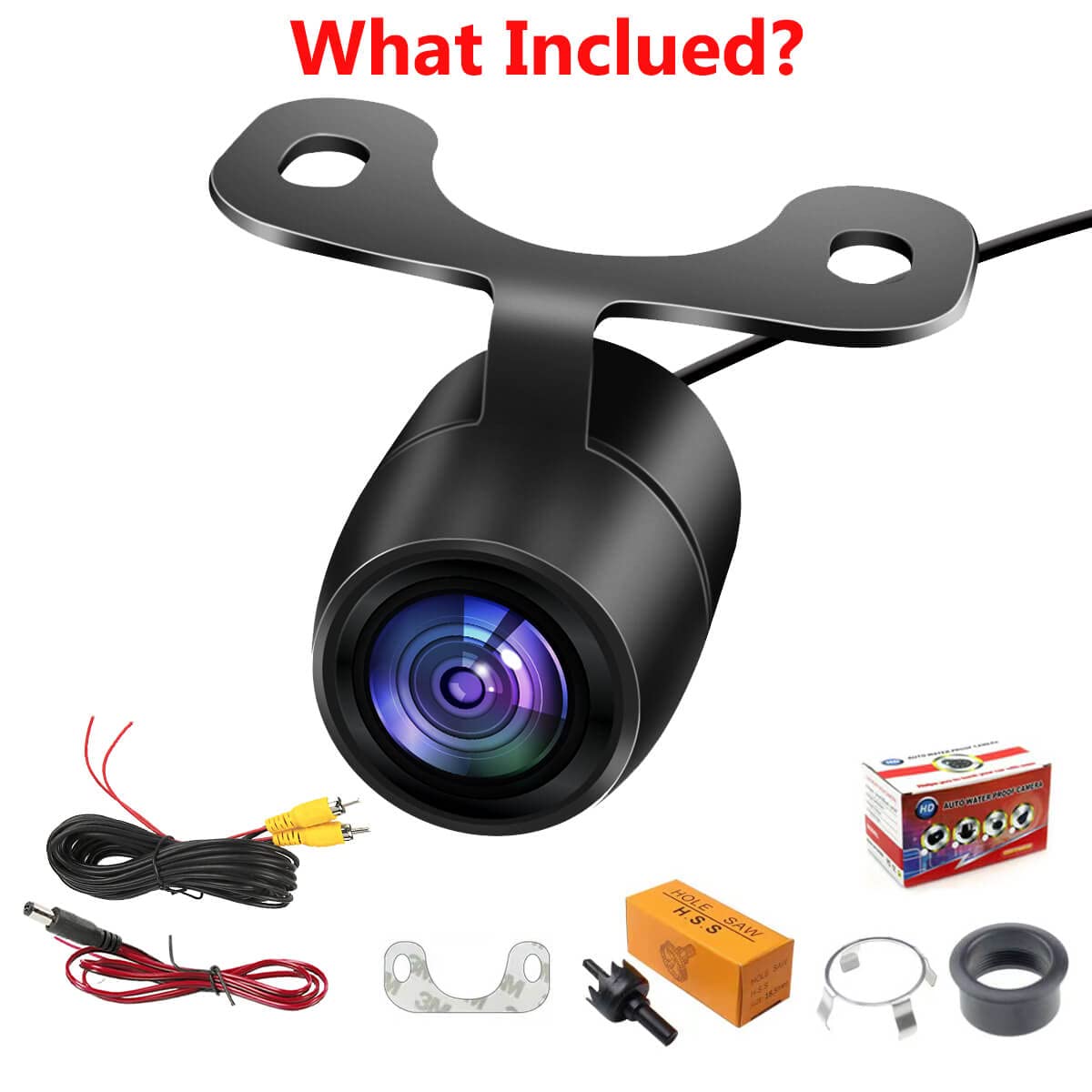
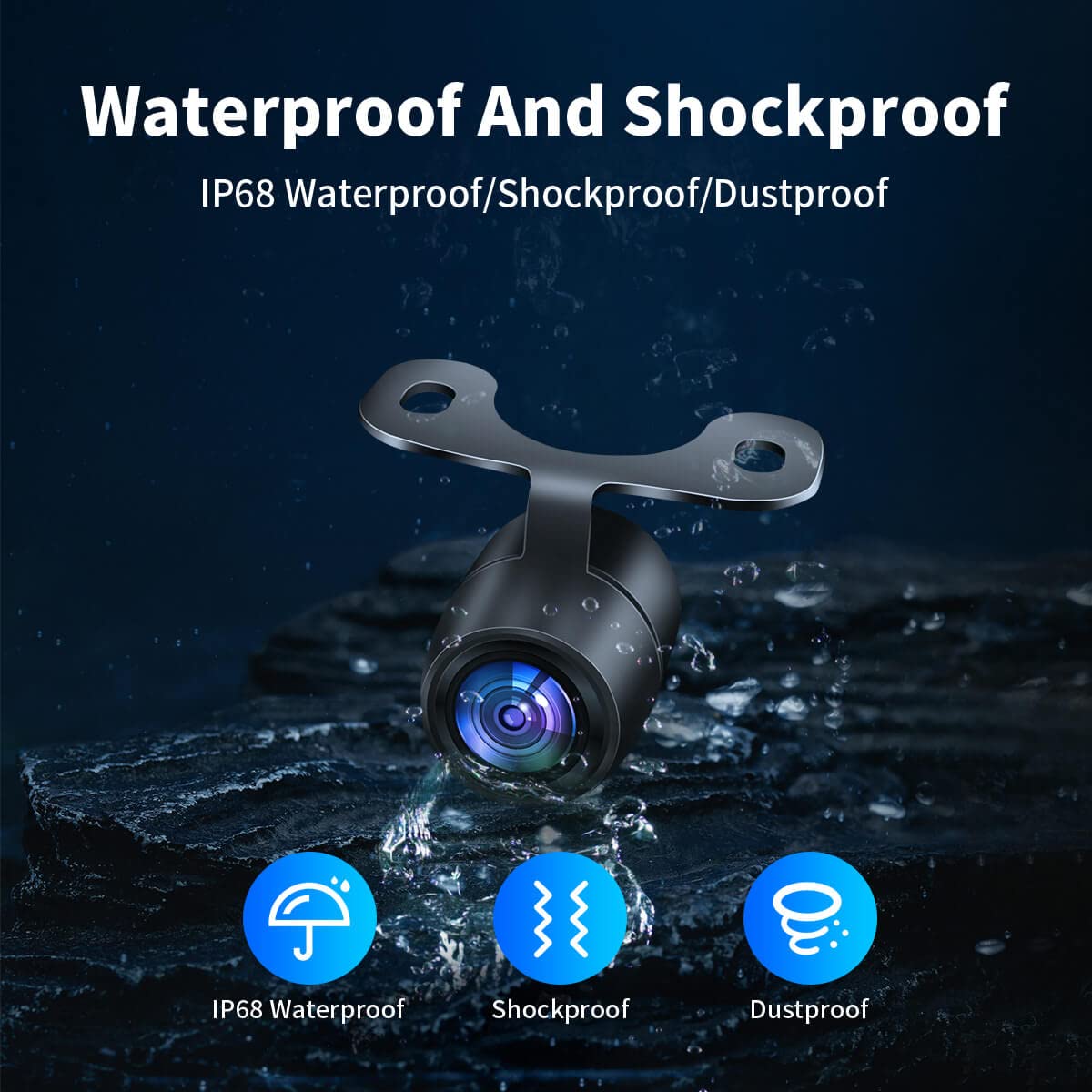
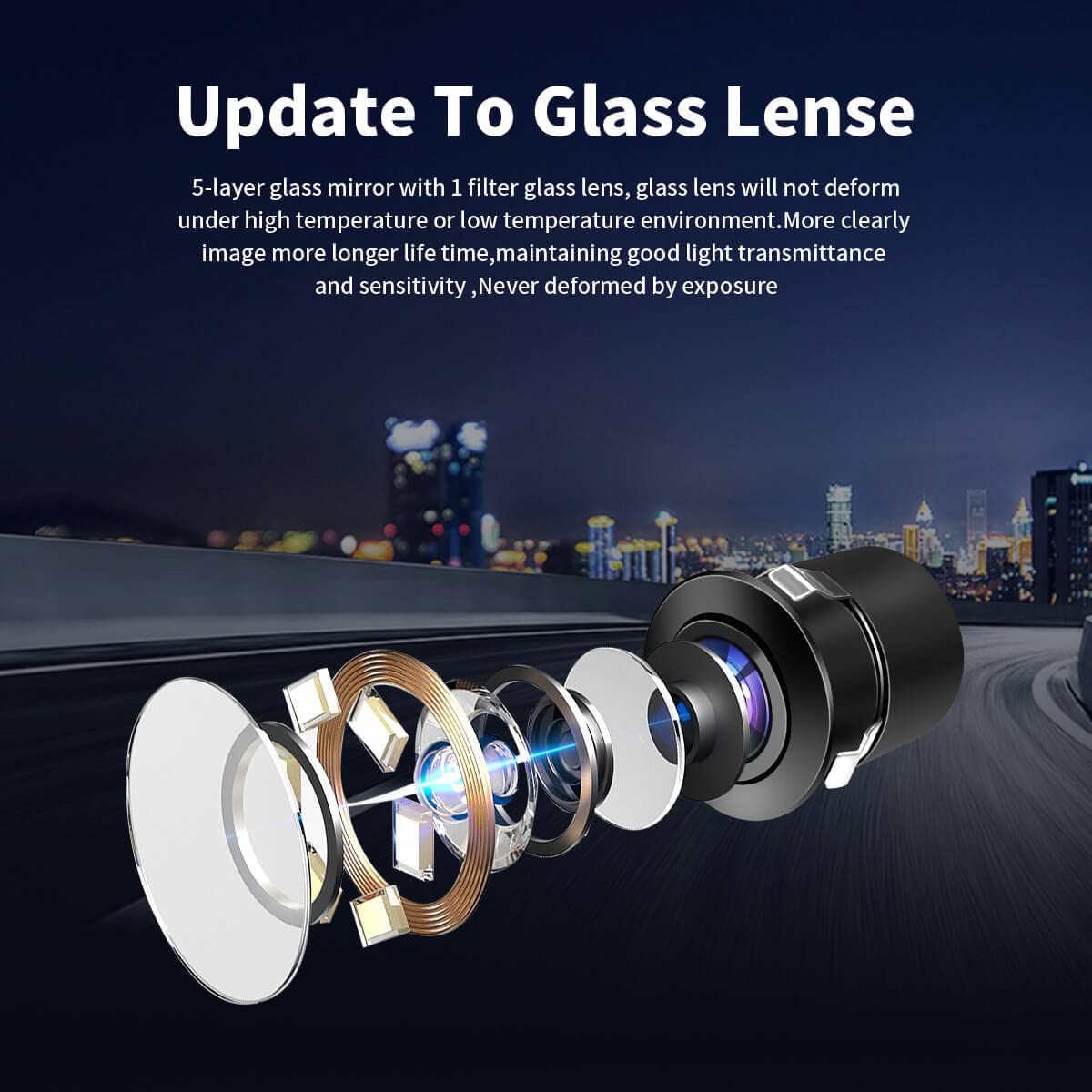
The PTOHYU HD Wide Angle Automatic CMOS Car Camera offers versatile front, side, and rear views with a high-quality CMOS sensor. Designed for universal 12V vehicle compatibility, it features IP68 waterproof and shockproof protection for all-weather durability. Installation is flexible with both drilling and plug-in options included. Enhanced with optional parking lines and mirror image settings, this camera system upgrades your vehicle’s safety and parking precision effortlessly.
| ASIN | B0BFF64HL4 |
| Manufacturer | PTOHYU |
| Product Dimensions | 5.49 x 7.98 x 12.98 cm; 150 g |
B**N
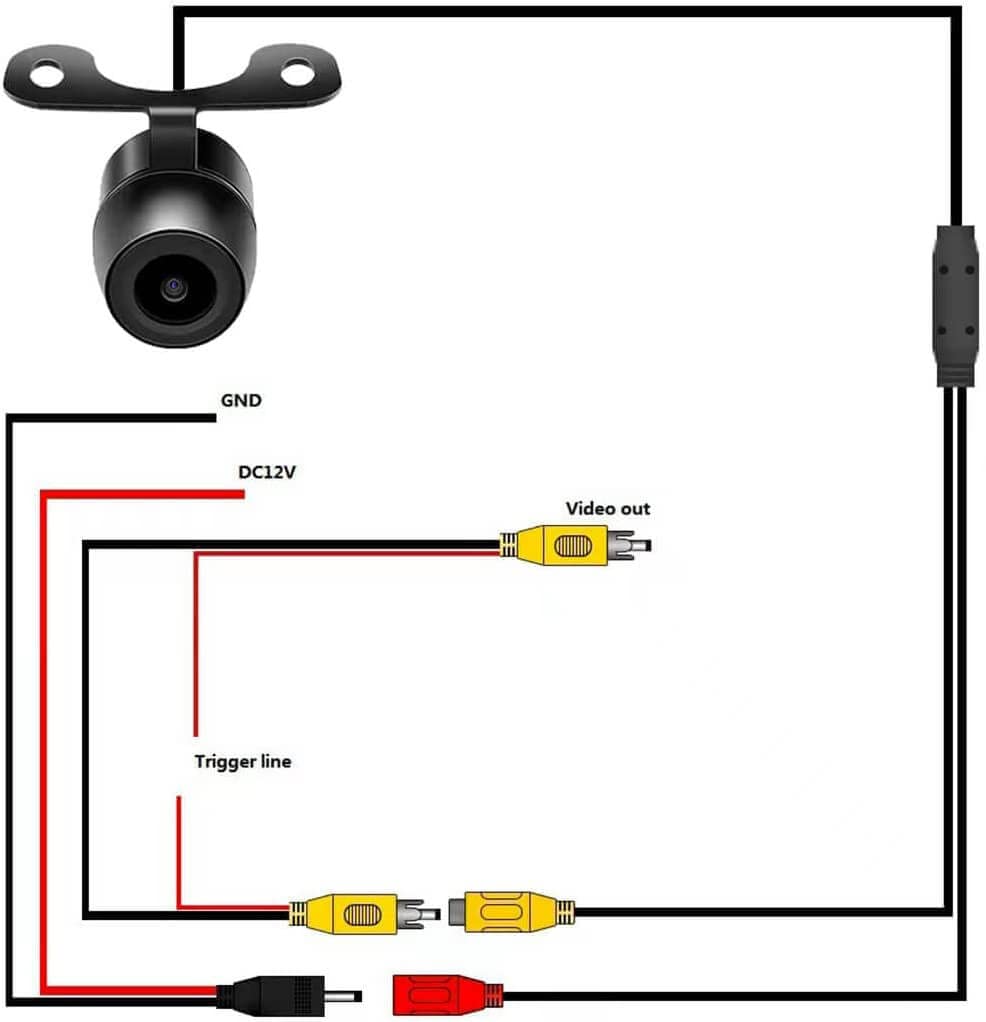
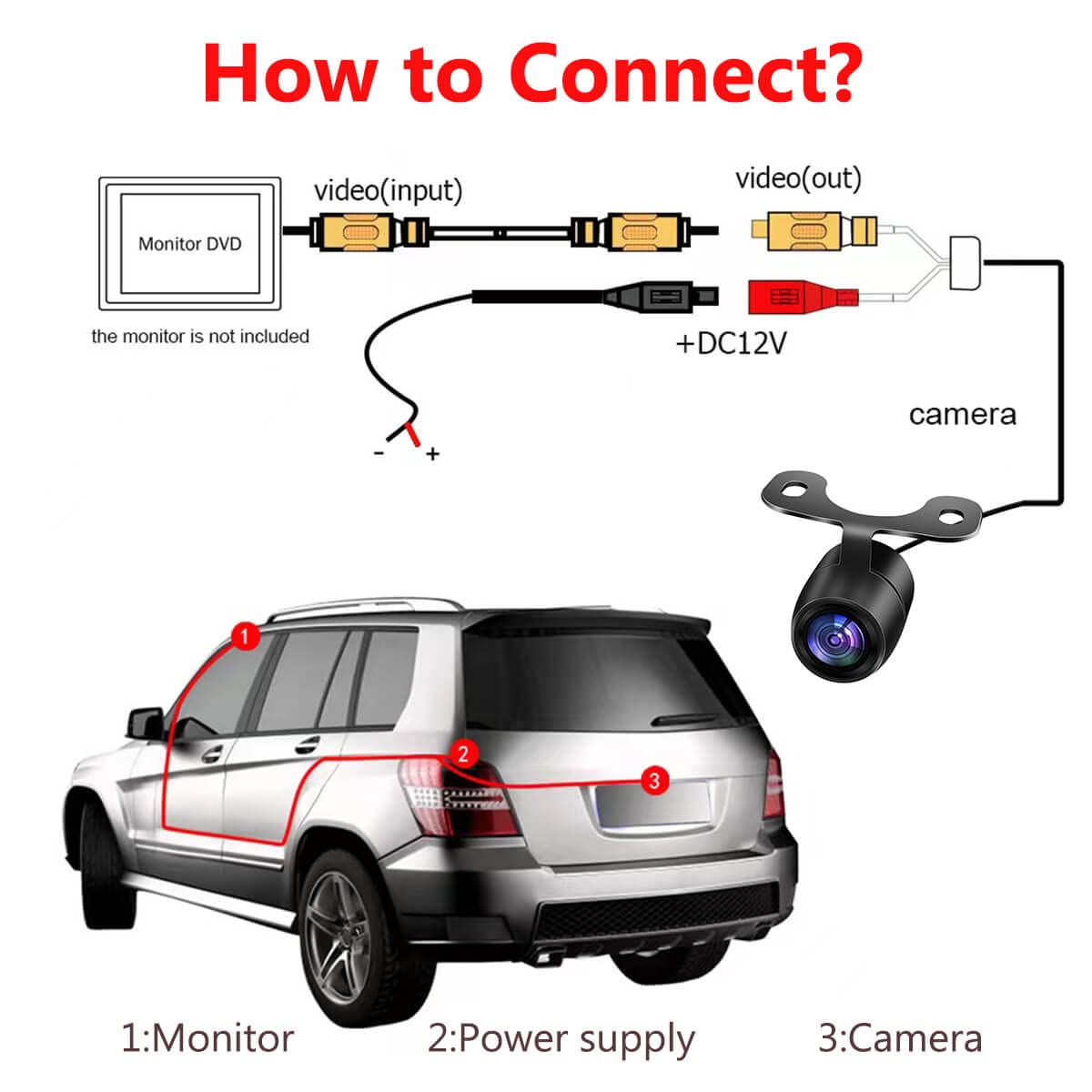
I broke my backup camera and bought this one to replace it. The image is okay, and certainly good enough for the price. The instructions about cutting wires in the item description are wrong. The written instructions that come with the camera are useless. Here's how to do it. There is a red and black wire in the new harness that plugs into the new camera at the rear of the vehicle. Those two wires will be connected to the red and black wires leading to one of the backup lights on your vehicle. Don't crimp them yet. There is also a single red wire coming from the RCA plug on the new camera. That red wire also connects to the red wire going to your backup light. So you connect and crimp the two black ground wires, and then you connect and crimp three red power wires, two from the new camera harness and one from your backup light. At the back of your stereo there will be a wire (that turns on the backup camera) that needs to be connected to the single red wire that is coming from the RCA plug in the front of the new camera harness. My wire was yellow and already connected to the wire that went to my broken camera. If you are installing this camera as a first for you, check the stereo manual and it will tell you the color of the correct wire. Connect and crimp those two wires together. The last thing is to plug the yellow RCA plug into the back of the stereo. There will probably be many choices. Don't just go by the yellow color. Check your stereo manual for the right plug in. On my stereo it was a purple plug in, and the back plate of the stereo was stamped "Back Up Camera" making it easy. Take a minute and map out your connections before you start. The instructions for cutting the green and white looped wires in the harness next to the new camera are completely wrong. When you put your vehicle in reverse and the camera comes on, things that are on the right side behind you show up on the left of the screen by default. That is nuts. Go to the looped wires and cut the white wire. Now what is to the right of your vehicle will display on the right of your screen when you are backing up. Tape those two ends of the wire so they don't touch. If you want backup lines on the display, cut the green wire. I use those for backing up to a trailer. You can re-connect the ends of the green wire if you decide you don't like the lines. Tape the green wire ends either way. You should be in business.
J**A
la calidad de imagen es básica, no es hd, pero cumple con su función.
A**E
Un engaño la calidad anunciada no es HD ( 1080p), si siquiera 720p; solo funciona en NTSC. Que fraude
S**N
I am very pleased to get a camera that is as shown on website(Amazon). Good image and a front view with the option to switch to mirror image (backup). I would buy this again.
T**.
Works ok. Not the clearest picture but will suffice when my son uses it to back up. I feel much better that we installed this on his truck.