We remain fully operational. Our teams are working around the clock to ensure your deliveries continue safely.

下载应用程序


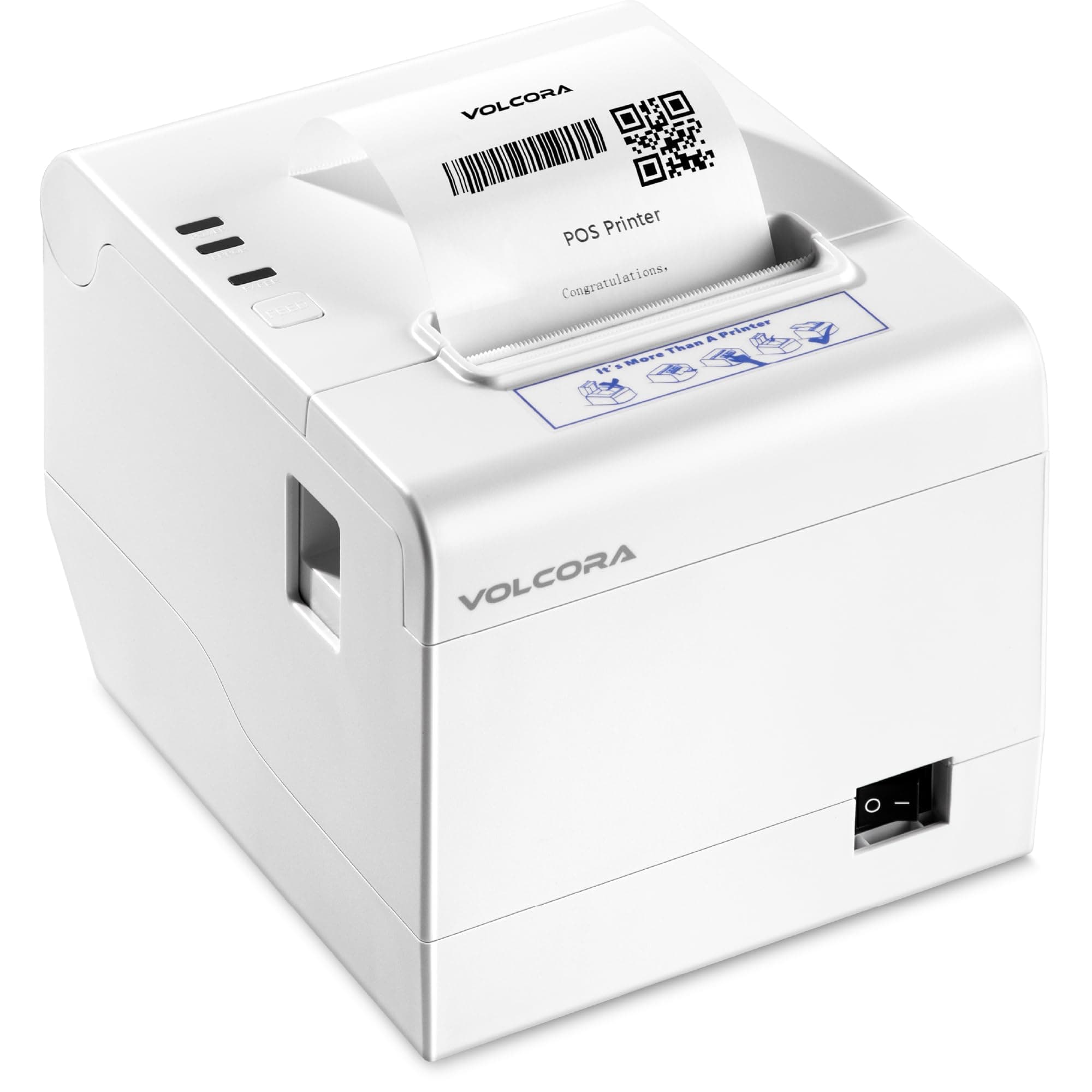

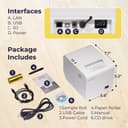


✂️ Print sharp, cut clean, connect everywhere — your POS powerhouse!
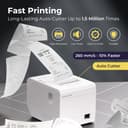
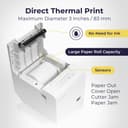
The 80mm Thermal Receipt Printer offers fast, high-resolution direct thermal printing with USB and Ethernet connectivity, supporting multiple operating systems including Android and iOS via SDK. Featuring a durable auto cutter with a 1.5 million cut lifespan and a compact wall-mount design, it’s ideal for retail and restaurant environments. Backed by U.S.-based customer support and a lifetime warranty, this printer delivers reliable, inkless receipt printing that keeps your business running smoothly.





| ASIN | B0BFCLYFG1 |
| Are Batteries Included | No |
| Color | White |
| Compatible devices | Smartphones |
| Customer Reviews | 4.6 4.6 out of 5 stars (24) |
| Date First Available | 26 December 2024 |
| Dual-sided printing | No |
| Item Weight | 1.58 Kilograms |
| Item model number | 500211 |
| Manufacturer | Fifth Ave Fair |
| Max input sheet capacity | 250 |
| Maximum black and white print resolution | 203 dpi |
| Number of USB 2.0 Ports | 1 |
| Product Dimensions | 40.64 x 10.16 x 40.64 cm; 1.58 kg |
| Sheet size | 80 millimeters |
M**O
Excelente
F**A
Nunca la pude configurar. Seguro fue falta de conocimiento mio pero nunca logre realizar la conexión - al presentar mi devolución y al mencionar la razón me realizaron un reembolso total (caja registradora e impresora) como agradecimiento y eso me dejo mejor sentir
A**R
Great receipt printer. I was completely lost on how to install the printer driver, so I went onto Volcora's website and reached out to customer support with screenshots of the issues I was having, and the solution they suggested got it working right away. Super happy with my receipt printer (: It prints and cuts quickly. By the way, you'll need to know that the printer model is V-WRP2-A1, POS-80C, and you can install the driver here: https://volcora.com/pages/support-center Just go to the Receipt Printers tab on the left, and then go to the V-WLRP5-A1 & V-WRP2-A1 Series tab at the top. Download the driver you need based on your OS. You're welcome (
E**V
I’m using this receipt printer with Lightspeed X series on a laptop running Ubuntu 22.04.3 LTS. I downloaded the driver from Volcora’s website and installed using instructions supplied with the driver download. Everything works perfectly. Print speed and darkness of print are excellent. I could not be more pleased with this printer. A+++ for providing Linux drivers. Everything suggest this is from a company that pays attention to the details.
P**L
We are using this as a basic ESC receipt printer. We normally use Epson TM-88VI or similar. When we connected this printer and started using it, it printed fine and looked nearly identical to the Epson receipts, but there was a 2-3 second delay in the middle of printing the receipt that doesn't occur on the Epson printers. This was with basic text receipts, no images or barcodes.