We remain fully operational. Our teams are working around the clock to ensure your deliveries continue safely.

下载应用程序




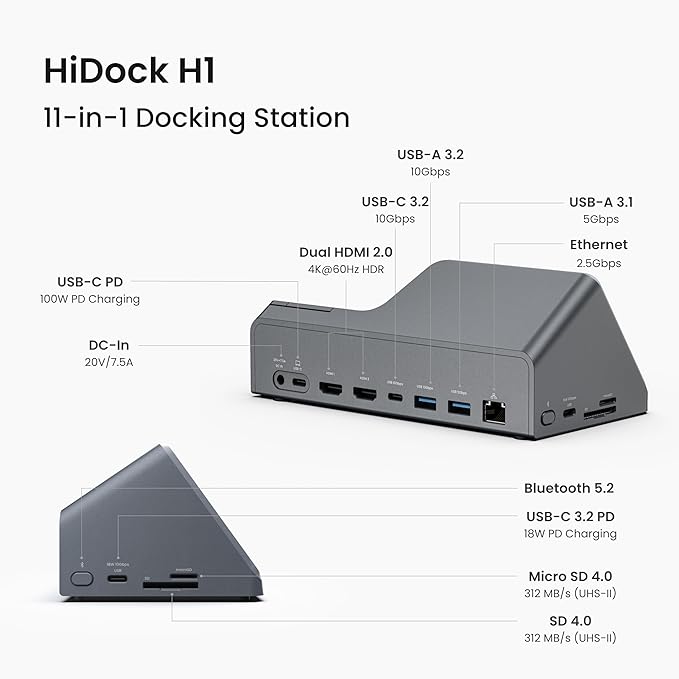

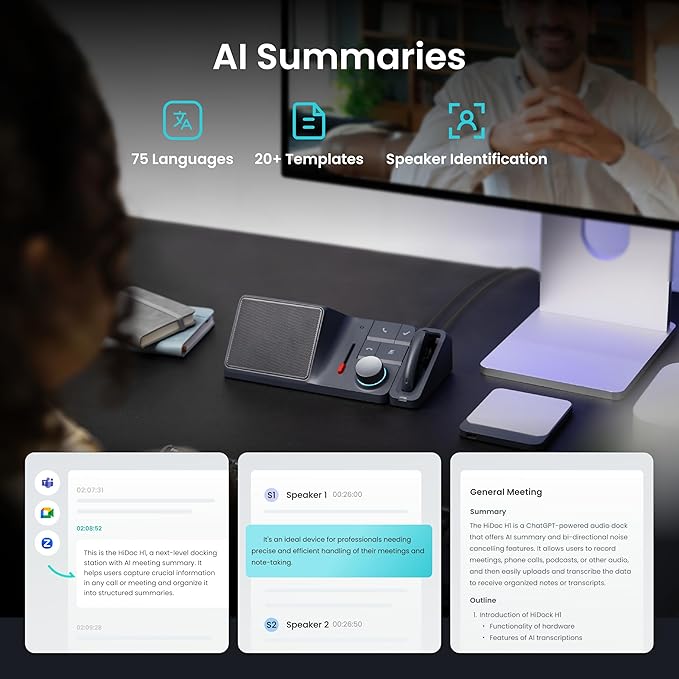
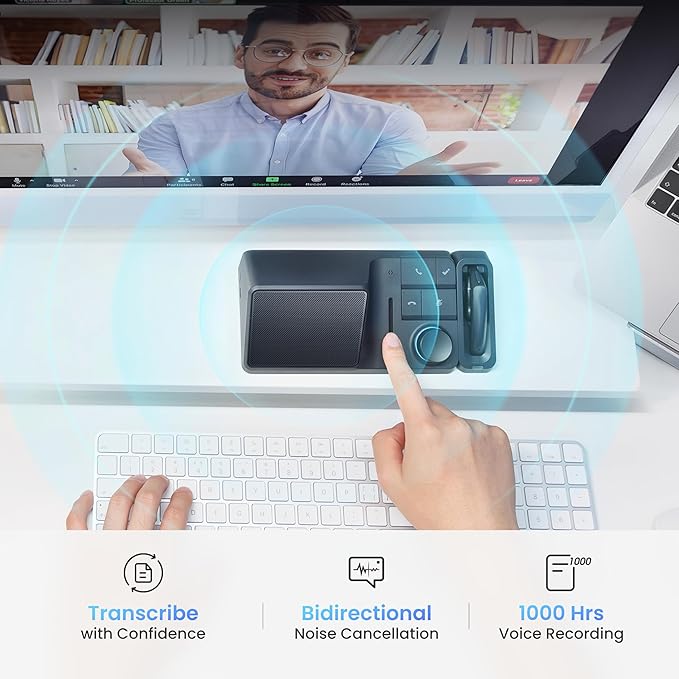


⚡ Elevate your workspace with AI-powered docking brilliance!
The HiDock H1 is a compact, slate gray docking station designed specifically for MacBook Air users. Featuring 5 USB ports for versatile connectivity and integrated ChatGPT-4o AI technology, it delivers real-time meeting summaries to boost productivity. Lightweight and battery-powered, it’s the ultimate professional companion for seamless multitasking and smart work sessions.

| Total Usb Ports | 5 |
| Compatible Devices | MacBook Air |
| Color Name | gray (slate gray) |
| Batteries Included | Yes |
| Batteries Required | Yes |
| Brand | HiDock |
| Manufacturer | Jing Technology Co., Ltd. |
| Item Model Number | HiDock H1 |
| Product Dimensions | 17.78 x 7.62 x 10.16 cm; 520 g |
| Item Weight | 520 Grams |
B**N
As someone who struggles with note-taking and is actively leaning into AI for both work and personal life, the HiDock has been a total game-changer for my work calls. I use it as my external speaker and pair it with a boom mic, and it consistently captures conversations clearly through its onboard mic. The transcription is solid, speaker labeling is simple, and the built-in templates make it easy to generate accurate summaries and action items. Best of all, I can feed those summaries right into my AI workflows—supercharging how I track tasks, recall details, and prep for follow-ups. While I’d love a few more editing tools for trimming or splitting recordings, what it does do, it does exceptionally well. It’s delivered exactly what I hoped for—and more. Highly recommend.
S**6
Received it yesterday and used it successfully today. Transcription and summary are great. My only complaint is for the earpiece/headset. It does not fit well. At least not for me. Everything works great though and it’s an easy setup! If it continues to go well I’ll probably opt for the lifetime pro membership. If you’re in as many technical or detailed meetings as I am, it’s worth it. Huge help
R**N
I use it every day, its awesome, however the ear piece kind of sucks. It doesn't stay in my ear (small ears) and the touch sensor is right where you need to make adjustments. I'm constantly putting it on mute to adjust it in my ear.
R**I
Connection and comparability issues! Some bugs. After a meeting is complete recordings are automatically deleted. Some times my PC keeps beeping for every two minutes like there’s a new connection every time Tried contacting customer support, they just shared a link to user guide! I know I have installed it correctly.
B**R
I'm fairly tech savvy and found this difficult to set up. You'll need to do a fair amount of online research to get it up and running. This feels like a 1.0 version. Many things regarding file transfer, etc., were not well thought through.