





🔒 Elevate your home security game with smart clarity and effortless control!
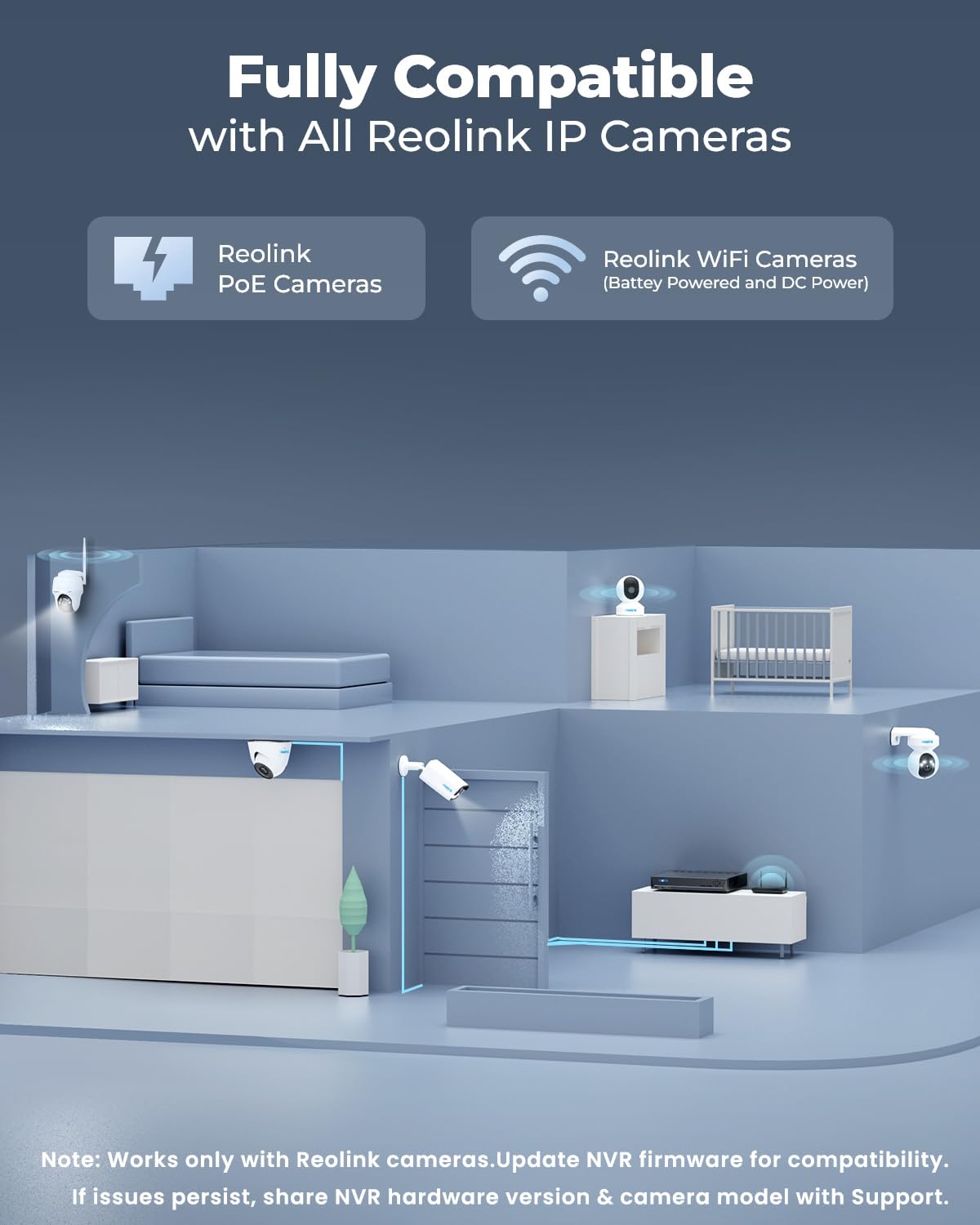
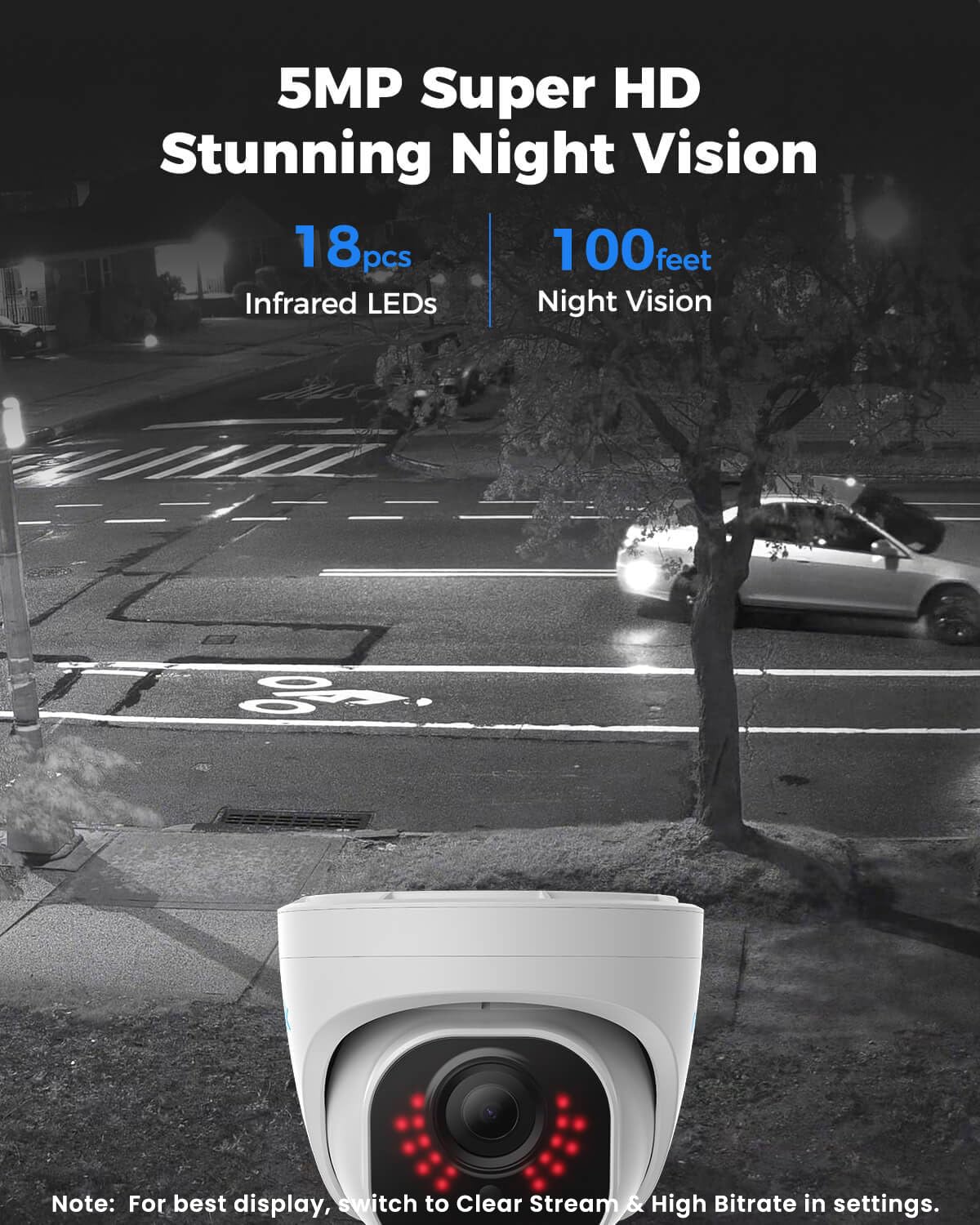
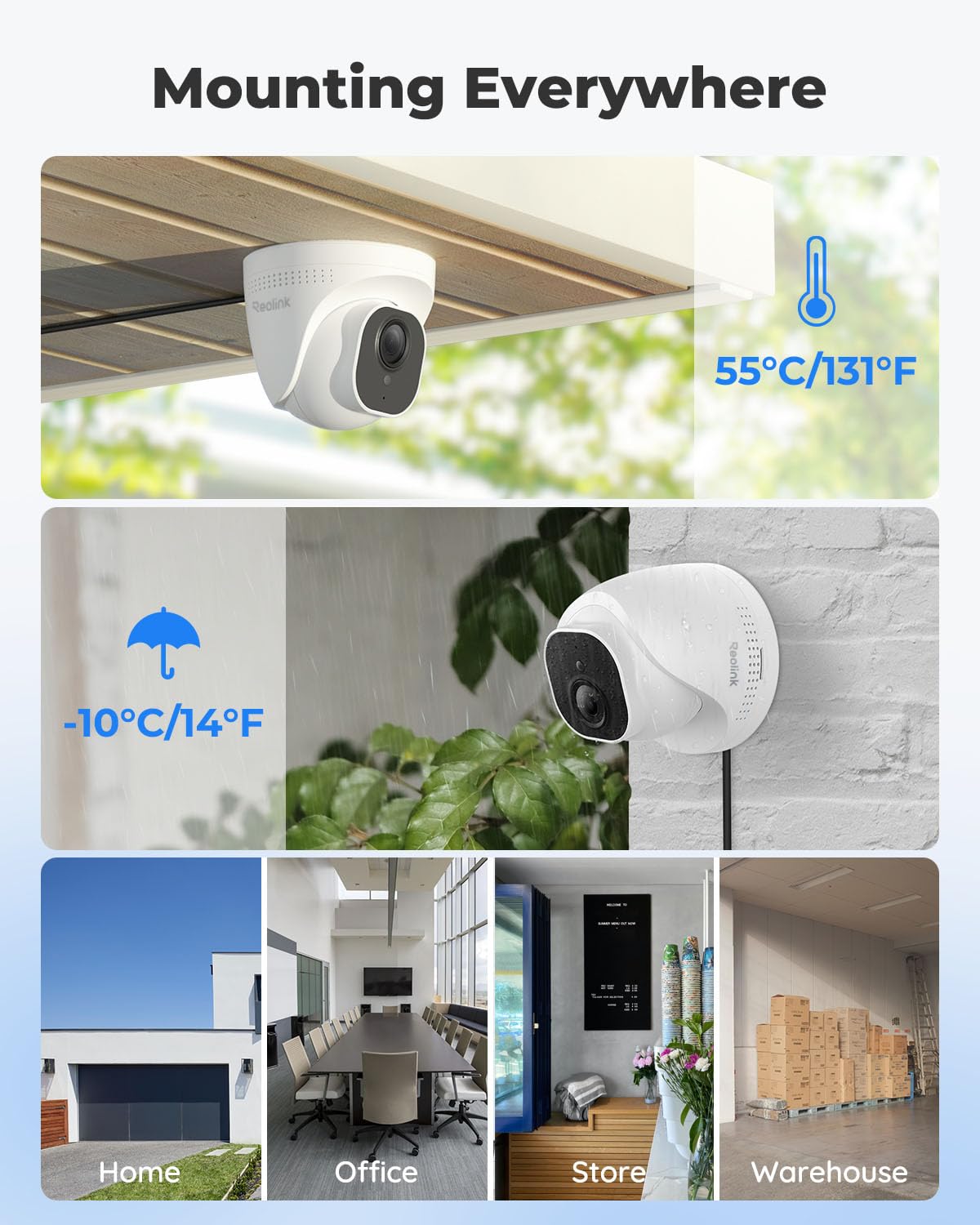
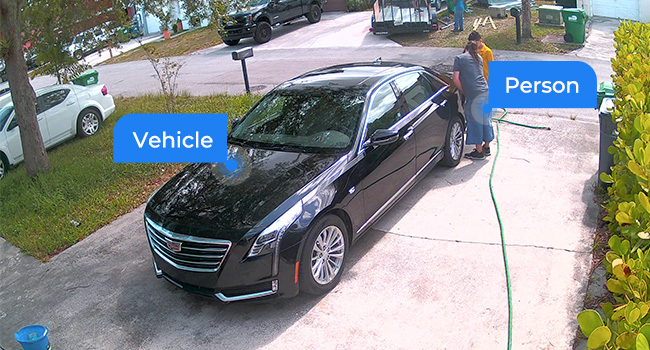
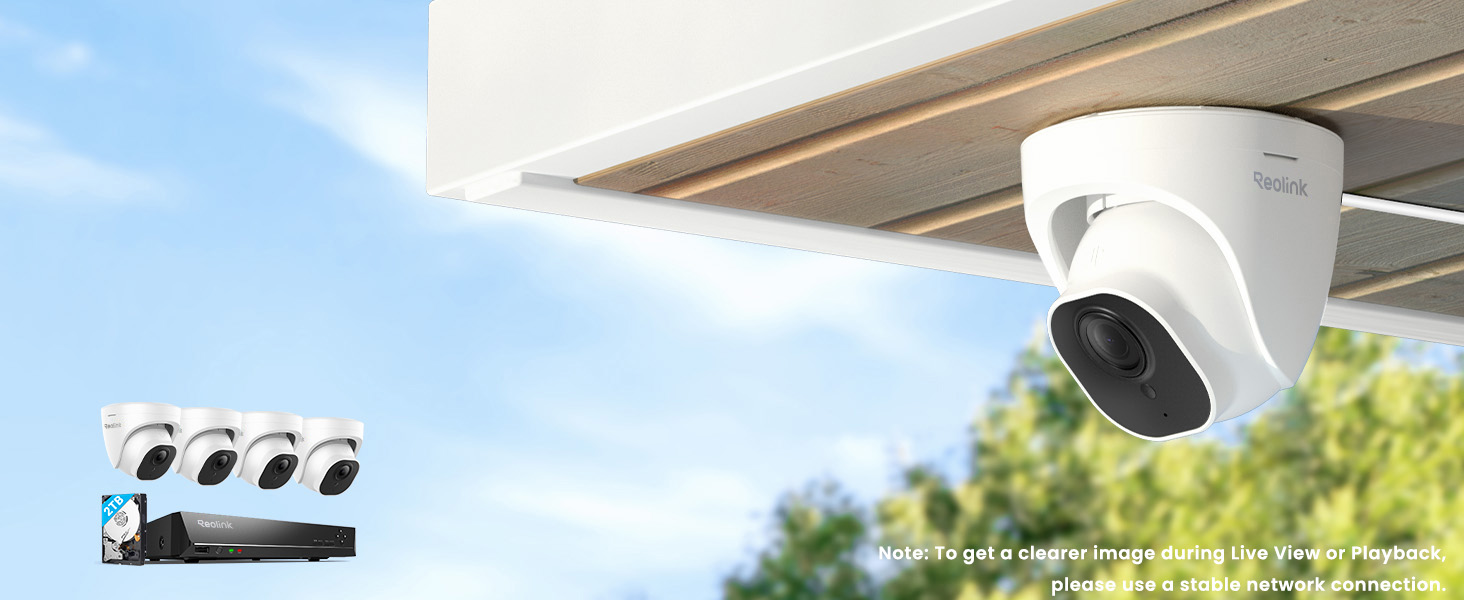
The REOLINK Smart 5MP 8CH Home Security Camera System offers four wired PoE IP cameras with advanced person, pet, and vehicle detection, delivering crisp 5MP video and 100ft night vision. Featuring a robust 2TB HDD for continuous 24/7 recording and easy plug-and-play setup, it ensures comprehensive home surveillance accessible remotely via the Reolink app on multiple devices.








| ASIN | B07H3QVZQ2 |
| Best Sellers Rank | #2 in Surveillance NVR Kits |
| Brand | REOLINK |
| Color | White |
| Compatible Devices | Cameras, Laptops, Personal Computers, Smartphones, Tablets |
| Connectivity Technology | Wired |
| Customer Reviews | 4.4 4.4 out of 5 stars (2,647) |
| Date First Available | September 5, 2018 |
| Frame Rate | 25fps |
| Hardware Interface | Ethernet, HDMI, USB, VGA, eSATA |
| Is Discontinued By Manufacturer | No |
| Item Weight | 0.01 ounces |
| Item dimensions L x W x H | 14.57 x 10.63 x 11.42 inches |
| Item model number | RLK8-520D4-5MP |
| Lens Type | Fixed |
| Low light technology | Night Vision |
| Manufacturer | Reolink Digital |
| Memory Storage Capacity | 2 TB |
| Night Vision Range | 100 Feet |
| Number of Channels | 8 |
| Operating System | iOS, Android, Windows, Mac OS |
| Other camera features | Front, Rear |
| Power Source | DC |
| Product Dimensions | 14.57 x 10.63 x 11.42 inches |
| Recommended Uses For Product | Indoor and outdoor surveillance |
| Recording Mode | Motion Recording; schedule recording; 24/7 recording |
| Set Name | 4 Camera 8 Channel NVR Set |
| Special Feature | 100ft night-vision, Adjustable, easy to install, App Control, IP67 waterproof, Smart Person/Vehicle Detection & Motion Zone |
| Total USB Ports | 2 |
| UPC | 725423889802 |
| Video Capture Resolution | 5MP (2560 × 1920) |
| Video Input | RJ45 |
| Viewing Angle | 80 Degrees |
K**L
Worth it for the peace of mind
After doing a ton of research for a basic home security cam, I decided that POE (power over ethernet) security was the best for my use case for a few reasons. My pros for using POE 1. Wanted an always-record security system without relying on pulling out the sd-card 2. Home does not have adequate wireless coverage to ensure the best video quality at all times 3. Did not want to excessively modify my home by drilling into the walls for power My cons of using POE 1. Need a POE network switch 2. More complicated to setup than a wireless camera Now that I was determined to get a POE camera security system, I narrowed down my research to POE only and I ended up going with REOLink NVR system because, it met all my pros of using POE, and it got rid of all my cons of using POE. Setup and Install: I setup two cameras in the front, one covering the driveway/garage and the other covering the front entrance/front door. The other two camera are covering the backyard. The included 4 cameras are enough to record about 90 percent around the house, with some dead spots where I purposely avoided recording any of my neighbors. The included kit was great and all the pieces are there. I did purchase my own ethernet cables because I wanted longer cables that were easily hidden. I went with 100 feet flat cabling. Each camera ethernet cable goes up to my roof and into an attic vent then down to a hallway, into the NVR controller. This way, I only drilled a single hole from the attic to the hallway right along the wall so almost nothing is visible. I initially used a monitor hooked up to the NVR to set it up but once the initial settings were configured, I disconnected everything except the power and ethernet and control the NVR completely from my PC. Once I figured that out, I moved the entire NVR box into the attic and only have the ethernet from the NVR come through the hole and into my router. I would say the most difficult part of the install was going up to the roof of the house and routing all the ethernet cables, clip them in place, and hide them by snaking them along my roof tiles. That part took a few hours. Once all the ethernet wiring was done, the camera install was easy, taking only 5 to 10 minutes per camera. Video Quality: The 2k video quality was the best compromise for the price and picture quality. I wanted to make sure I can clearly see faces at least up to 20 feet away. The included RLC-520 does an outstanding job in the day and ok job during the night. The day quality is great, I can see faces much further than 20 feet and recorded video is clear enough to zoom pretty far. The night quality is ok, it's about what I expected for the price. It still shows good detail just not clearly able to distinguish faces at 20 feet. I have my settings at 2560x1920@30fps with 8192 bitrate, sound on, no motion detection. With 4 cameras, I fill the 2TB hard drive in about a week and then it overwrites the oldest video, like how a dash cam works. In the future, I might try to upgrade the capacity. Reolink App: I use the windows client on my home PC and it's very easy and intuitive to use. Every aspect of the system can be controlled and monitored with the client and I like how easy it is to organize all the video, taking a pic, video clipping, zooming, all very easy and intuitive. Not sure what video settings to use so I just maxed them all out. I also use the android client when not home and it works just as well and has all the configuration options like the windows client. Overall I would say the client exceeded my expectations for the price. Reolink Support: Amazing support! I had an issue with one camera reverting to default settings and I contacted support. They asked me a few questions and then immediately sent a replacement camera. Unfortunately, the camera was delayed because it was out of stock but I didn't mind, the camera was still recording fine, just not at the maxed-out settings I always set it to. Reolink support was responsive and communicative and I have faith they will take care of me in the future. Conclusion: For the price I paid, I love this kit. It perfectly ticked off every checkmark I had as a requirement. Now I have peace of mind, I didn't drill all over my house, the camera always records so I can playback, the video quality is good, and the interface is so easy to use, my kids even use it on their phone.
J**O
It works like it should - perfect if you need a hands off reliable system
I bought this system to put in my moms house that was going to be unoccupied. She needed to move due to medical issues but we weren't ready to sell the house. I live in another state and couldn't be checking in on the house regularly and I was worried about it sitting there with no one in it so I bought this system and set it up so I could keep an eye on things from my house. It has been fantastic, everything is still working perfectly several months later and I haven't had to tweak or reboot or mess with ANYTHING in that time. That is exactly what I wanted in a system and after researching many options I chose this Reolink system and I am glad I did. PROS: 1) RELIABLE. Like I said, this was my top priority. There is no one physically at the property to be rebooting cameras or messing with settings. I needed something I could set up and then it would just work and this system has achieved that goal. 2) Local storage, so no monthly cloud subscription required. This was also a huge priority for me. I don't want to be paying $10 or whatever per month and having all of the video sitting on the cloud. I wanted it stored locally, and have the ability to pull up and review the video remotely on my phone or computer. Again, this system meets all of those needs. 3) Good picture quality, in day and night. 4) Easy setup. Instructions were clear, and everything I needed was included. I did buy a couple of extra 100 ft ethernet cables because I knew I was going to be placing a couple of cameras pretty far from the NVR box. I placed two outside at the front and back door, and then two inside. 5) Playback is easy, I check in on my phone regularly and its easy to locate the moments when there is someone at the door, etc. It can identify pets vs day/night transitions vs people and puts a little icon in that spot on the timeline so you can go right to it and see what it was. CONS: 1) The cameras are POE only, so you have to run an ethernet to each camera (can't be wi-fi only) but at least that one ethernet cable provides the data and the power connection. However, if you are going to be installing cameras outside or somewhere else where it is going to be challenging to get an ethernet cable to keep that in mind. There is no option to connect the camera to the NVR using wi-fi only. I will say though, that having the cameras be POE adds to the reliability. It means there are no concerns about the wifi signal being weak or your wifi router doing something screwy and the camera dropping connection. 2) The adapter cable where you plug the ethernet cable into the camera is unnecessarily bulky. It's already hard enough to get a really "clean look" on these cameras since they are wired, unless you're willing to drill a lot of holes and run the cables behind your walls. Having a bulky connector on top of that just makes it look more unsightly. Luckily for my use case, I didn't care too much about the appearance since no one is even living in the house. I just needed it to work. BOTTOM LINE: If you want a camera system that can be hands off, and allows you to remotely view the recorded video, and doesn't require a monthly cloud based storage subscription... this is probably the best system you can currently buy for your money and it comes with everything you need.
C**S
Impressed So Far!
Very impressed with this security camera system so far. I ran my own Cat 6 ethernet for the system. I did transfer the weather proof coupler from the ethernet cables that came with the system to the cables I made. Didn't really have to do that considering all the cabling is located in the attic of my house. I used a 1" hole saw to drill a hole using the camera mounting bracket as a guide. It worked really well and made for a clean install. The NVR system is fantastic, especially at this price point. I have the Reolink app on my phone and also my laptop. Both are easy to use and intuitive. Hopefully the cameras hold up to the elements!
K**R
Cameras good, app bad
We had an old system, so we just pulled the wires through using the old ones. It was easy to set up the cameras with the NVR, and the pictures are clear. It was easy to direct the cameras to capture the areas we wanted. The app, though, is a completely different story. Not at all obvious how to work it. When we set up the cameras we had to set a password, but when it came time to link the cameras to the app we had to create a separate password for the "admin" because the first one wasn't recognized. Then linking the cameras to the app required entering the password for admin. Now we find that the only time the app works is when we're at home on our own Wi-Fi network. We can't access the cameras when away from home and on cellular or other Wi-Fi. We're trying to troubleshoot that now. So right now we're not impressed with the app, to say the least.



