Desert Online General Trading LLC
Dubai, United Arab Emirates
Desert Online General Trading LLC
Dubai, United Arab Emirates




🖥️ Type Like a Pro, Play Like a Boss!
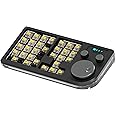
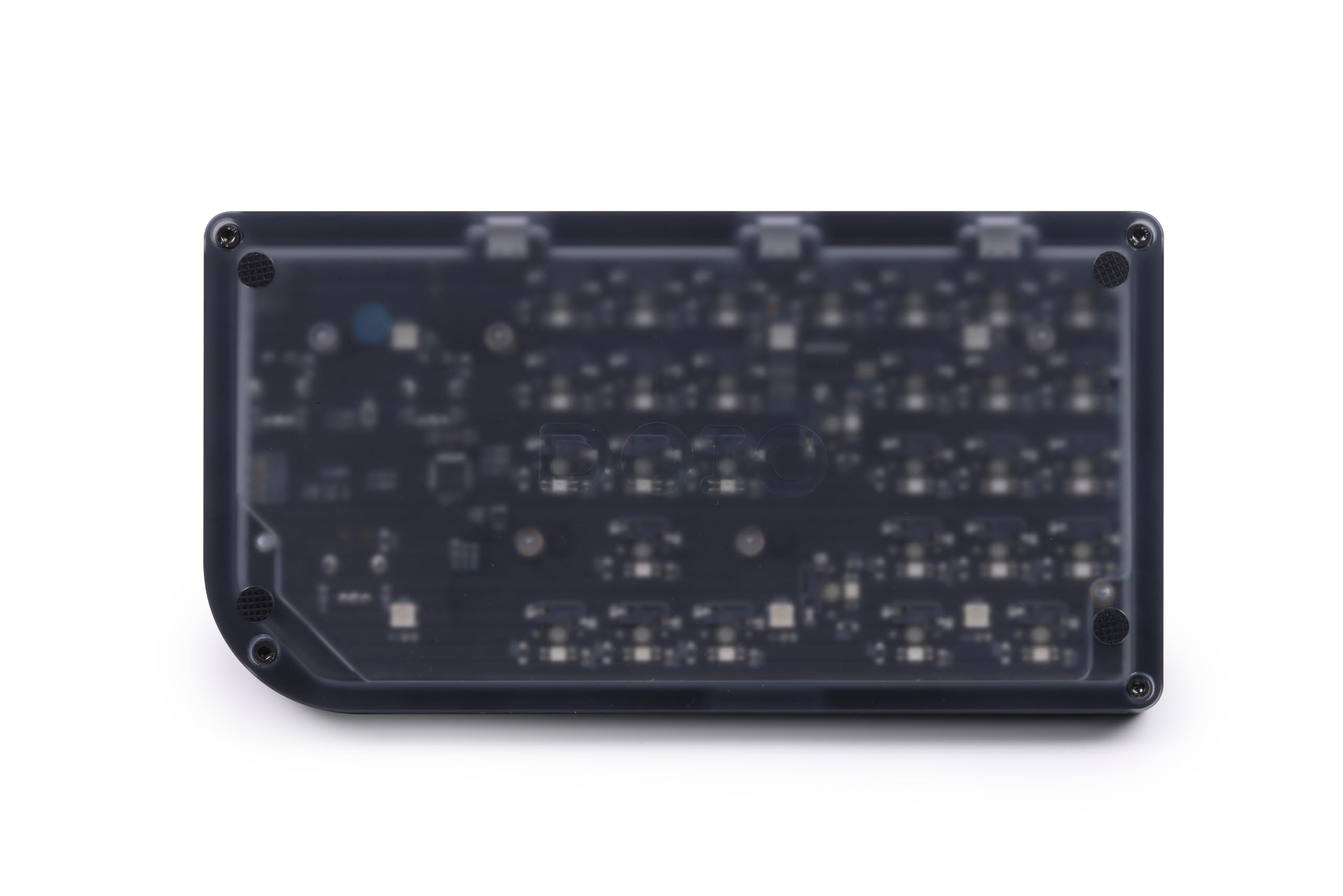
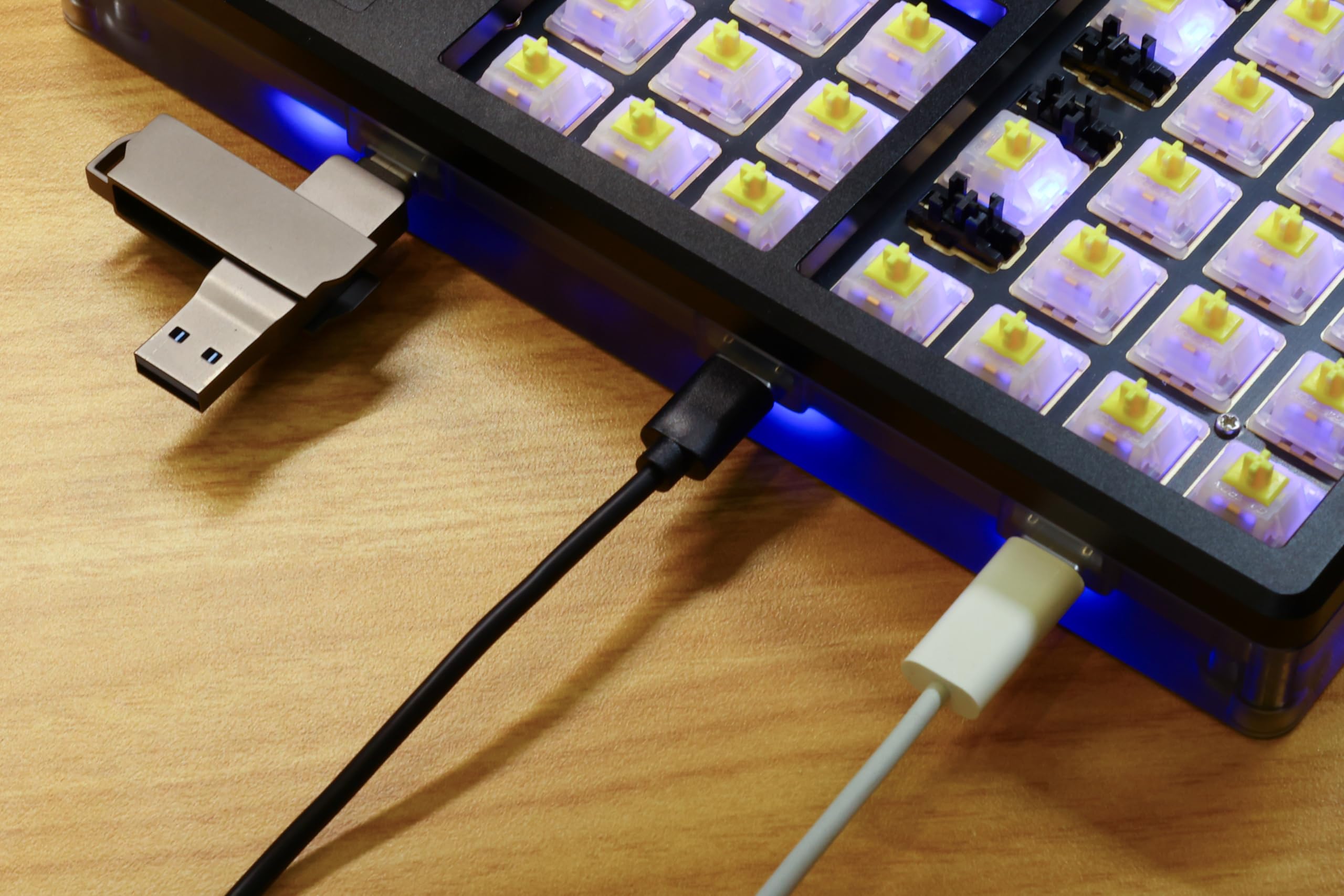
The KEEBMONKEY Megalodon is a versatile 30-key designer keyboard and macro pad, featuring a hot-swappable key design, customizable RGB lighting, and a built-in USB-C hub function. With its lightweight aluminum build and precision CNC machining, it offers both durability and style, making it compatible with Windows, Mac, and Linux systems.
| Brand | KEEBMONKEY |
| Product Dimensions | 33 x 18 x 6.5 cm; 850 g |
| Item model number | 633183420053 |
| Manufacturer | KEEBMONKEY |
| Colour | Black |
| Operating System | Linux, Mac OS, IOS, Android |
| Are Batteries Included | No |
| Item Weight | 850 g |
| Guaranteed software updates until | unknown |
O**Y
Should have read the reviews...
Hope you're reading this; and 'hearing' what is being said; not only by me but by many...I was foolish and thought: Maybe their expectations are misaligned. Nope, this thing kind of stinks.Prob1: have to order KEYCAPS for it...and there aren't kits with just these - so you'll be either taking from other kits (assuming you have them) or ordering a full keyboard kit to fill in this one.As another reviewer said the only good thing that can be said about this is that it is skookum as heck - meaning - it's heavy, durable, and amazingly well built - that's where the fun ends.Programming is horrible - the VIA website is just a bear to use - and non-intuitive and seemingly lacking in basic functions - like the dial wheels - so you're STUCK with defaults. No 'real macros' - such as "enter this text for me every key press like a macro should do" and limited to stuff like control+shift+L - absolutely pointless.Layer switching stuck on one of those buttons by cycling 1, 2, 3, 4, back to 1.The lighting is NOT GOOD and limited - and no way to shut off the bottom illumination. Also spews out the sides - which I covered with black gaffers tape to prevent. Stupidly I got the keycaps with front key labels - which don't work well - that's not this items fault - but the lighting spews between the keys very washing out the attempted illumination of the key labels - so if you get, be sure to get upper clear keycaps if you want illuminated labels. For me, I'm always aiming for the label instead of hitting the key proper in a dark lit room - or blinded by the monitor illumination - of course your lighting situation may vary.USB C connection in the back MUST be in the center position - I assumed I could plug into any - but nope, passthrough to the sides but main must be centered...that's not as bad as the damn thing disconnecting with the slightest movement.It is very heavy and shouldn't move on your desk. It does function well as a standard 'keypad' but that's not what I wanted it for...I wanted for 'better macros'...yes yes I could use autohotkey and all those other WORK A LOT to make function well - it's not extra work/effort I wish to do.As for the knobs...default is: big one volume - I have a program which changes the volume with mouse scroll on taskbar so that's more difficult for me to reach to instead of current solution. Small knobs also buttons. Left knob does nothing on rotation and pauses video/music on press. Right knob seems to be scroll up/down like a mouse wheel - again, harder to shift hands to there instead of where hand rests normally on mouse; button press is layer change. Big knob doesn't have a button feature.As for use as a keypad it's nice having the other 'text movement' keys (insert/end) but NO BACKSPACE - I don't know what the heck it is with PROGRAMMERS (who can design their devices to their WHIMS - it's not like manufacturing is 'harder' or more expensive - its a few lines of code and THINKING about reasonable usage of their devices). TAB, DELETE, BACKSPACE - those are the keys needed not PRINT, SCROLL, AND PAUSE - who the heck uses those at all anyway? Printscreen basically died with win+shift+s (windows screen clip). Scroll died when lotus spreadsheets stopped being used, and the pause key has been dead since DOS...Other observations: layer indicator turns off if you've not changed it in a while - so you cannot just glance down and see which layer you're on - and I found no way in VIA to have the illumination change colors to differentiate layers.How do I 'feel' about this purchase...duped...duped and mislead - false sense of customizability and seeming promises of modification prowess. It is NOT user friendly at all...and I don't wish to 'go off' on VIA - but man...what a nightmare THAT IS - that's not this manufacturers fault except that they FAILED to provide a solution they control - and preferred to use a 'free' or crowdsourced solution. No matter your feelings in VIA this manufacturer ASSUMES their good name is in better hands than their own.This is a nice heavy paperweight that someday my kids will wonder - why the heck did he buy this - and I'm wondering that today. And why didn't I return it? Well because of my ethics - and amazon makes returning things that are properly functioning very difficult, challenging, and with additional expense. It's not amazon's fault this manufacturer produced a horrible product for the expense - if you want a 120 dollar keypad that most cost 20...except this one has a few extra bells and whistles. Also I'm old, and remembering what each later key is doing is beyond my ability - having COLORS that say press this key is what I need and this allows for only one color across all the keys AND the bottom illumination.So you decide - its your money - and I feel as if mine was wasted. Hopefully someday one of the kids or grandkids is really into keyboards (like I thought I was at one time) and finds some good use for this - otherwise it's spending eternity in my bonepile.
J**S
Great Keyboard, but had trouble using it as a Macro
The Keyboard out of the box worked great as intended. Quality build, hefty and overall a great product.The only thing preventing it from being a 5 star is that the VIA software used to change the keyboard button and create macros, didn't work. I could go to the website and it would recognized my device but the customization loading screen wouldn't load.After hours of trouble shooting I found that trying to plug the keyboard into another computer fixed the issue and I was able to customize the keys.
P**E
Unreliable
Connection is unreliable. Sometimes it just drops in the middle of using it.
J**N
Dials Don't Work
The build quality on this macropad is top tier, unfortently thats all of the praise I can give it. Getting thing to work correctly when it comes to programming the dials are next to impossible. VIA doesnt even show the right layout. I searched for hours online to find a fix and no good. It just works for some people and not for others. Overall disapointing. I really wanted to keep it.
A**E
So far so good
I really like the product. Exactly what I was looking for. Takes a little learning to get it started. Only thing that would make it better is actual instructions.
TrustPilot
4天前
2天前